Microsoft Excel Connection
Status: Open · Asked by Chiptimer on · 0 views
Hi Team
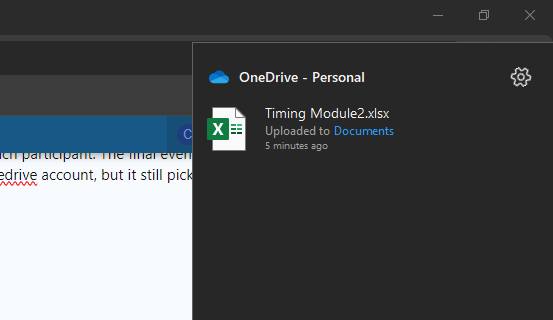
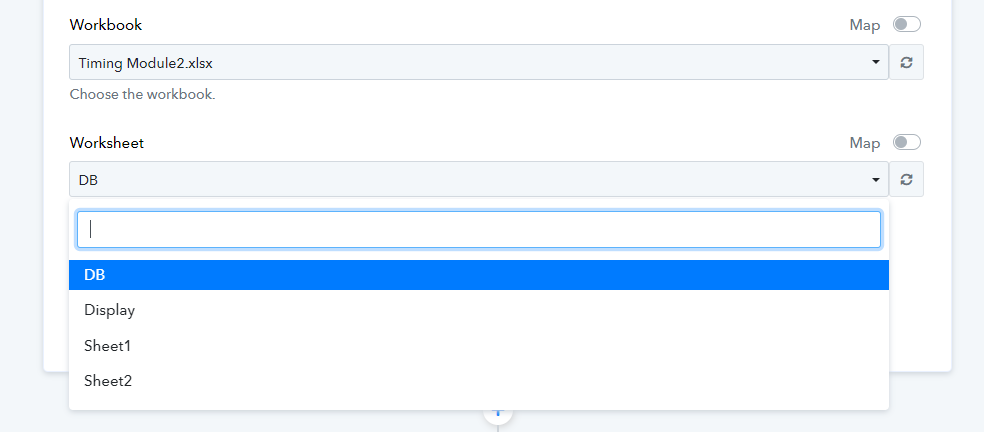
We are a sports timing company who would like to use pabbly connect to send the final event result to each participant. The final event data is exported in excel. I am unable to get pabbly connect to connect to the correct excel worksheet. I have logged into a different onedrive account, but it still picks up the data on my PC from another one drive account. It shows that the changes I've made to the worksheet has been saved, but it doesn't pick up the worksheet I'm using. I don't think the below Timing2 worksheet is the correct one it's supposed to pick up.
Any assistance would be appreciated. I use a Microsoft 365 Family account.
Thanks,
Petrolene
Attachments
Hey @Chiptimer
Please verify if the worksheet you are trying to connect includes headers and whether the Excel sheet is synchronized online. Additionally, could you provide a screenshot to illustrate this?
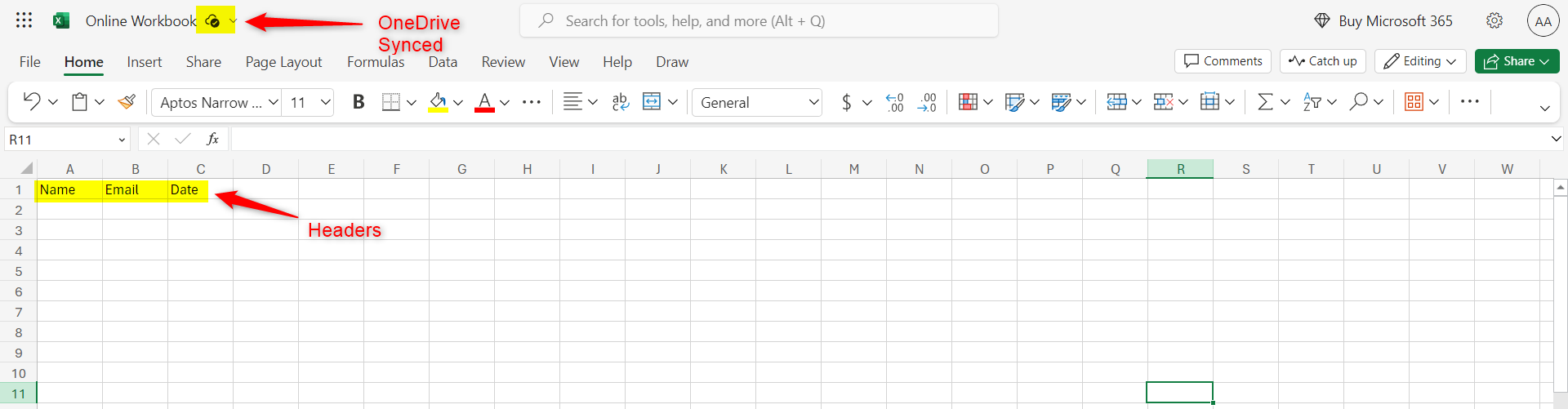
Hi, yes to both. I've attached the sheet I'm testing with. And also some printscreens.
It seems though that it's not connecting to the correct onedrive account. I am connected to a different onedrive account on this PC, but it's picking up the files from the administrator's onedrive.
Thanks for your help!
Please login to your Pabbly Connect and MS Excel account in an Incognito Tab, and then establish a new connection.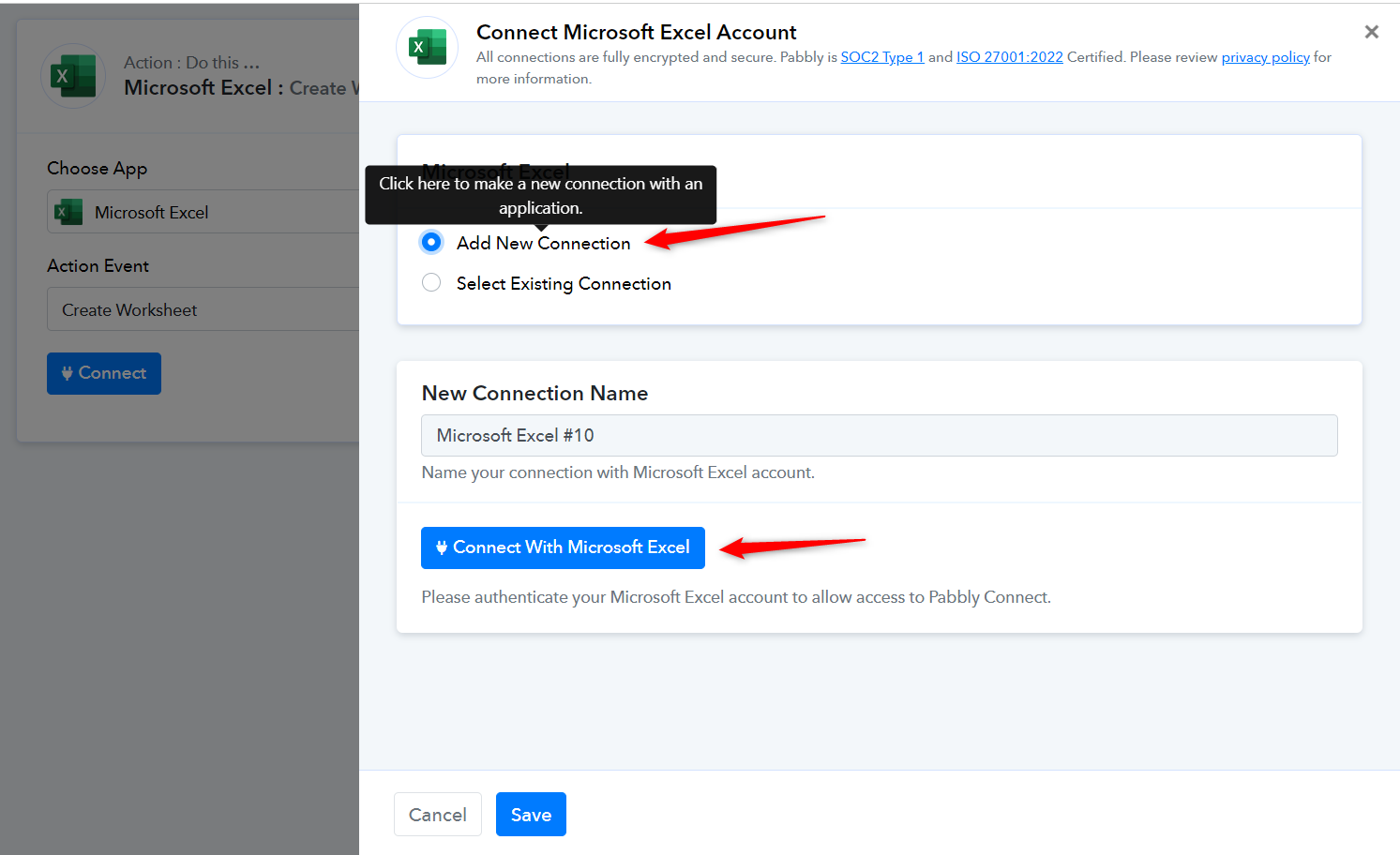
Hi, thank you, gonna try that.