Migration from Zapier
Status: Closed · Asked by Andrea Roma on · 0 views
Hallo everybody.
I am migrating from Zapier and I am writing my Pabbly workflow.
I am importing via webhook a quotation request form where a customer can ask a quotation for one or more items.
I have a worflow where I take in just first 3 items because 99% of request are just for one or two items.
In Zapier like in Pabbly I can split text in 1 or 2 or 3 Result like Result 0 Result 1 and Result 2.
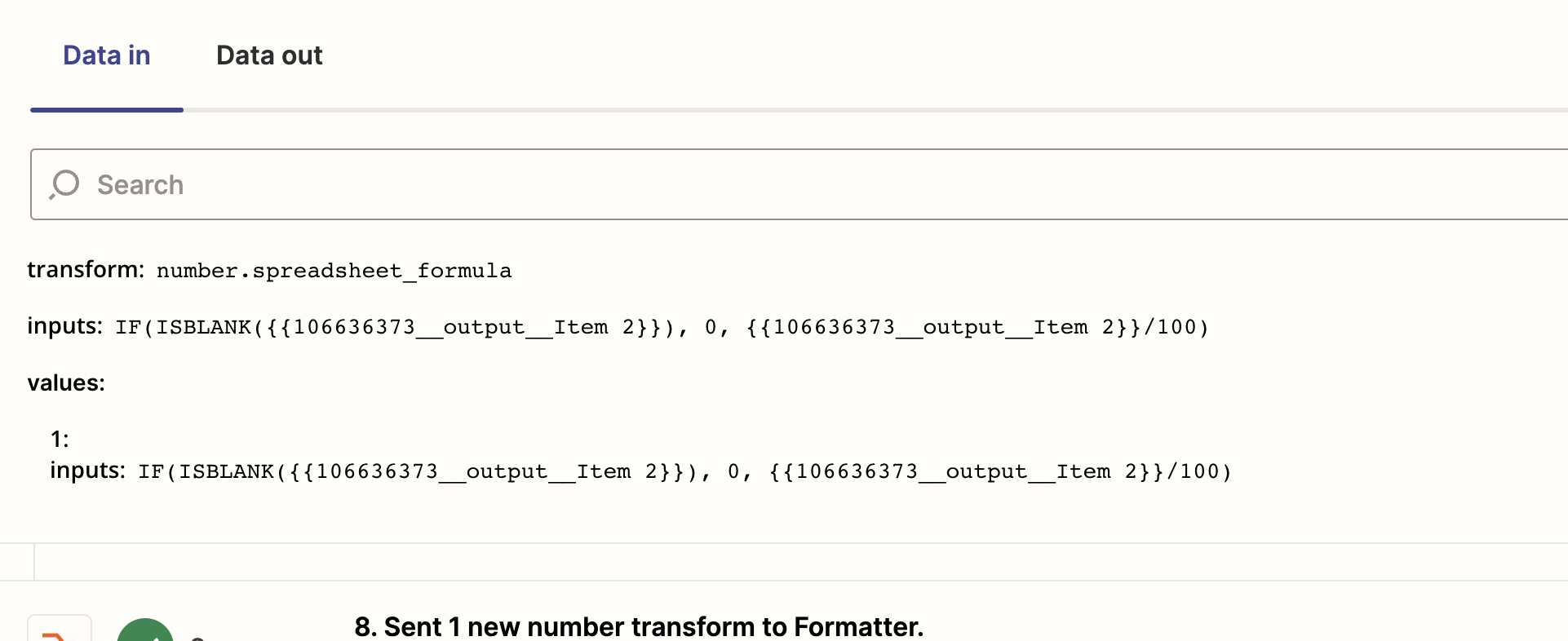
When I put Result 2 and 3 in formula I start to have problems because in zapier blank field are ignored and does not give errors:
Zapier data in:
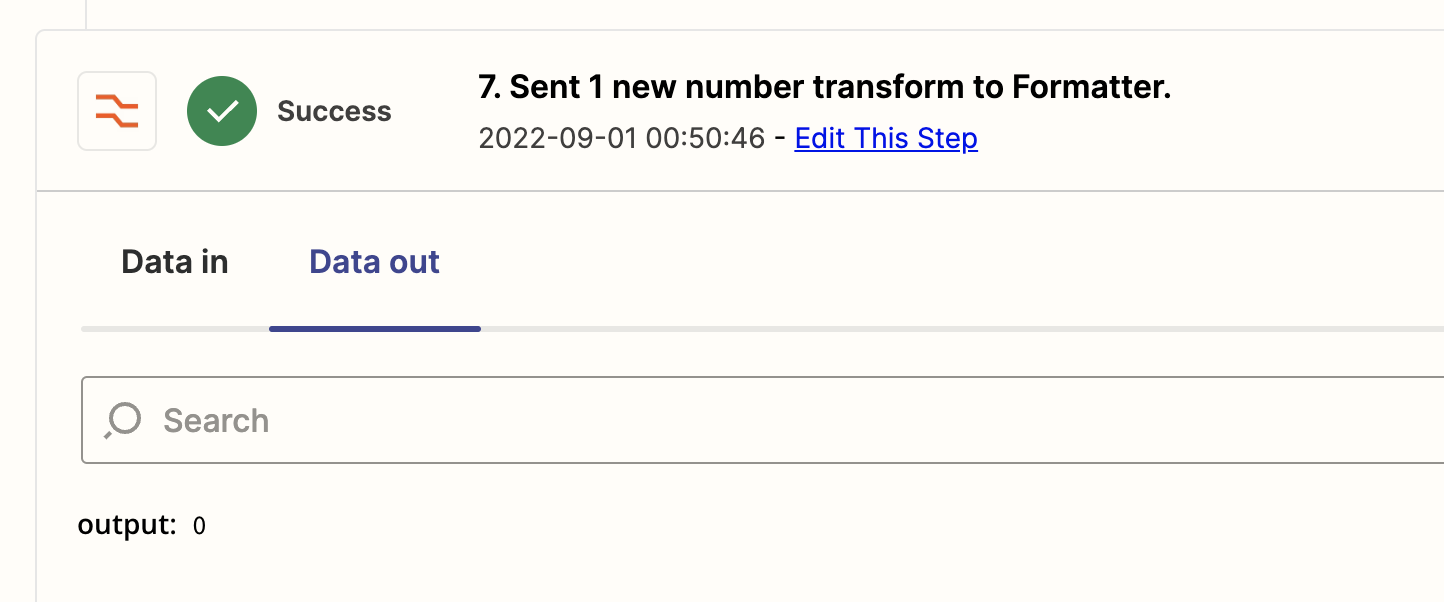
Comes out:
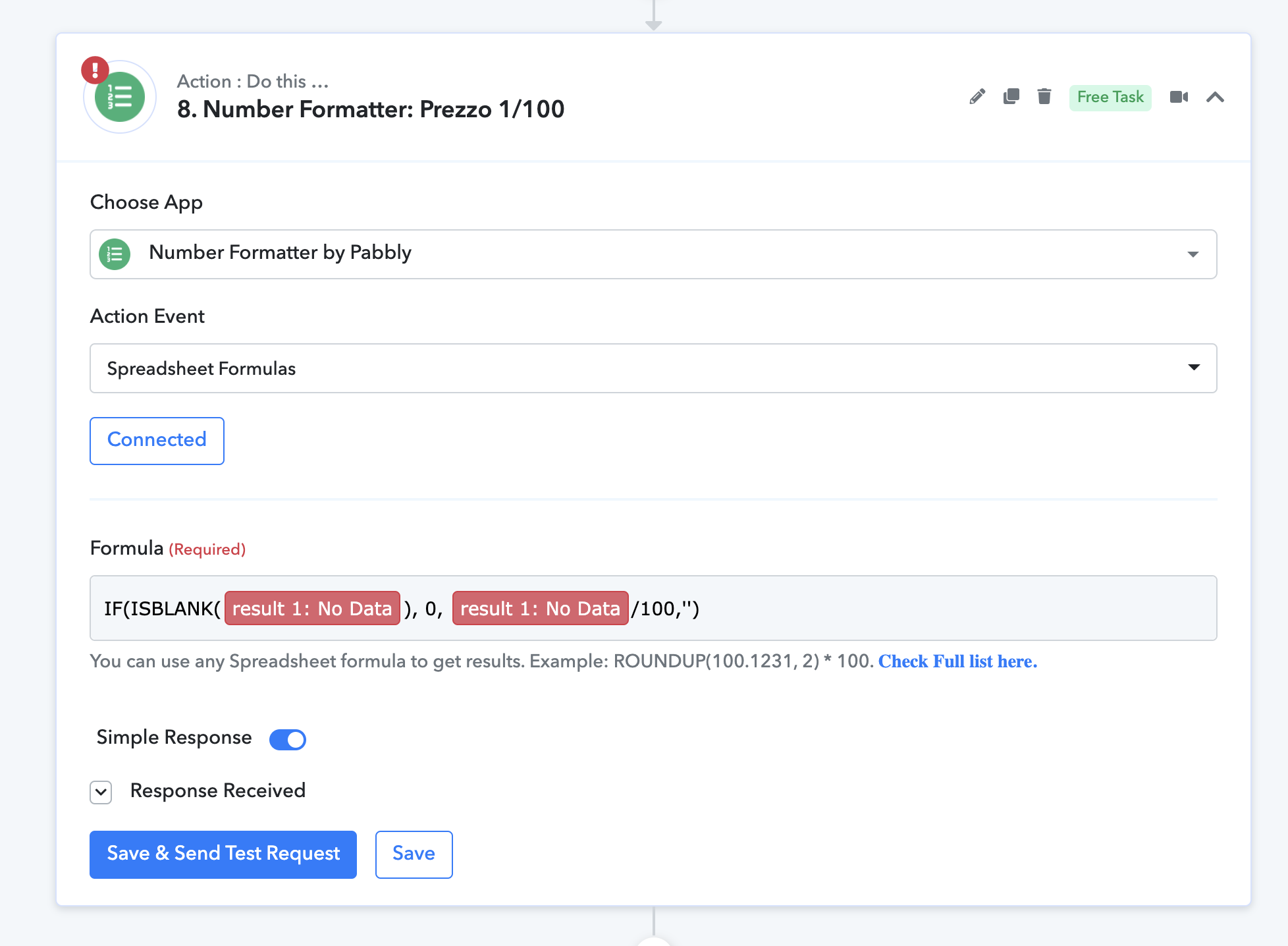
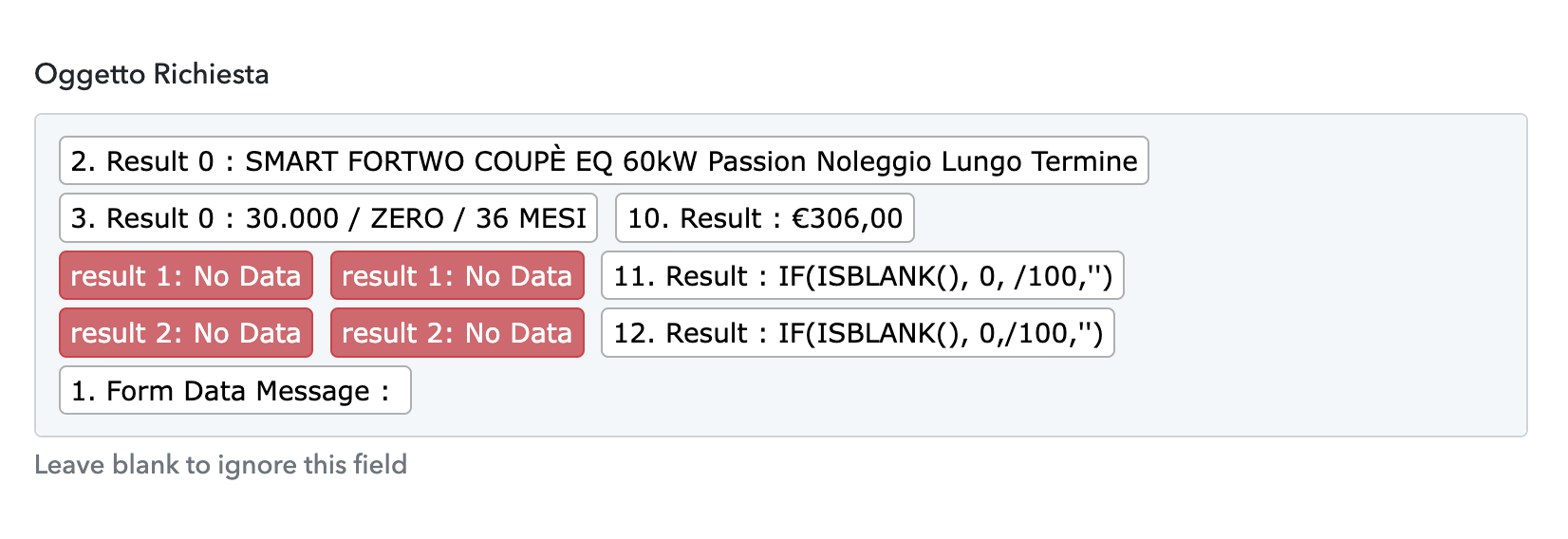
while in Pabbly is:
And finally these are differences:
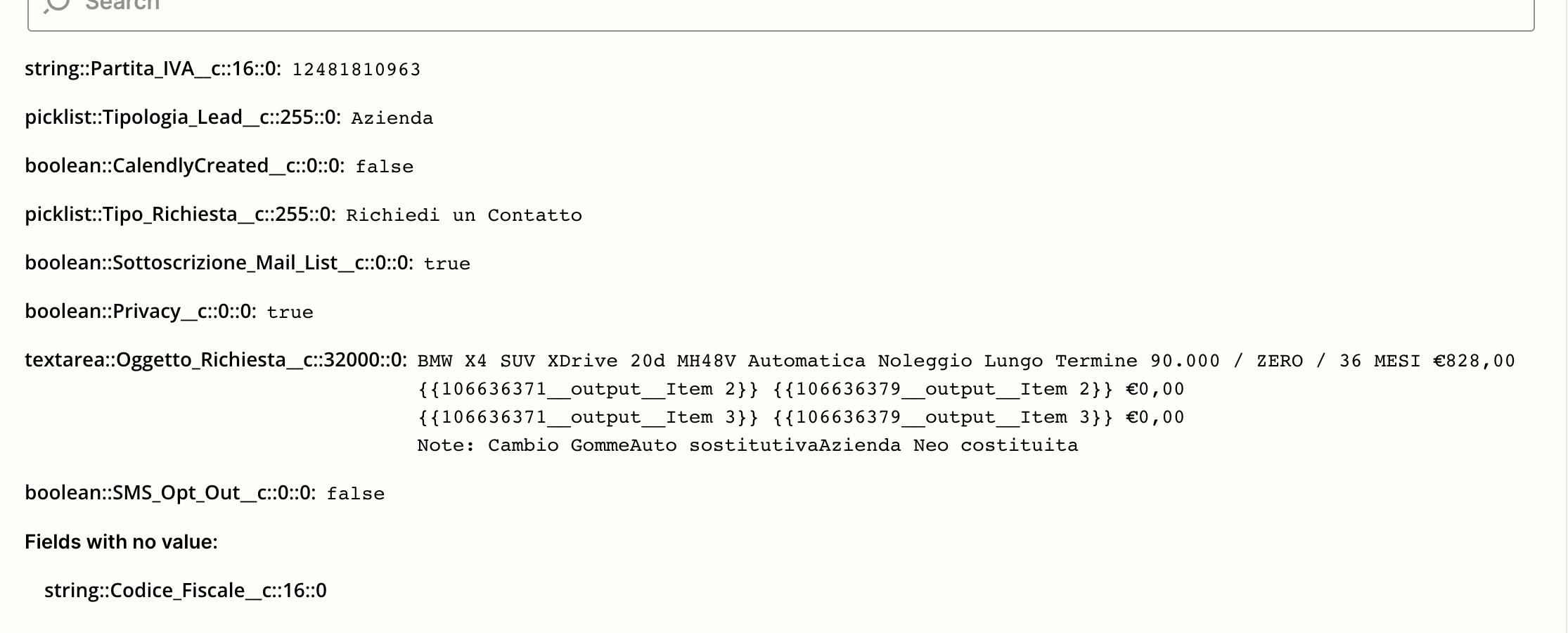
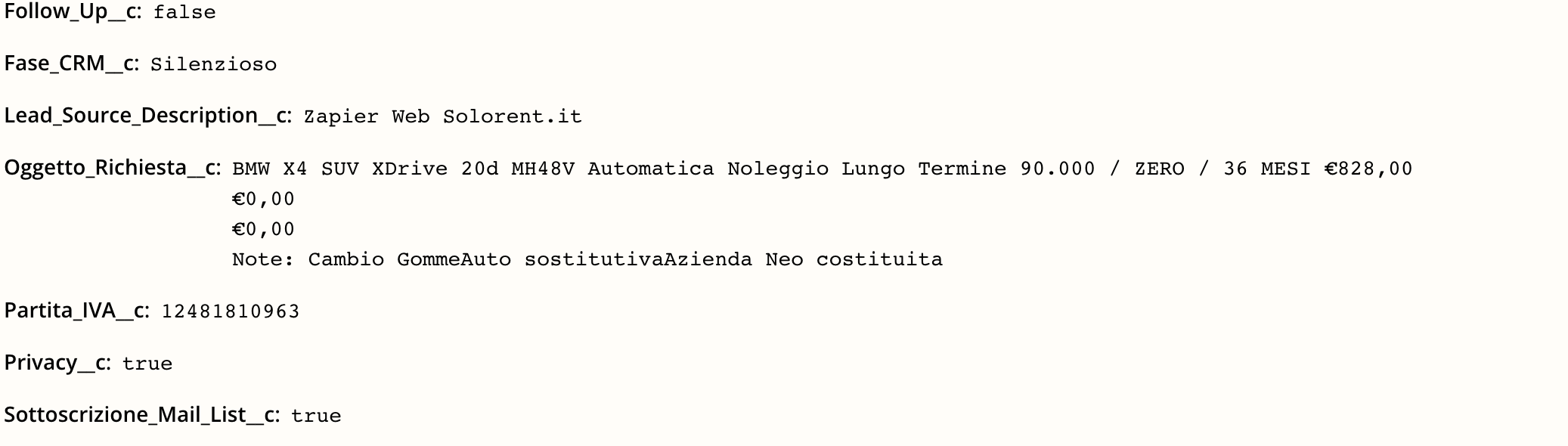
While Pabbly gives error: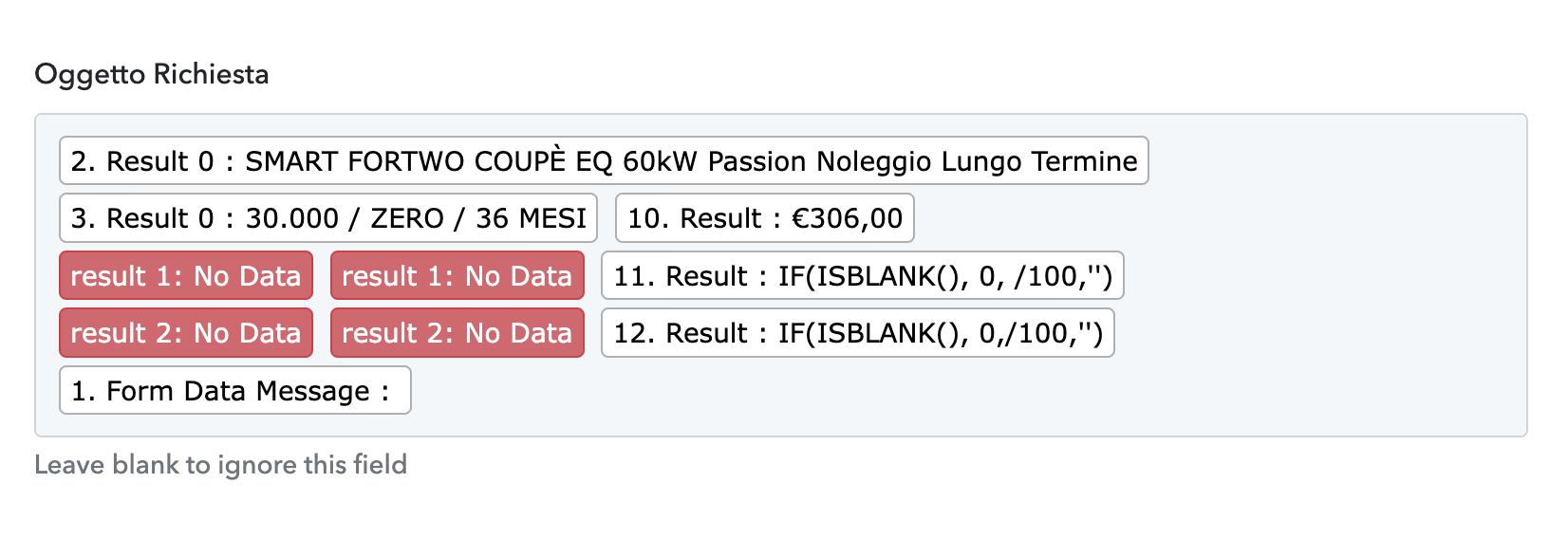
I need to understand how to fix these differnces.
Thank you.
Best regards.
Andrea
Attachments
Hey @Andrea Roma
Seems like you have recaptured the webhook response again after mapping the data. So perhaps the new captured data might not contain the previously mapped data.
Hence, the mapped labels are now in red tags/flagged. Kindly capture the webhook response again and then check.
Further, if you are trying to pass the multiple data for different product, then you can ignore the previously mapped data which gone red.
Since in the automation it will run accordingly, so you can ignore it.
Hallo Supreme,
how can I create the right formula in number formatter above?
If value is blank, and red value means there is no value, response should be 0 and not formula it selves...

Which could be the right formula in this case?
I field exist do something and if not exist do else.
Thank you.
Andrea
Hey @Andrea Roma
You can use the router action step to pass the individual/calculative data to the respective applications.