Monday.com issue
Status: Closed · Asked by sebwilliams on · 0 views
Hey folks,
Whilst trying to update a few workflows today I noticed in all our Monday.com action steps we're shown any options on dropdown menus to choose a new column, board, etc.
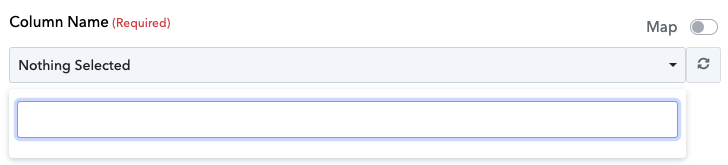
As you can see in the above screenshot, the example of trying to choose a column, it shows no options.
Strangely enough, if we get the column ID and map it in manually, the automation will work with no issues.
And all our Monday automations are still working well.
It's just creating new workflows or updating existing ones we are having this trouble.
Are there any known issues with the Monday.com integration or anything we should do to solve this on our end?
Hey @sebwilliams
Can you please record a short video on the boards and the parent from your Monday dashboard, so that we can look into it and help you accordingly?
Hey @Supreme sure thing, here's a quick loom video demonstrating the issue: https://www.loom.com/share/7c831e02f3654bf08dac48bfbf35cb81?sid=12ec042e-5ec3-4cf4-869d-99bc784516b0
Narrowed it down to interacting with columns seeming to be the issue
Hey @sebwilliams
Sorry for the inconvenience, we are currently looking into it. We shall notify you with an update soon.
Any update @Supreme ? My team are eager to complete their work and update various workflows, thanks so much in advance
@Supreme - fyi, noticed another issue that may be related
As we are unable to get a list of columns etc generated within Pabbly, we have tried grabbing the column ID from Monday directly, and mapping that in manually so we can at least update any essential workflows in the time being whilst the issue is resolved
This was working well, however we just updated another workflow and it's not saving our changes on those Monday action items
So to recap the two issues we're facing are:
- Columns aren't listing anything
- Changes aren't saving
Is there any ETA for a fix? Particularly the saves actually saving, then at least we can grab column IDs from Monday and update manually. Thanks again!
Hey @sebwilliams
Our team has made the desired changes and the list from your Monday.com is not being listed, please check that out and let us know.
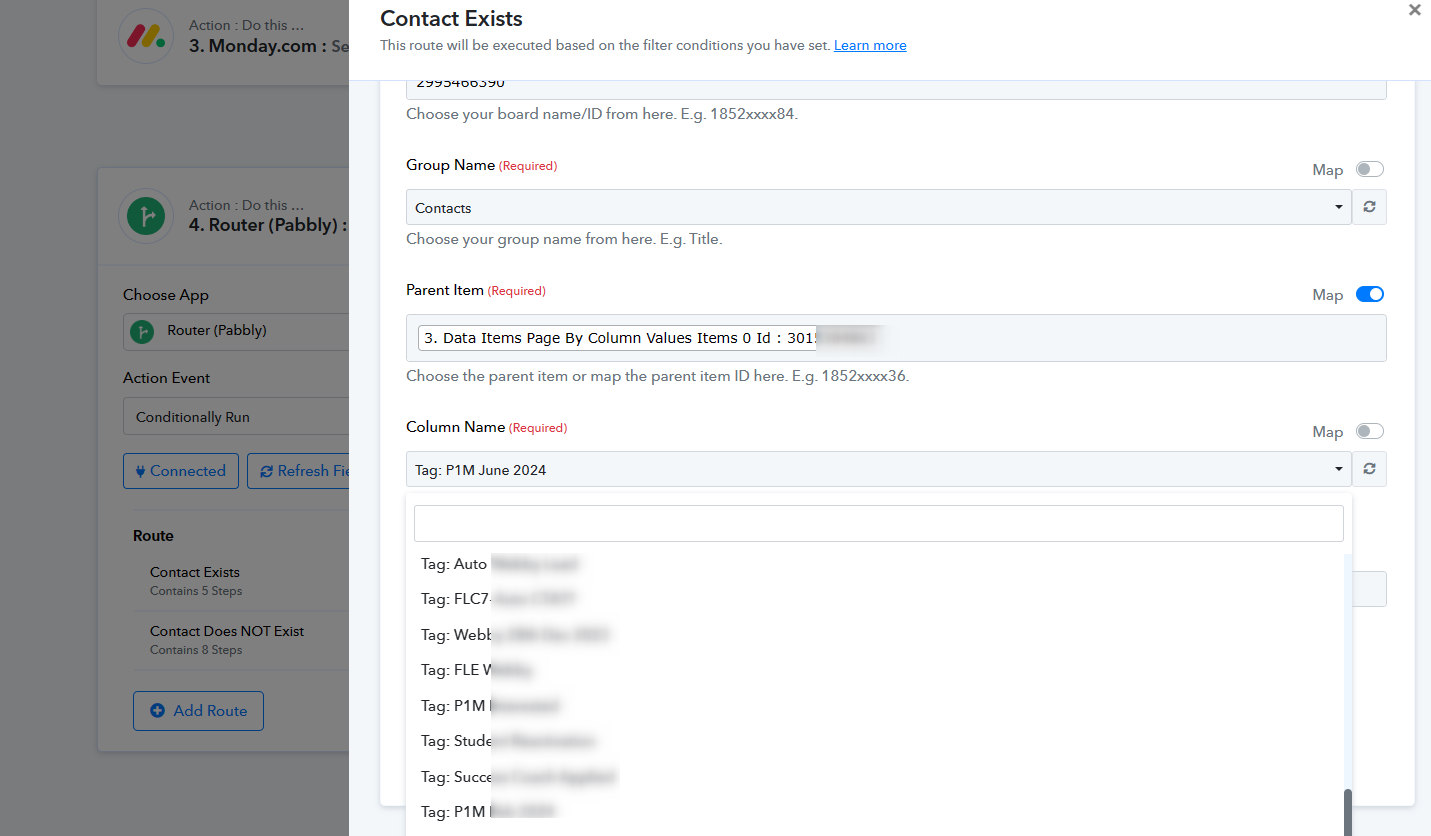
Good morning @Supreme - just checked, seems to be loading the columns/lists perfectly now - thank you so much!