monday.com status change results in limited response
Status: Closed · Asked by Marten van Leeuwen on · 0 views
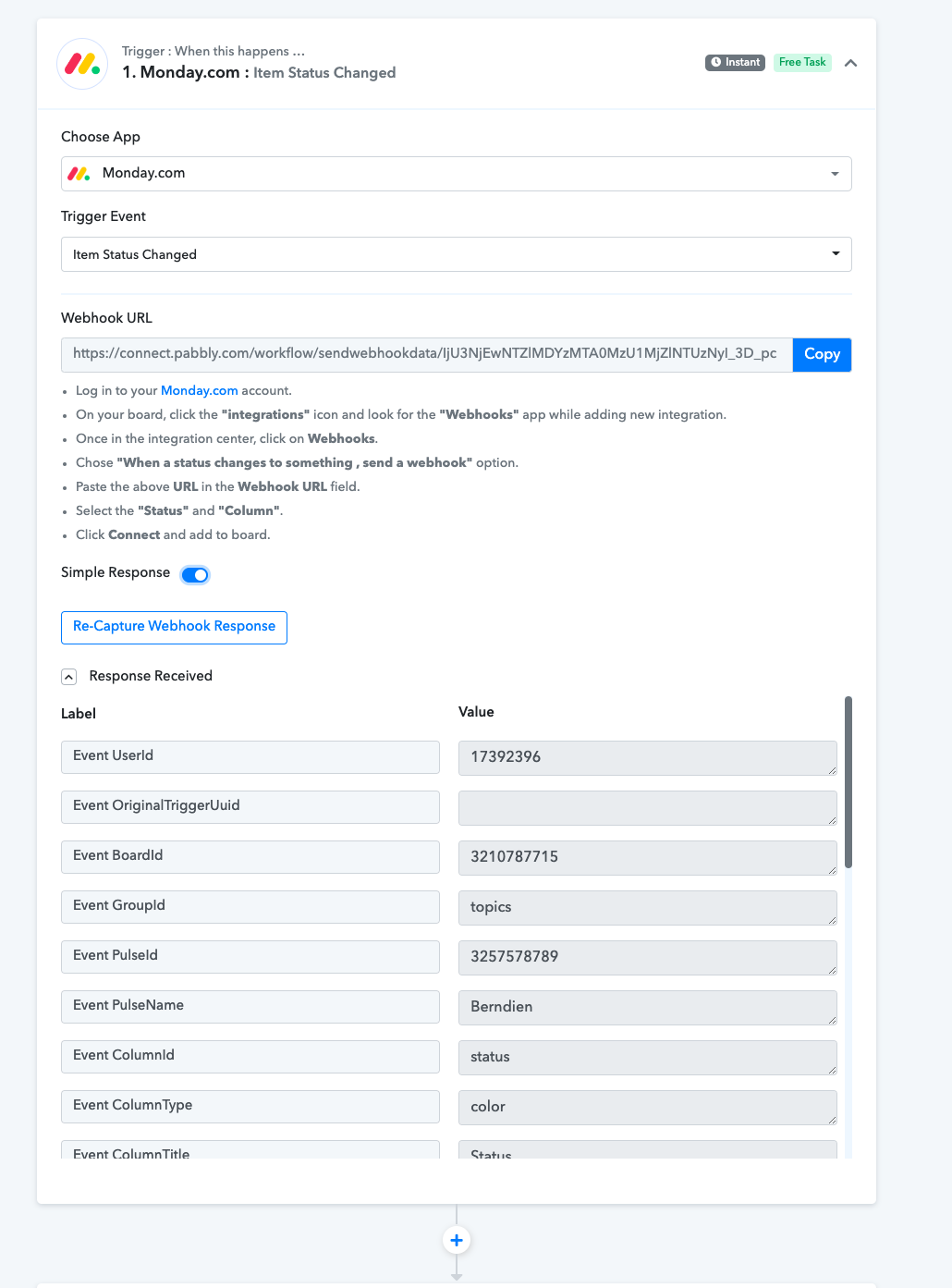
Hello, I want to send an email after a status in monday.com changes. The response I get with the trigger 'item status changed' is very limited, the only valuable thing is the Item name, the rest is all random things and not valuable column data, even not the email address.
The trigger 'new item in board' does produce a lot of valuable content but then I would have to make a new board for every action I want to do which is not practical.
How can I get more information out of monday.com from this trigger?
Thanks
Attachments
Hey @Marten
The trigger 'new item in board' does produce a lot of valuable content but then I would have to make a new board for every action I want to do which is not practical.How can I get more information out of monday.com from this trigger?
To retrive the additional related data of the Board and its items, you can use the "Get an Item" action step. Though we have set the action step in your workflow and it should dynamically receive the related data for you.
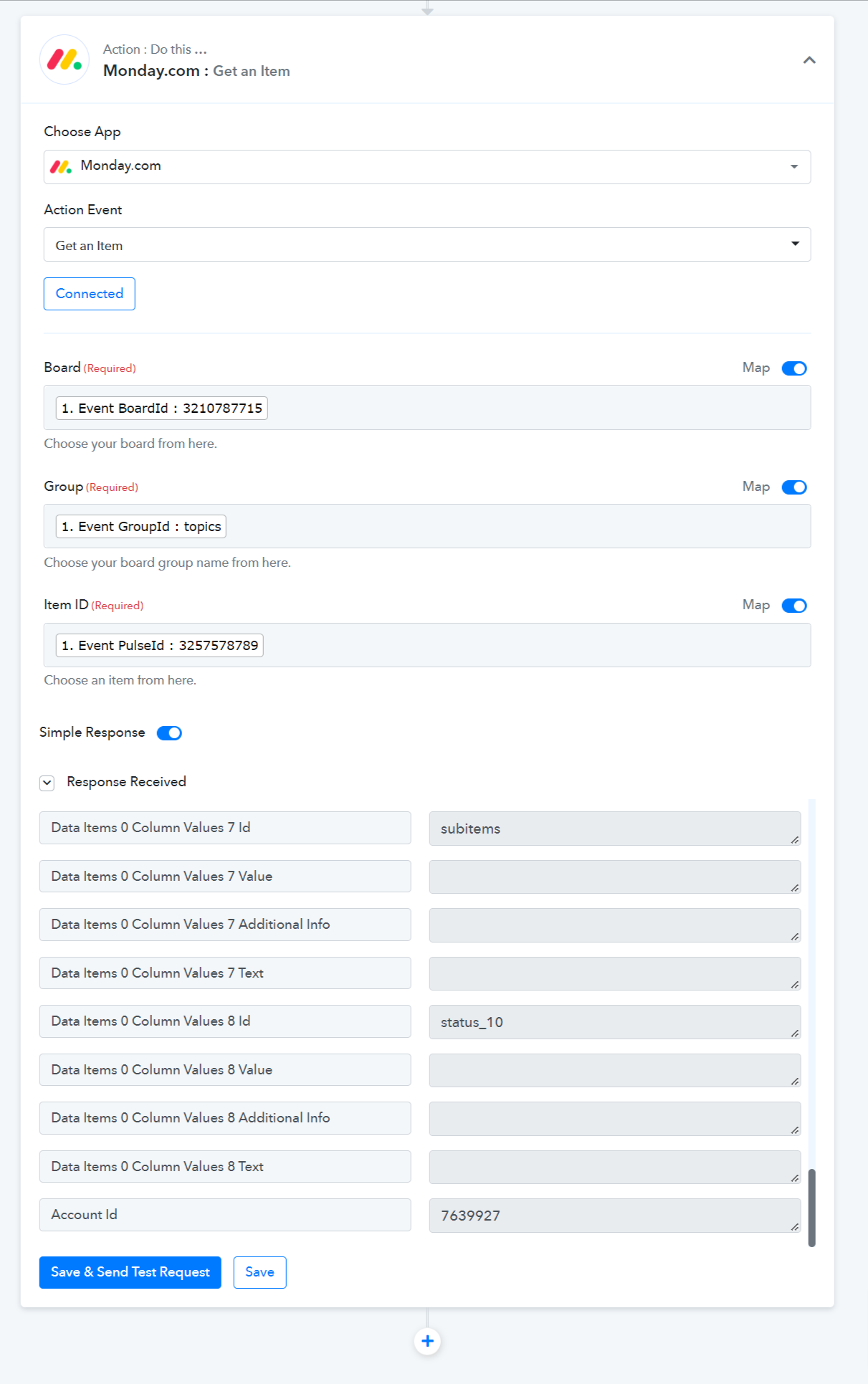
Thank you for that Supreme! But is this automatable? With 'Get an item' it seems you need to choose the specific item each time, we need the item value from the row which has had a status change. Or am I missing something?
Hey @Marten
You may continue your workflow, as in the Get an Item action event the mapping from the trigger event of respective Board and items are dynamically sync so in run time it will always fetch the correspond item each time.
Kindly try again and let us know if you get stuck at any step.
Thank you for helping but it's not working. I have added 'Get an item' with a certain row as an example, but when I change status of another row, it still grabs the email address of the 'Get an item' example row.
Am I doing something wrong?
Hey @Marten
Could you please check it now, we have made Get an Item's board id as dynamic as it will pick the value from the top, and then it will process the workflow.
Yes it works now! Can you tell me what you did? I need to repeat this for other emails.
Thanks a lot
Hey @Marten
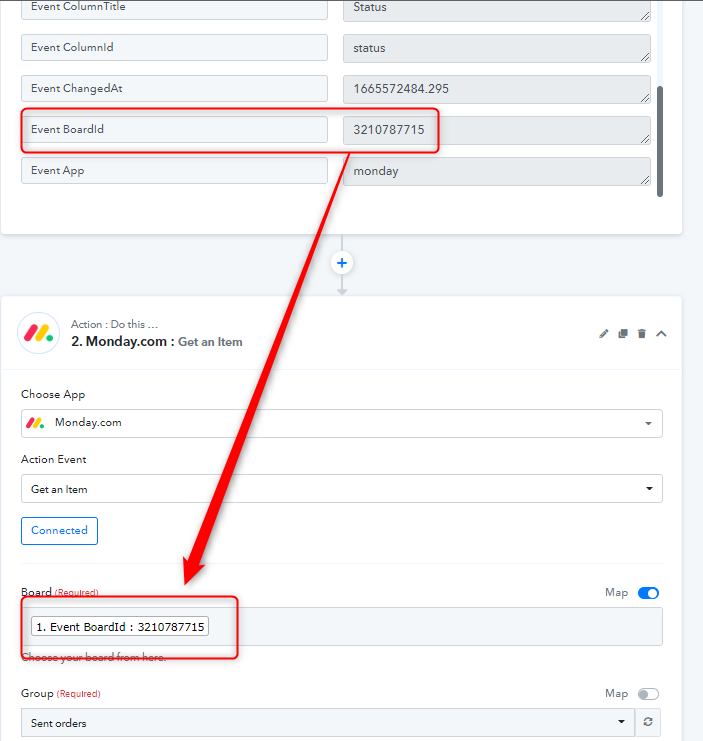
We have just mapped the Event Board id from the step 1 to step 2.
I do this for another but its not working. Right now only the 'Email cluster 1' workflow is working, I can't get 'Email railset' to work, even though the setup looks the same to me.
Hey @Marten
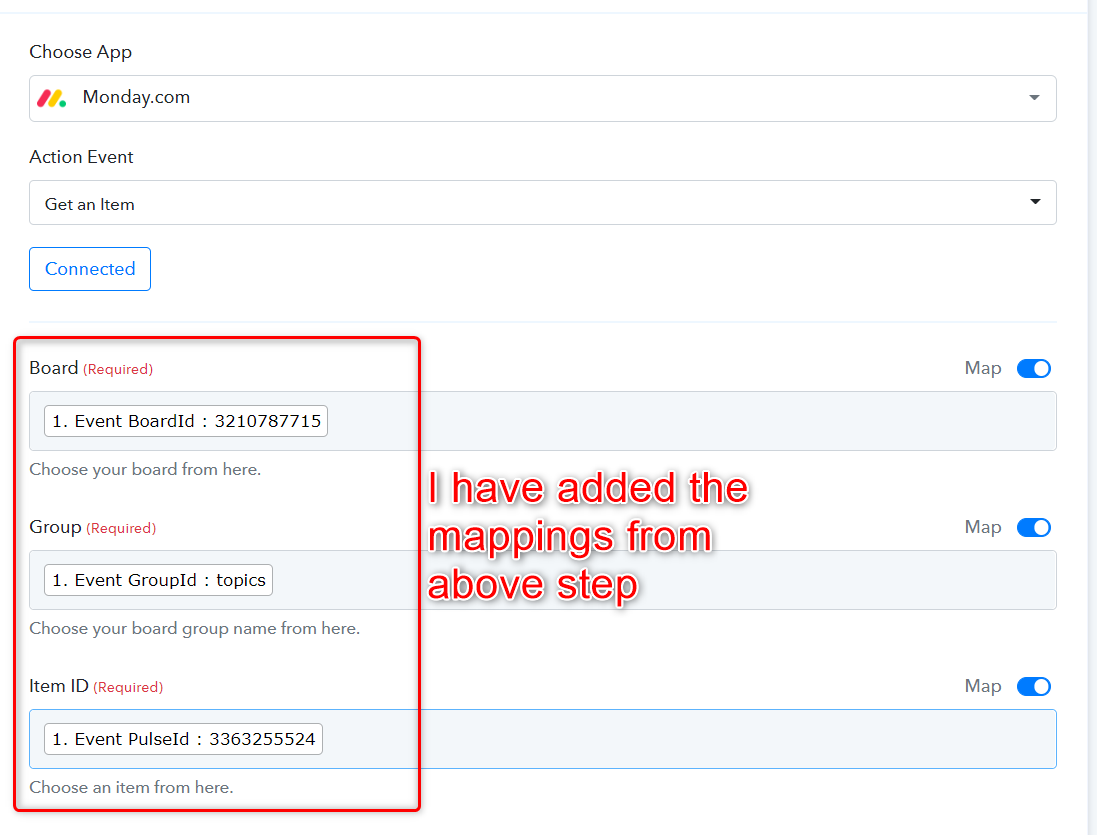
Could you please again check we have mapped the Group Id as well as the Get an Item endpoint? Kindly check and let us know if it helps.
Thank you Kunal, it works as well. I don't know understand what you did so I don't know how I would do it again. If you can try to explain that would be great, otherwise I will ask again next time. Thanks for your great support.
Hey @Marten
I have just added the mapping from the step 1 to step 2. Kindly check the below screenshot:-