Move Folder to Shared Drive Folder Not Working
Status: Closed · Asked by boardwalk on · 0 views
Hey everyone,
I have set up the trigger, when a new file is added to folder (Trigger), it gets moved to the shared drive (Action)
This works perfectly when testing it, however, when new files have been added, nothing happens.
Any help is appreciated!
Hey @boardwalk
Kindly provide us the workflow name or the workflow URL in which you are getting the issue so we can check on it and guide you further.
Thanks for the reply
I've added the workflow link above
Hey @boardwalk
I request you to please refer to the related below video tutorial first and try again from your end.
youtube.com/watch?v=t0DUxaKZ144
Please let me know if you are still facing the same issue.
It won't let me copy the file to the shared drive
Could you please confirm whether you want to copy the file or move it into a Shared Drive?
I noticed that in your workflow, you have selected the action step "Google Drive: Copy a File," but in the automation, it is showing "Google Drive: Move a File into Shared Drive."
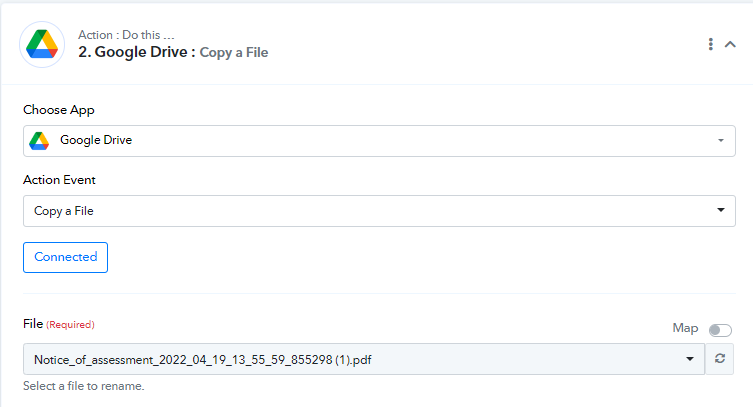
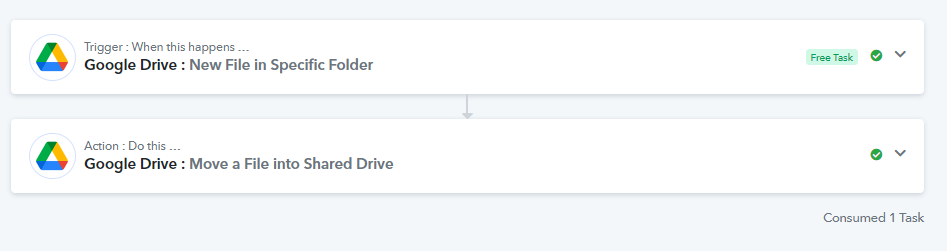
Please provide clarification on your preference so that I can assist you accordingly.
Big picture: when a file appears in one folder, I want pabbly to move it to a specific folder in a shared drive. There was an issue with the either the trigger or action not working. When I tested it, it would work great. But with an active workflow, nothing would happen.
you told me to watch the video, so I changed it to make a copy which didnt' solve the problme.
We had the same workflow for a different folder that has been working for months and has since stopped working as well.
Shared drives are funny. When I test it there, it works, but once the automation is left to its own, nothing happens
It's creating a copy an sending it to our main drive folder.
Every time the folder receives a file, it now makes a copy on our main drive folder but doesn't remove it from the original folder.
Hey @boardwalk
I have enabled your workflow and tested the automation, and it is functioning correctly.
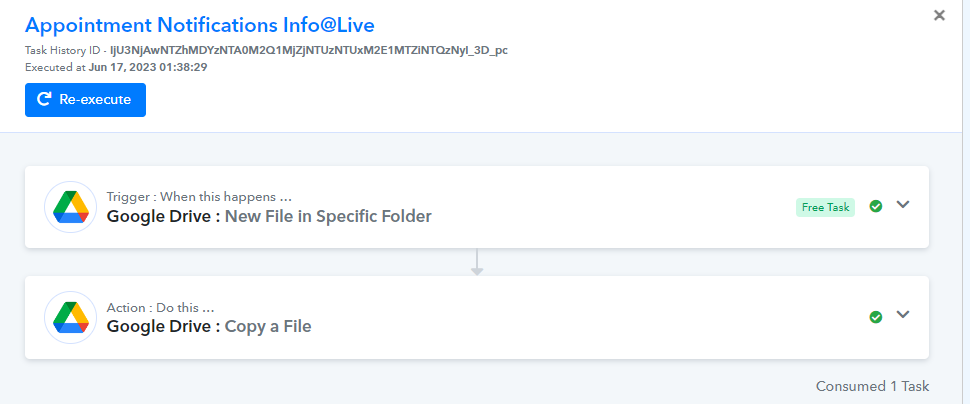
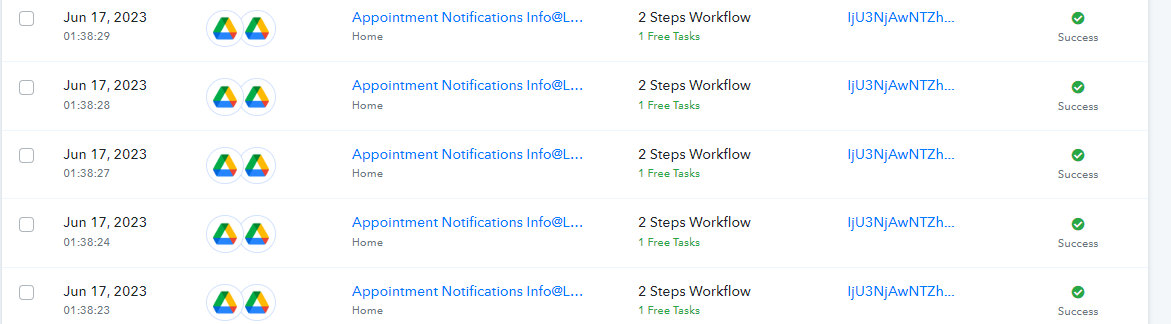
Now, I kindly request you to select the "Move File in a Shared Drive" action event of Google Drive and test if it is working properly in the automation.
If not, then please let me know I will again perform testing.
I think you're failing to understand. The way the workflow is now, it copies a file yes.
It will NOT copy a file to a shared drive.
When testing with the workflow "Moving the File to Shared Drive" it works when testing. It DOES NOT work when left alone.
You told me to try copying the file but it doesn't go to the right folder and cannot access the shared drive so it DOES NOT work for my intended use case.
I have just tested it and it works when TESTING but DOES NOT work on its own
Hey @boardwalk
I understand your concern. It seems that you are facing an issue with your automation because you are selecting the same name instead of mapping the data.
To resolve this, I recommend turning on the mapping option and map the relevant fields from the trigger application.
By doing so, the automation will be able to work properly and process the data as expected.
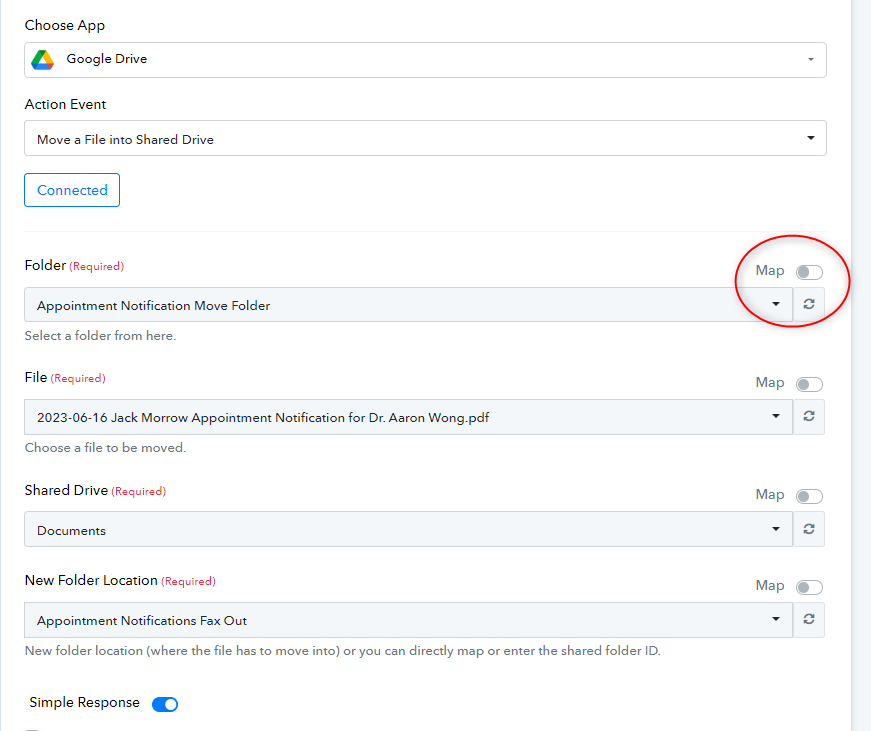
Please let me know if you are still facing any issues.