Moxie Task Date
Status: Open · Asked by woodennickel on · 0 views
I pulled the current date using the Date formater.
Then I tried to take the current date of: 23-10-2025 and turn it into 23 OCT 2025 as this is the moxie task date.
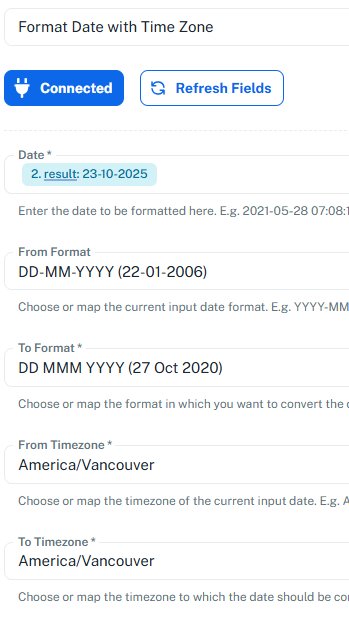
However, this is not working and I receive a json parse error.
Hi @woodennickel,
It doesn't look like you are encountering the error anymore.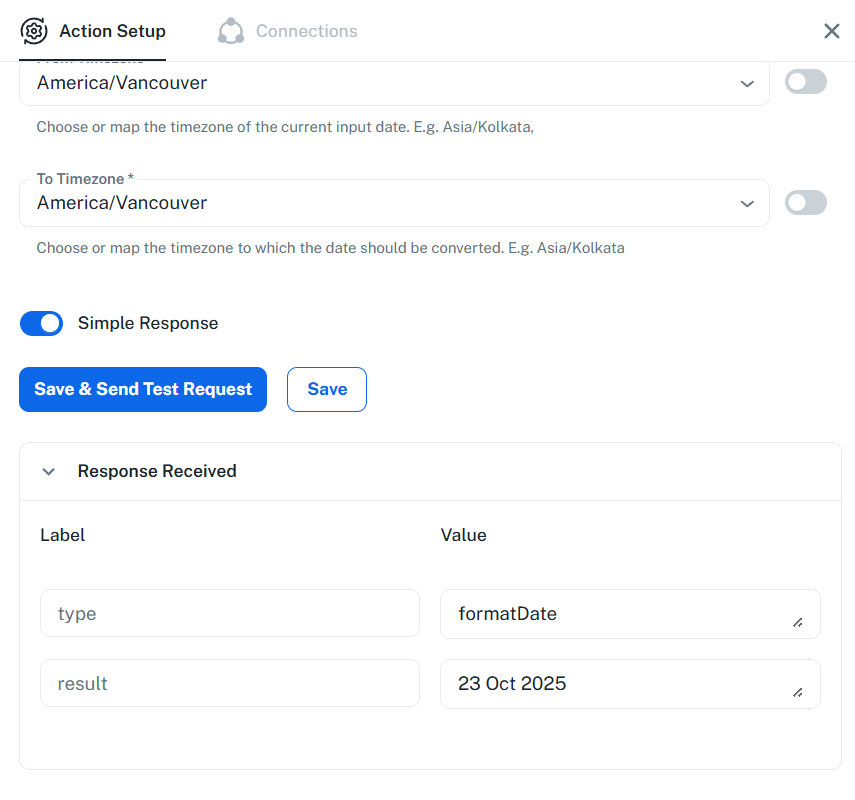
The Date formater, 2 steps works and returns the date.. it just will not carry forward to Moxie Start Date field.
It doesn’t look like you have mapped anything to the Start Date field. Please map the date to the 'Start Date' field and try again.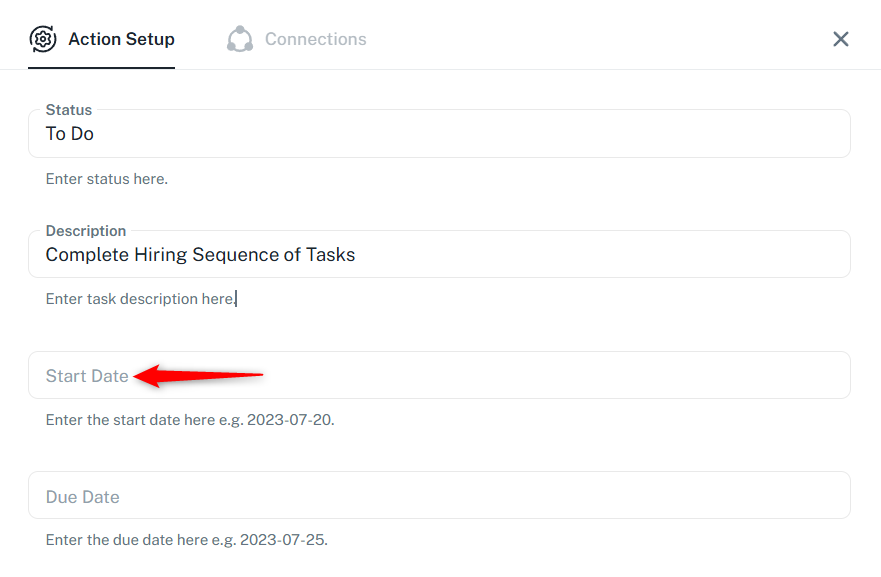
I had removed it to test other aspects of the action. BUT that being said, I had been looking at matching the format in Moxie DD MMM YYYY which is how they display it, but the input field on Pabbly says to enter it as YYYY MM DD .. which worked... thank you.
Thanks for adding the update.