Multiple Cell values update
Status: Closed · Asked by Sourabh Jain on · 0 views
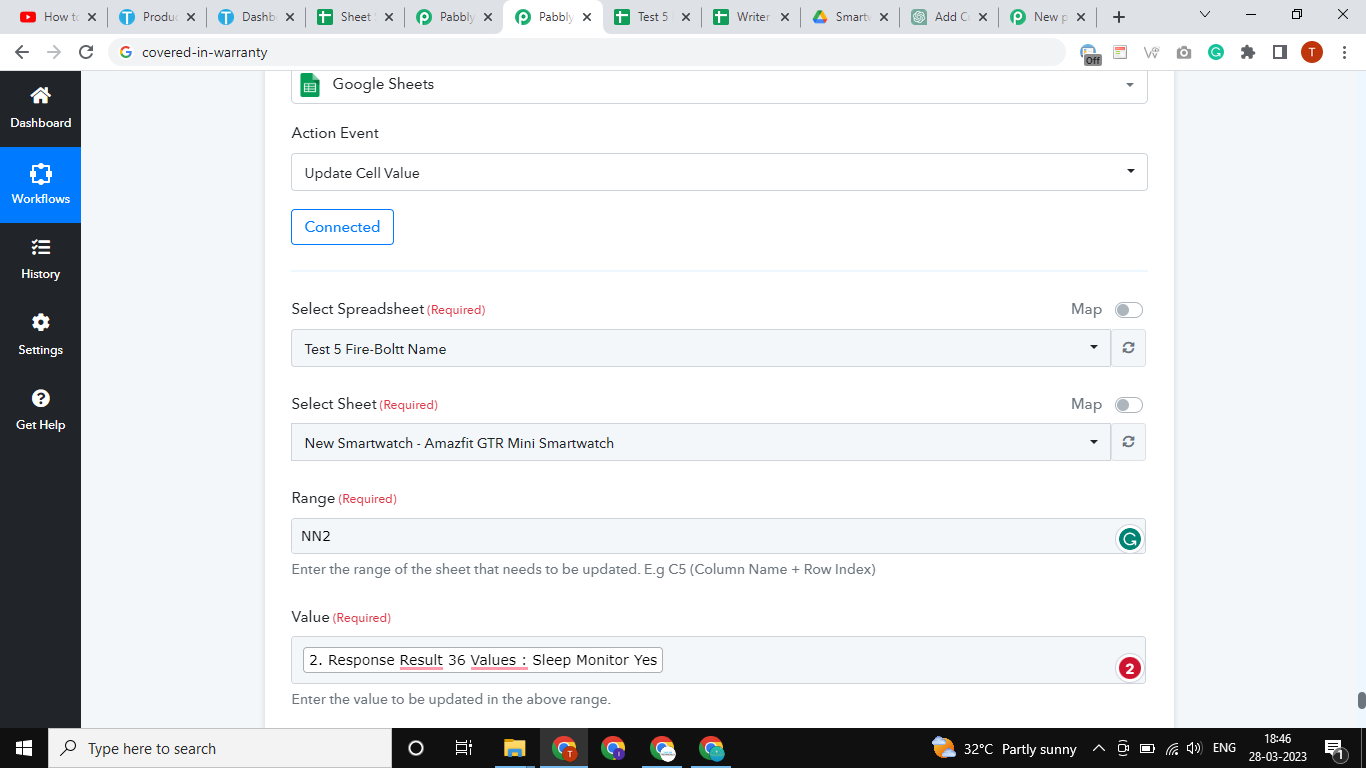
can I update the cell value with multiple ranges in a single action event?
because of this, I need to create the multiple action event in my work flow because in my sheet there are many blank cells which is not required so I skip the cell this is why I am prefer the update cell value
Attachments
Hey @Sourabh Jain
Unfortunately, you can only update since row at a time. If you are having more than one row to update then you make use of the Iterator action step which will update the cell rows one by one.