Multiple PDF Merged through Cloud Convert
Status: Closed · Asked by spluniya on · 0 views
We are having variably pdf files in each submission and want to merged all attachment in each trigger so that as final result only one merged documents we need to send for this we try Cloud Convert but when we use this then this error we are getting and how to map number of Line Item URLs and number of line item automatically.
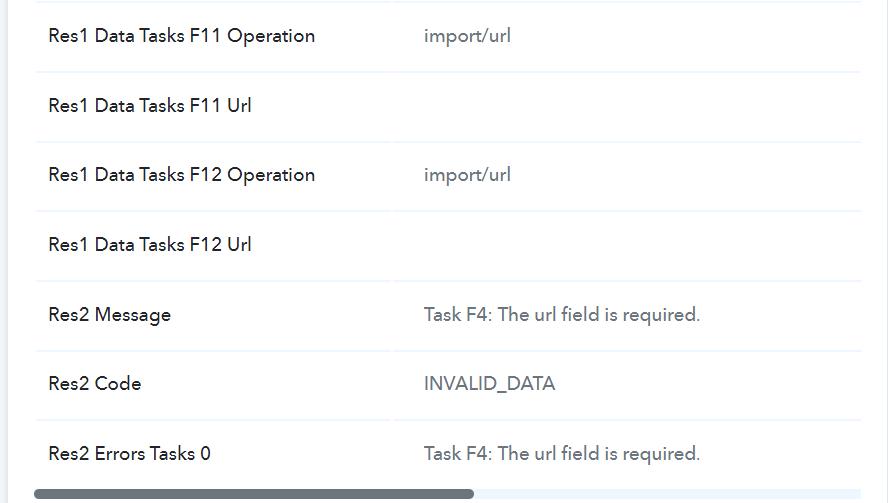
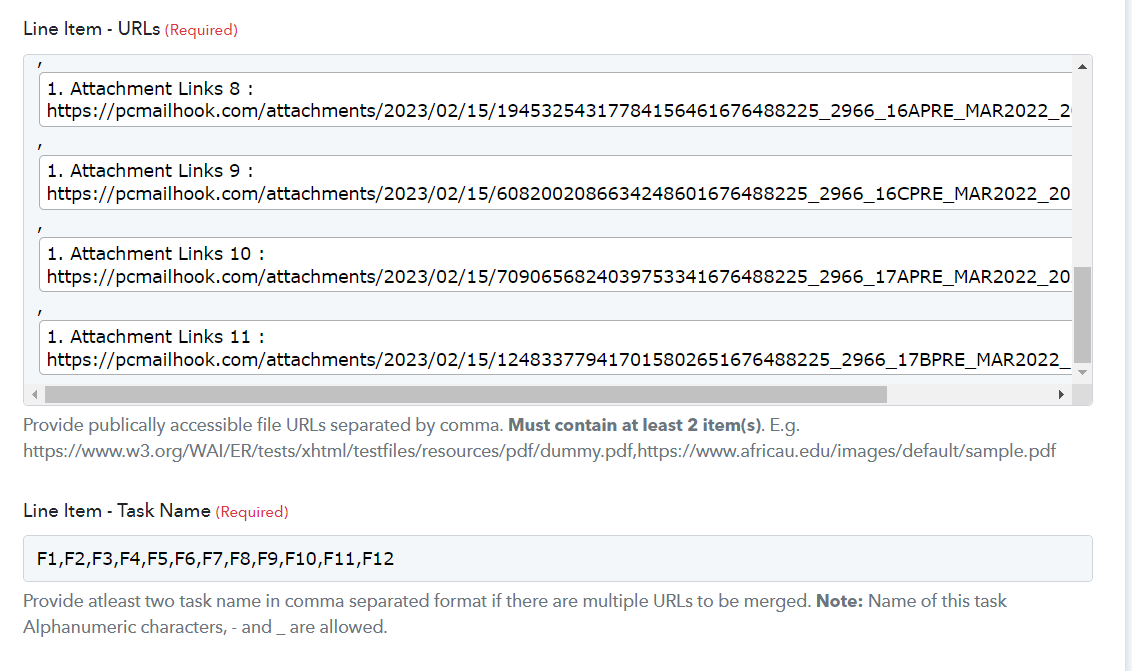
Hey @spluniya
In processing the multiple attachment URL at once, please try capturing the webhook response once and then pass the JSON array in the Gmail action step with the help of the Line Itemizer action step.
can you explain this in detailed
If you are getting multiple attachment URLs in the webhook response you can capture the response in advance format by toggling the "Simple Response" button capturing the webhook response.
Which will convert the JSON Response to Comma Separated Value that you need to pass in the Gmail action step with the help of the Line Itemizer action step.
Can you explain this in details
"Which will convert the JSON Response to Comma Separated Value that you need to pass in the Gmail action step with the help of the Line Itemizer action step"
We are receiving blank message
When we are trying Line Itemizer, we receiving blank message as mentioned in third screenshot
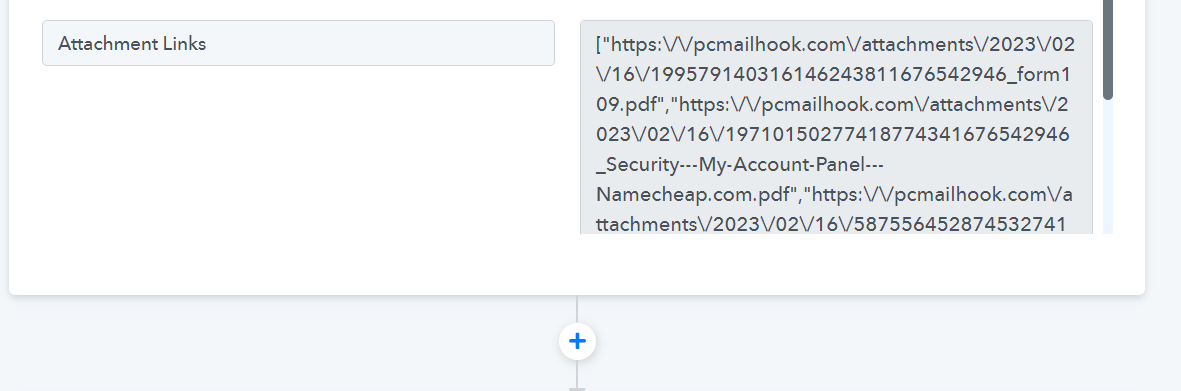
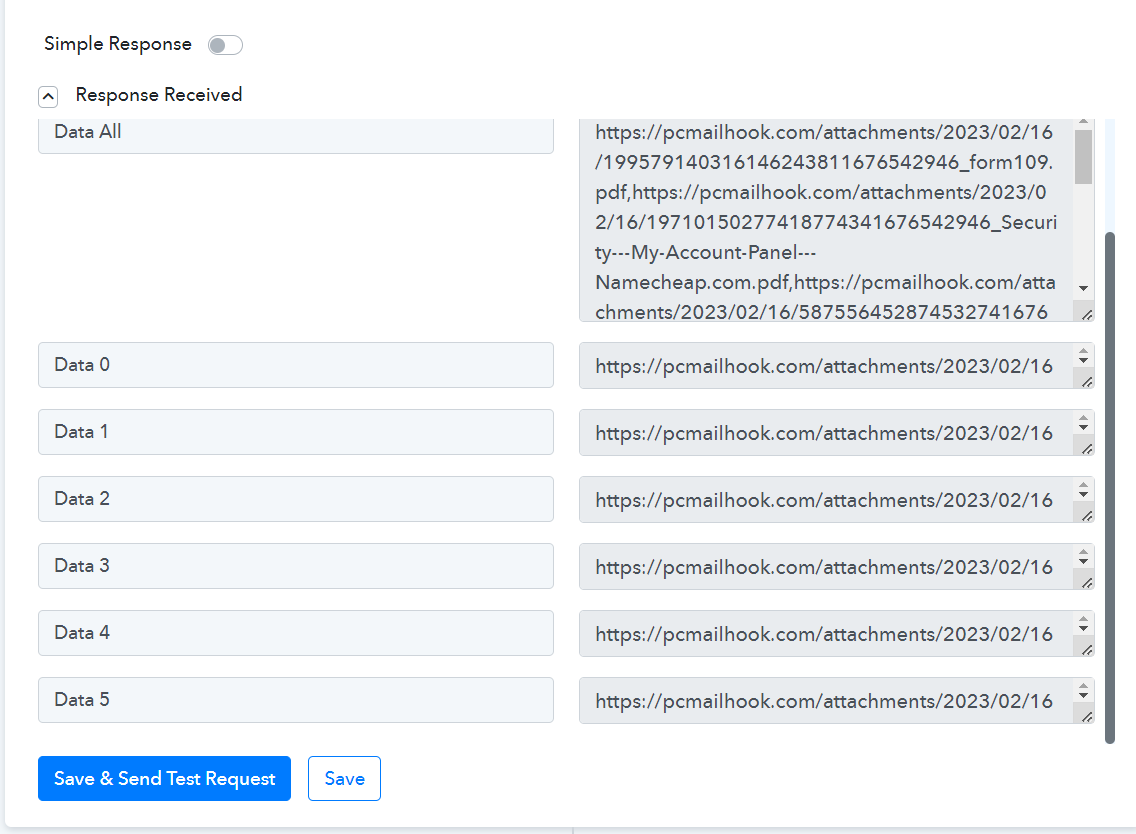
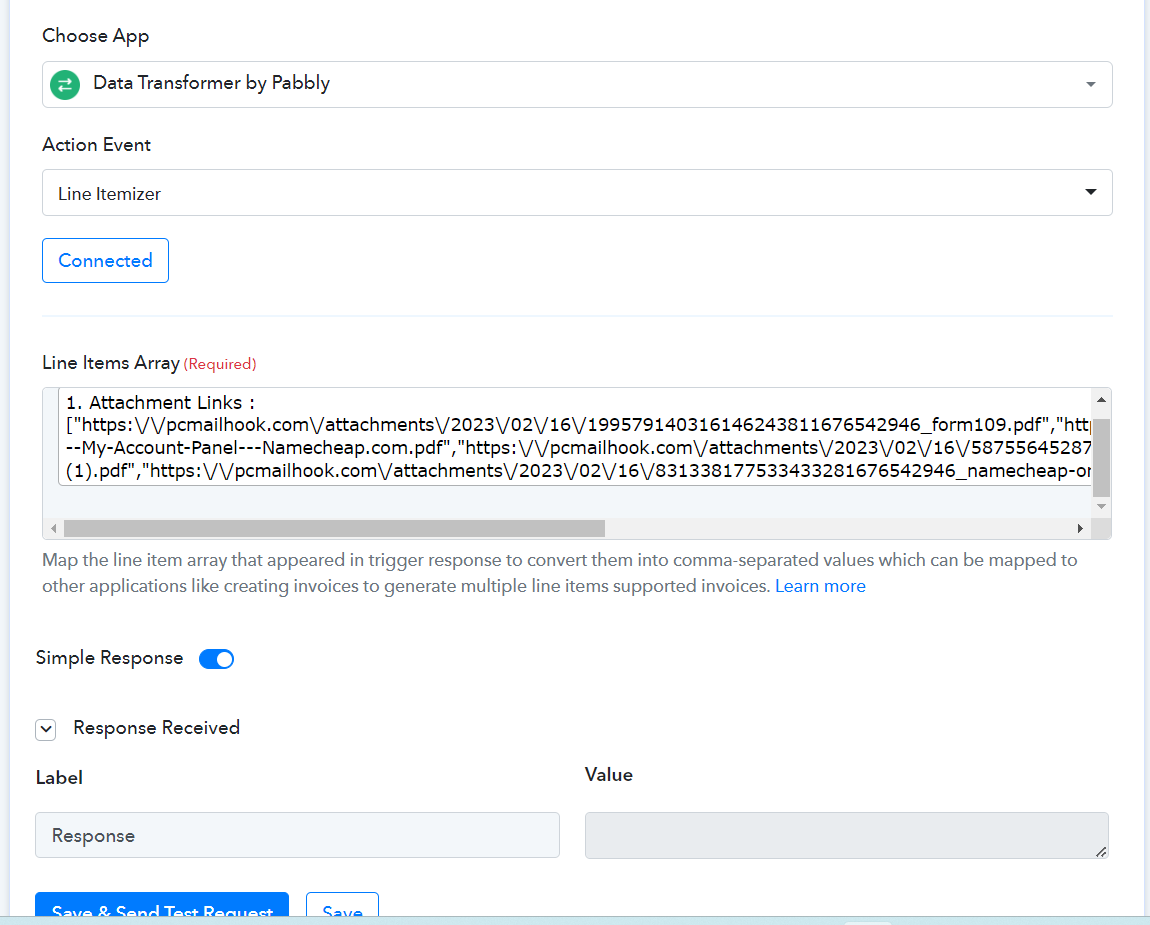
We have made a slight change in our workflow and created the comma-separated attachment URLs which you can simply pass that data to the API.
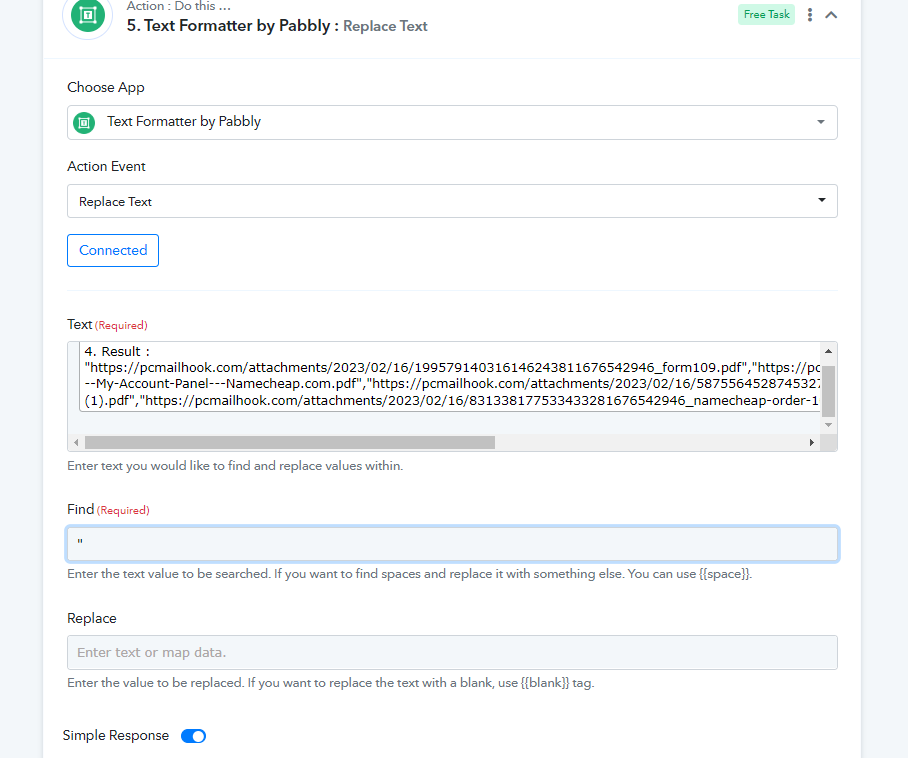
Line Itemizer is not working, we are receiving blank response 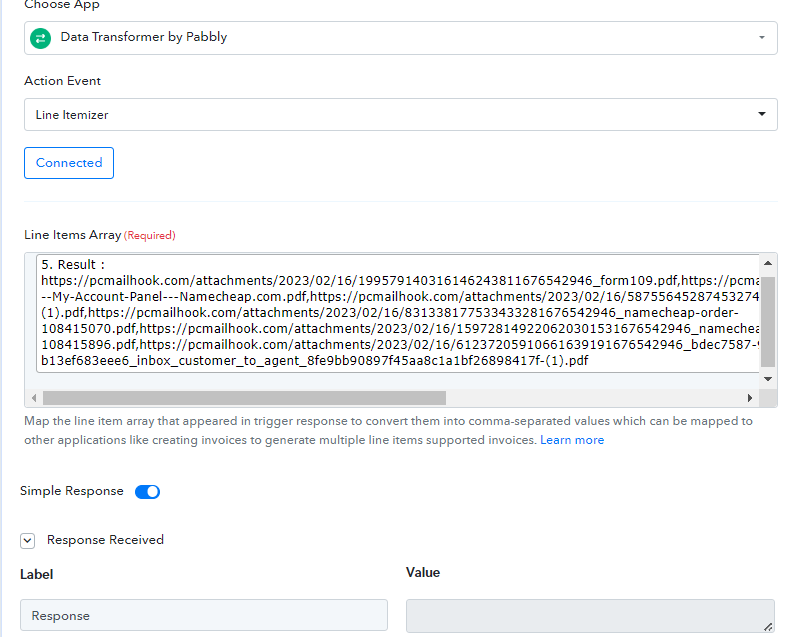
We need exact number of Line Item - Task Name as compared to Attachment URL in Cloud Convert so this workflow can respond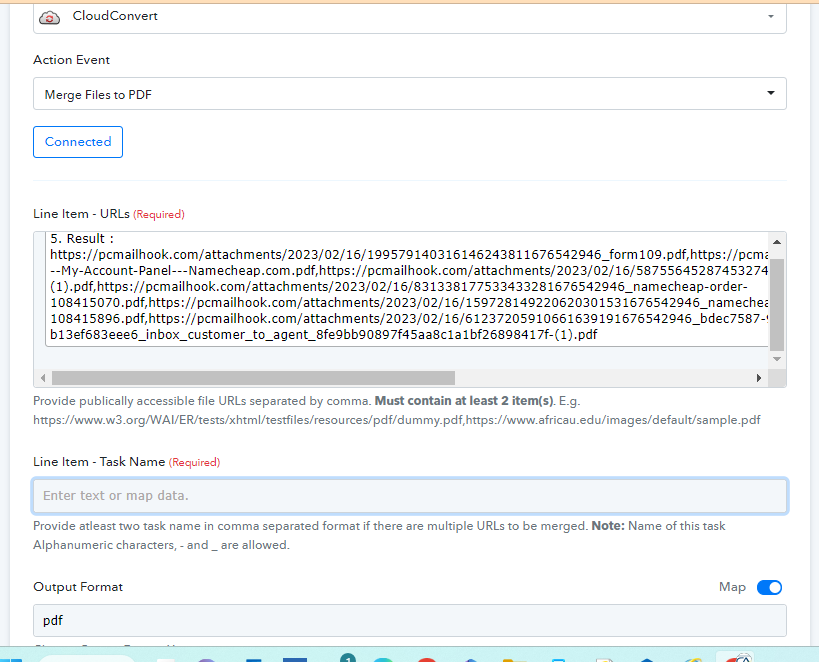
You can skip Line Itmizer and pass the comma separated link from the Text FOrmatter action step as mentioned in the screenshot.
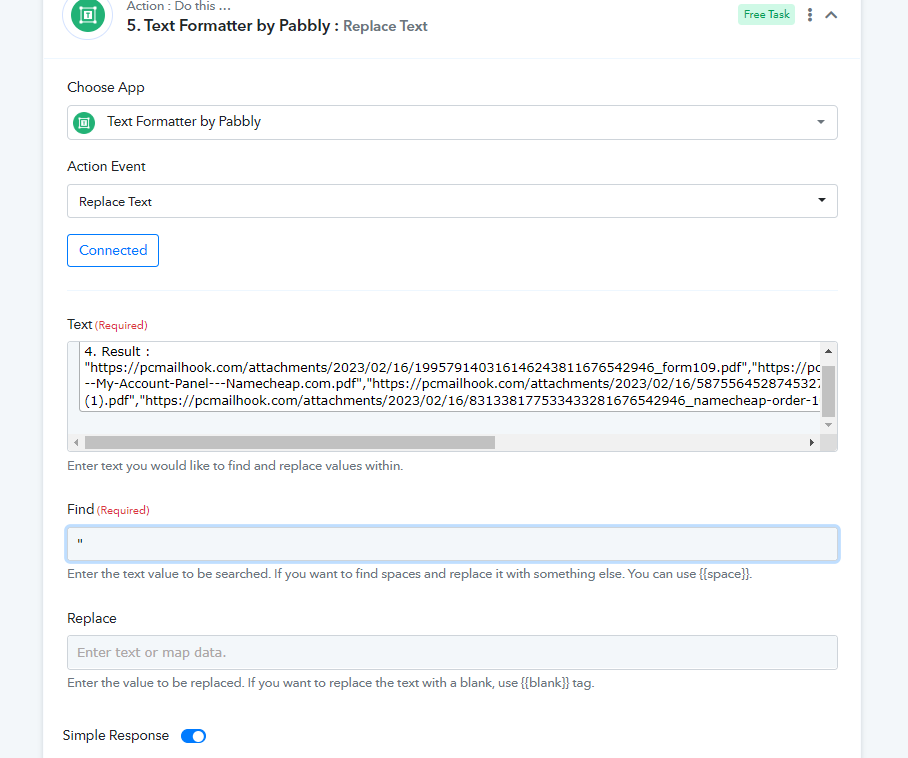
We have passed this coma separated value in Line Item URLs but what to be mention in Line Item Task Name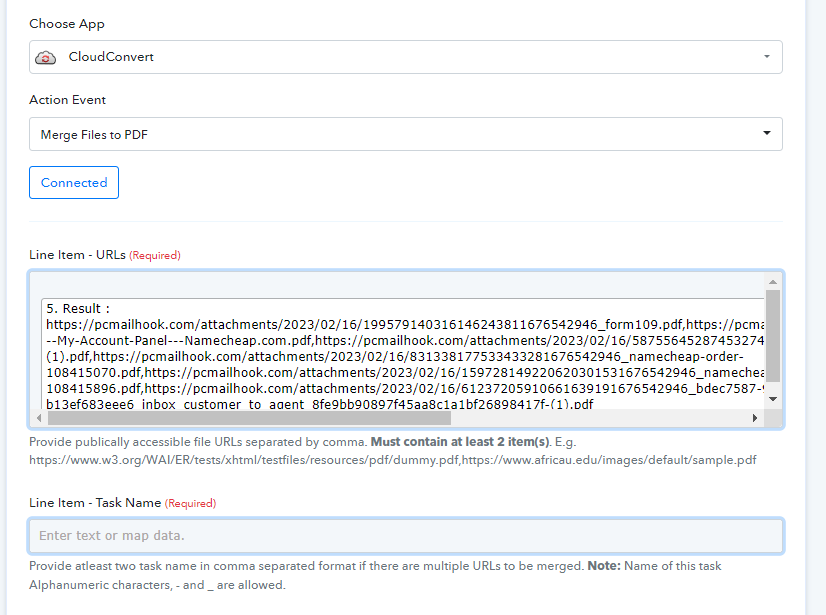
You can pass the same URL in Line Item if you don't know what you want to pass.