My automated post didn't work after several successful posts
Status: Closed · Asked by Vireesh on · 0 views
Hi,
I have created an automation flow for publishing the same motivational quote on Facebook and Instagram.
It was working well till yesterday, but today's post got published on Facebook but not on Instagram.
The error is as mentioned below.
[TABLE]
[TR]
[TD]Res1 Error Message[/TD]
[TD]Only photo or video can be accepted as media type.[/TD]
[/TR]
[/TABLE]
Please check and help me get it resolved at the earliest.
Hey @Vireesh
It seems like in that particular execution, Instagram was unable to process your request and because of that Instagram's API failed to post the image. Other than that the Instagram action event is working fine.
Kindly try again and let us know if IG still creates any issues.
Hey @VireeshIt seems like in that particular execution, Instagram was unable to process your request and because of that Instagram's API failed to post the image. Other than that the Instagram action event is working fine.
Kindly try again and let us know if IG still creates any issues.
Some how it worked today. I'll check and confirm tomorrow if it doesn't work.
Hi @Vireesh I'm thinking of possibly doing the same use case as yours. The quotes stored in a Google Sheet then post them daily on a Facebook Page and Twitter including IG. Do we have the same workflow? Can you somehow share your workflow I'll check it thanks :)
Hi @Vireesh I'm thinking of possibly doing the same use case as yours. The quotes stored in a Google Sheet then post them daily on a Facebook Page and Twitter including IG. Do we have the same workflow? Can you somehow share your workflow I'll check it thanks :)
Hi Kidd,
I have created a workflow for posting the quotes from Zen quotes and not from the Google sheets. I am trying to find a way to post the quotes from Google Sheets, couldn't do that.
However here is the link of the workflow that I am using for your reference.
https://connect.pabbly.com/workflow/share/CUFXZQBLUDNSGwJoAGVTNg4bCwgASgdRXDsAEg##
I hope this helps.
If you get a chance to set up workflow using google sheet then please do share it.
Woah seriously @Vireesh I can't believe my eyes how amazing your workflow is! haha
In all honesty, your workflow is so much better than what I have in mind via google sheet. As your workflow auto-produce quote pic using Google Slides and I haven't thought that that's possible until now.
Can't be thankful enough, I'll share as well if ever there's something awesome :)
@Vireesh Here's what I was watching earlier before asking you here.
youtube.com/watch?v=qbYKa-fConM
I can say that your workflow is much better imho
@Vireesh Here's what I was watching earlier before asking you here.youtube.com/watch?v=qbYKa-fConM
I can say that your workflow is much better imho
Actually that workflow has been shared by Fagun Shaha, I just improvised it to make it work with the help of Pabbly team. All credit goes to Fagun for breaking the ice.
Thanks for sharing the above video. I'll go through it and try my best to create another workflow using Google Sheets.
.
Hey @VireeshIt seems like in that particular execution, Instagram was unable to process your request and because of that Instagram's API failed to post the image. Other than that the Instagram action event is working fine.
Kindly try again and let us know if IG still creates any issues.
Hello Supreem,
After our last discussion, the posts were getting published on a regular basis, but again it stopped today and I got the same error message. Can you please check it and fix it for once.
Hey @Vireesh
We have deeply tested the API at our end and found that the URL that is generated from Google Slide is not valid and publicly accessible for Instagram therefore it works sometimes and sometimes not and returns the error "Media download has failed" as explained below. For more help, you need to contact the Instagram community about why they are allowing such URLs sometimes.

You can confirm the error codes from here: https://developers.facebook.com/docs/instagram-api/reference/error-codes
For smoothly working of the Instagram Publish Photo action, you are requested to make use of a valid and publicly accessible URL example: https://www.pabbly.com/wp-content/uploads/2019/06/Pabbly-dark-logo.png
Hey @VireeshWe have deeply tested the API at our end and found that the URL that is generated from Google Slide is not valid and publicly accessible for Instagram therefore it works sometimes and sometimes not and returns the error "Media download has failed" as explained below. For more help, you need to contact the Instagram community about why they are allowing such URLs sometimes.
You can confirm the error codes from here: https://developers.facebook.com/docs/instagram-api/reference/error-codes
For smoothly working of the Instagram Publish Photo action, you are requested to make use of a valid and publicly accessible URL example: https://www.pabbly.com/wp-content/uploads/2019/06/Pabbly-dark-logo.png
How can I create such URL?
https://www.pabbly.com/wp-content/uploads/2019/06/Pabbly-dark-logo.png
How can I create such URL?
https://www.pabbly.com/wp-content/uploads/2019/06/Pabbly-dark-logo.png
Hi,
can you please let me know how I can create an accessible link of the google slide?
Hey @Vireesh
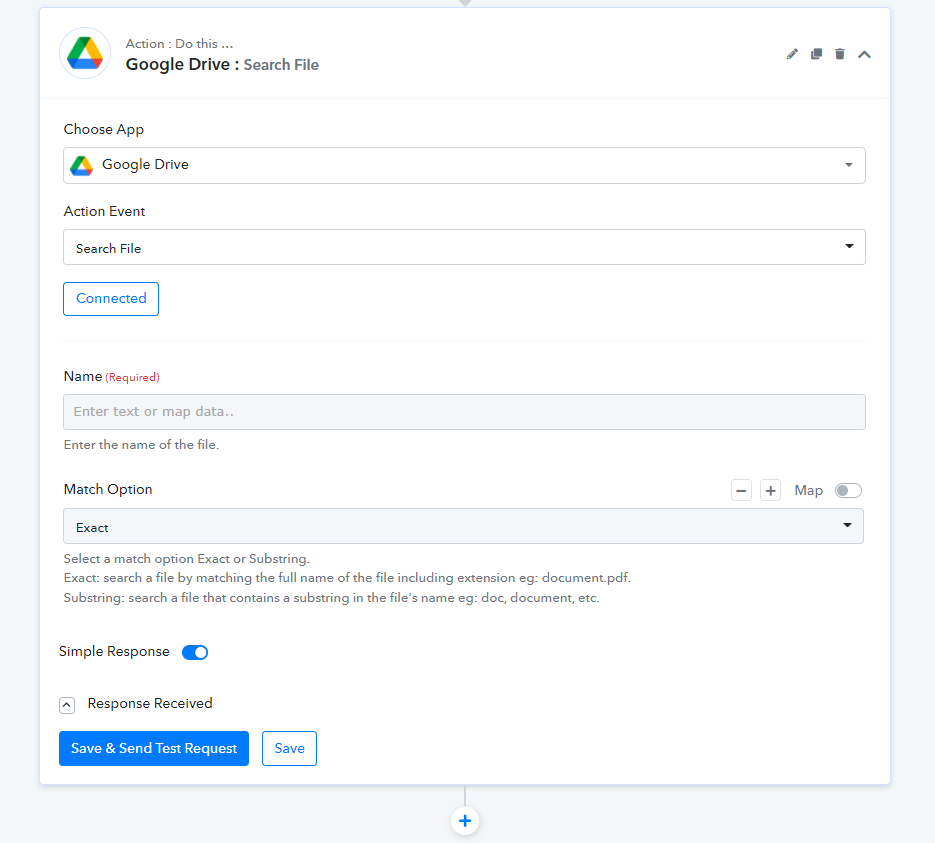
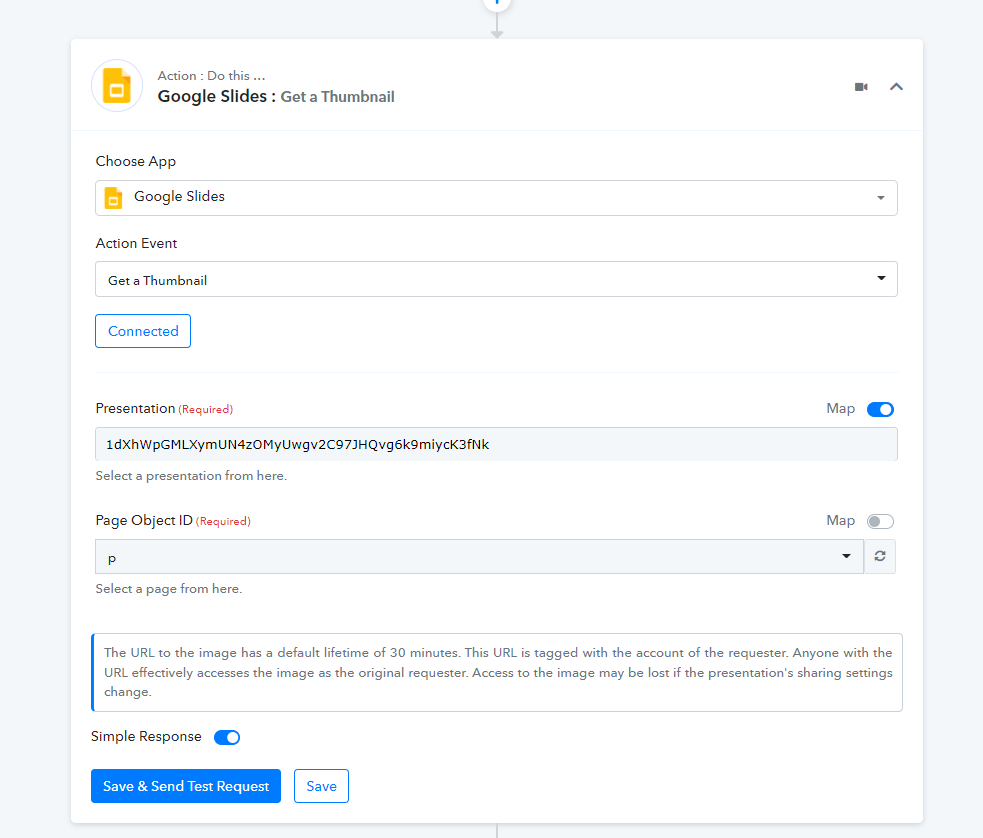
You can use "Google Slides: Get a Thumbnail" or you can use "Google Drive: Search File" to retrieve the live URL of the file.