Names not mapping through from Thrivecart to Shopify
Status: Open · Asked by AprilHardy on · 0 views
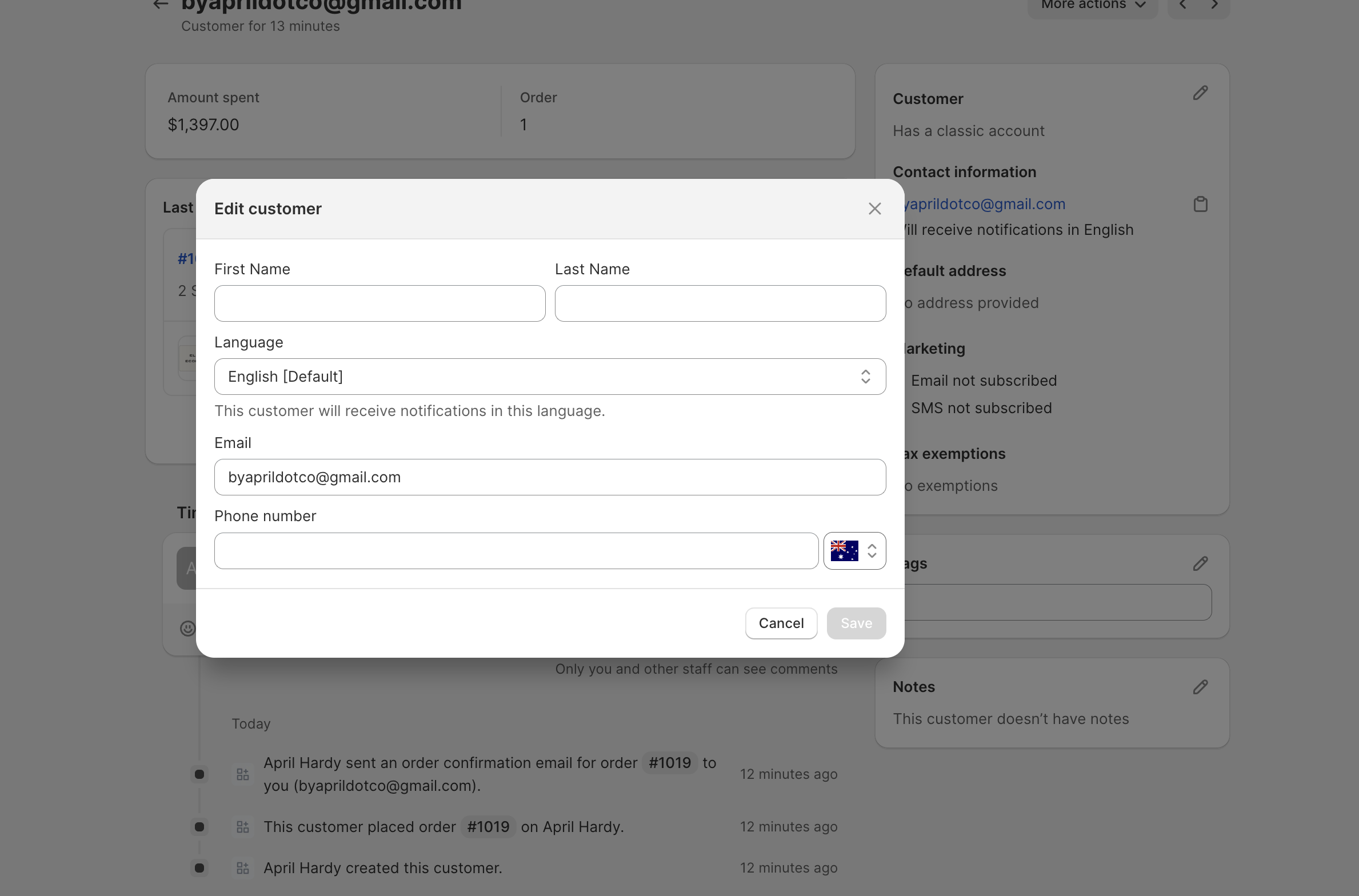
I have set up a flow where students who sign up on Thrivecart trigger a 'create customer' inside Shopify. However when I check Shopify the customers name is not included in Customer fields..I have mapped both billing and shipping first and last names but not seeing them in Shopify,
any help would be appreciated, thank you
Attachments
Hi @AprilHardy,
Could you please share your Workflow URL in which you have this concern?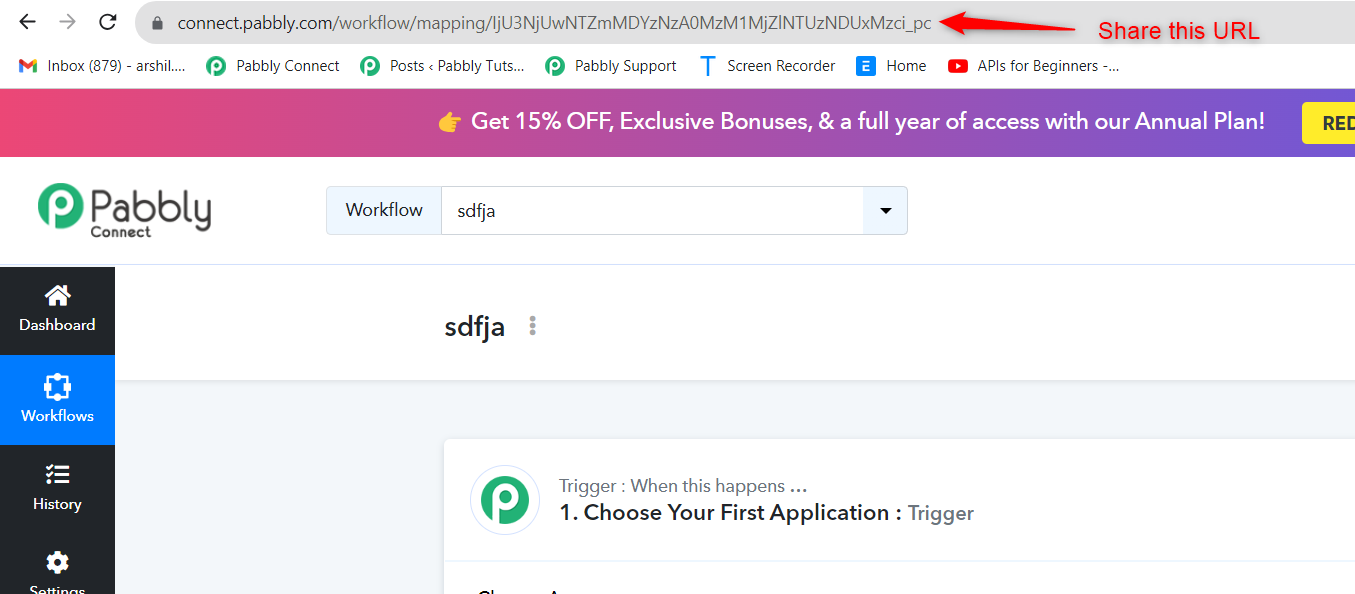
Please share the URL as shown in the screenshot attached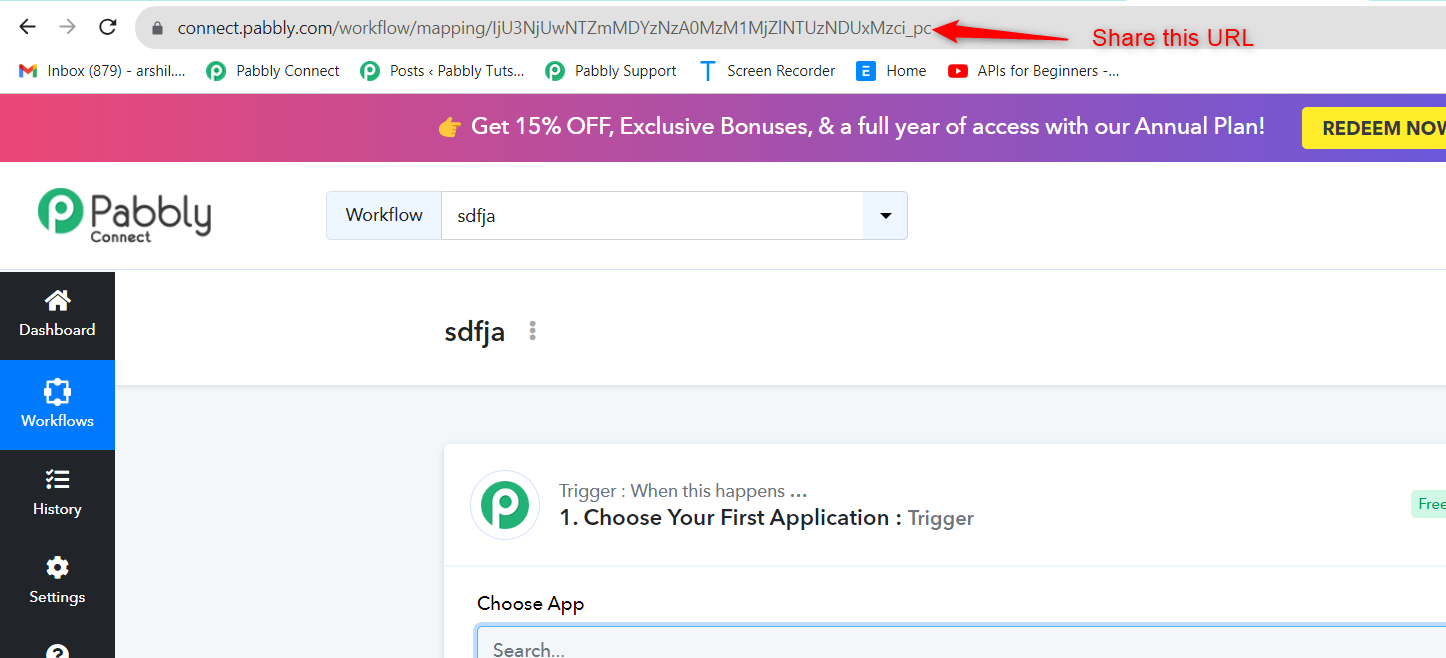
Please try adding Shopify: Create Customer action event as the second step of your workflow and try again.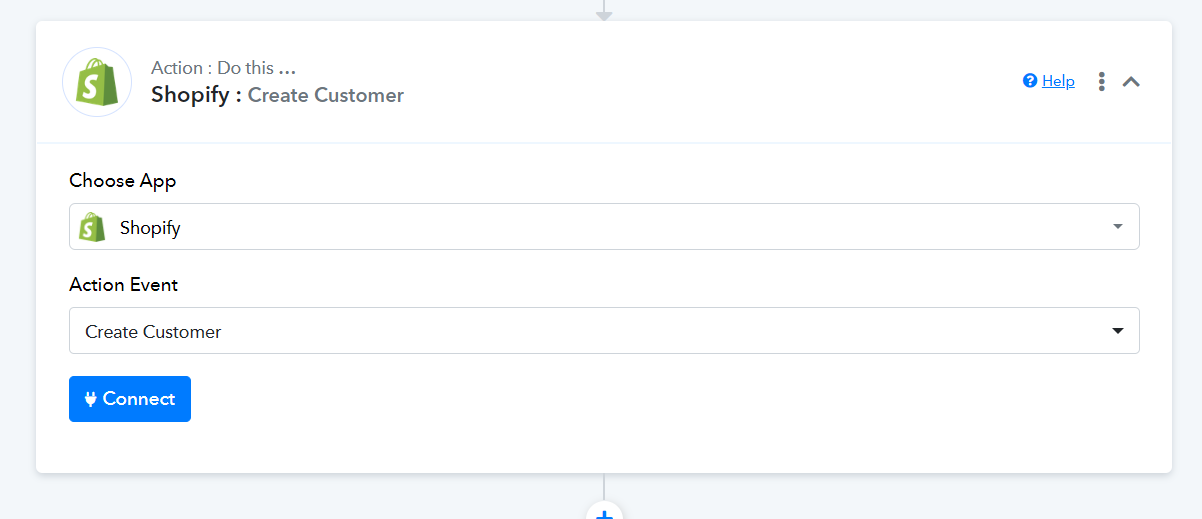
I have tried this but now the order comes through with no details, and the customer details still missing the first and last name,
It seems to be updating the Shopify Customer file correctly, but now with the flow it is creating 4 orders at a time
Attachments

The issue you are describing occurs when a user clicks on 'Save & Send Request' multiple times, which, in turn, creates multiple webhooks in the application. There are two solutions for this:
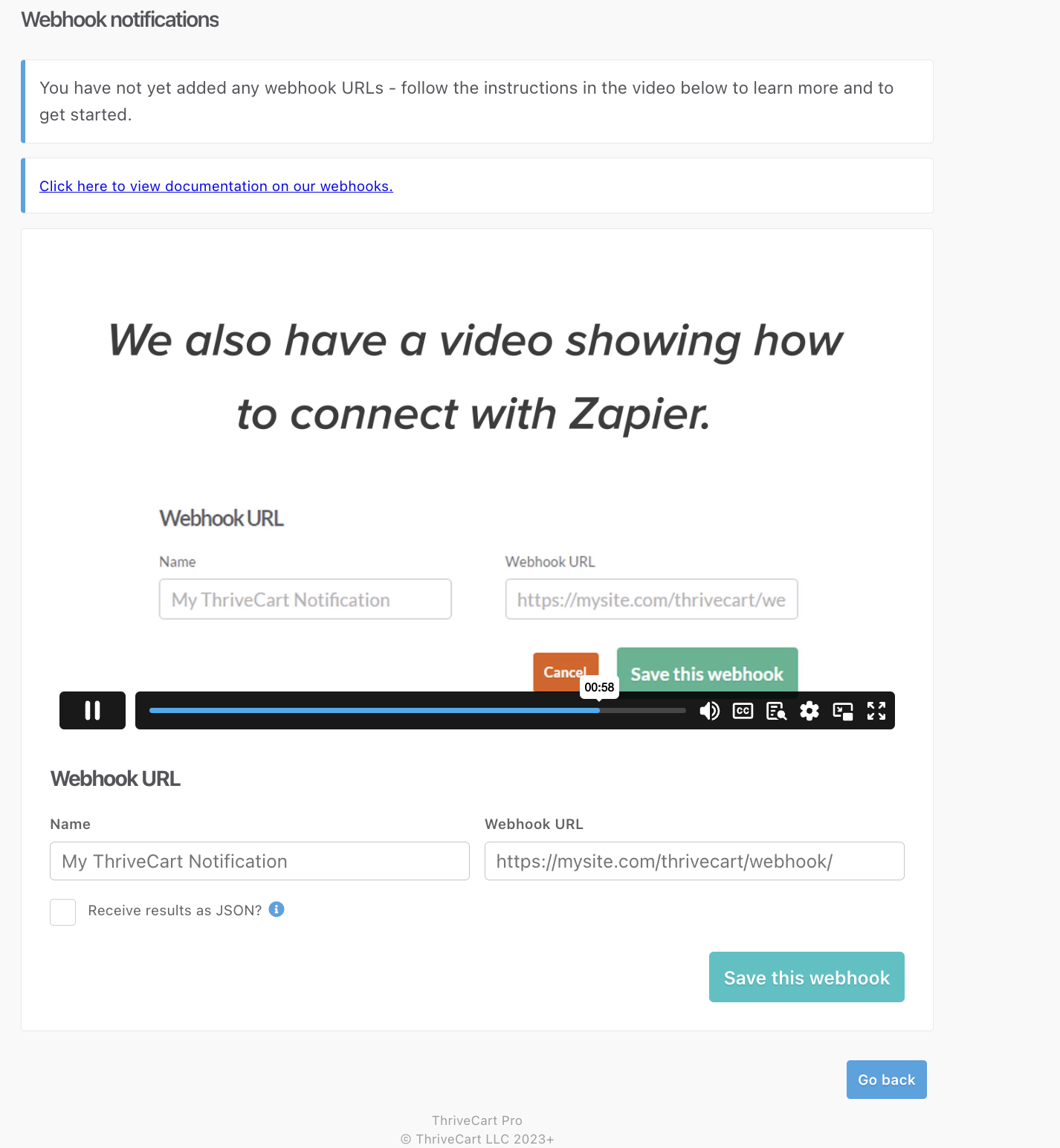
- You have to log in to your ThriveCart account and delete the duplicate webhooks one-by-one.
- Alternatively, you can disable the workflow in which you are facing the issue and set up a new workflow from scratch (without cloning).
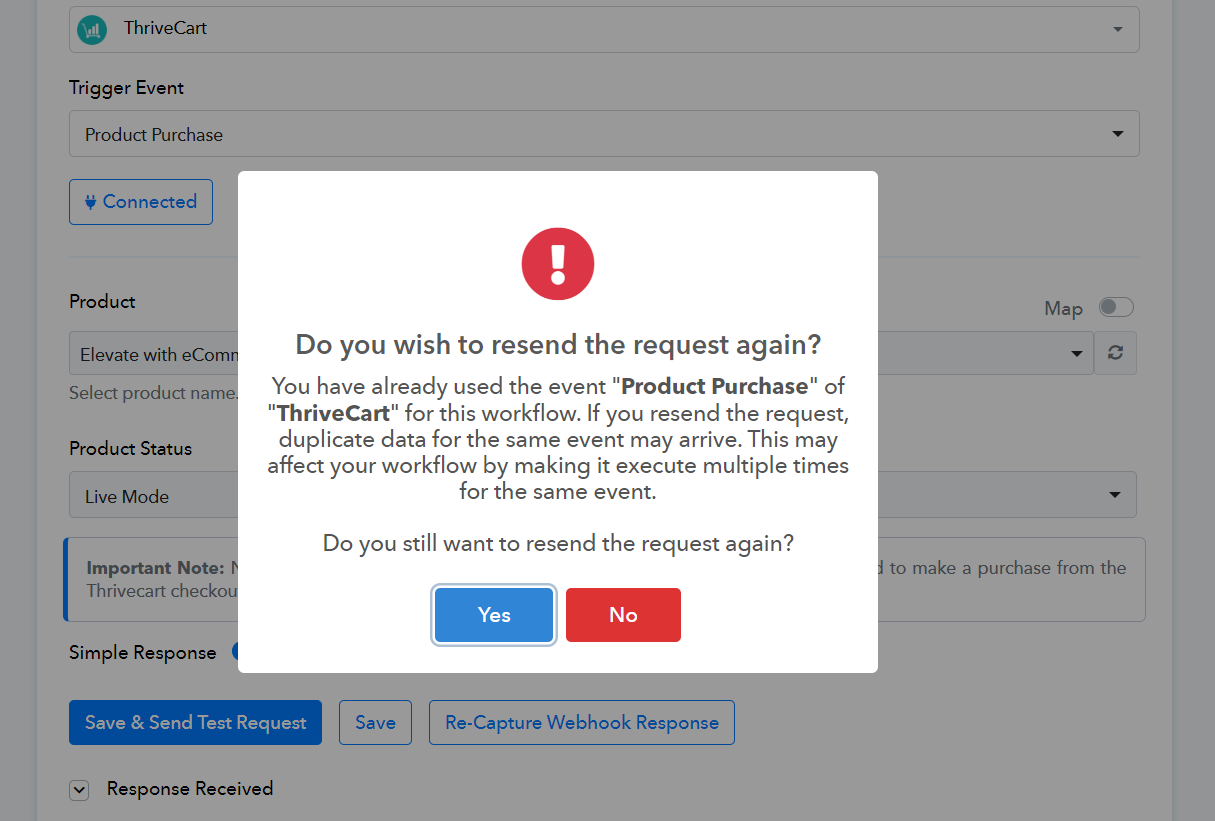
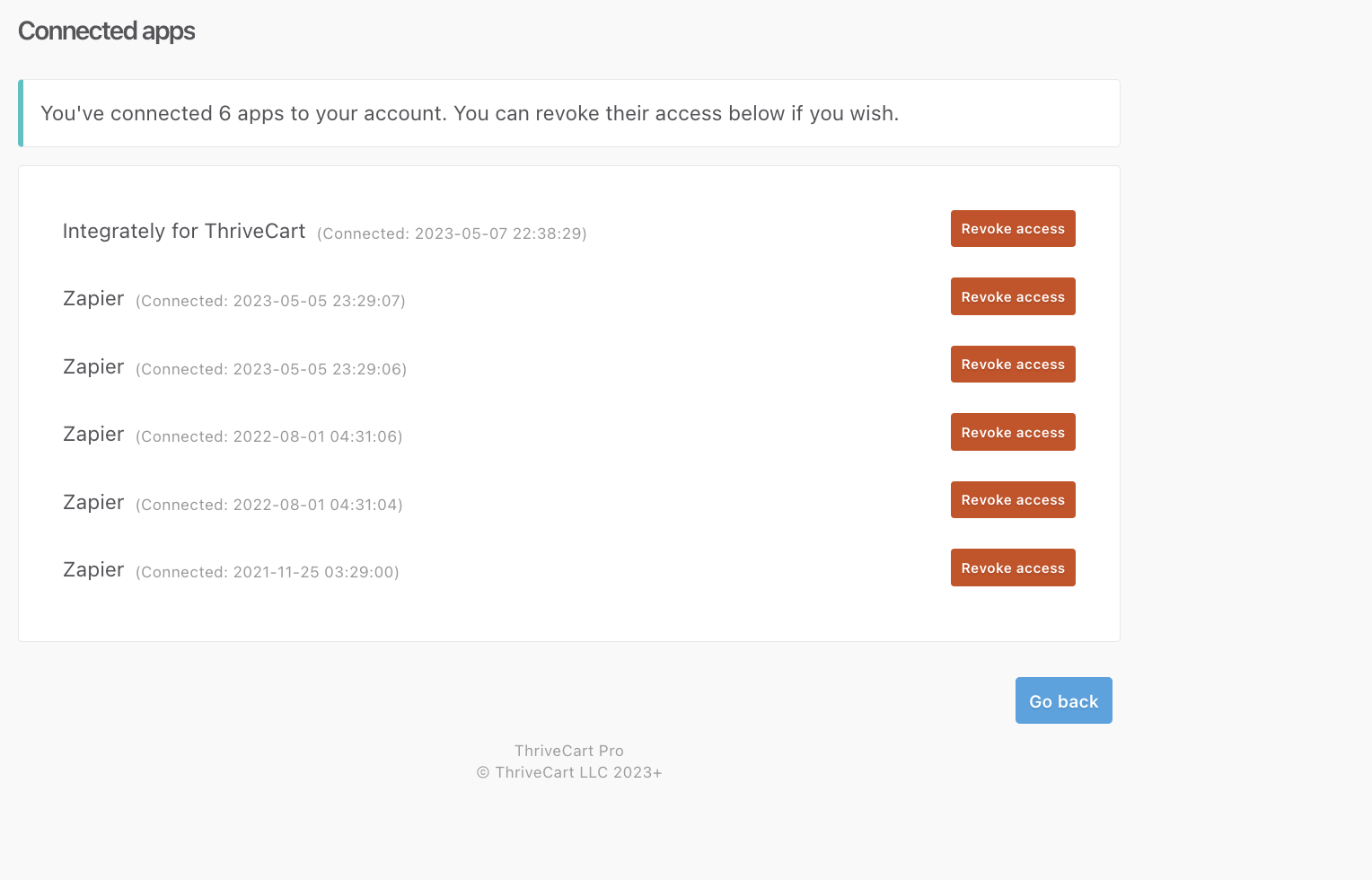
Ok no worries thank you - Ive looked into the integrations from Thrivecart settings but I dont see where to remove the additional webhooks?
The zapier ones are for other things not related to shopify,
Kindly, disable this workflow and create a new one from scratch (without cloning).