Need Help Twitter Automation with Wordpress
Status: Closed · Asked by Nathaniel J DeGrave on · 0 views
Hi,
I need some help i got errors when submitted the post i created in WordPress to twitter. and also when i tried the data to save in the demo the image is not displaying only text.
Attachments
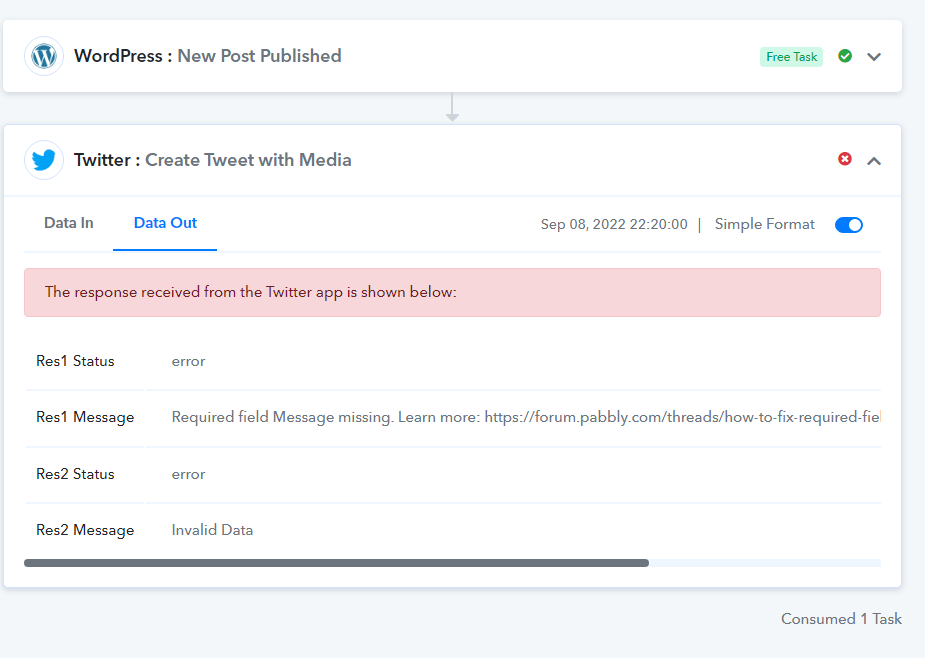
Any reply? I need help here.
Hey @degrave
Seems like your WordPress trigger response is fetching the comment status for event posts and in some of the responses it doesn't contain all your mapped fields which are required to use the Twitter action step.
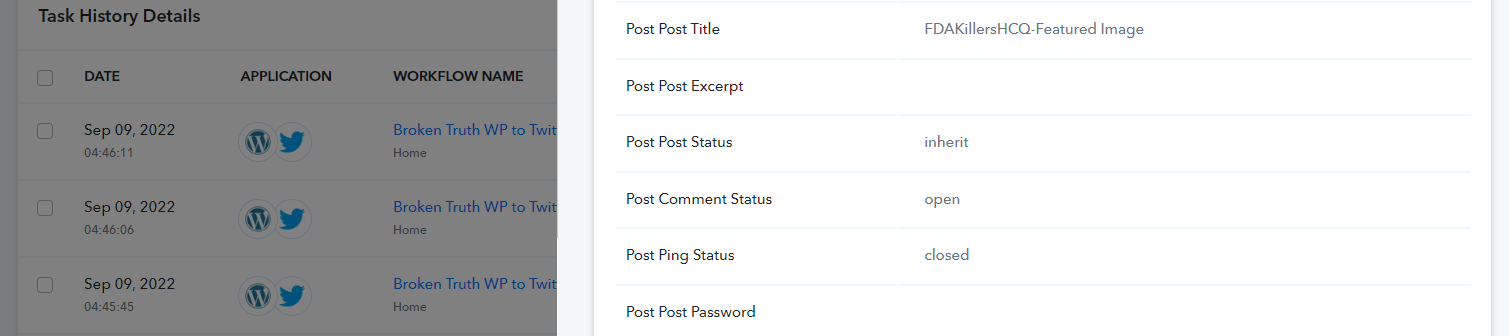
Though to make your automation work for one status type you can use the filter action step.
Attachments
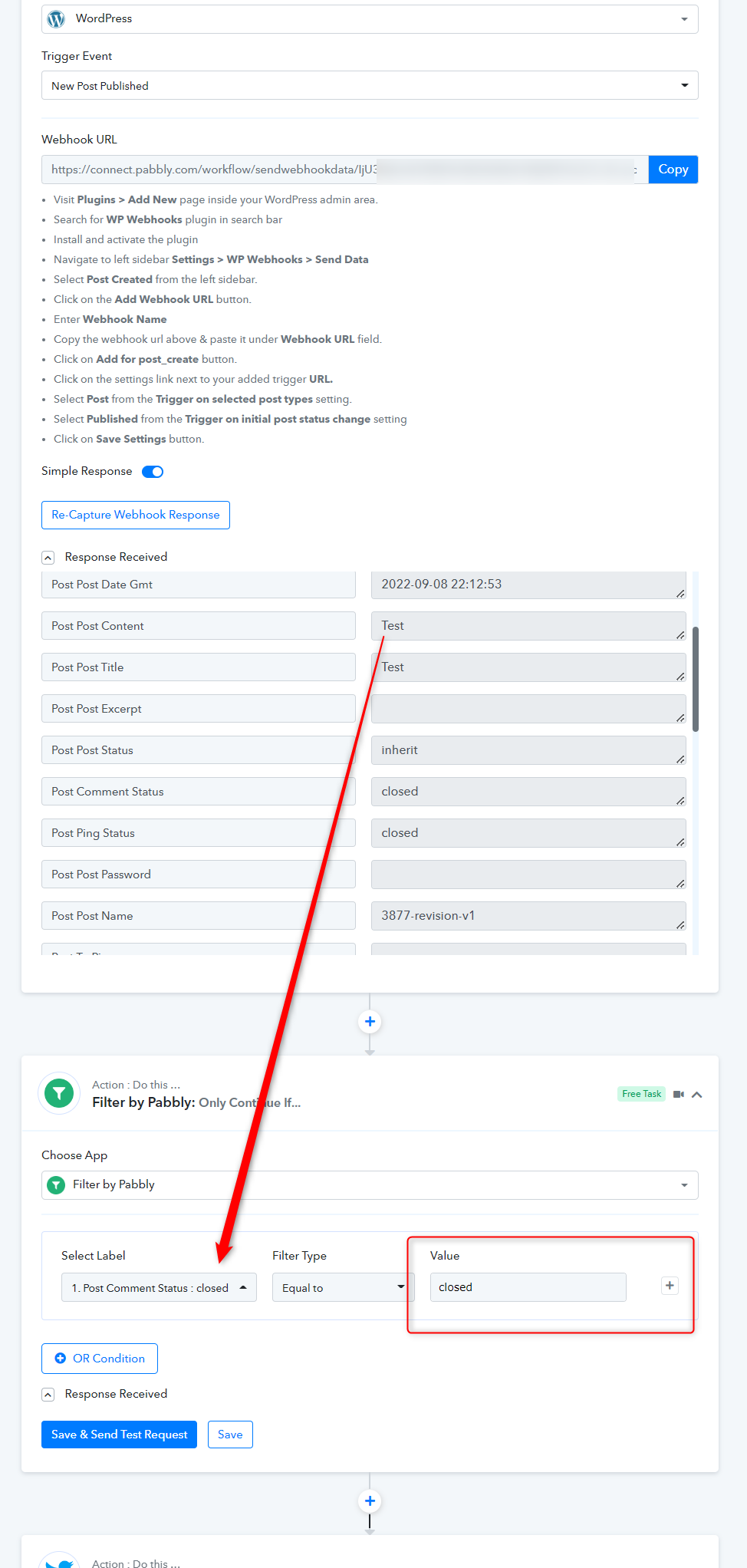
The trigger of my automation is when the post is created. and also i setup in wp webhook that the data will be sent out if the post status is published.
Hey @degrave
setup in wp webhook that the data will be sent out if the post status is published.
You can try the published status type if the post is coming with that status type. Since from WordPress your posts are coming with every status type.
Hey @degraveYou can try the published status type if the post is coming with that status type. Since from WordPress your posts are coming with every status type.
Yes i already did that but still i got error and also the twitter did not read the image even in test data from pabbly. I need this to solve now.
Hey @degrave
We have changed the filter condition now, so kindly try again and let us know if that works for you.
it works, but the image not displaying to it.
Attachments

Hey @degrave
Kindly try again, since in the Image field you were getting null/false response from the WordPress.
Hey @degraveKindly try again, since in the Image field you were getting null/false response from the WordPress.
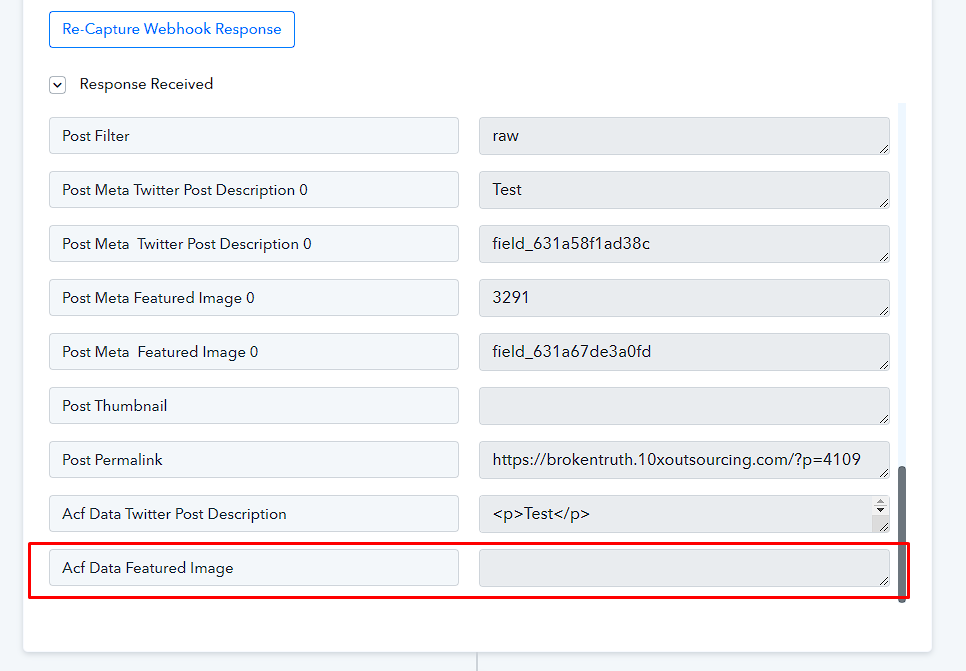
why is the ACF featured image data is empty is something not sure what the problem is.
Attachments

Please we need to complete this it is very late now.
Hey @degrave
You need to check the same from the triggering application from which you are getting the data. Since the WooCommerce trigger event is a webhook-based trigger that can only capture the data once send by the application.
Further, If you wish any help in setting up your workflow from scratch, you can hire an automation expert from here - https://forum.pabbly.com/threads/pabbly-connect-experts-and-consultants.22/
They will help you in creating the workflow as per your requirement.
What?? You don't understand my concern. As I said, the data is okay, and the trigger is OK. The problem is the image is not reflected. So why should I hire expert automation if your software seems not to display my data?
Hey @degraveYou need to check the same from the triggering application from which you are getting the data. Since the WooCommerce trigger event is a webhook-based trigger that can only capture the data once send by the application.
Further, If you wish any help in setting up your workflow from scratch, you can hire an automation expert from here - https://forum.pabbly.com/threads/pabbly-connect-experts-and-consultants.22/
They will help you in creating the workflow as per your requirement.
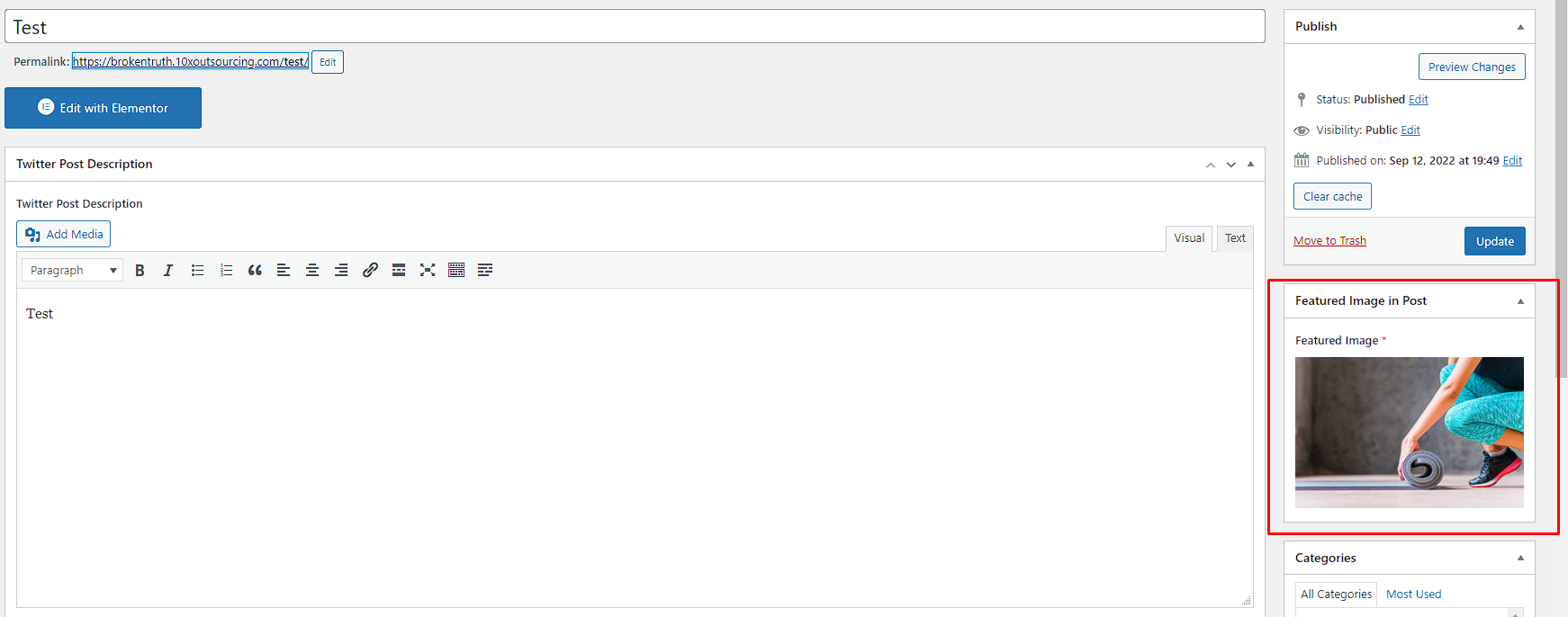
AS you can see the image is okay it is reflecting but not posting in twitter.
Attachments
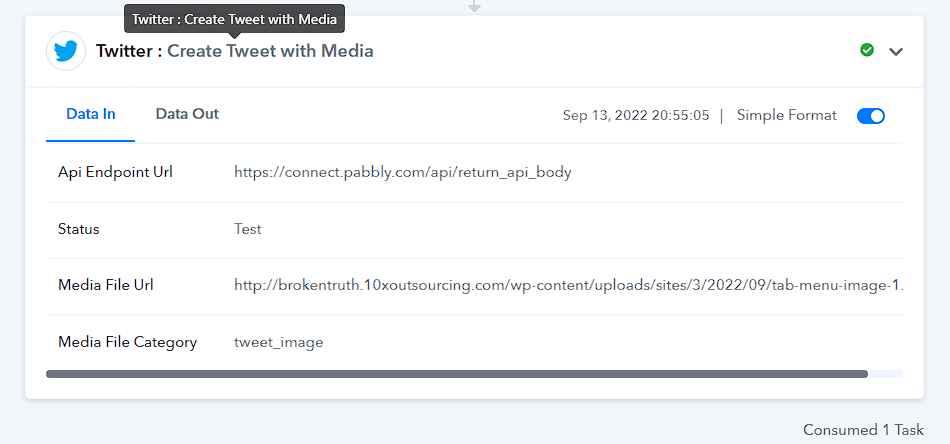

Nevermind I already solve the problem. your support it seems not help me with this.
AS you can see the image is okay it is reflecting but not posting in twitter.
Because you did get an Image URL from your WordPress except for other executions where you haven't received any Image URL in your mapped label.