New to Set Invoice Number for Quickbooks Online
Status: Closed · Asked by Grady8080 on · 0 views
I don't see refunds as a trigger for Keap, but I did find it for Stripe (my processor).
I am getting stuck though because I don't have a way to find the invoice through invoice number since my Keap invoices aren't in sync with my Quickbooks invoices.
How can I solve this by setting the invoice number in QBO when I am using Pabbly to create a new invoice? The Keap invoice number is coming in, but I don't have a field in QBO available for setting the invoice number.
Hey @Grady8080
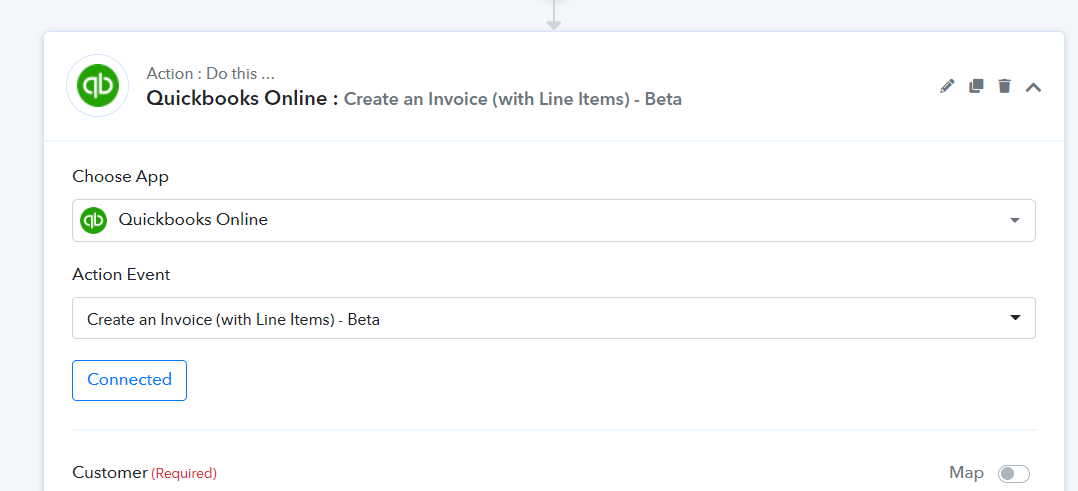
You can use the "Quickbooks Online: Create an Invoice (with Line Items) - Beta" action step instead, to pass the Invoice Number.
How do I make sure to make the products that already exist in Quickbooks?
Hey @Grady8080
How do I make sure to make the products that already exist in Quickbooks?
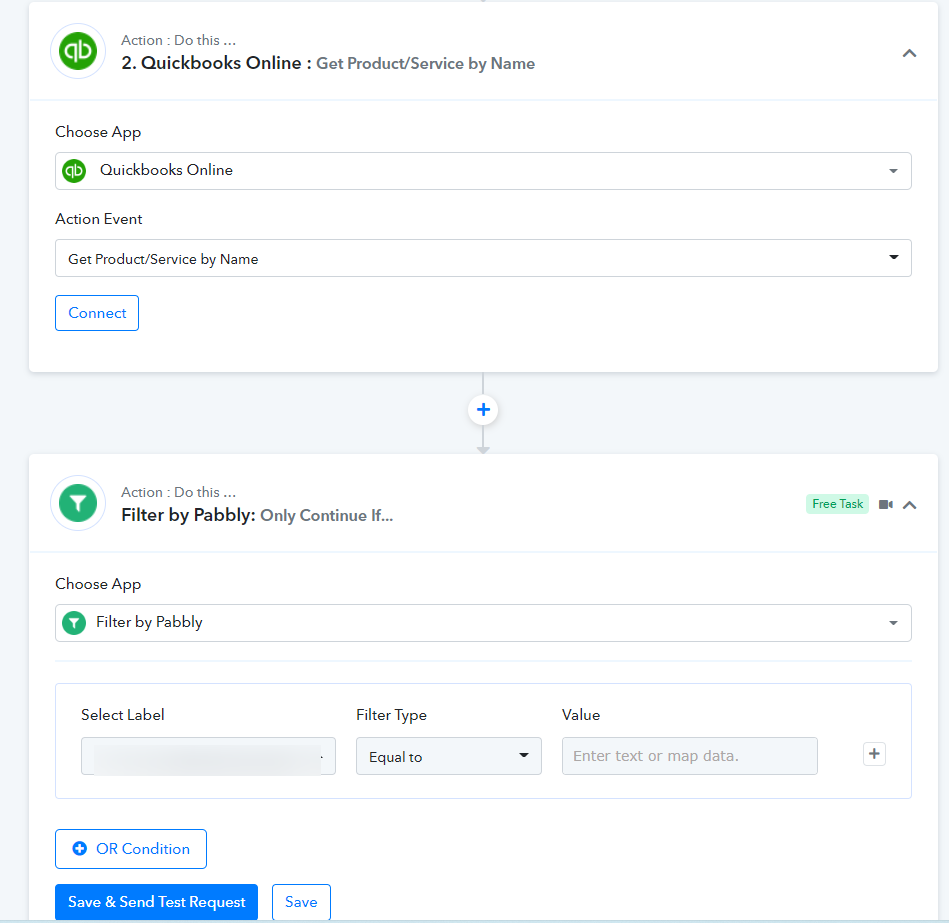
You can use the " Quickbooks Online: Get Product/Service by Name" action step to check the availability of products and later you can use the "Filter" action step to avoid the products which are already been created.
Okay great. Thank you. It is working.