Nexweave to Instagram
Status: Closed · Asked by jasonercsn on · 0 views
Hi. I'm trying to automate posting to Instagram from Nexweave. I receive the Nexweave URL (i.e. https://img.nxwv.io/z5WEnQUsr) and use it to Publish a new Post on Instagram.
However, I receive the following error: "The image format is not supported" 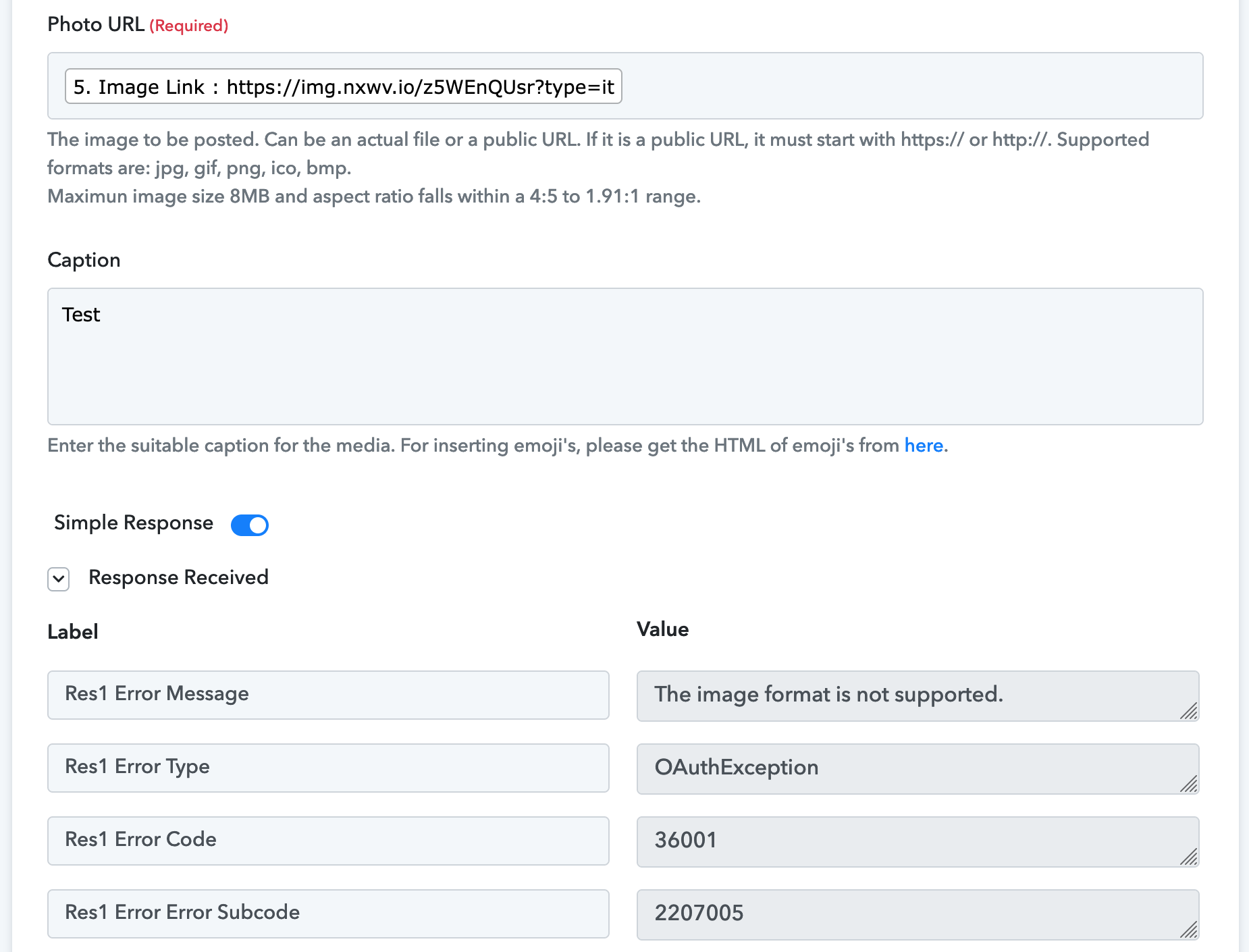
I then tried to add the .jpg extention (https://img.nxwv.io/z5WEnQUsr?type=it.jpg) , but receive the error: "The image format is not supported"
(I also tried all the other instagram accepted formats, but none worked)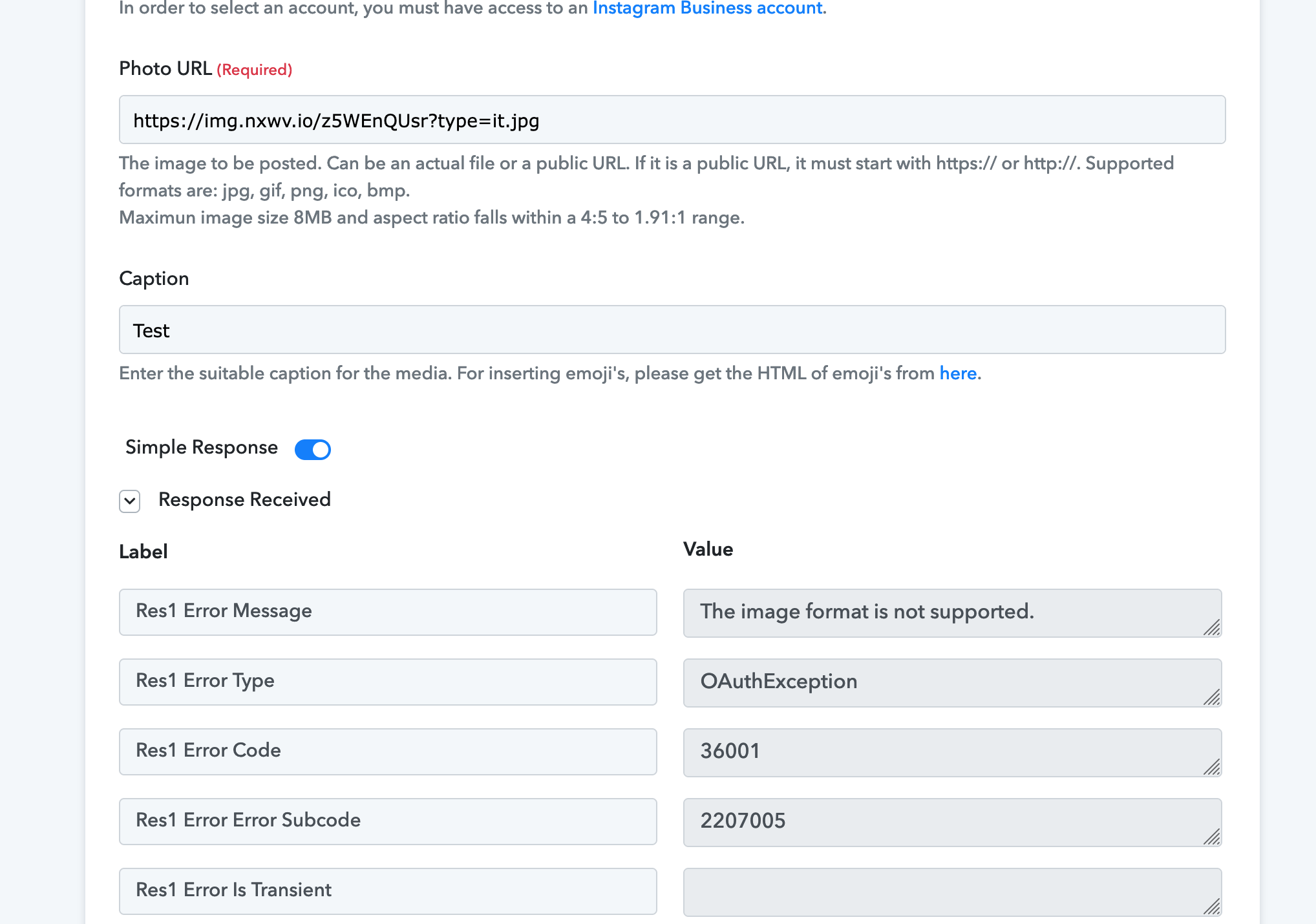
I've tried uploading to Google Drive and then using the share file URL to upload to Instagram. And this doesn't work either.
Is there anything I'm missing? Thanks for your help with this!
Jason
Hey @jasonercsn
Could you please share the name of the workflow in which you are getting such an error?
Further, check the image size ratio once in which ratio you pass the image URL.
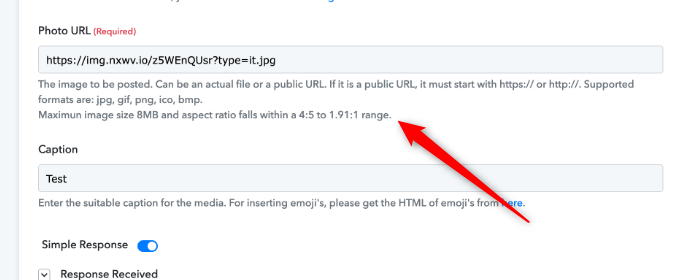
Thanks for the quick reply. The name of the workflow is: "Nexweave to Instagram Automation"
I've checked image ratio/size/etc and all is good. (And I have also downloaded the image in the link and successfully posted it Instagram manually)
Hey @jasonercsn
As we can see from your image URL, you the image ratio which you are using doestn accepted by Instagram. Kindly pass the image URL which has the ratio expecting in the action step.
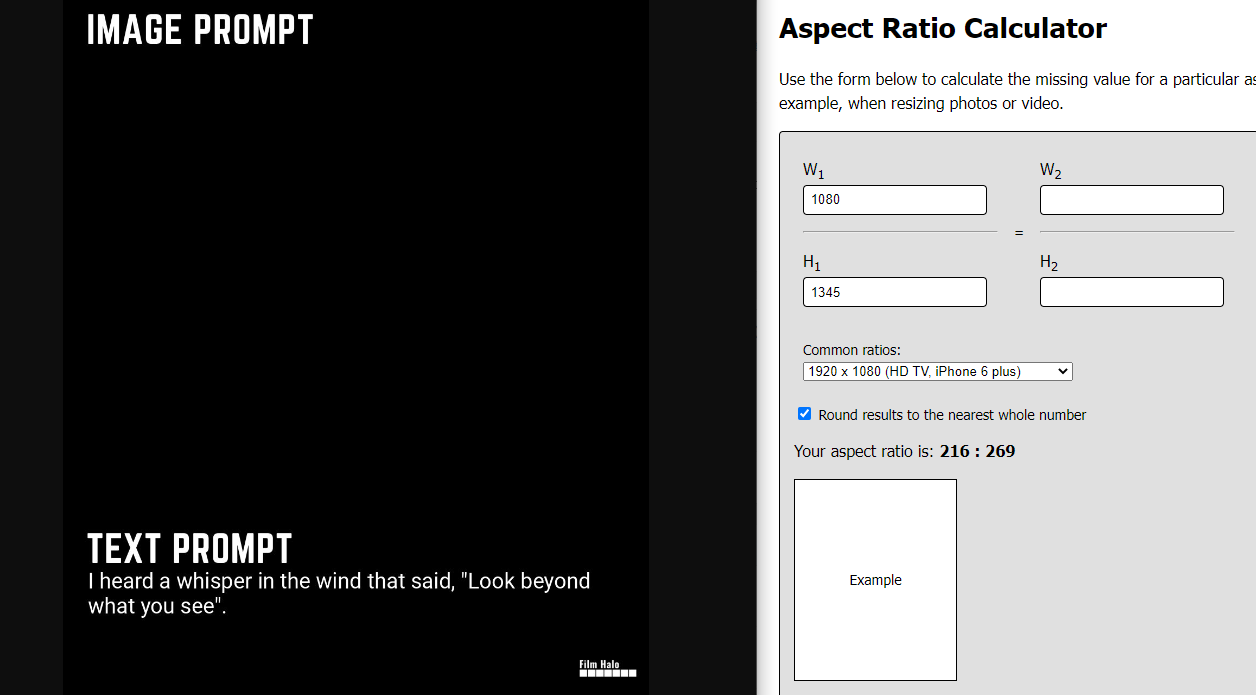
Again, thanks for the quick response.
I created a new template in Nexweave to fit exactly in the 4:5 image ratio (https://img.nxwv.io/DrZsJJiXN?type=it)
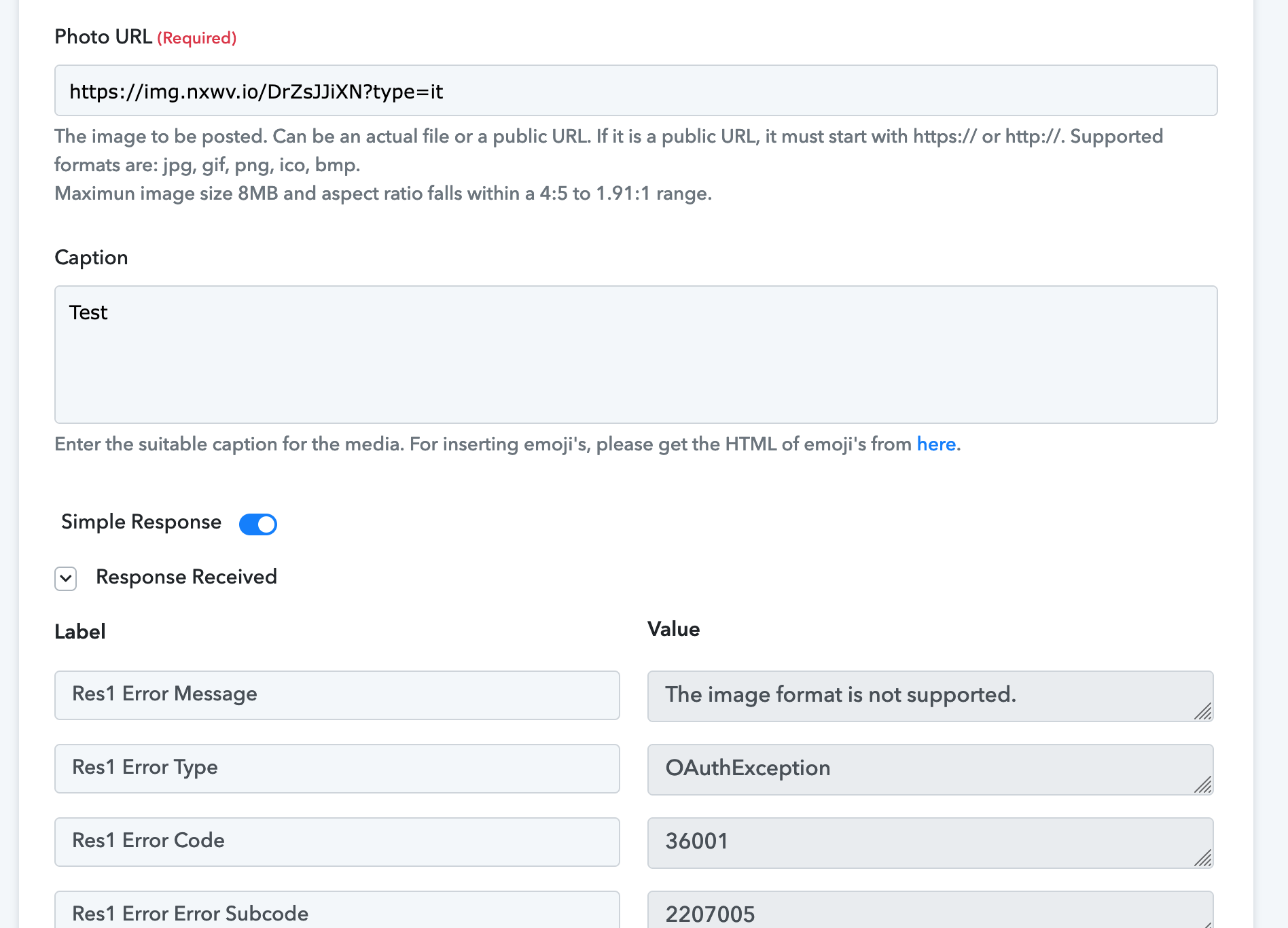
But the result is still the same: "The image format is not supported" when use the link returned by Nexweave and "The image format is not supported" when I add the .jpg extention.
*edited to show correct screenshot and link