Nifty PM task should go under any Project (Project name extracted from previous step). From where can I get 'Project ID' and 'Task ID group'?
Status: Closed · Asked by Tanya Saxena on · 0 views
In Nifty PM Task Creation Action:
When I'm trying to map the name of the Project from previous steps Eg: 'RPAaaS Projects' and Task Group as 'To Do' which does exist under the Project: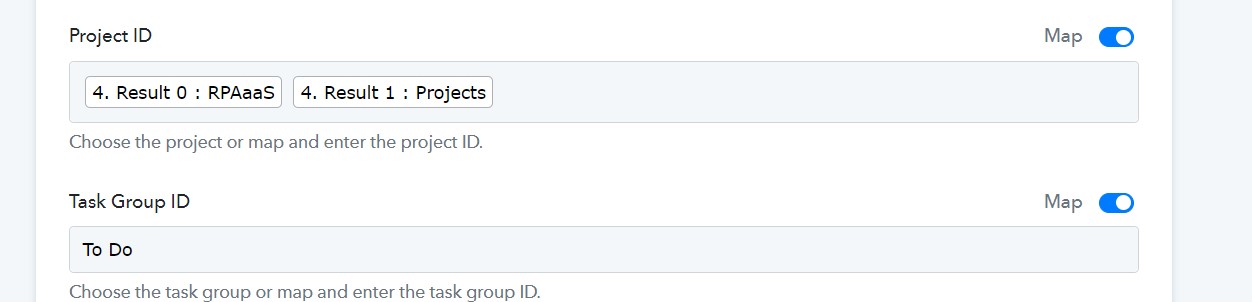 showing an error: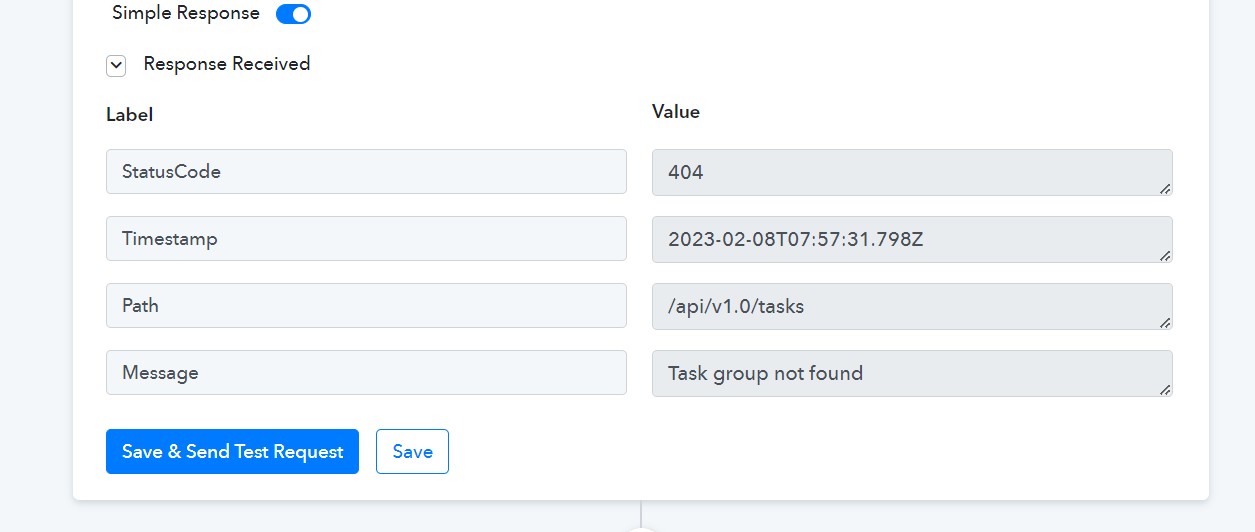
I guess it just takes Project Id while mapping. From where can I get Project Id for the projects? Can I not simply write the name of the Project (from the previous step) in the 'Project' section?
And the exact same thing is happening with Task Group Id. I don't wish to create a task only for a single Project, I want it to be dynamic, the task should be created for any project.
In Nifty PM Get Object By id:
I saw some discussion saying we could get Project Id from NiftyPM 'Get Object By id', If that's true then what goes in 'Object Id'?
Please create a tutorial video on Noysi to Nifty Integration (which creates a Nifty task under the project when we enter details in the Noysi channel) if possible or just a Nifty PM tutorial, please.
Hey @Tanya Saxena
Can you please share the name of the workflow once in which you have tried the same?
Hey @Tanya Saxena
In the Project Id and Task Group Id fields, you must select the project from the dropdown on the need to dynamically pass the Id of the Project.
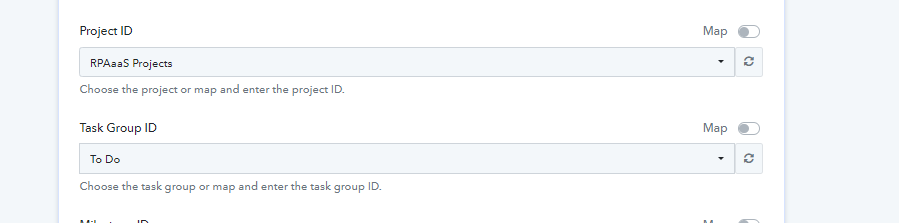
Yeah. In that case, my question was from where to get the Project ID.
You may refer to the following shared workflow and try the same.