Notes not pushing from LeadConnector to Hubspot
Status: Closed · Asked by ron streamnowtv.com on · 0 views
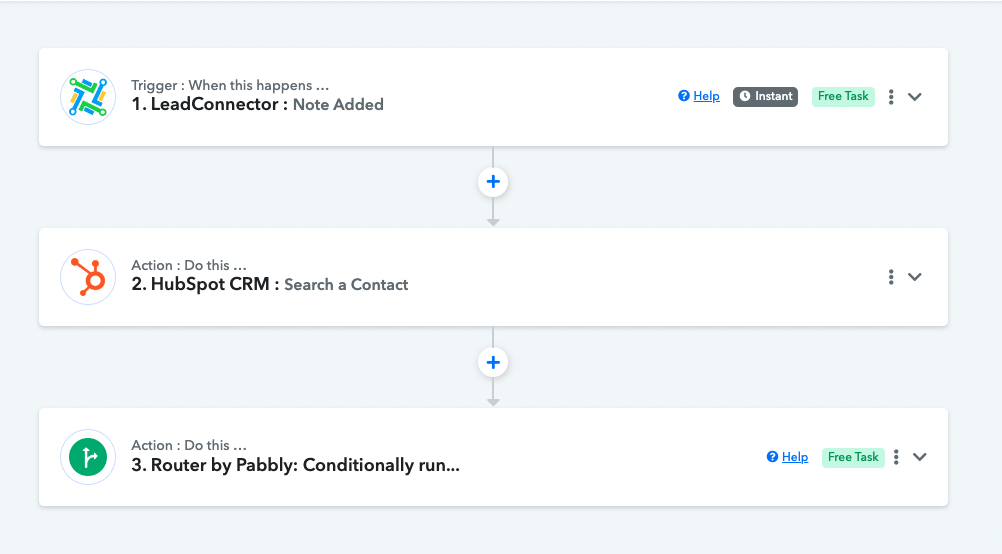
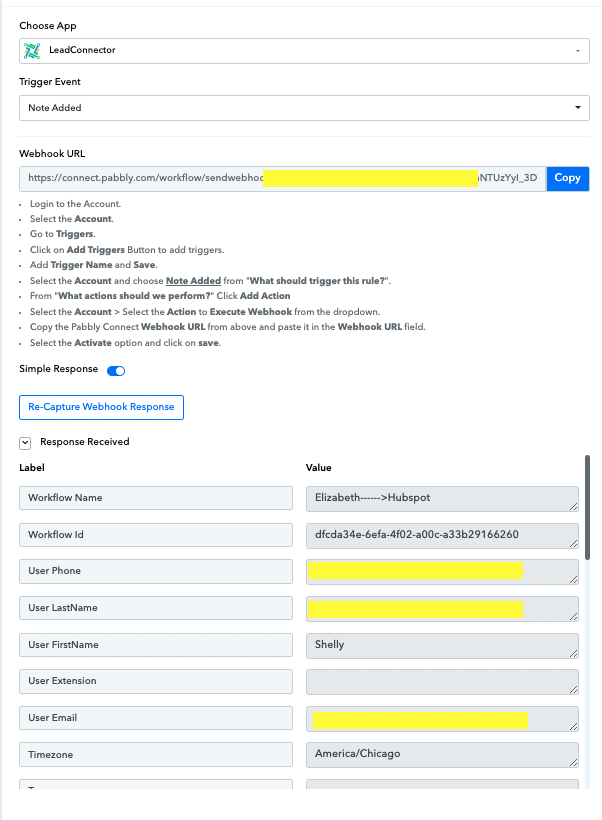
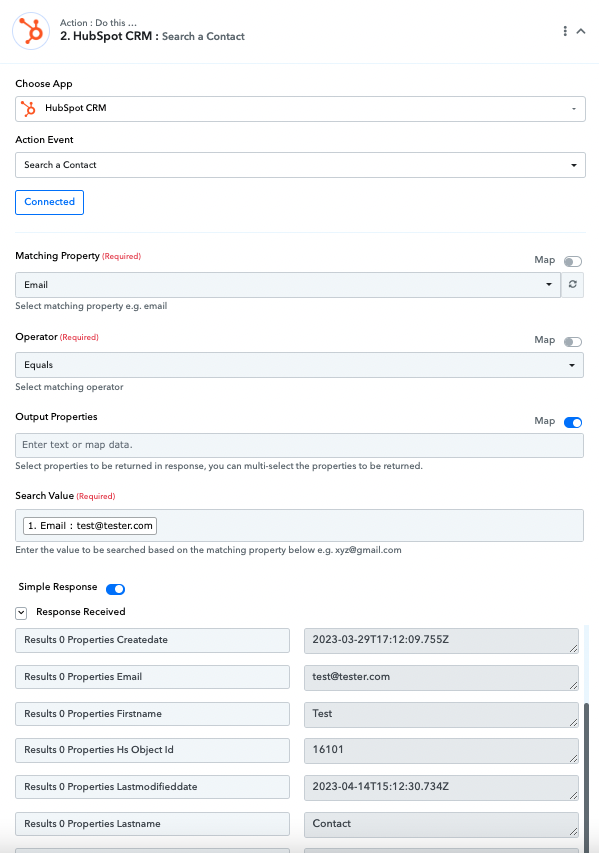
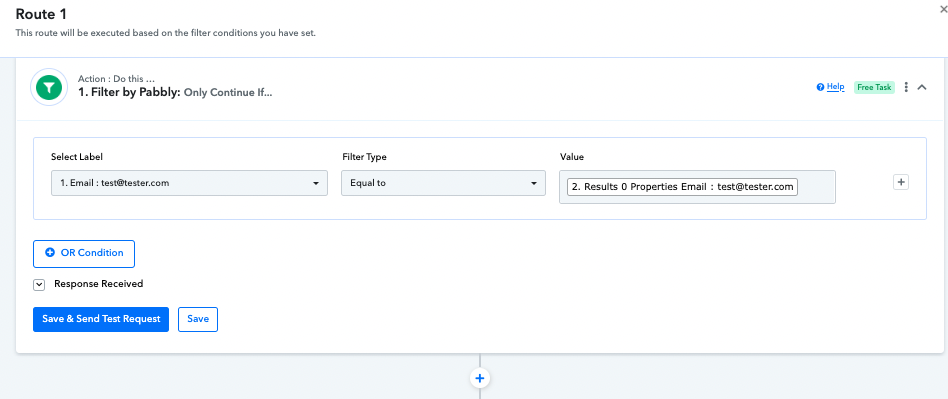
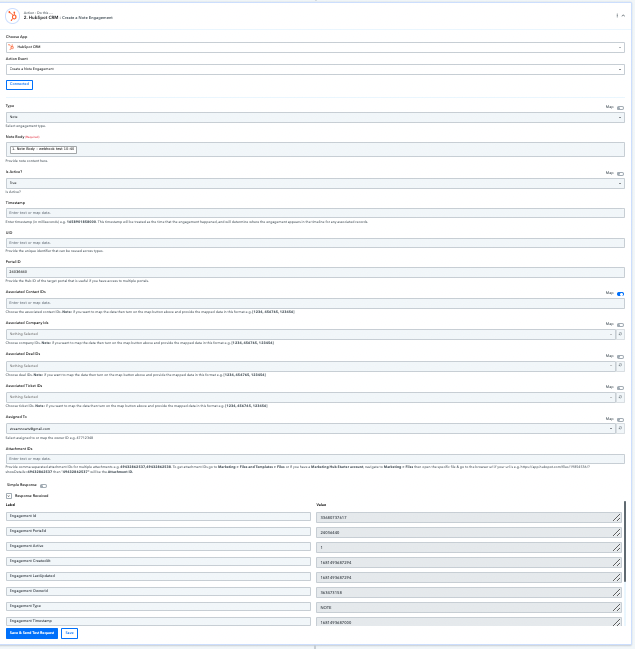
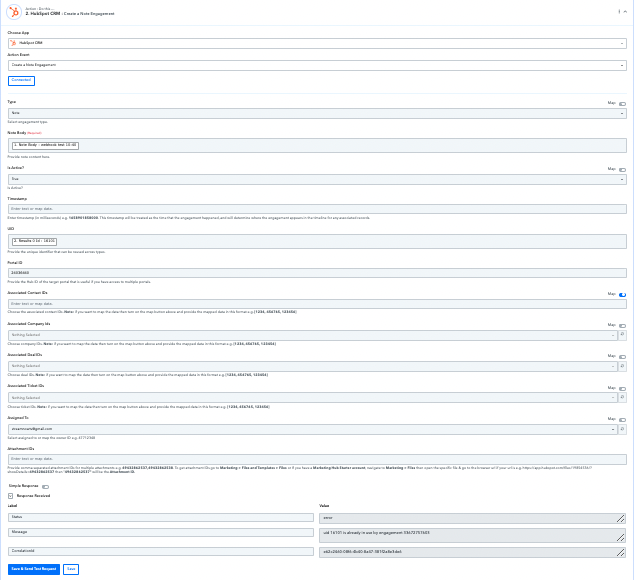
I am trying to push data such as notes from GHL to Hubspot. The workflow is using a webhook to trigger when note is added. Then moves on to Hubspot "Search a Contact". From there it is using a Pabbly router to make sure the contact is already in Hubspot. If emails match, it should add the note in Hubspot. I am not getting any errors if UID is left blank. But if I add the UID I get an error. I have attached screen shots in order
Attachments
Hey @rmv
Could you please share the email id through which you have created Pabbly Connect account to check the details?
Hello @rmv
Based on my understanding, it appears that there may be an issue with the mapping of the UID due to an incorrect format.
To resolve this, I suggest that you carefully check the UID and ensure that it is in the correct format. Once this is done, please try to perform the action again from your end.
Please keep me updated if the issue still persists or if you require further assistance.
Hello @rmvBased on my understanding, it appears that there may be an issue with the mapping of the UID due to an incorrect format.
To resolve this, I suggest that you carefully check the UID and ensure that it is in the correct format. Once this is done, please try to perform the action again from your end.
Please keep me updated if the issue still persists or if you require further assistance.
I am not sure what a UID is to be honest. I thought it is was basically the contact id but that does not seem to be the case.
Hello @rmvBased on my understanding, it appears that there may be an issue with the mapping of the UID due to an incorrect format.
To resolve this, I suggest that you carefully check the UID and ensure that it is in the correct format. Once this is done, please try to perform the action again from your end.
Please keep me updated if the issue still persists or if you require further assistance.
Getting this error with the correct UID..."uid 363473158 is already in use by engagement 33752214310"
I kindly request you to allow me some time to investigate your issue with our technical team. I will get back to you soon.
Hey @rmv
We have replied to you on the ticket, kindly check the email.