Noysi to Google Drive Upload
Status: Closed · Asked by Dean_Chamberlain on · 0 views
We save screenshots and other things and want to just pop them in a specific Client-Wins folder to upload to a specific folder for later marketing purposes.
The tutorials on youtube are all Google Drive to Slack rather than the alternative.
Having really trouble with this.
Hey @Dean_Chamberlain
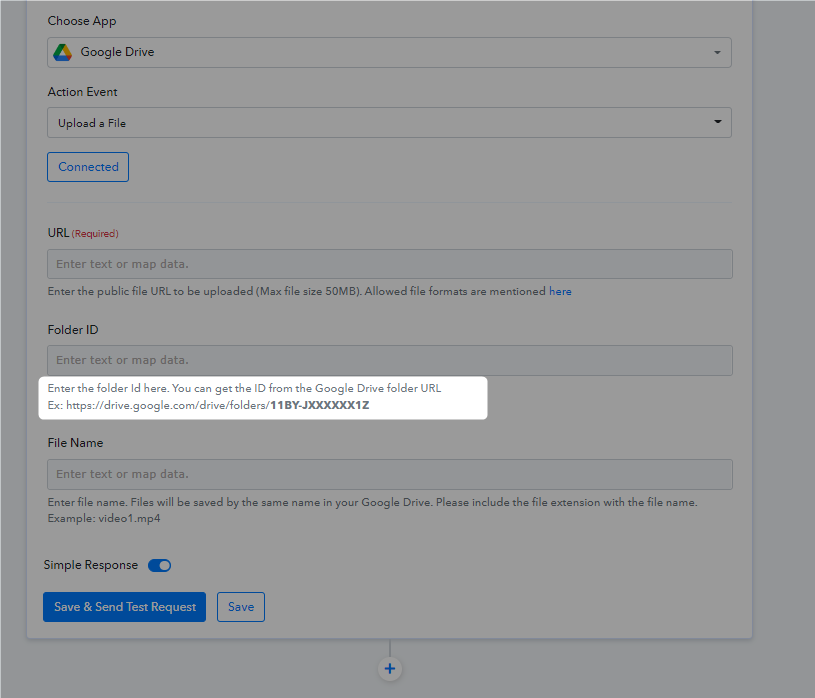
It appears that you might have passed the complete Google Drive folder link instead of only passing the folders' ID from the backside of the link.
Enter the folder Id here. You can get the ID from the Google Drive folder URL
Ex: https://drive.google.com/drive/folders/11BY-JXXXXXX1Z
Pass only the last part of the folder's link.
I've done that and it's still giving me an error message. Can you see where I'm going wrong?
Hey @Dean_Chamberlain
The file URL which you are passing is not a valid file URL, please check for the correct image URL and then pass that publically accessible URL.
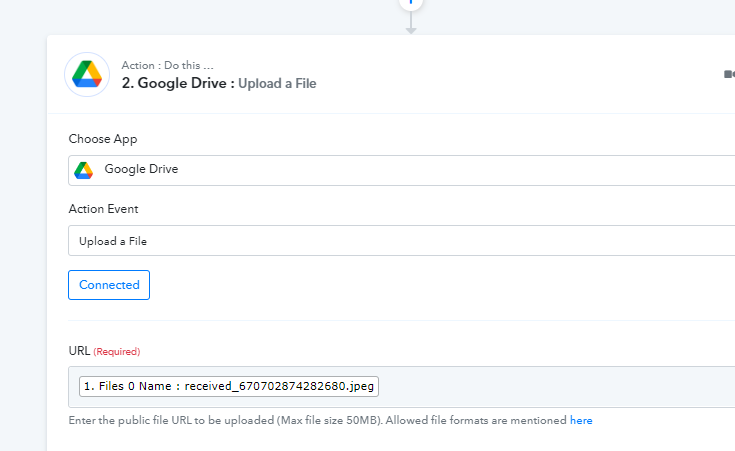
How do I do that because it's only showing mapped options from a previous SLACK image. There are no tutorials on this.
How do I do that because it's only showing mapped options from a previous SLACK image. There are no tutorials on this.
You need to pass that file URL which is publicly accessible in nature from your trigger response.
Please check for the file once and then try again.
So i am just uploading a file to the noysi channel from my phone, where do i get this url from?
Hey @Dean_Chamberlain
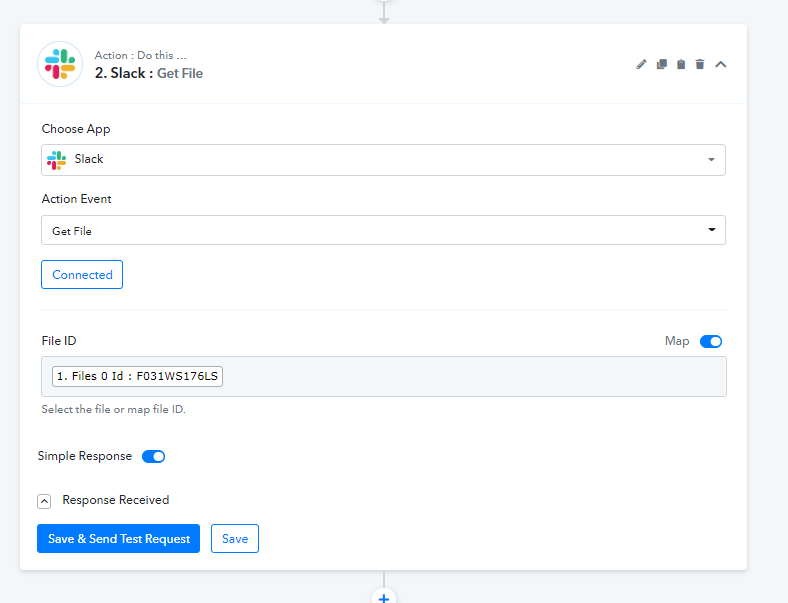
Please try the "Get File" action step once to check the file URL and whether is publicly accessible or not.