Office 365 Authentication Invalidated
Status: Closed · Asked by Jason Greenlees on · 0 views
Hi,
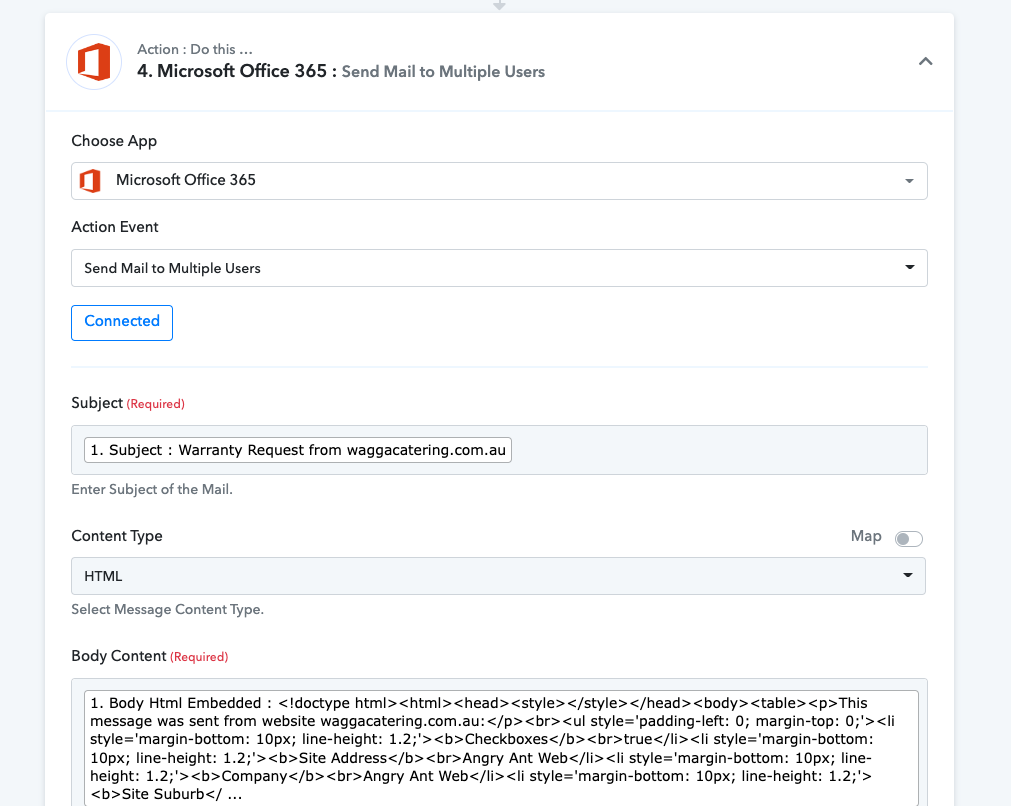
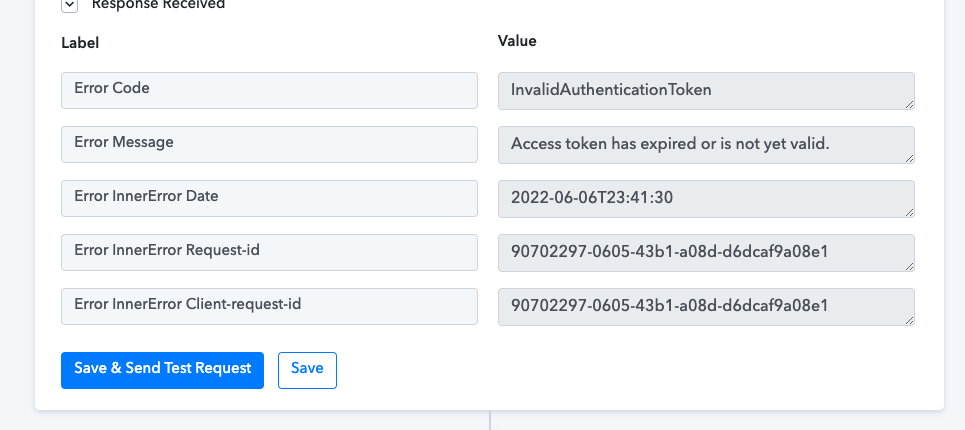
I have a workflow that involves sending an email from Office 365. I created the connection, entered username and password however 2FA was enable at the time I set it up but temporarily disabled for me so that we didn't need to do the code to the SMS. Everything connected fine and authenticated at the time of setup but then going back to this now it seems that it displays "invalidated". Reading up on Office 365 it seems that they issue an initial token upon login which is valid for 1 hour but then a further one is issued for continued use. I'm probably looking into things too much but how can I set Office 365 up as part of my workflow so that it can permanently send an email on behalf of the user's mailbox Does turning this 2FA off and on invalidate my token If so maybe we just authenticate and leave 2FA on the whole time.
Hey @jason.greenlees
Could you please try re-authenticating the MS 365 account once with the action step and then try again.
Hi, I'm having the exact same issue here.
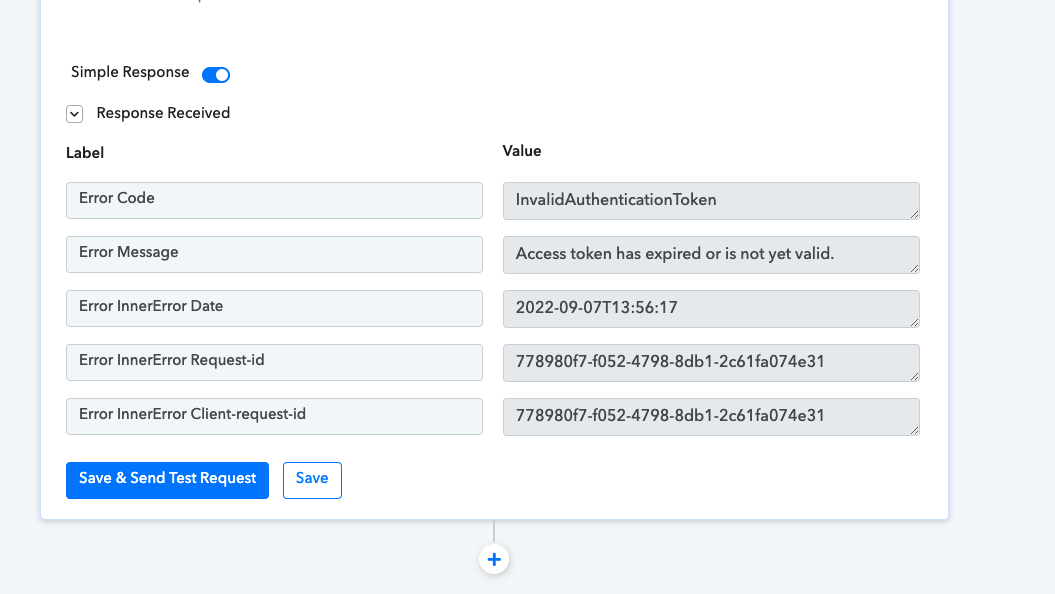
Seems like it is only valid for one hour after fully reconnecting...
Hey @Lucas.
Kindly share the name of the workflow in which you are having such an issue.
Hi @Supreme,
That is :
Facturen -> Venice import txt
@Lucas mine eventually worked. Just needed to use it a second time after initial authentication. I think it reissues a second authentication and once you have this set up, should work long term.
Maybe it' not working in testing environment?
When I test and one hour later test again, I have to reconnect.
Hey @Lucas.
We looked into your workflow and couldn't find error message now.
@Supreme, still having the issue.
When I try to change a onedrive step in my workflow (Facturen -> Venice import txt -> step 13, Mollie/ bancontact,... Onedrive)
It always gives the token error. So every time I need to reconnect.
Hey @Lucas.
Kindly reauthenticate your Microsoft OneDrive Account once and then try again and also use the latest action event of Microsoft OneDrive action event.