OneDrive returns a blank value using the "New File" trigger
Status: Closed · Asked by dittdesign on · 0 views
OneDrive returns a blank value using the "New File" trigger. I have tried reconnecting, rewriting everything, recreating folders and documents on OneDrive, but I still get a blank value.
If support can take a look after the holiday, the workflow name is Sharepoint :)
Hey @dittdesign
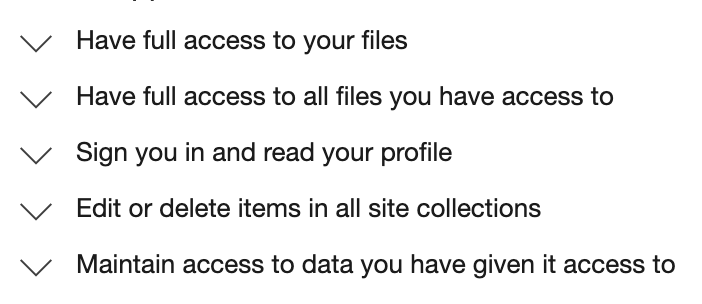
We have checked your workflow and it seems like you might not have been granted permission to the application to fetch new files from your OneDrive.
So, kindly check out the following video tutorial once and then try again.
I have granted all permissions Pabbly asks for. I have tried to create new connections multiple times, each time giving full access.
Attachments
Hey @dittdesign
As we can see from your workflow, you have passed the folder path incorrectly, Please check the folder path which you have passed to pass in the trigger helptext.
Eg: (My files>Documents>Images>Animals) To track new files inside the Animals subfolder.
Note: Remove the My files portion and replace (> with /) from the above example.
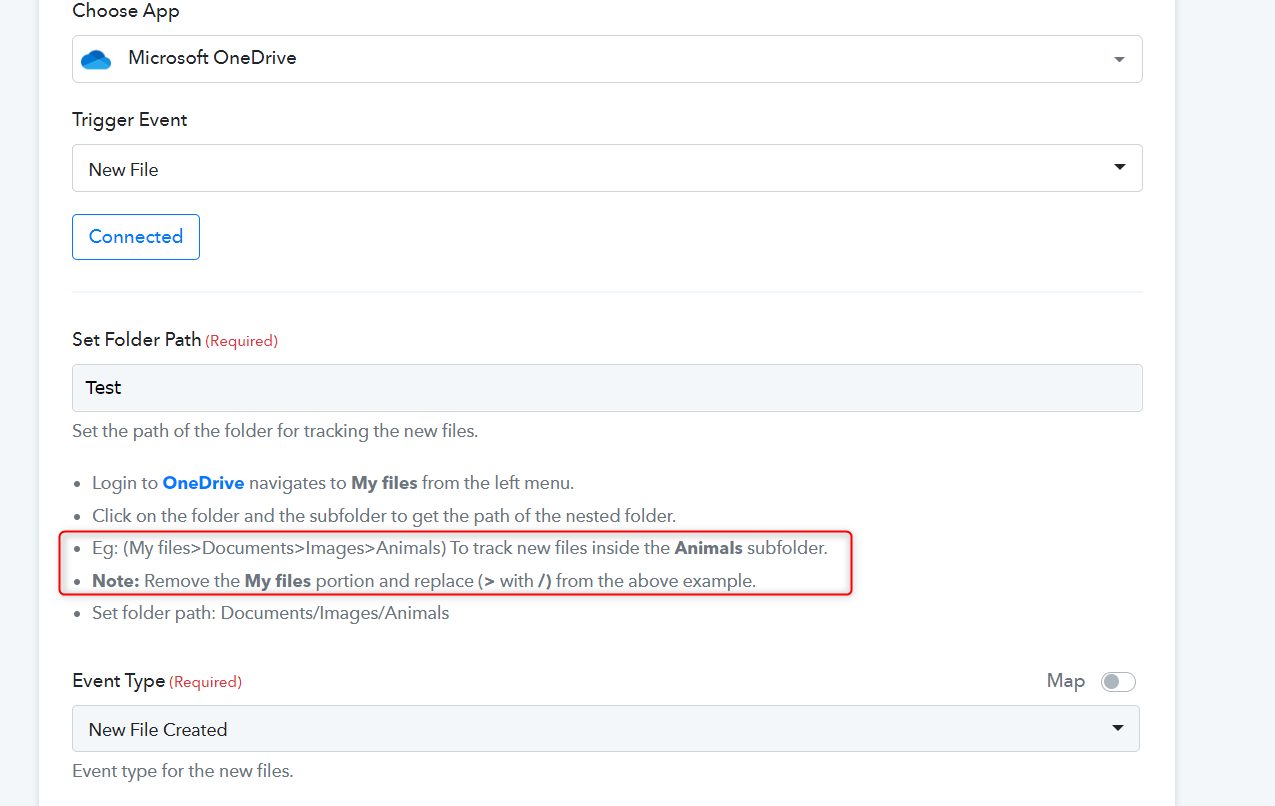
But the Test folder is in the root folder. (My files > Test).
How should it be written then, in my case?
Hey @dittdesign
Could you please tell us what account type of your OneDrive you are using, if it is a Business account it will not process your files but if you are using a personal account it will work accordingly?
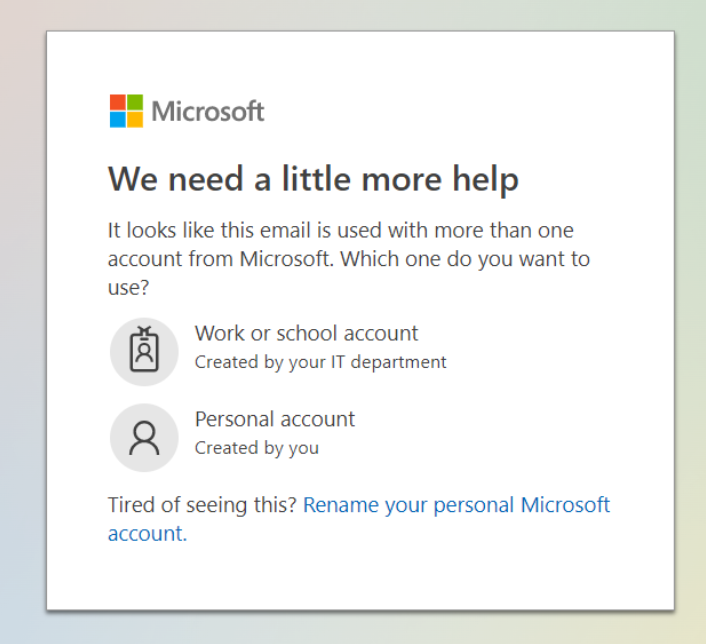
Kindly confirm this once and then try again.
Hi @Supreme
I have Microsoft 365 Business Basic, so I guess it is a business account. It means I can't use this automation :(
Hi @Supreme
I have Microsoft 365 Business Basic, so I guess it is a business account. It means I can't use this automation :(
You can try the trigger event with a personal account.