OUT OF MEMORY Error - Pabbly Workflow doesn't open
Status: Closed · Asked by toppercent on · 0 views
Hi Team
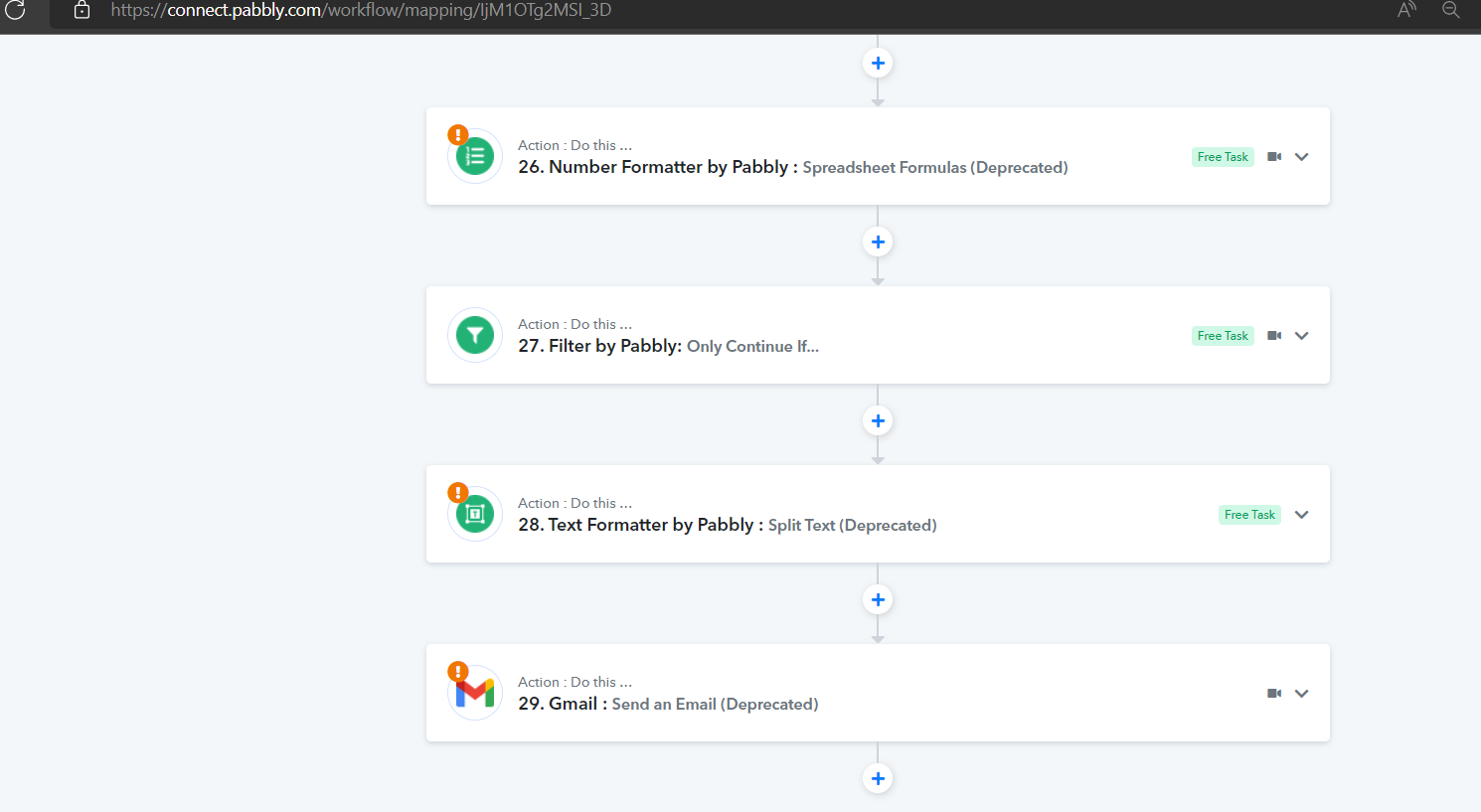
I am trying to edit one workflow with 25 steps [Link: https://connect.pabbly.com/workflow/mapping/IjM1OTg2MSI_3D ]
But, it gives an error OUT OF MEMORY and doesn't load up.
I have tried multiple laptops and multiple browsers (Chrome, Microsoft Edge), also tried to remove cookies. Still the same issue.
Please advise.
Akshay
Hey @toppercent
Kindly try clearing your browser's cache memory and then try again. Since the shared workflow is completely opening at our end and even on general configured systems as well.
Do check if you have any browser extension that may be affecting this.
yes, I already cleared my cache. I also tried opening it in Incognito window, it still didn't work. Can I setup a call with you and share my screen? Sorry, but this is a very important flow and I would request to fix it today.
I even tried firefox and Edge as well, it didnt work :(
Hey @toppercentKindly try clearing your browser's cache memory and then try again. Since the shared workflow is completely opening at our end and even on general configured systems as well.
Do check if you have any browser extension that may be affecting this.
Can you try opening Step 4 and do "Save and send request"?
I have checked your workflow and found that you are using Google Sheets: Get Row(s) action steps back to back resulting in a large set of rows in response. That may be a root cause.
Also, I can see you are using the Lookup Spreadsheet action of the Google Sheet maybe that brings a large set of results in response. Can you please explain why you are using get rows multiple times and also, explain the use case of your workflow.
Hi Naveen
The lookup function is to check that there is no duplicate of the data.
But, why would this make OUT-OF_MEMORY error? Please let me know.
Can we have a quick call to discuss?
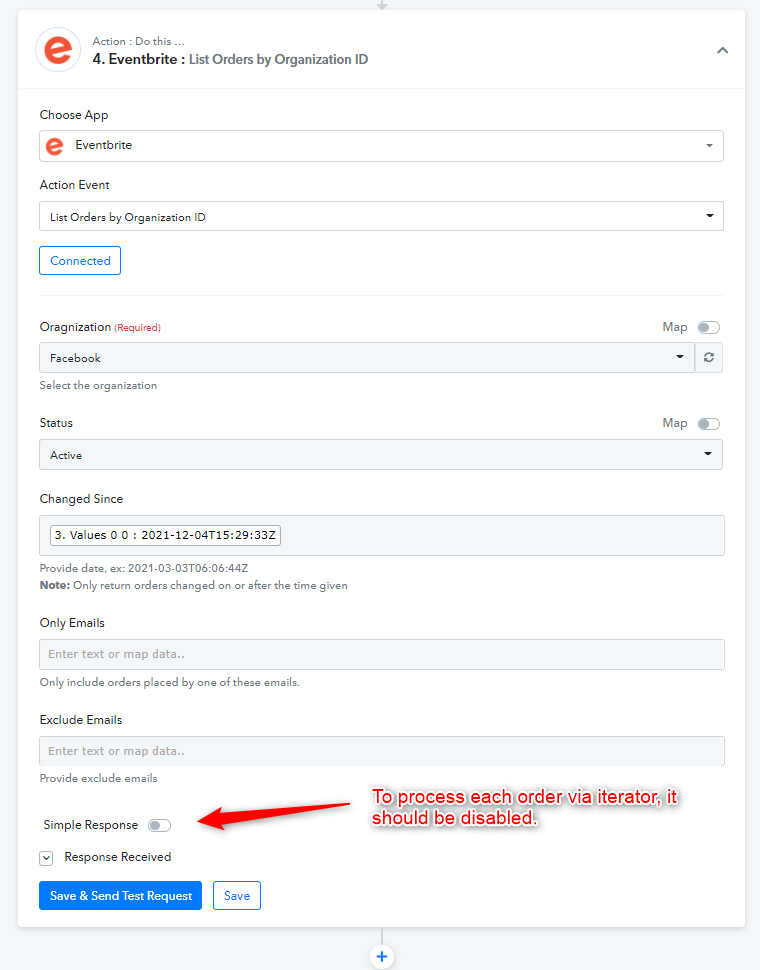
Thanks, we again checked your workflow deeply and we've found that, you have 493 kb of response retrieved in Eventbrite's List Orders by Organization ID action step in a and after that you have used an iterator for processing each order but, Iterator needs an array to process and you've the Eventbrite action response receiving not as an array but simplified manner which opens an array as single item and that's why the response become lengthy and affecting the loading of your workflow.
We have made changes to that step and disabled the simple response option for that step. It solved the problem. Please check at your end.
Attachments
I am having this same issue with a workflow now: https://connect.pabbly.com/workflow/mapping/IjU3NmMwNTY0MDYzMDA0MzA1MjZhNTUzNiI_3D_pc
When I open this workflow, I can see in Task Manager that the Chrome tab starts using more & more memory until it crashes and the page goes to the "page unresponsive" message.
This happens fairly quickly, so I can't edit the workflow or even look at it long enough to troubleshoot.
@Supreme can you help with this?
Hey @lifeninjamisty
As we can see from your workflow, we are perfectly able to access it and found no unresponsiveness.
https://www.screenpresso.com/=TAz6d
So, can you please try clearing your browser's cache memory and then try? Also do record a short video afterwards so that we can check on it.
Please assist with my workflow which is also experiencing an "out of memory"error. I have tried all steps outlined above including clearing caches with not resolution.
Attachments
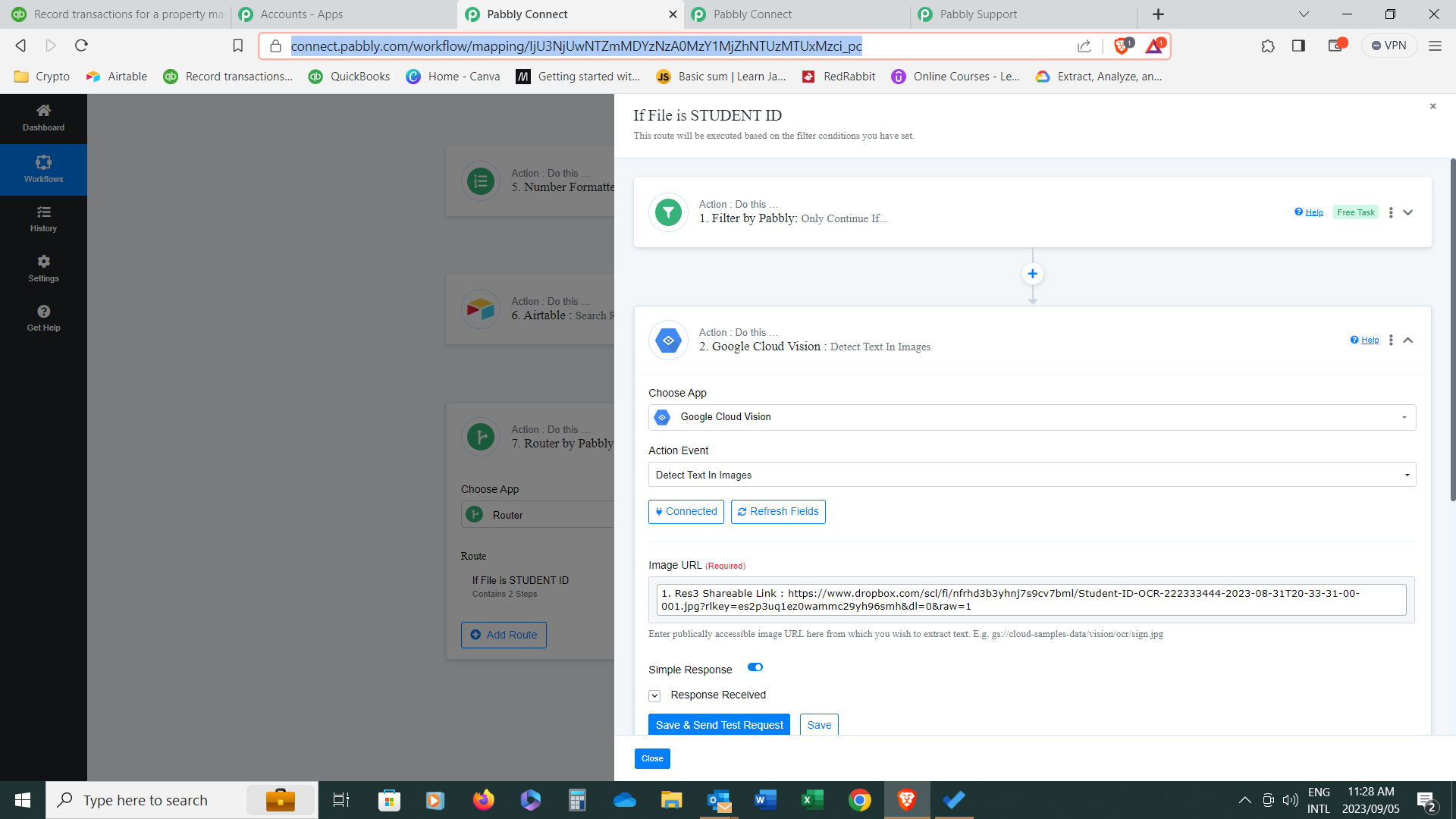
Kindly share the workflow URL in which you have faced such an issue so that we can look into it.
Hi
Thank you for your response. Below is the URL. Kindly note however that the issue seems to have disappeared
https://connect.pabbly.com/workflow/mapping/IjU3NjUwNTZmMDYzNzA0MzY1MjZhNTUzMTUxMzci_pc
Thank you for your response. Below is the URL. Kindly note however that the issue seems to have disappeared
We have opened your workflow along with your Router action step without any problem.
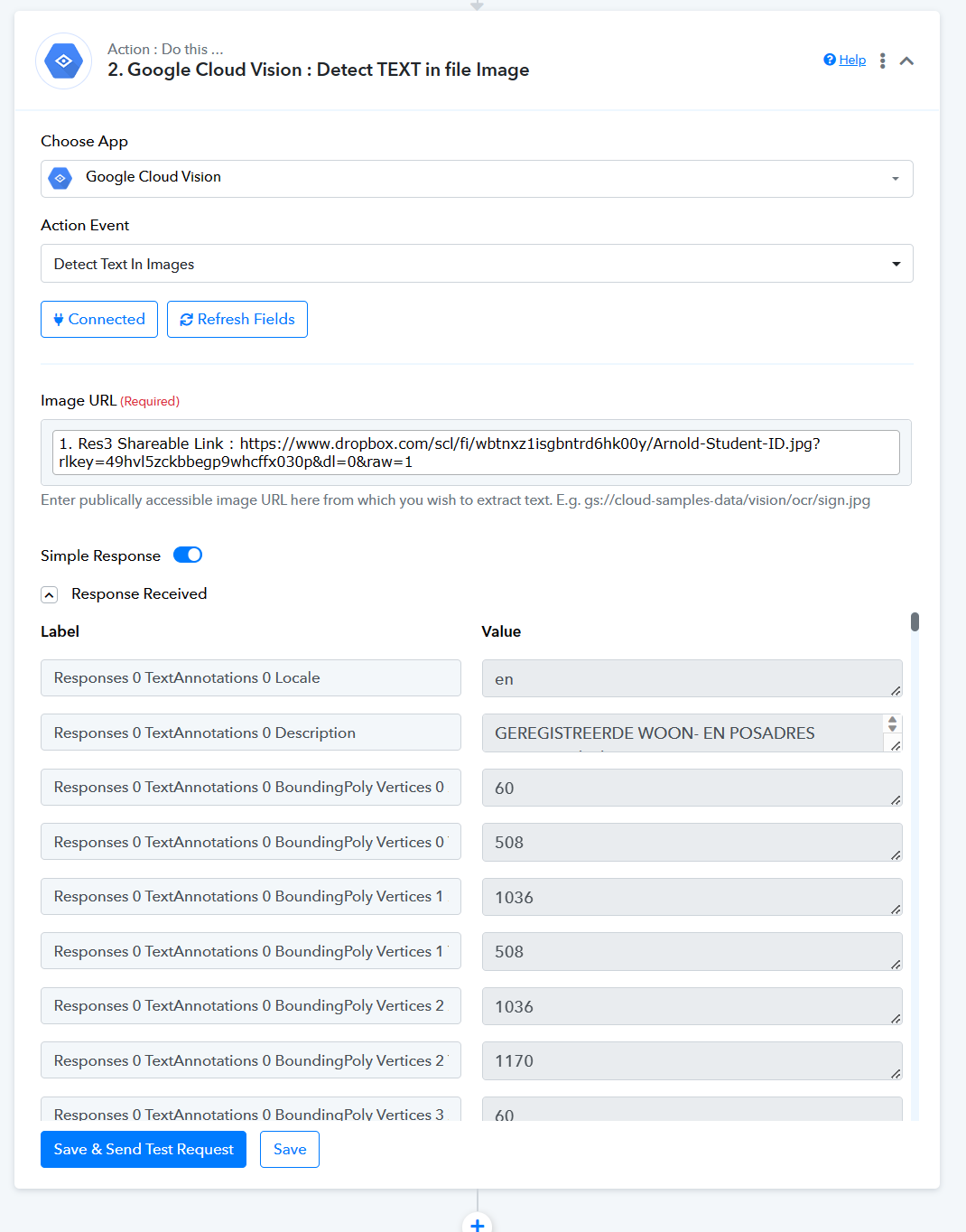
Please check your system configuration once.
Noted thank you for your prompt response