Override Image CloudConvert Error (Warning)
Status: Closed · Asked by realestatebroker on · 0 views
Cloud Convert displaying warning in details = image override
[TABLE]
[TR]
[TD]The override image at url [https://matrixmedia.harmls.com/mediaserver/GetMedia.ashx?Key=215522629&TableID=9&Type=1&Number=0&Size=2&ust=AgAAAIIqZT8oNzuITkqqsXd(gybpDrJZY(j5SWm(S1oaIFIyjl88Ng))] could not be loaded[/TD]
[/TR]
[TR]
[TD][/TD]
[/TR]
[/TABLE]
Cloud convert image converter is now only giving a white screen with automated - but in manual mode works fine
Hey @realestatebroker
As I can check you have exceeded the conversion time limit. The free CloudConvert plan allows for 25 conversion minutes per day. If your usage exceeds the free plan's limit, you can upgrade to a (prepaid) package or subscription.
Additionally, you can verify your credit conversion limit for your paid subscription by clicking on the link provided below.
https://cloudconvert.com/pricing
In this situation, I recommend you to wait for some time and then reconnect your Cloud Convert account. After that, you can try capturing the response again.
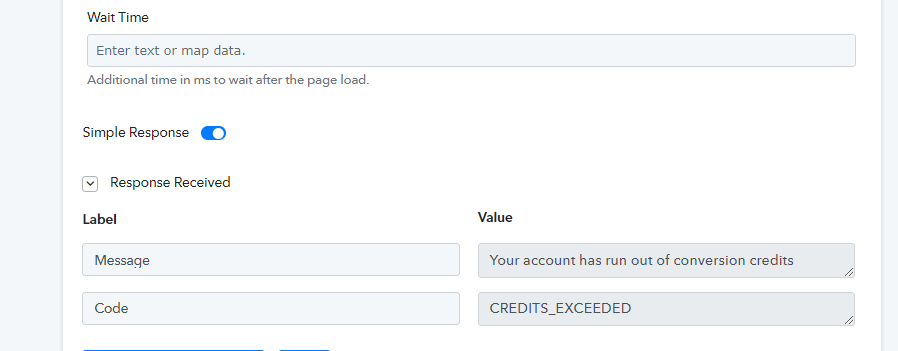
Please let me know if you are still facing the same issue
So everything works good... but the image is NOT being saved - preventing the workflow from being successful
Hey @realestatebrokerAs I can check you have exceeded the conversion time limit. The free CloudConvert plan allows for 25 conversion minutes per day. If your usage exceeds the free plan's limit, you can upgrade to a (prepaid) package or subscription.
Additionally, you can verify your credit conversion limit for your paid subscription by clicking on the link provided below.https://cloudconvert.com/pricing
In this situation, I recommend you to wait for some time and then reconnect your Cloud Convert account. After that, you can try capturing the response again.
Please let me know if you are still facing the same issue
Ok i am now on the paid plan and it still has a white image - please review the workflow... here is the output - https://files.canvas.switchboard.ai/ef67a995-8431-44a4-9fc5-713aa9f4cd64/947839b4-6d87-446f-8d05-2c1db0da6931.jpg
It stopped working again - it seems to be an issue with the CloudConverter since the image comes up white here -
[TABLE]
[TR]
[TD]https://storage.cloudconvert.com/tasks/fc91377f-162c-4354-942f-43156c1a6d17/matrixmedia.harmls.com.jpg?AWSAccessKeyId=cloudconvert-production&Expires=1680801925&Signature=eorjc8PIfYvqC9ZX4ARifLGxI5s%3D&response-content-disposition=attachment%3B%20filename%3D%22matrixmedia.harmls.com.jpg%22&response-content-type=image%2Fjpeg[/TD]
[/TR]
[TR]
[TD][/TD]
[/TR]
[/TABLE]
If i do it manually or use the cloud converter on the website it works fine - https://cloudconvert.com/jpg-converter -
Attachments
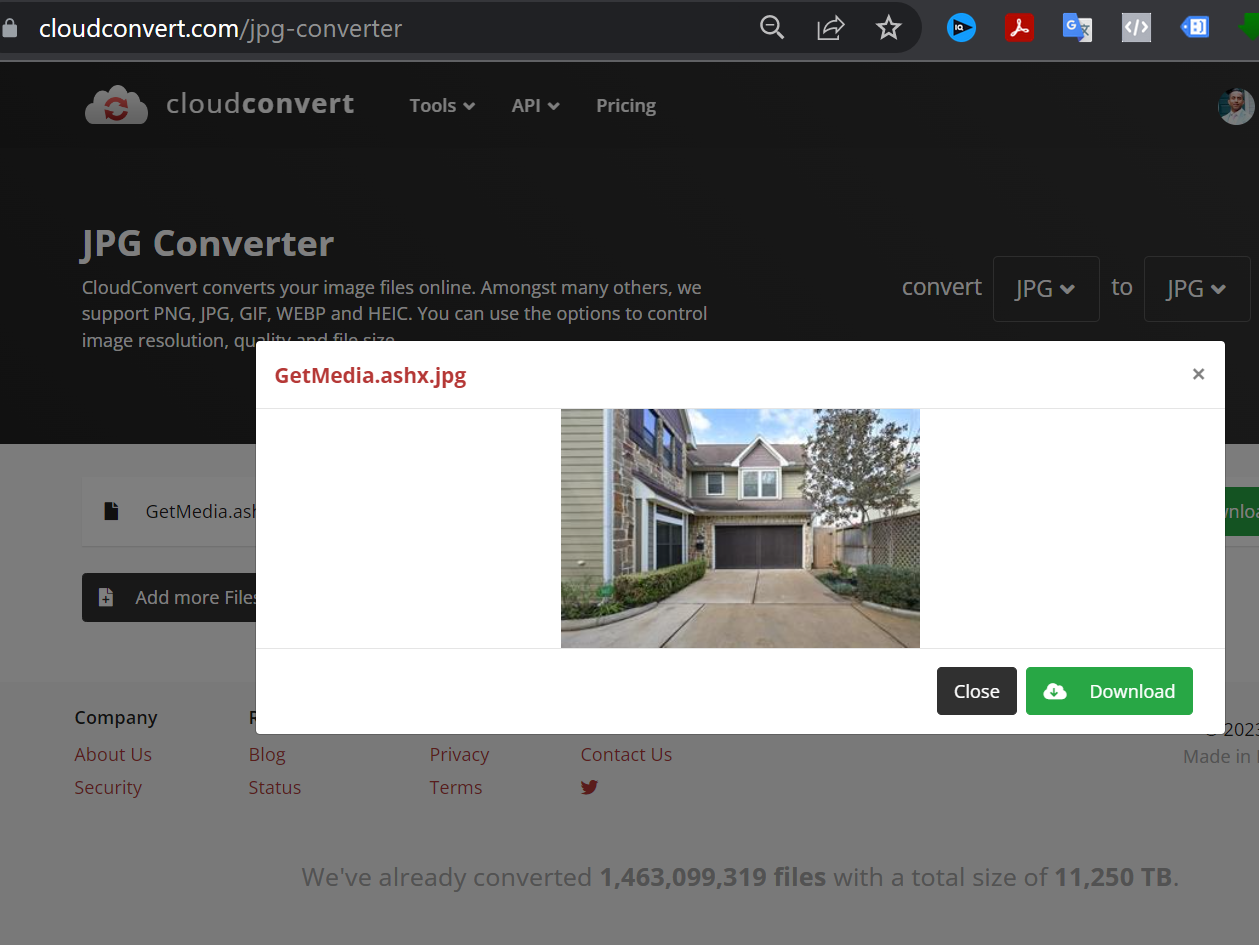
I recommend you to try a different approach to resolve the issue you are facing. You can try mapping another image in the CloudConvert: Capture a Website to JPG action step, and then capture the response again. Additionally, it would be helpful to try this process in incognito mode on your browser.
Please let me know if you are still facing the same issue.