Pabbly API to Add Multiple Rows in Google Sheet via NoCodeAPI
Status: Closed · Asked by IChild Company on · 0 views
Dear COmmunity & Support
Need urgent help how to set up the End point URL with Pabbly API. The response kept showing The application processed the request but returned a blank response. Refer to the HTTP status code above for details.
The Workflow is as such:
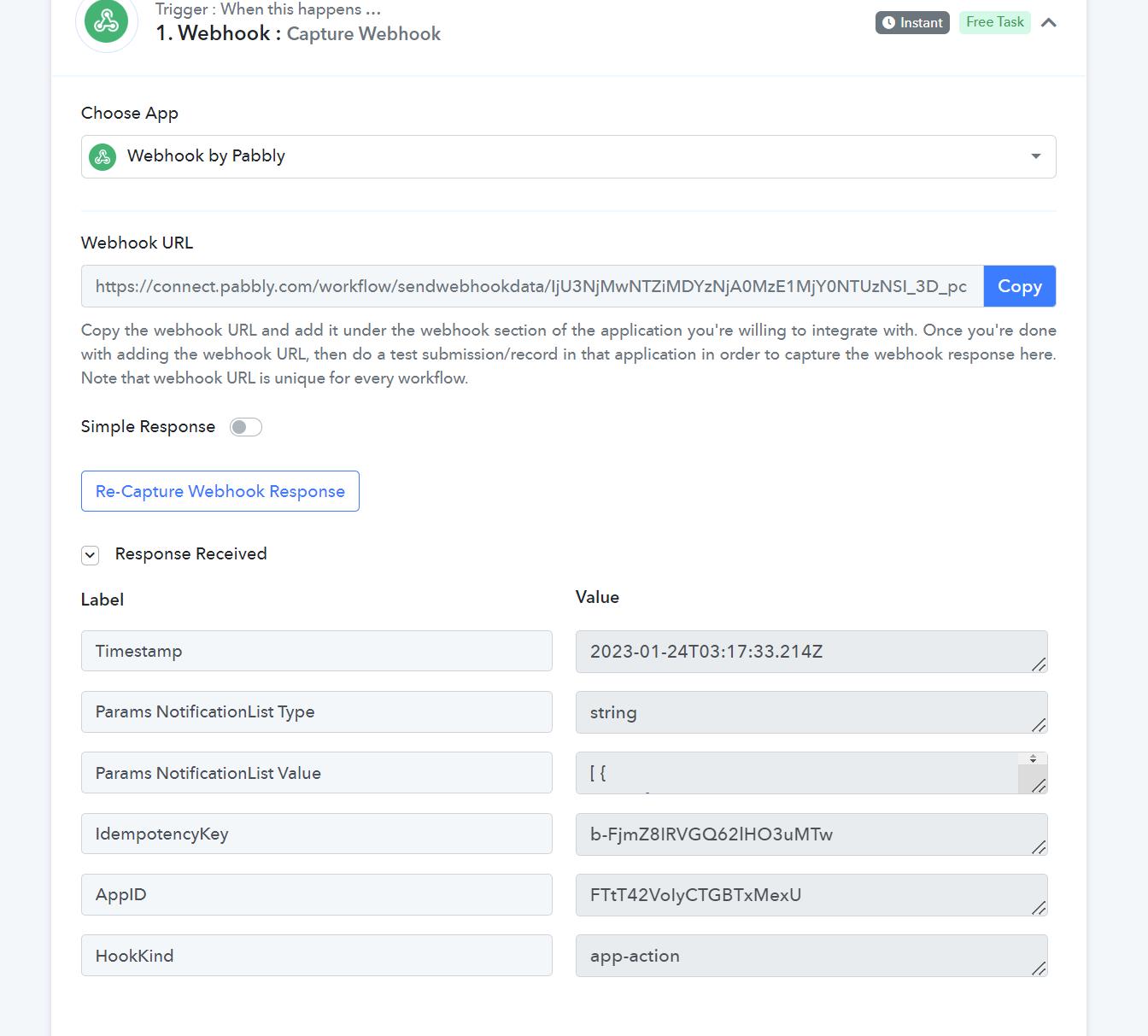
Webbook with receiving JSON object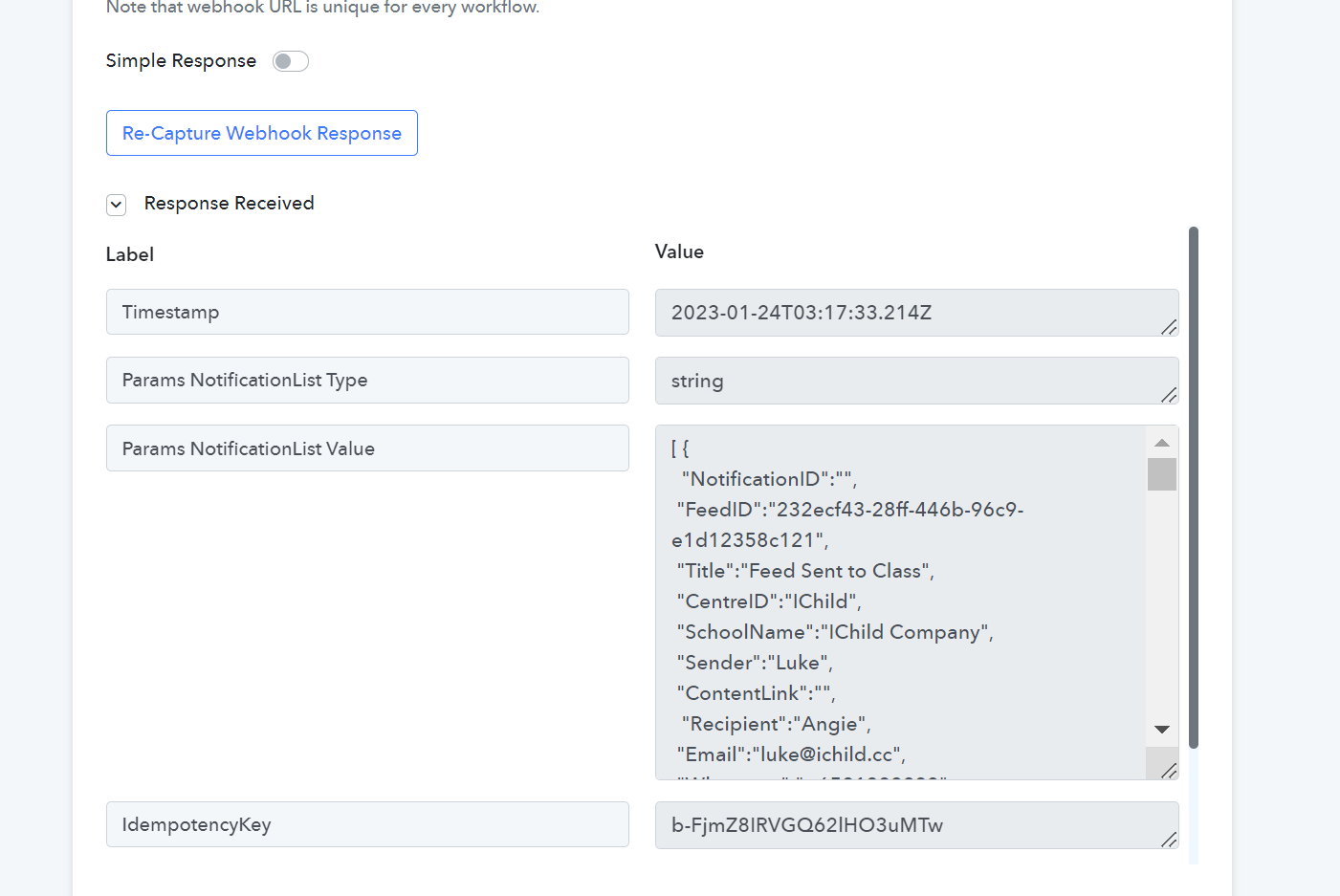
Next will the Pabbly APi using the End Point URL is https://v1.nocodeapi.com/ichilddev/google_sheets/RpmKvumbLtlmHtOc/addRows?tabId=Notification Log
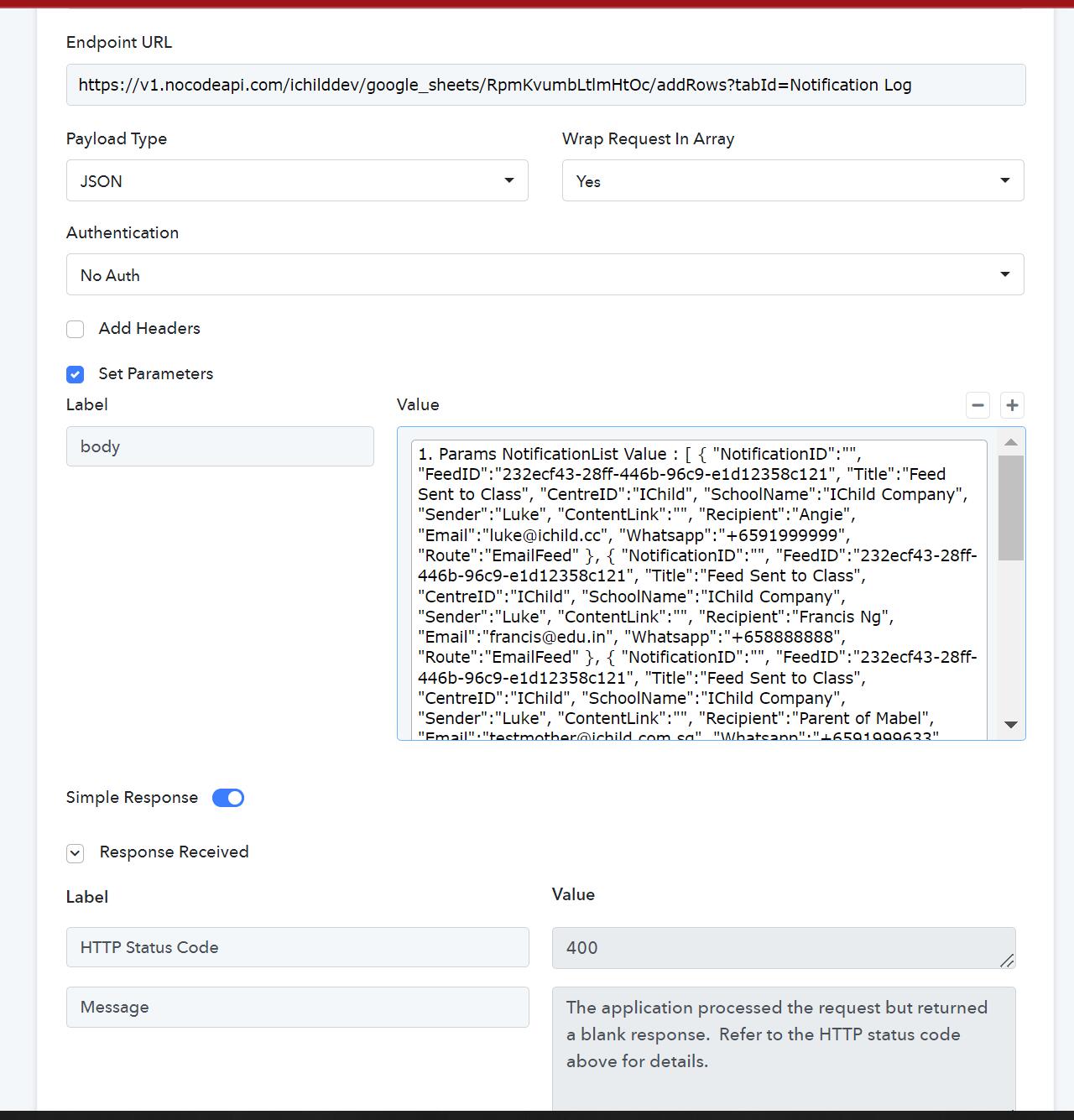
How do i effectively setup the parameters? Any help is appreciated.
Workflow Name is V4 Feed Whatsapp Notification
https://nocodeapi.com/docs/google-sheets-api/ This is the Documentation
Reason i am using NoCode API is because I have tried many Pabbly methods but none can help add multiple rows in one go and NONE can do iteration well.
Attachments
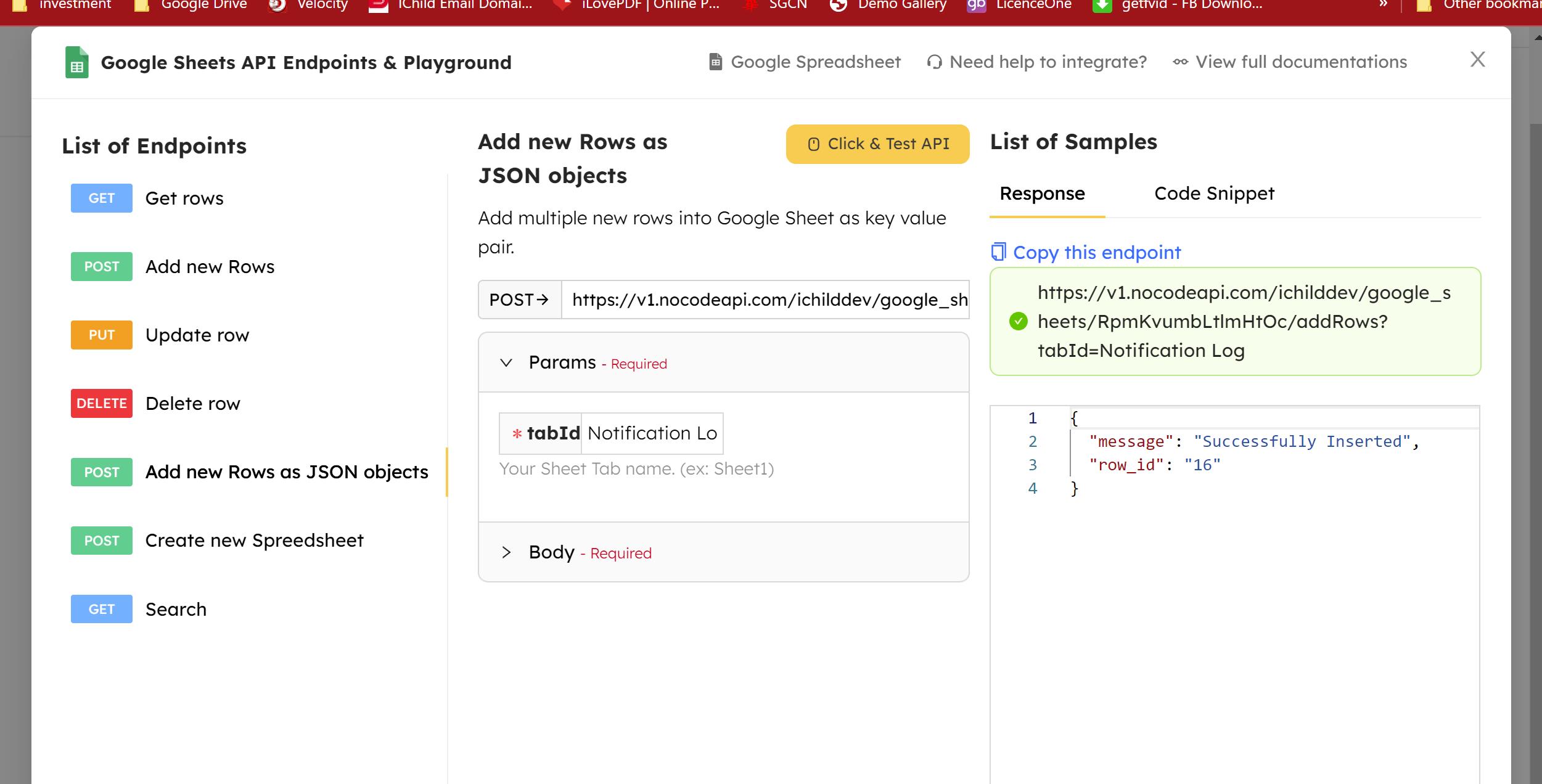
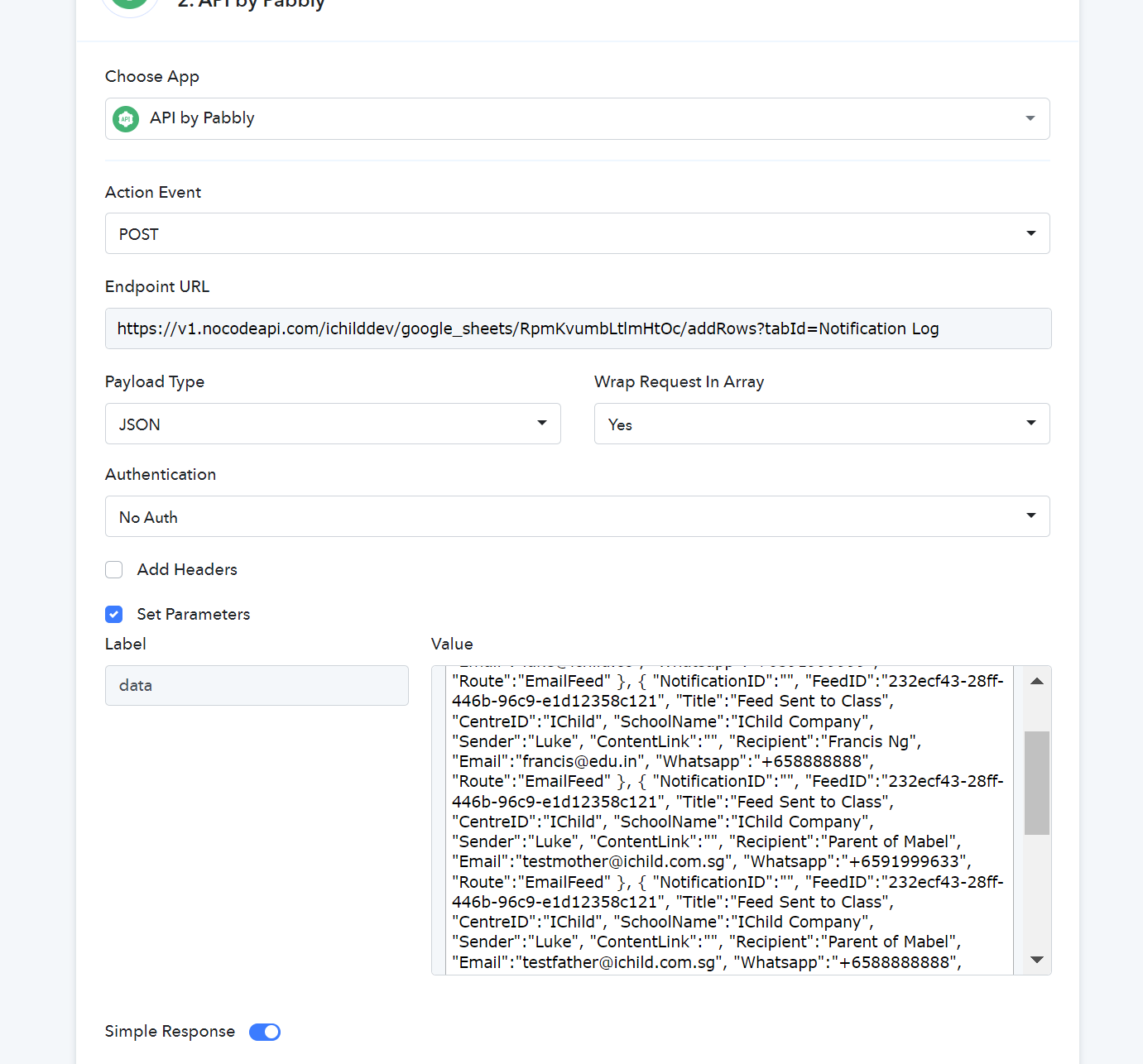
Hey @ichilddev
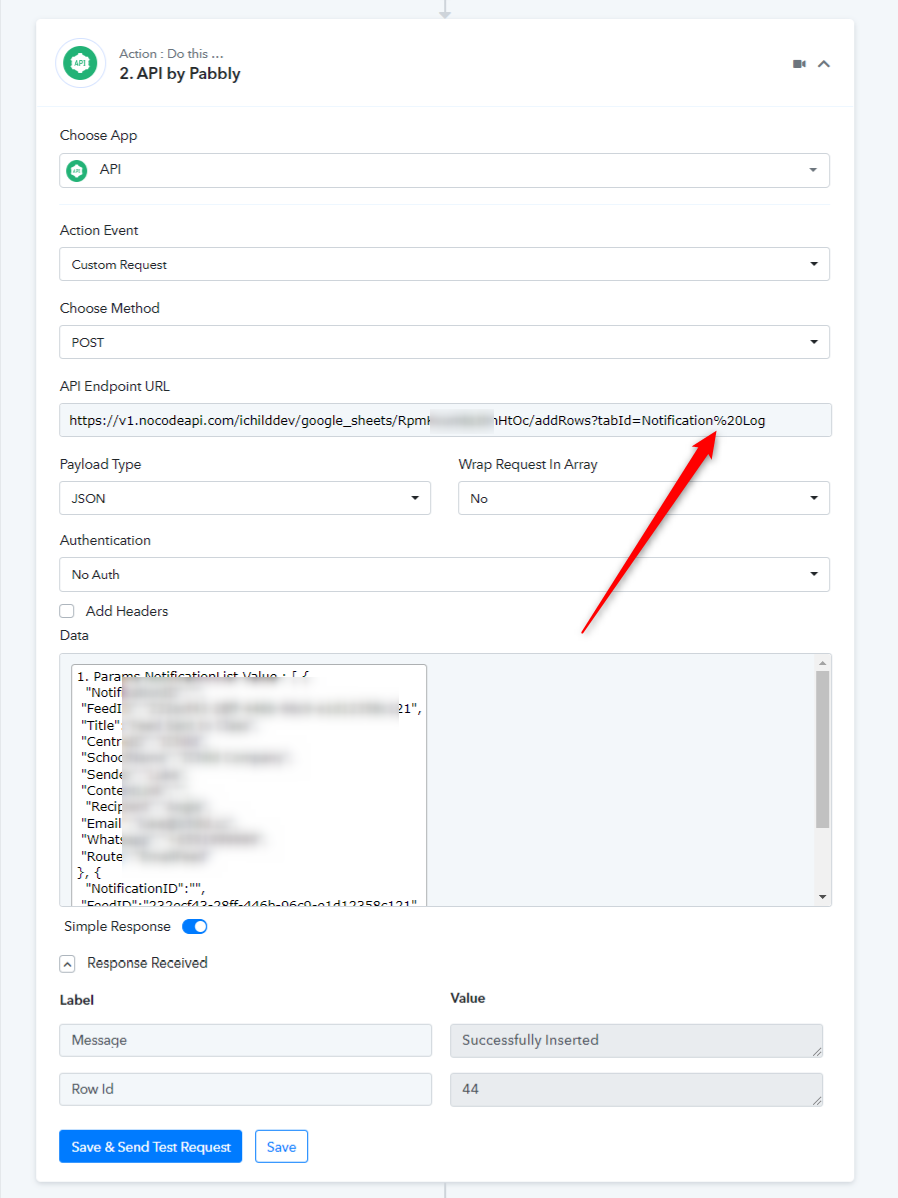
In the endpoint URL in place of a normal space please pass %20.
Hi Thanks... It works!
By the way, when do we use Wrap Request in Array?