Pabbly Automation > Slack Channel Name Suddenly Lost in Step 2
Status: Closed · Asked by Edwin on · 0 views
It worked perfectly yesterday.
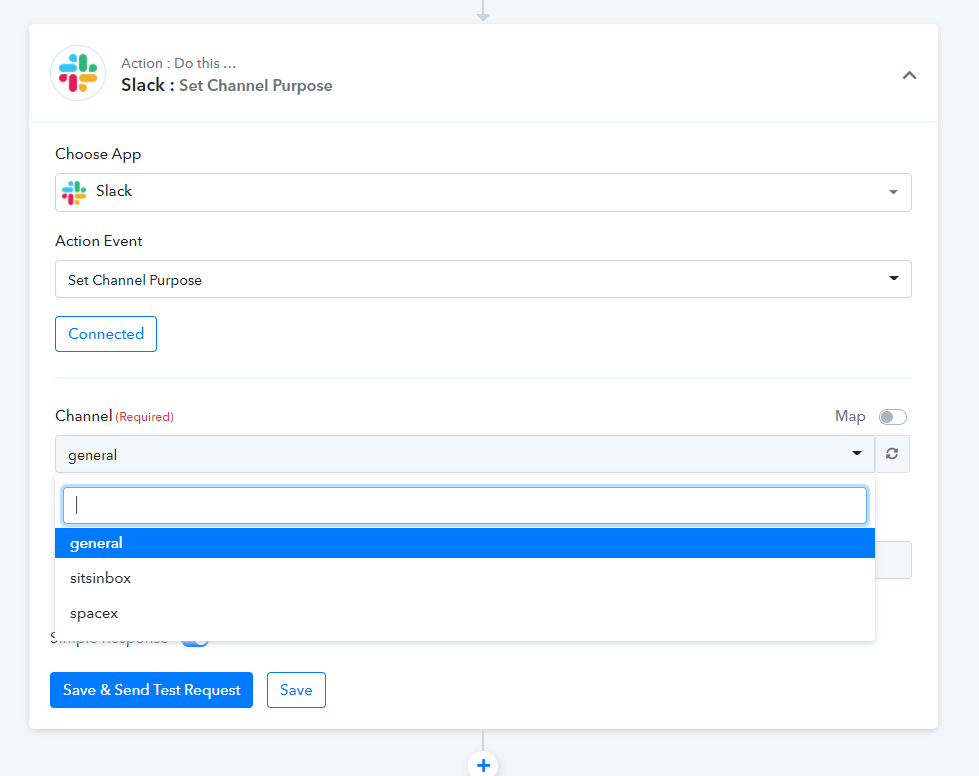
But now it seems that the name of the channel can't be fetched anymore if I add another action.
FYI - I also made a NEW API connection with Slack, just to be sure to start from scratch.
Here's a simple Loom video. The name of the channel can only be fetched in the 1st step:
https://www.loom.com/share/928d2535ae044be0b530b56e4e39e8bf
just found out I can resolve this by entering the unique channel ID.
Hey @Edwin
We made some updates in the action event of Slack, so now you can list both private and public channels also.
ah, thx!!