Pabbly connect - Google Sheets Find Row Update if exist or insert
Status: Closed · Asked by marketofindiasem on · 0 views
Hello All,
I am connecting my webhook to google sheets. I want to add new row only the particular column value is not there in the sheets. If value is there means i want to update that whole row. How to achieve this in pabbly?
Please check this video tutorial which will help you set up the workflow as per your requirement -
How to Search and Update Google Sheets Row using Pabbly Connect -
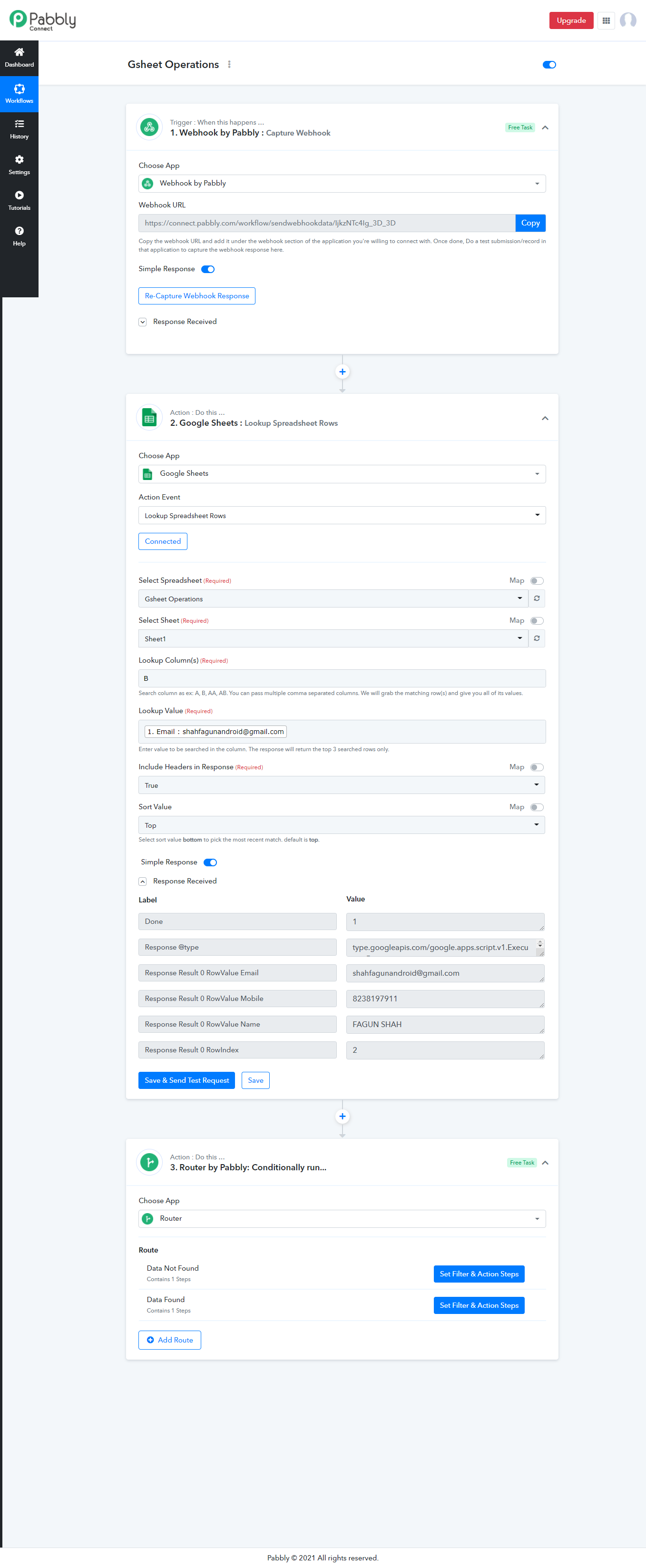
You need to Use Lookup Row action after Webhook Capture step.
If that returns row index then it means that row already exists so you just need to update it. If it does not return row index it means you need to use Add New Row action.
Above thing can be achieved by use of router.
Copy my workflow from here - https://connect.pabbly.com/workflow/share/DkZVZ1E4V30FTwldBmMFYV1OUmUCXgA6ARFWX1M2AEY#
You can try this workflow real time by submitting details in this form - https://fagunshah.in/gsheet-operation/ and check entires in this Gsheet - https://docs.google.com/spreadsheets/d/10ojKsj_FlgX2LBRJh8IdCpj0chZj9P6S8hYSJkMCQ9I/edit usp=sharing
Let me know if you need more help.
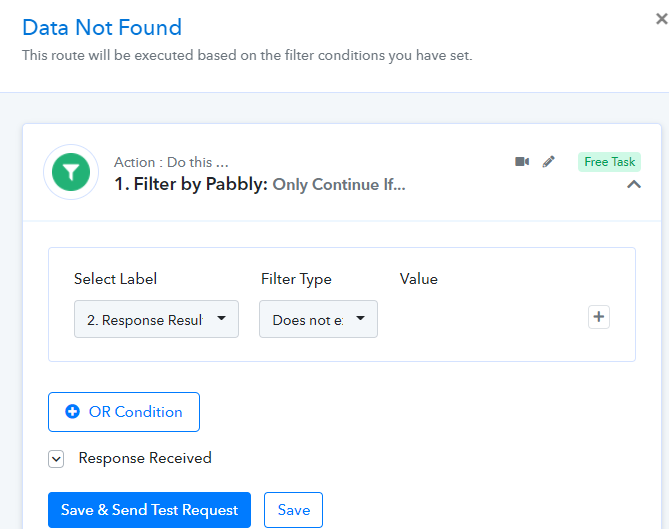
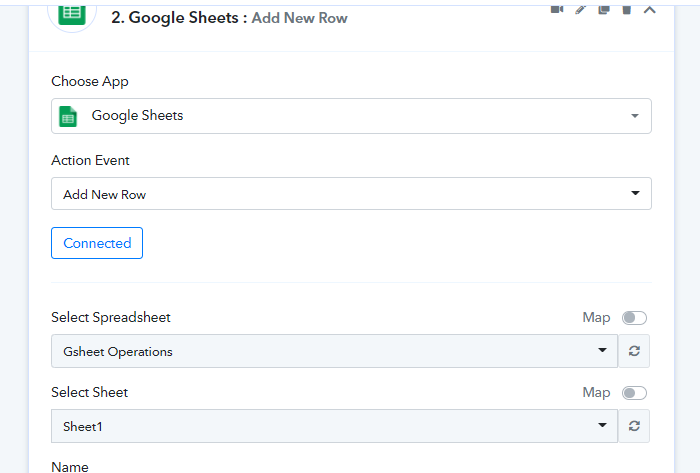
Router 1 - Data not Found -
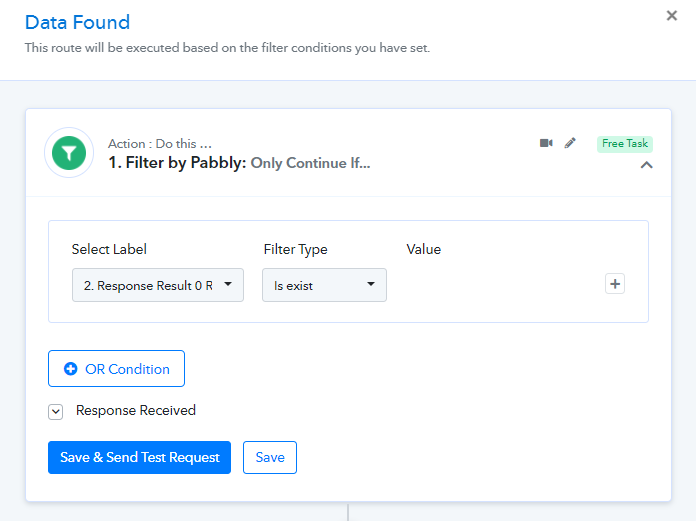
Router 2- Data Found
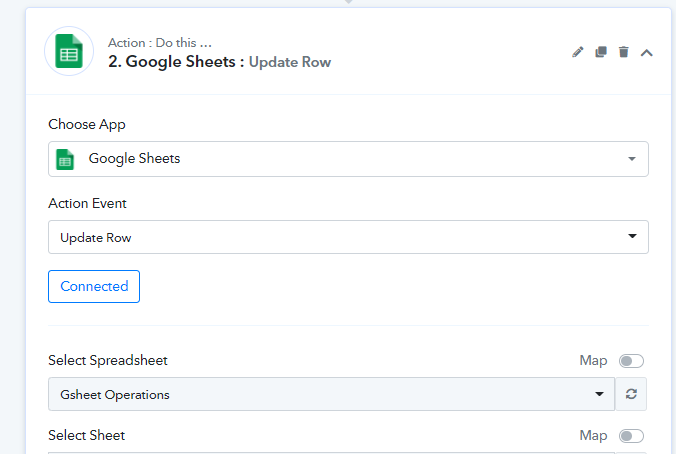
You need to Use Lookup Row action after Webhook Capture step.If that returns row index then it means that row already exists so you just need to update it. If it does not return row index it means you need to use Add New Row action.
Above thing can be achieved by use of router.
Copy my workflow from here - https://connect.pabbly.com/workflow/share/DkZVZ1E4V30FTwldBmMFYV1OUmUCXgA6ARFWX1M2AEY#
You can try this workflow real time by submitting details in this form - https://fagunshah.in/gsheet-operation/ and check entires in this Gsheet - https://docs.google.com/spreadsheets/d/10ojKsj_FlgX2LBRJh8IdCpj0chZj9P6S8hYSJkMCQ9I/edit?usp=sharing
Let me know if you need more help.
Router 1 - Data not Found -
Router 2- Data Found
You need to Use Lookup Row action after Webhook Capture step.If that returns row index then it means that row already exists so you just need to update it. If it does not return row index it means you need to use Add New Row action.
Above thing can be achieved by use of router.
Copy my workflow from here - https://connect.pabbly.com/workflow/share/DkZVZ1E4V30FTwldBmMFYV1OUmUCXgA6ARFWX1M2AEY#
You can try this workflow real time by submitting details in this form - https://fagunshah.in/gsheet-operation/ and check entires in this Gsheet - https://docs.google.com/spreadsheets/d/10ojKsj_FlgX2LBRJh8IdCpj0chZj9P6S8hYSJkMCQ9I/edit?usp=sharing
Let me know if you need more help.
Router 1 - Data not Found -
Router 2- Data Found
Thank you so much. It worked!