Pabbly Connect Helpscout Webhook
Status: Closed · Asked by justine on · 0 views
Hi,
We recently received this notification in our Helpscout. May I know how does it mean?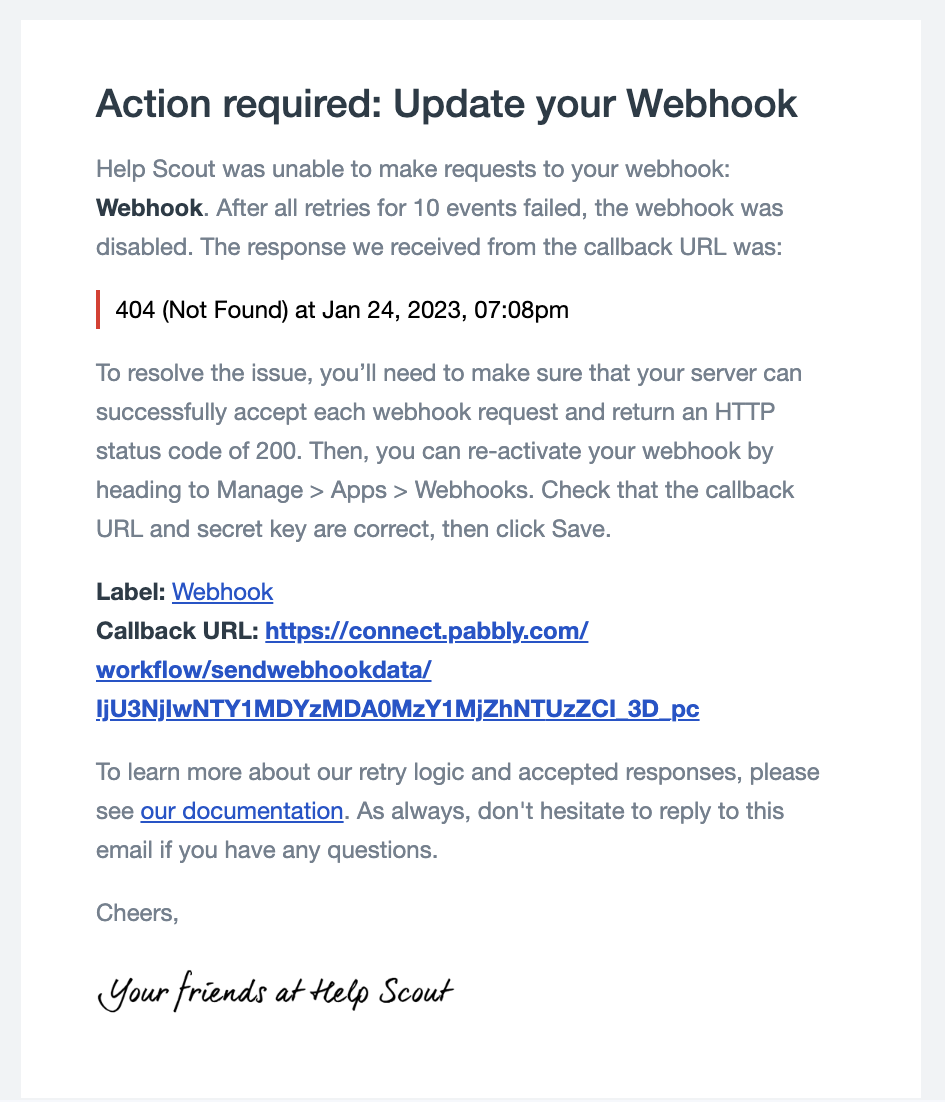
Hey @justine
We have checked the details and found that your tasks have been finished that's the reason you are getting issues calling the HelpScout trigger. We have reset your tasks back to 100 for this time and request you kindly purchase the Pabbly Connect subscription for getting more tasks.
Thanks
Kunal
Hey @justineWe have checked the details and found that your tasks have been finished that's the reason you are getting issues calling the HelpScout trigger. We have reset your tasks back to 100 for this time and request you kindly purchase the Pabbly Connect subscription for getting more tasks.
Thanks
Kunal
Hi Kunal,
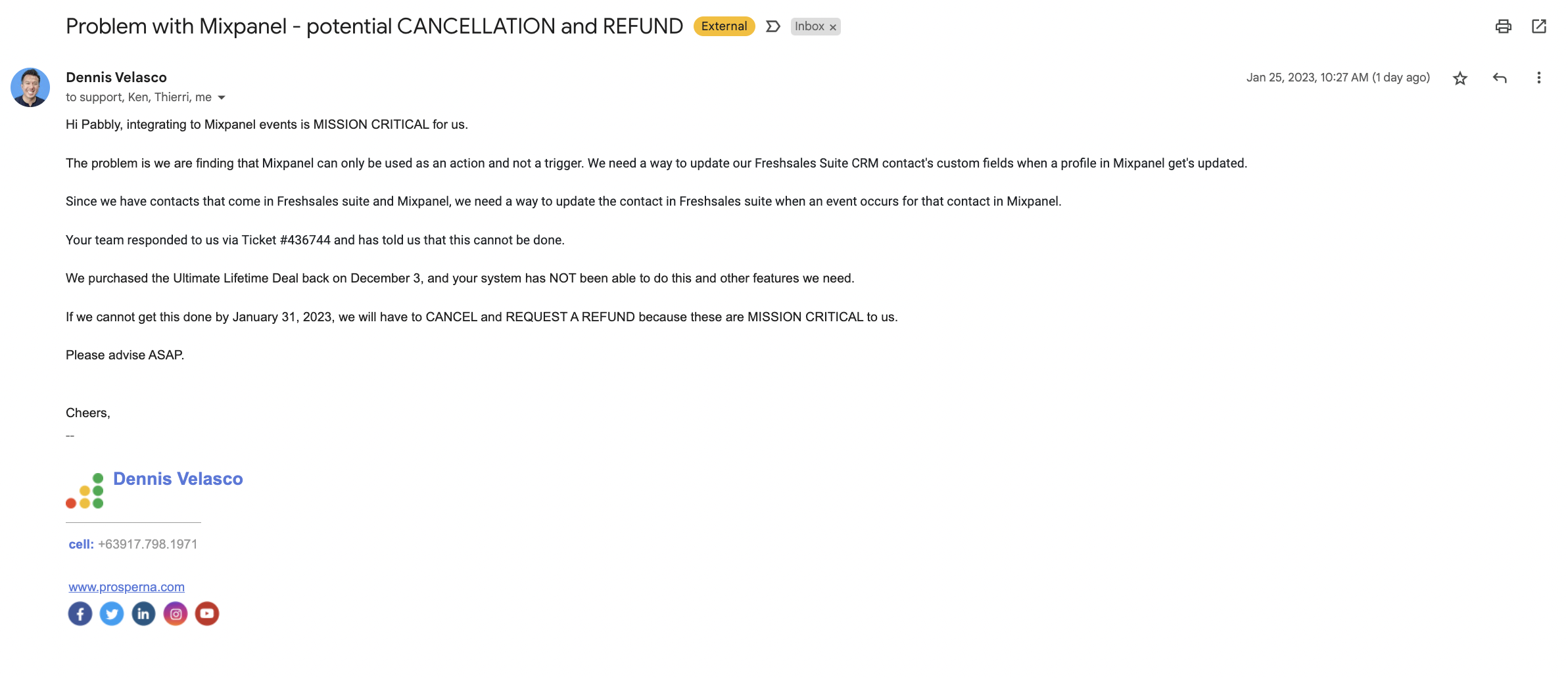
Actually, my boss and. have been requesting to put my workflows under his subscription but until now it hasn't happened yet. Please see screenshot below.
Attachments
Hey @justine
We have checked the Mixpanel API document and find that they are not providing any triggers for event updates. They are just providing the trigger for Cohort Syncing.
We are having action Track Events through which you can achieve this automation. You can use the Scheduler in the trigger event and can schedule it for every 15 mins and then you can use the Track Event action and easily update the contacts in the Freshsuite.
Please let me know if you have any other questions or comments.
Thanks
Kunal
Hi @Kunal Valuskar I'm a colleague of Justine. I produced the recommendation above in Pabbly Connect and updated a test account here: https://connect.pabbly.com/workflow/mapping/IjU3NjMwNTZmMDYzNDA0MzY1MjY5NTUzNCI_3D_pc.
Since the Mixpanel Action: Track Events required me to input the Mixpanel distinct ID, I was wondering how the rest of our Freshsales Contacts (both previous and incoming) would be updated as well whenever the event gets tracked in Mixpanel. I was also wondering how we will be able to connect the differing ID's from Mixpanel and Freshsales to make sure that the right contacts in Freshsales are updated.
Hey @Ken Patrick
Since you are using the schedule by Pabbly trigger event and using the track event where you need to pass the id itself.
And there is no other way to dynamically pass the id if you are not getting any relative data from the trigger/action step.
Hi @Supreme
If I have to use a Mixpanel Trigger to get relative data, with the existing option (Cohort Syncing), will I still be able to connect the differing IDs (possibly using their unique email as the connector) between Mixpanel and Freshsales Suite to ensure that the correct contact gets updated?
A sample workflow/ knowledge-based document would be greatly appreciated since I am unable to find a specific one in my search around Pabbly.
Hey @Ken Patrick
Yes, if you are getting the id of the same from MixPanel from a similar platform or from any other platform it should work.
Further, in case you're looking forward for someone who can build your Pabbly Connect workflows, then you can hire an automation expert from here who can do this for you - https://forum.pabbly.com/threads/pabbly-connect-experts-and-consultants.22/
Our support is limited to only with technical errors only. We cannot help you in building the workflows.