Pabbly Connect Timeout Limit Error: Response Not Received in 25 Seconds
Status: Closed · Asked by hugo168tm on · 0 views
A request timeout occurred when connecting to the openrouter.ai. API. I have referred to the following webpage for process testing, https://forum.pabbly.com/threads/pabbly-connect-timeout-limit-error-response-not-received-in -25-seconds.855/.
I have constantly changed the parameter settings and tried, but still failed.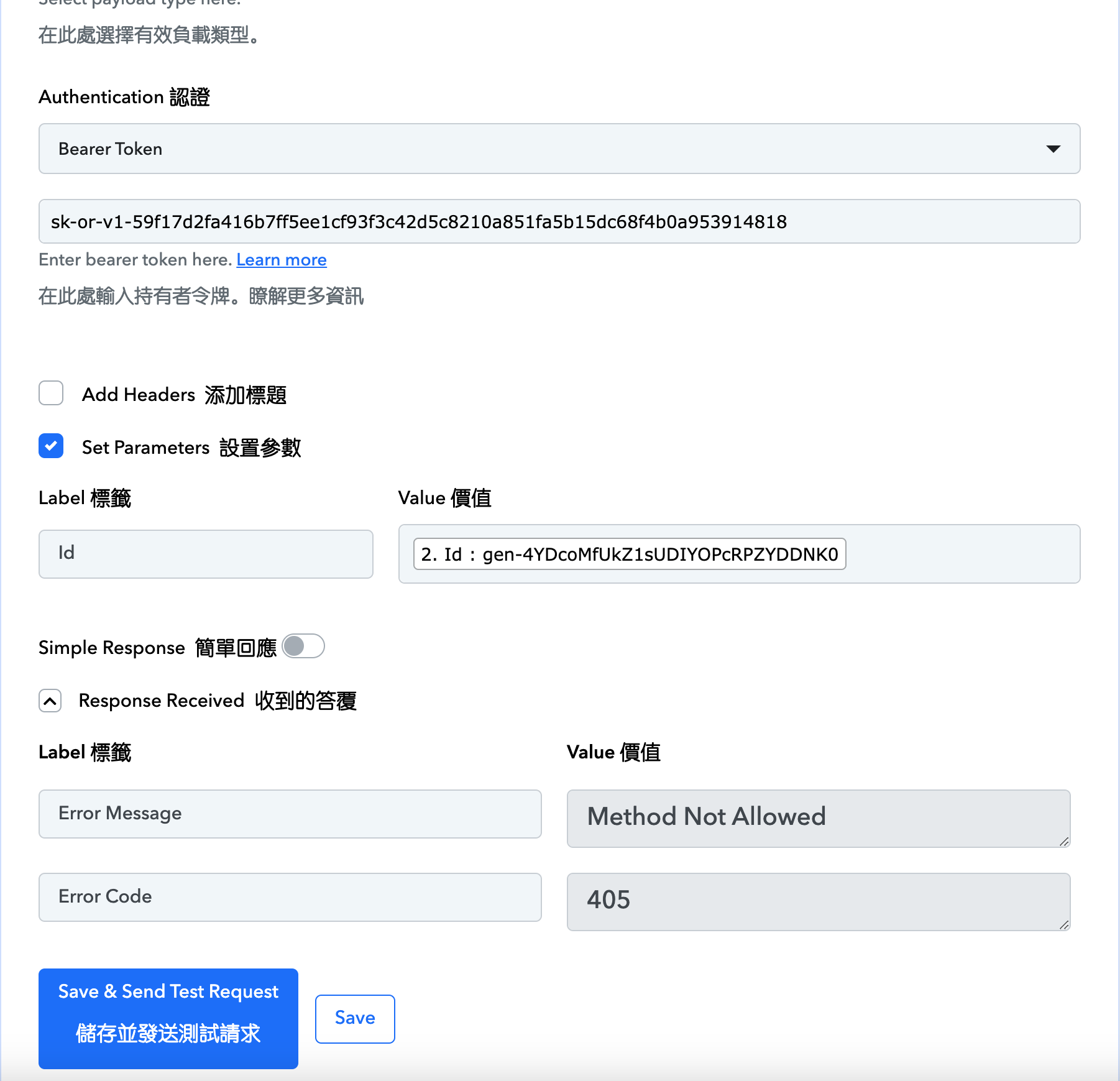
Hey @hugo168tm
Could you please provide the workflow URL that you tested so that we can investigate?
Thank you for the information. Please execute the same API request in Postman and then share the generated CURL request from Postman.
Okay, I will give it a try. Since I am a beginner, I follow your channel to learn everything. https://connect.pabbly.com/app
Okay, I will give it a try. Since I am a beginner, I follow your channel to learn everything. Can you provide me with a link to postman?
To use the API request on the platform you can refer to the following video lesson which will help you to learn how you can use API by Pabbly.
youtube.com/watch?v=xYC5mTobFfc
And kindly check the Postman application available online.
非常感謝您一路以來的及時回覆與指導。
您好,我明白您給我的影片連結。如果在Postman中執行相同的api請求,最好分享一下Postman產生的CURL請求的視訊連結。
Hello, I have learned how to use API in pabbly, then how should I go to postman to perform the same api request?
Thank you for the information. Please execute the same API request in Postman and then share the generated CURL request from Postman.
Could you provide the name of the OpenRouter API and the CURL request you are attempting to execute in your workflow? This will allow us to assist you more effectively.
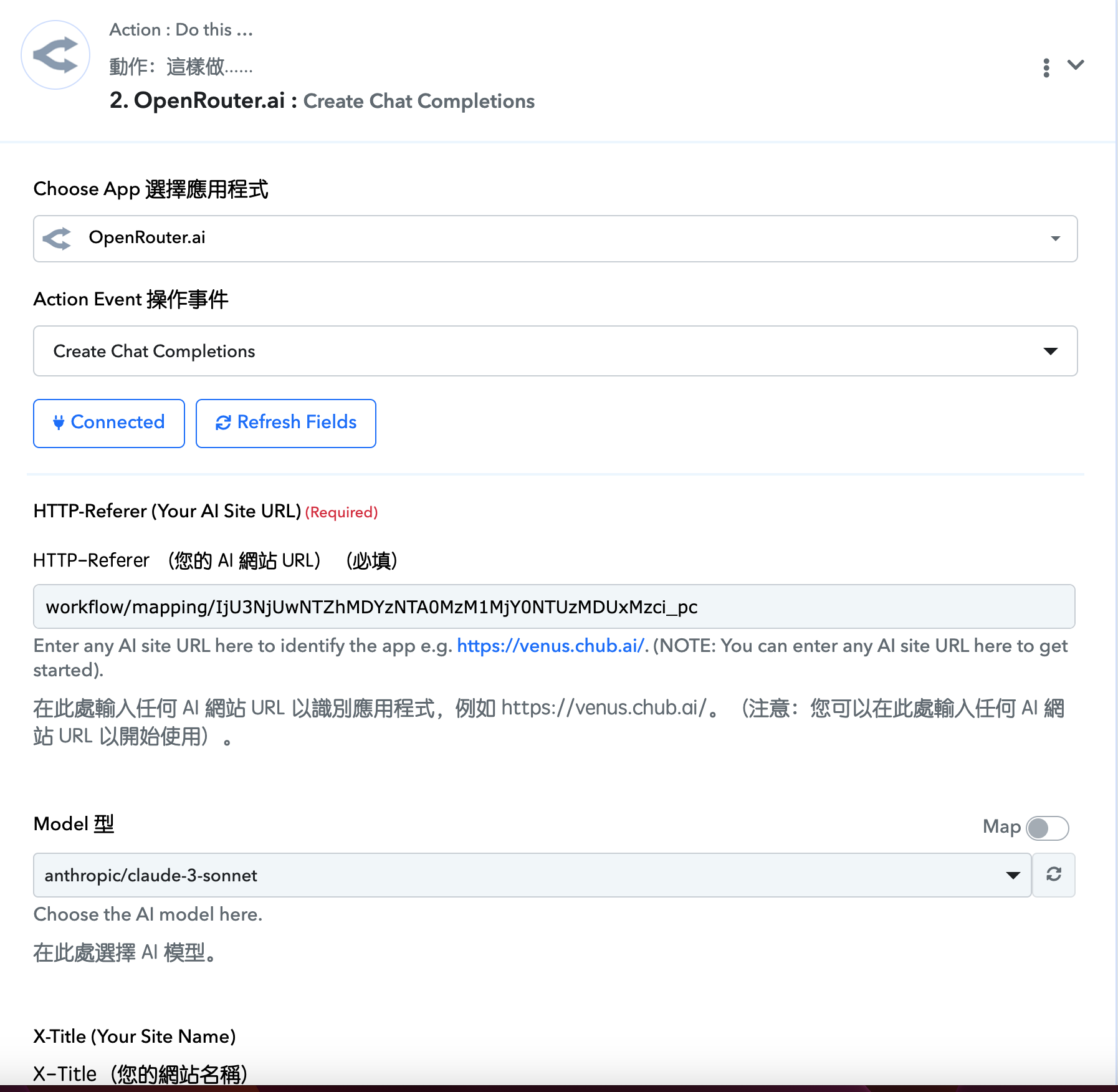
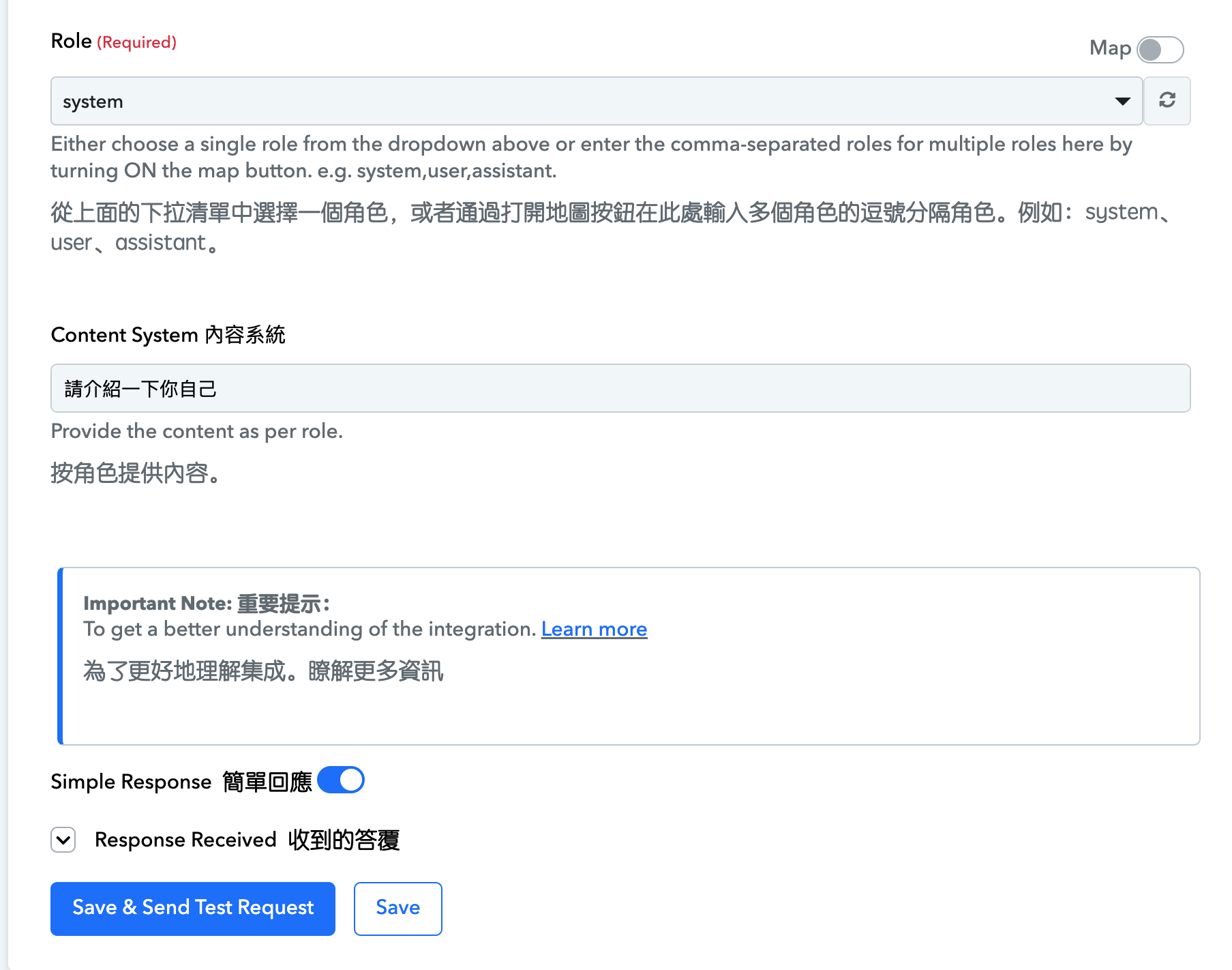
The CURL request attempting to execute in workflow : https://openrouter.ai/api/v1/chat/completions
Hey @hugo168tm
You can refer to the following video lesson on how you can use the OpenRouters' Create Chat Completions.
(Watch at the marked time)
I followed the video above, but the text was always too long, causing a timeout.
Attachments
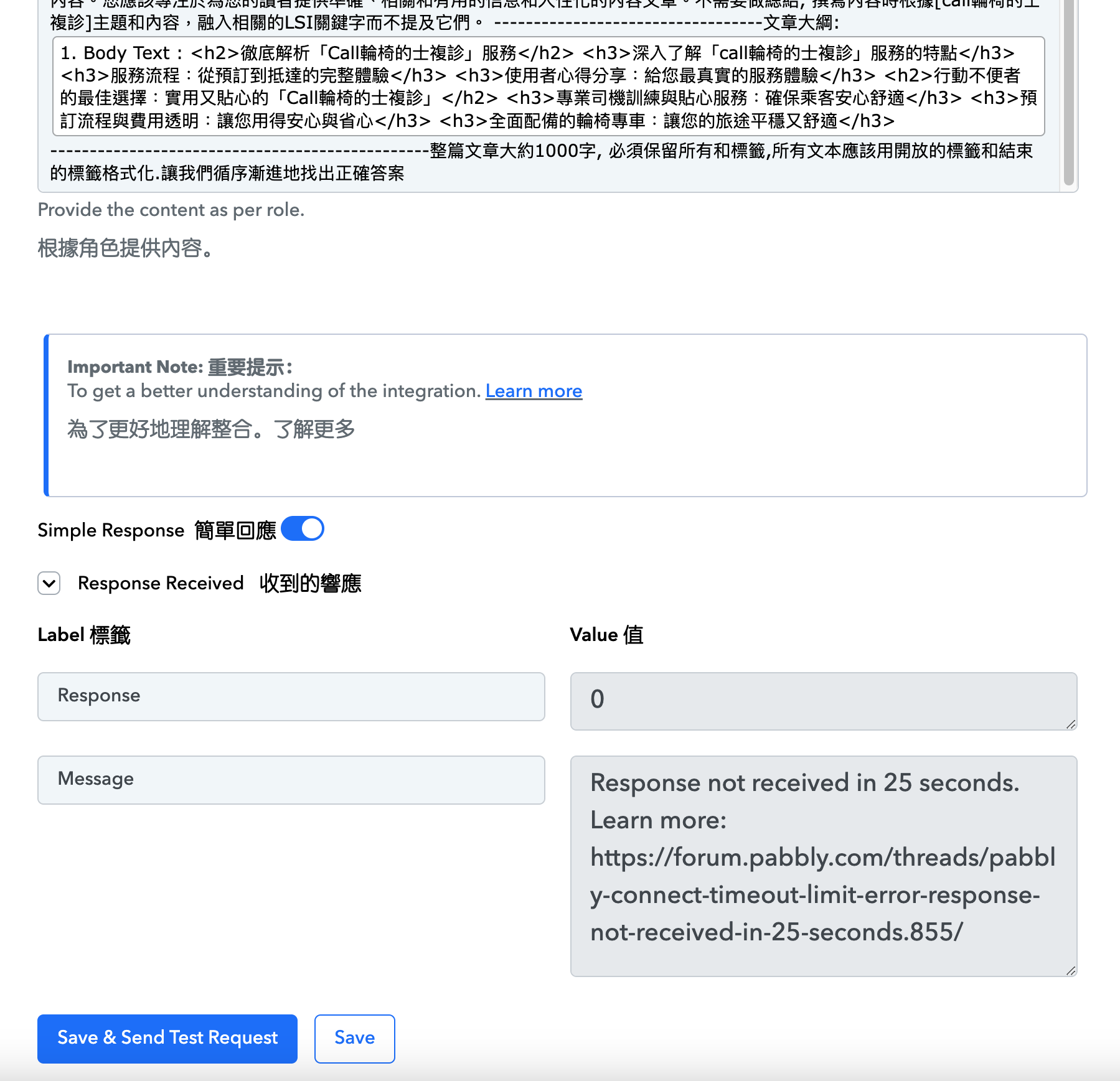
Please allow us some time, we are checking on it.
thx
Hey @hugo168tm
After switching the 'Model', the prompts are being responded to by OpenRouter. It seems that the current model may not be able to generate the output response within 25 seconds, resulting in the timeout message on your screen. Please attempt again with a different model I hope the alternate model functions accordingly.
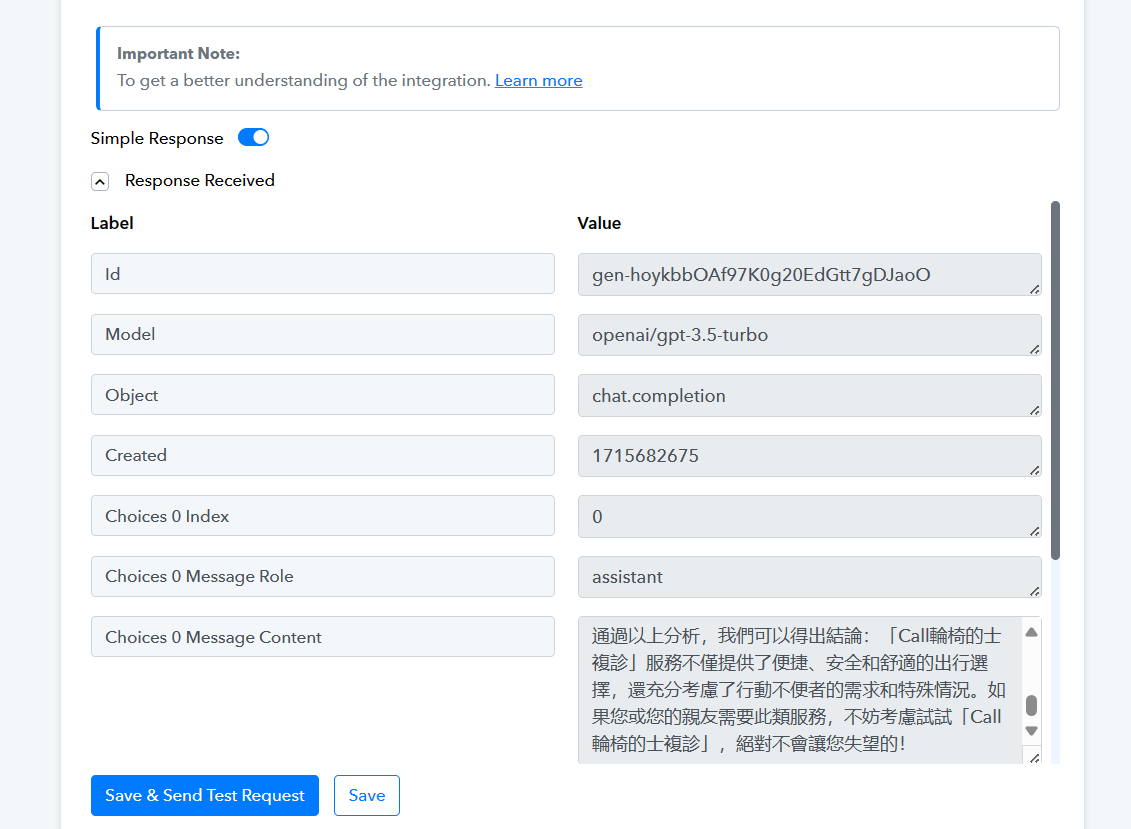
The model has been changed, thanks for the help ☺️