Pabbly Connect Webhook for Google Sheets not trigerring
Status: Closed · Asked by Hugo Hamel on · 0 views
Hi,
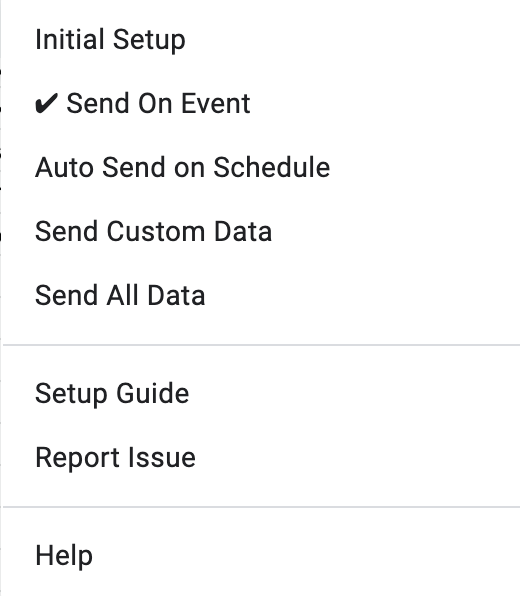
I have setup the webhook in Pabbly and in the Sheet, but for some reason, it is not "sending on event".
I want to have the webhook to be triggered when a new row is added into the worksheet.
Is there anything that I have done wrong?
Thanks
Check this - https://www.pabbly.com/common-problems-with-google-sheets-integration-in-pabbly-connect/
Basically, if data is not added manually or by google form you need to tick Send on Schedule as well and it will send all new or updated data once per hour to pabbly workflow.
Thanks @Fagun Shah! I didn't think that a push to add a row from any tool would cause a problem by not being considered in "Send on Event". It's good to know :) I'll schedule the webhook to be sent daily, but I have to say that it's a bit counter intuitive from the concept of webhook where it is to send data when something happens.
Thanks @Fagun Shah! I didn't think that a push to add a row from any tool would cause a problem by not being considered in "Send on Event". It's good to know :) I'll schedule the webhook to be sent daily, but I have to say that it's a bit counter intuitive from the concept of webhook where it is to send data when something happens.
I think it is a limitation of google app script/addon, when you click on Send On Schedule you do not get any options to select the duration like every hour or everyday. It will automatically send all the new/updated data once per hour.
Thank you that helps :)