Pabbly Connect
Status: Closed · Asked by Amit Bisht on · 0 views
Whenever an article is published on Wordpress, a post (status) gets updated on social media (LinkedIn, Facebook) with article link. How to acheive this
Hey @Amit Bisht
Regarding your concerning use case about processing the WordPress post for sharing on LinkedIn and Facebook, please refer to the following video tutorial.
Thanks a lot, but I have one more concern I want to post the wordpress post to linkedin page, but when I am trying to do so It is nt showing the the page name in AUTHOR field dropdwon. It is onoly showing my profile name in the dropdown not the page. When I saved and sent the test request the post is getting uploaded in my account not in my page where I want to post it.
Please assist in doing so
So, can you try making a new connection for your WordPress account and then try again?
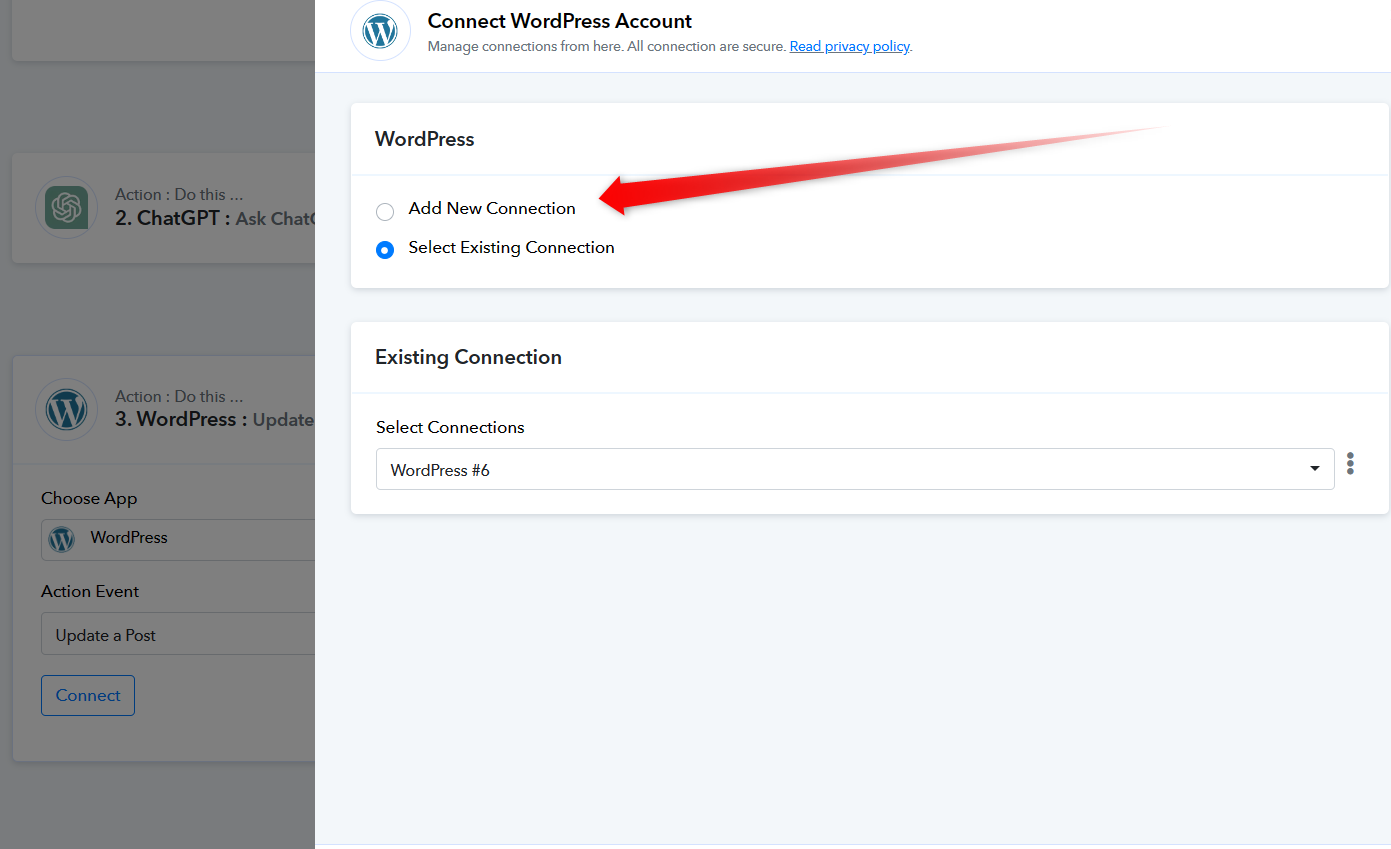
(Watch the second part of the video for making a new connection)