Pabbly Create Email Template Shows Weird HTML Output
Status: Closed · Asked by adityaranjansharma on · 0 views
Hello, Few days back when I used Pabbly Email Marketing Create Template it used to give me Template ID, and now it gives some HTML code.
In backend the template is created of Pabbly Email.
Please guide how to fix this.
Thanks
Link - https://connect.pabbly.com/workflow/mapping/IjU3NjUwNTY5MDYzMDA0MzI1MjZjNTUzMzUxMzEi_pc
Hey @adityaranjansharma
Seems like you have made some changes in the "Pabbly Email Marketing: Create Email Template" action step and because of that next step's Template ID field gets disrupted, so kindly reconfigure it again and then map the fields again that should resolve the issue.
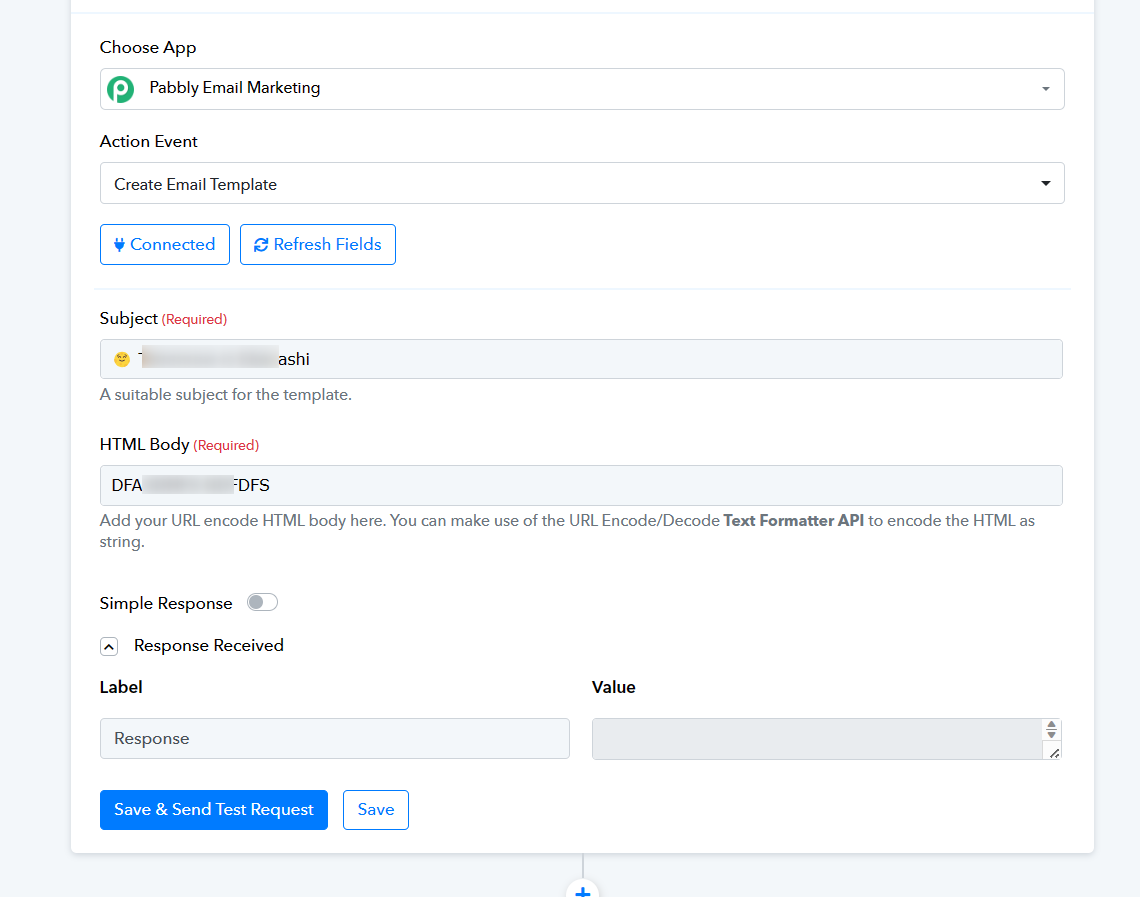
Hello @supreme.95
Did try to reconfigure it same.
Please fix this bug.
The presence of this emoji in your Subject line appears to be causing the issue. Please try removing that emoji and check if it resolves the issue.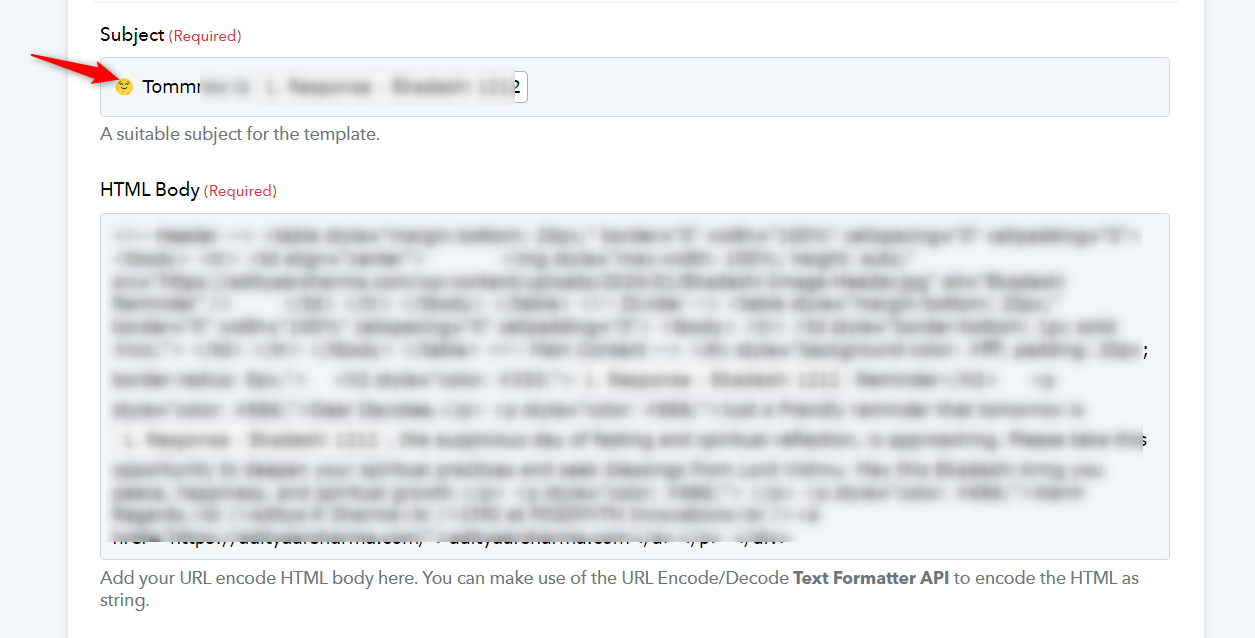
Works now thanks, but can you fix this issue?
I need the emojis, somehow.
Thanks
Hey @adityaranjansharma
We've asked the Pabbly Email Marketing team to let you use emojis in the subject field when creating an email template. They're working on adding this feature, and as soon as it's ready, we'll inform you.
Hey @adityaranjansharma
We've made some small tweaks on our side, and now you can add emojis to the subject field when creating an email template. Feel free to give it a try!
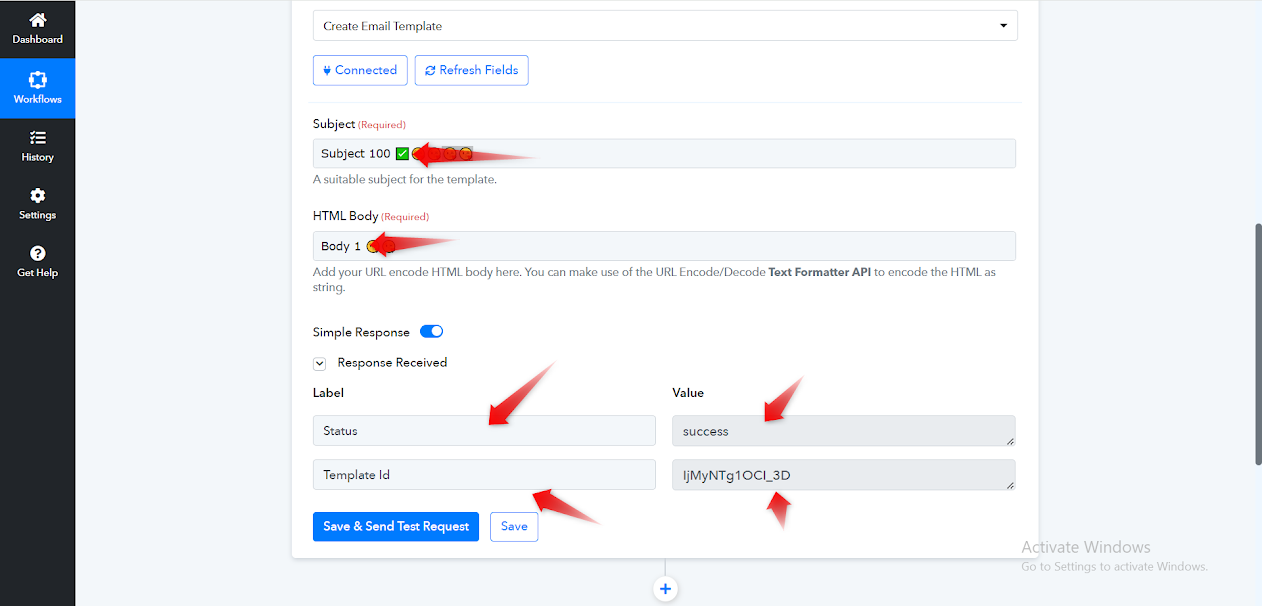
Thank You so much :)