Pabbly Delay Until Date Formatting Errors
Status: Closed · Asked by Birchstone Advisors on · 0 views
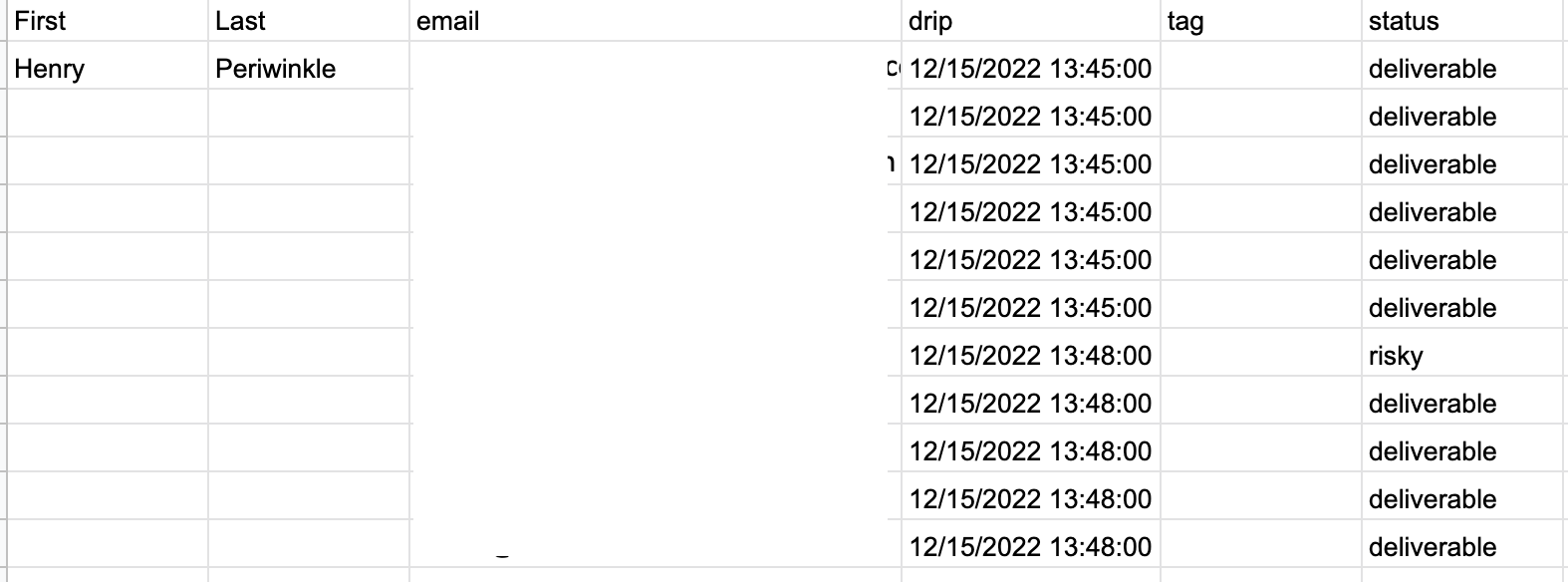
Date format in Drip column in GSheets:
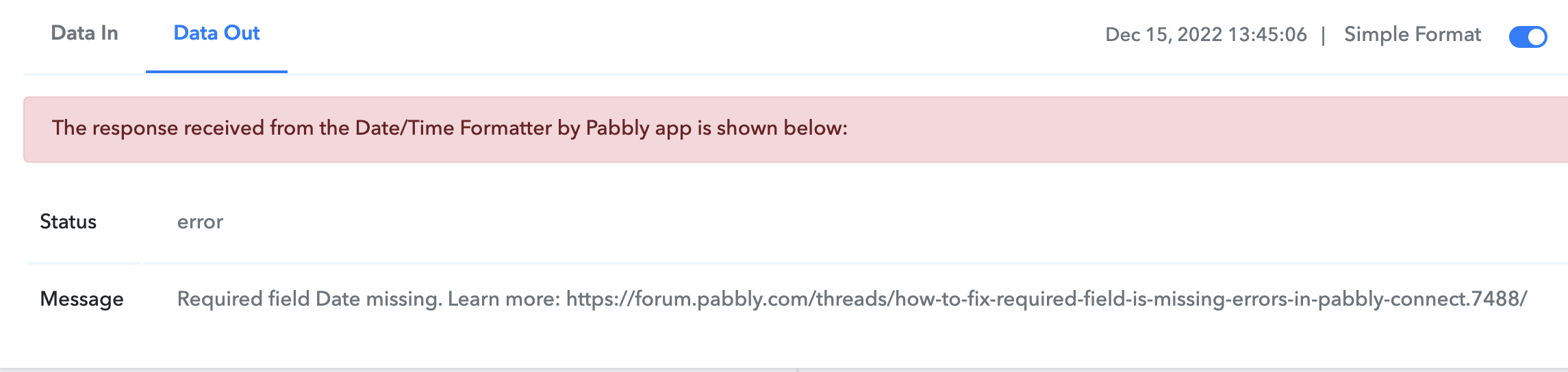
Error message #1 on execution of Date/Time formatter task:
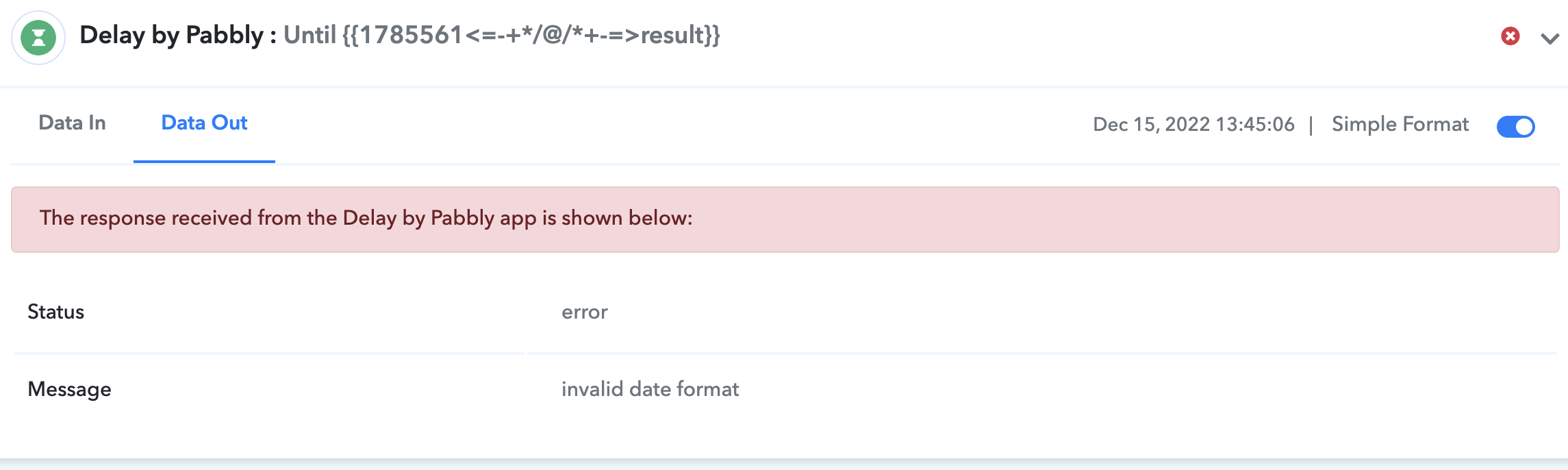
Error Message #2 when executing "Delay Until" right after:
Workflow Setup - Date Formatter success:
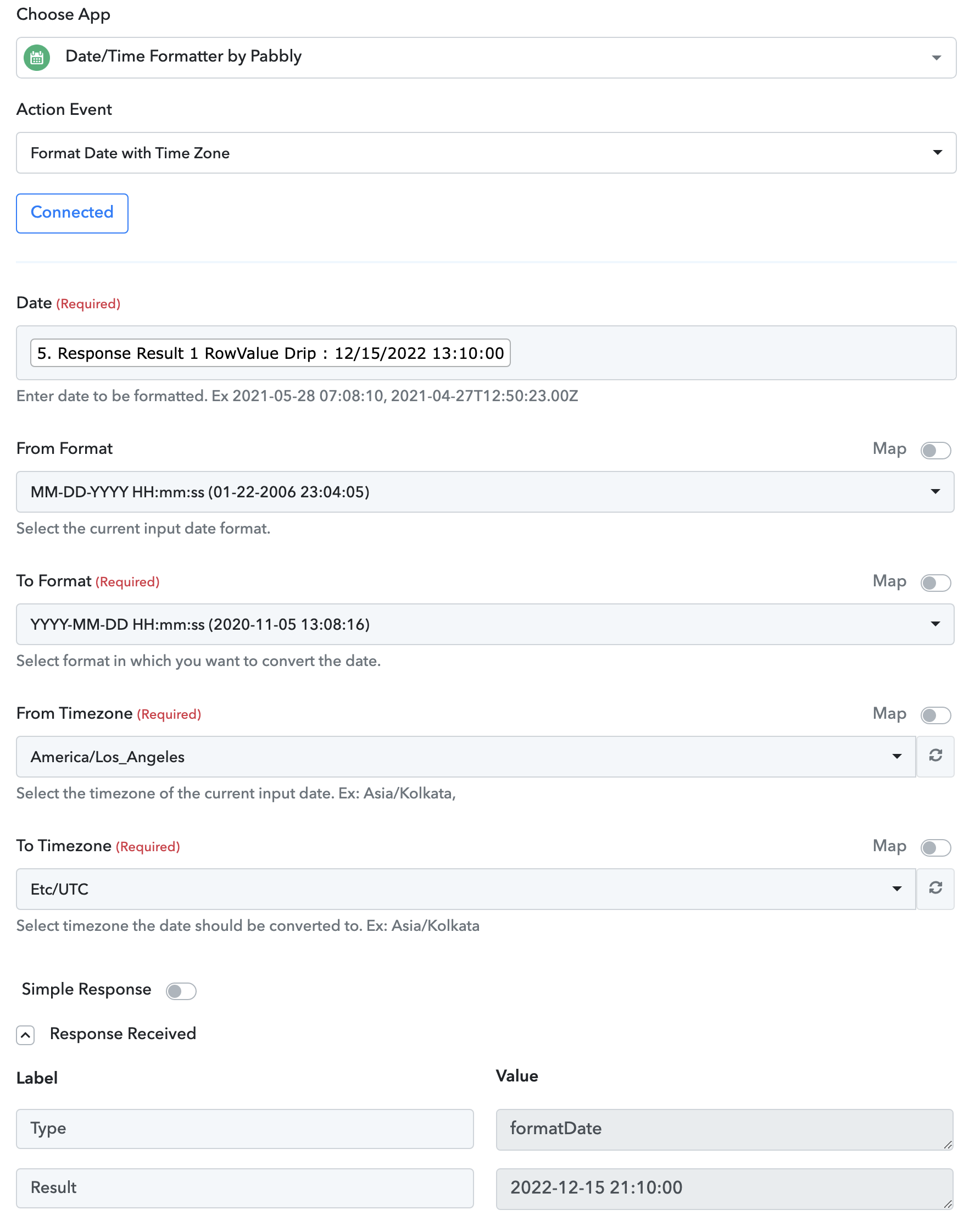
Pabbly "Delay Until" time with formatted date success:
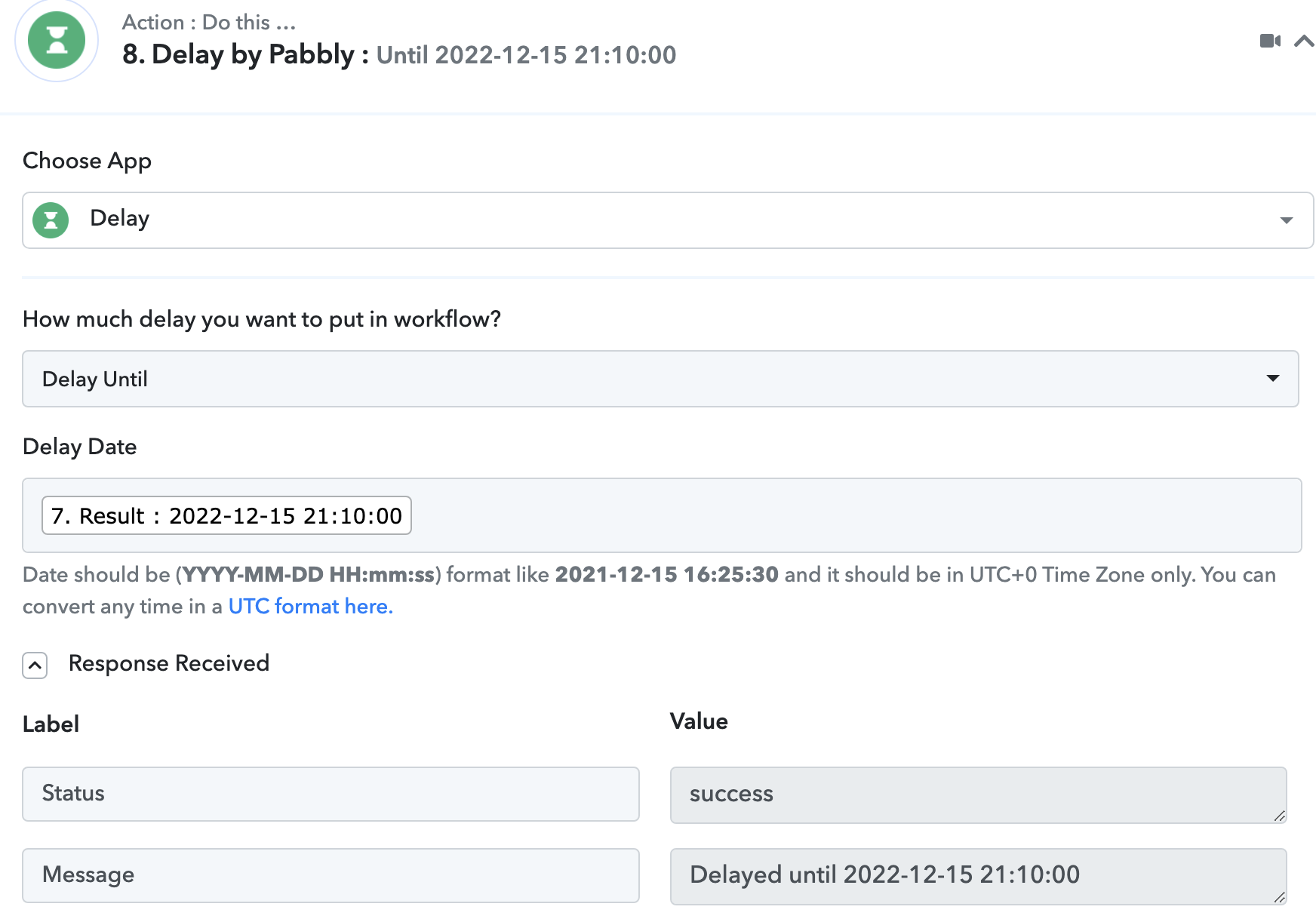
Thanks for any help
Also, this is similar to what I'm trying to accomplish in Pabbly to allow for bulk email verification via Emailable and GoHighLevel but to stop too many requests hitting LeadConnector at one time.
https://www.howtohighlevel.com/how-to-slow-drip-existing-highlevel-leads-into-campaigns-2/
Hey @Birchstone Advisors
As we can see from your workflow, the Date Label which you have mapped and the Date Label which actually contains the Date to process the data further are different.

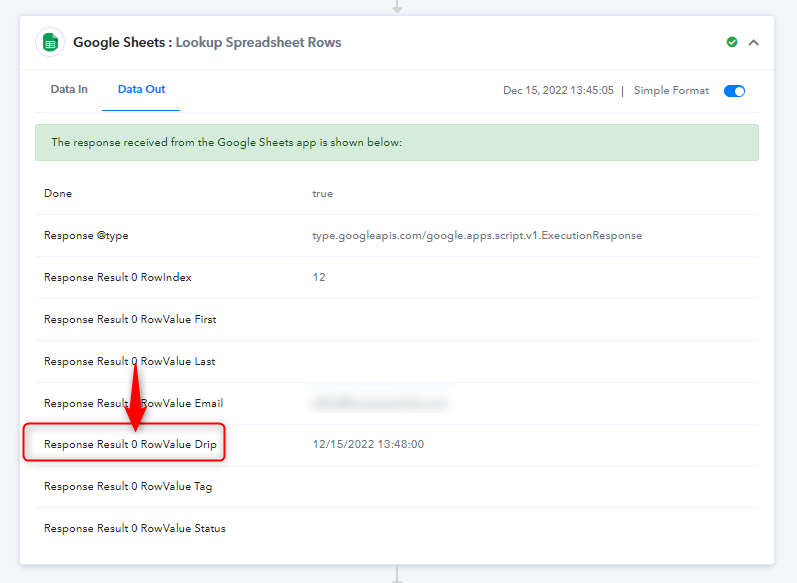
Though we have corrected the mapping for you accordingly, so now kindly give it a try.