Pabbly Notion Database Issue
Status: Closed · Asked by nor on · 0 views
Nothing works, the "Create Page" recommended option is not working, every time I paste the database code, which btw, Notion provides 2 different long codes, I tried copying the 2nd part of the link, then one code, the other code, I exhausted all the combinations already and nothing works, Pabbly keeps saying "no results matched"
Hey @nor
Please share the name of the workflow in which you have tried the same so that we can look into it.
Meanwhile, you can also refer to the following video tutorial on how you can create a page in your automation.
(Watch the second part of the video)
youtube.com/watch?v=bifkHBAiKCU
For more - https://www.youtube.com/c/Pabbly/search?query=notion%20create%20page
Nothing works, is already connected, the create page asks for a page, I have tried to paste in that box any combination that can comes to mind, copied the entire thing, half, and nothing works. The only option that recognizes and show the info on Notion is the create a database item, but when I try to save that one after mapping all the fields, it gives me a 400 error. The name of the workflow is VA SECOND STEP FORMALOO APPLICATION 2 CLOSEM & NOTION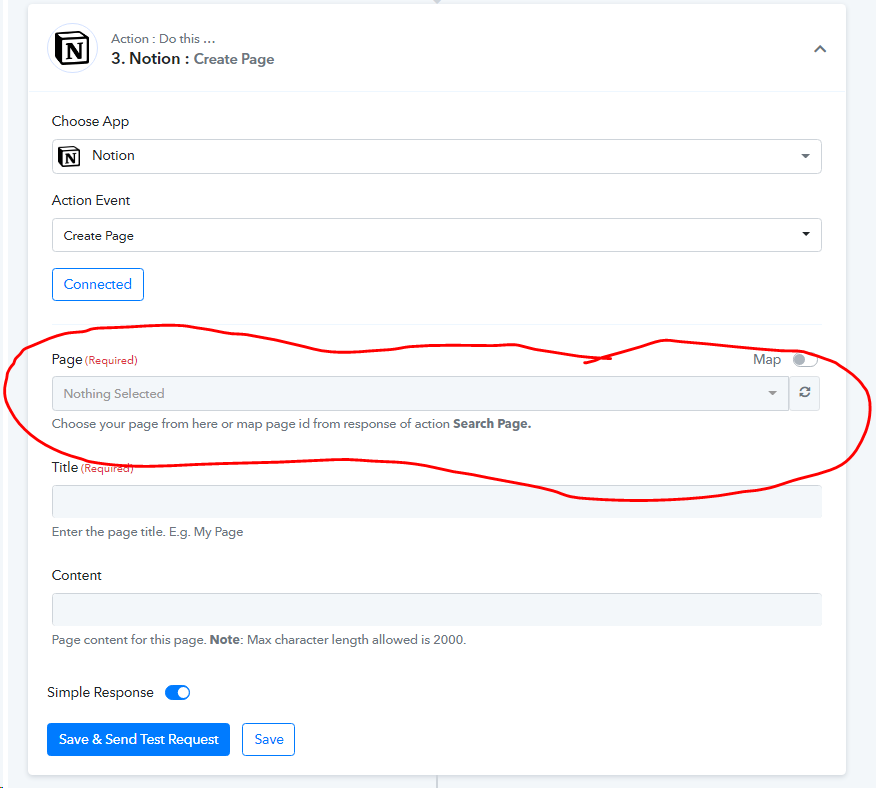
Hey @nor
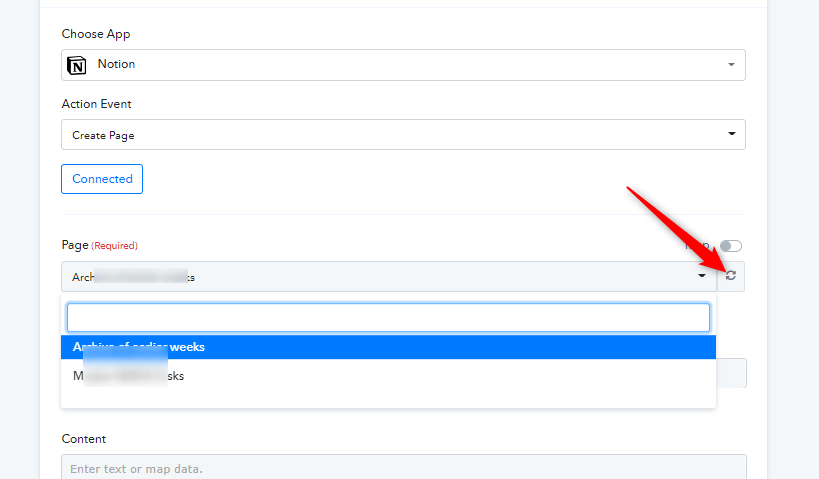
As we can see from your Notion's action step, we can see your pages inside your Notion correctly.
Kindly check now and try again.