Pabbly to leadconnector/go-highlevel
Status: Open · Asked by Sam Ka on · 0 views
Hi,
I am trying to setup a workflow that uses a webhook and takes leads into Go High Level/Lead connector platform. However, despite connecting and mapping, my leads are not showing onto the platform.
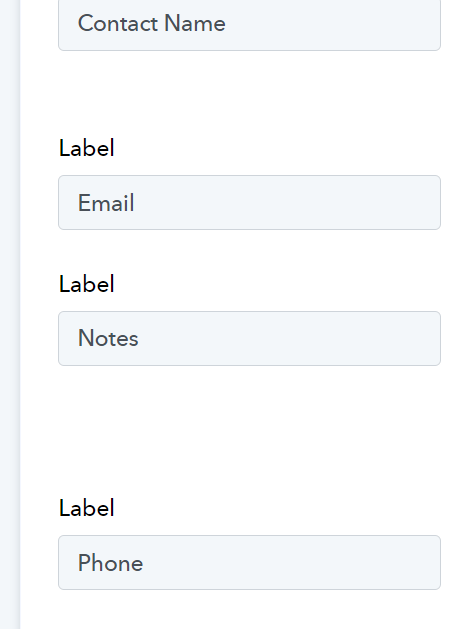
Also, I created these labels and mapped them onto the values that were extracted from the webhook. Please HELP!!!
Hey @Sam Ka,
Please share your workflow with us at the provided email address (Add Team Member) so that we can gain a better understanding of your issue. Once you have shared it, do let us know the name of your workflow.
Email: arshil.ahmad@pabbly.com
Also, remember to revoke access once your query has been resolved.
Attaching a video for your reference:
Hey @Sam Ka,Please share your workflow with us at the provided email address (Add Team Member) so that we can gain a better understanding of your issue. Once you have shared it, do let us know the name of your workflow.
Email: [EMAIL]arshil.ahmad@pabbly.com[/EMAIL]
Also, remember to revoke access once your query has been resolved.Attaching a video for your reference:
Hi. I am having similar issues with my GHL account not giving me correct details. As you suggested in your post, I shared my workflow with you and hope you can help me here as well.
Thank you,
Jennifer
Hi @jenng,
Please enable this workflow and make a test booking in 'Book Like A Boss' to see if a contact is being created in your GHL account.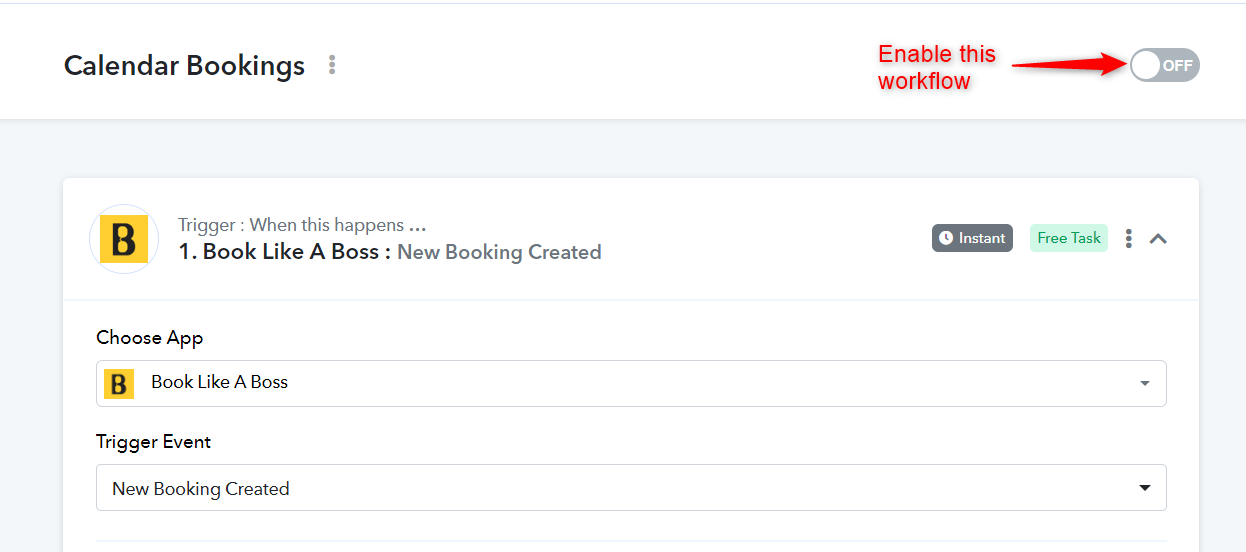
Hi @jenng,Please enable this workflow and make a test booking in 'Book Like A Boss' to see if a contact is being created in your GHL account.
I disabled it because the records were creating a blank record as a contact and not bringing the information over to my system. I'm happy to reenable it if you made any changes, but don't want the same blank problems to hit my account.
Thanks!
No, I haven't made any changes to your workflow, but I need you to enable the workflow and create a new booking in 'Book Like A Boss' to diagnose the issue.
I made it live and ran a test booking but the system is still creating a blank entry. I'm really not sure why this is happening. It is also not tagging records appropriately.
I have added a contact named PC Test to your GHL account using the 'Create or Update Contact' action step. Could you please confirm whether it has been added to your contact list in GHL?
Yes, thank you. The contact is there but the tags are not being applied. And it only came through once at least

I have made a slight change to your workflow. Please create a test booking in 'Book Like A Boss' and check if that contact gets added to your GHL account.
I ran a test with my VA's info and it's still the wrong tag and I'm curious about the name too - why is the first name and last name listed as one name?

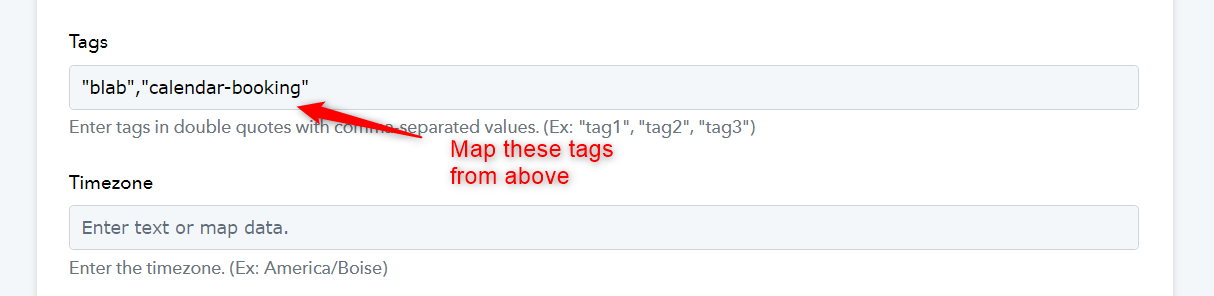
If you want the tags to change based on the information received from the 'Book Like a Boss' trigger application, you need to map the tags from above, similar to how you've mapped other information. I've made some changes to your workflow, and the issue of the First Name and Last Name appearing together should now be resolved.