Pabbly won't let me post videos on instagram using google sheets
Status: Open · Asked by arnoldasadaya on · 0 views
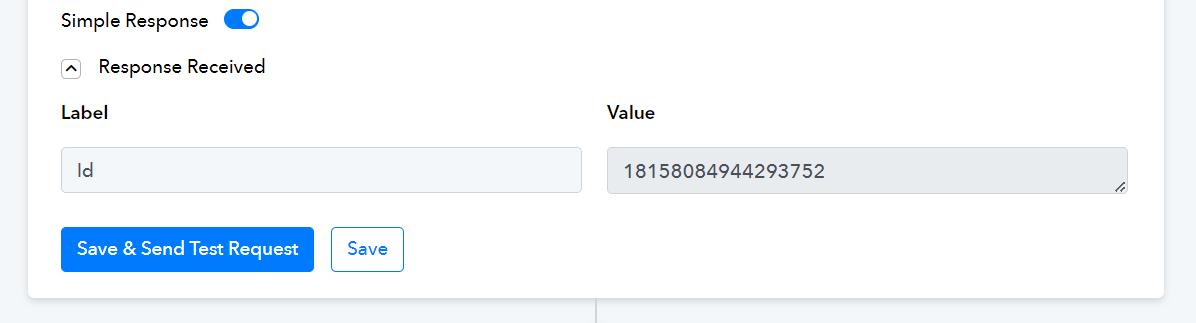
Hi! I have been trying for the past week to post a video or set up a system where I can post a video to Instagram using Google sheets.
I have watched every video you guys have and searched all existing forums to see if I can find the solution and haven't yet.
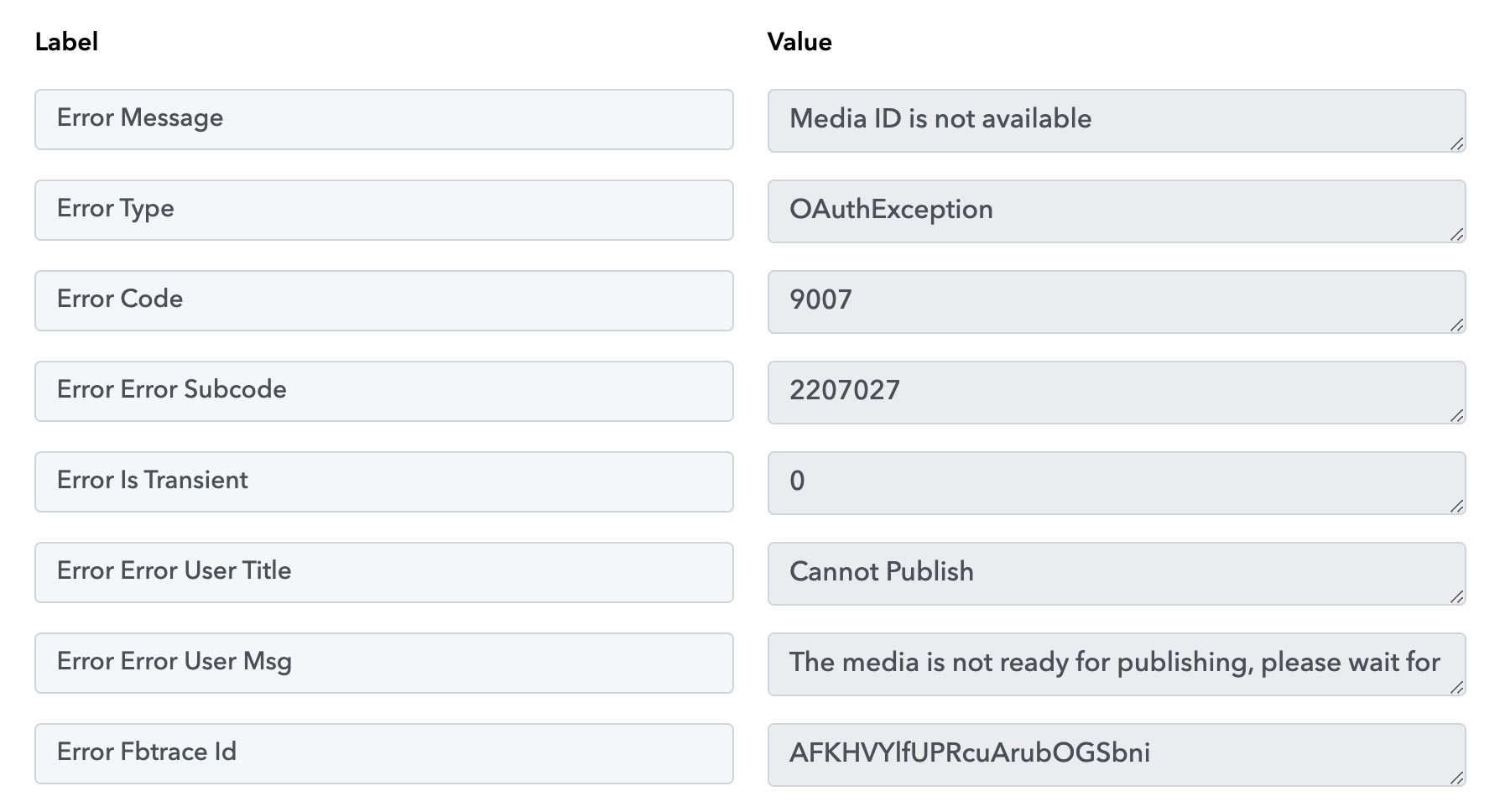
Everything is set up, configured, etc. The video itself however does not post. It either tells me that the formatting is wrong (which I have changed) or that the media ID is not available.
I have attached some screenshots of my scenario and also a loom video. Please assist.

Hi @arnoldasadaya,
'Media ID is not available' issue can be easily resolved by adding a delay to your workflow between the 'Create Reel Video' and 'Publish Video' action steps. During setup, you will need to wait a few minutes for the reel to be created before clicking the 'Save & Send Request' button in the 'Publish Video' action step.
Unsupported format Issue: Instagram API does not support uploading through Google Drive; it requires a direct link, similar to the one shown in the video shared below at 19:57
Hi @arnoldasadaya,'Media ID is not available' issue can be easily resolved by adding a delay to your workflow between the 'Create Reel Video' and 'Publish Video' action steps. During setup, you will need to wait a few minutes for the reel to be created before clicking the 'Save & Send Request' button in the 'Publish Video' action step.
Unsupported format Issue: Instagram API does not support uploading through Google Drive; it requires a direct link, similar to the one shown in the video shared below at 19:57
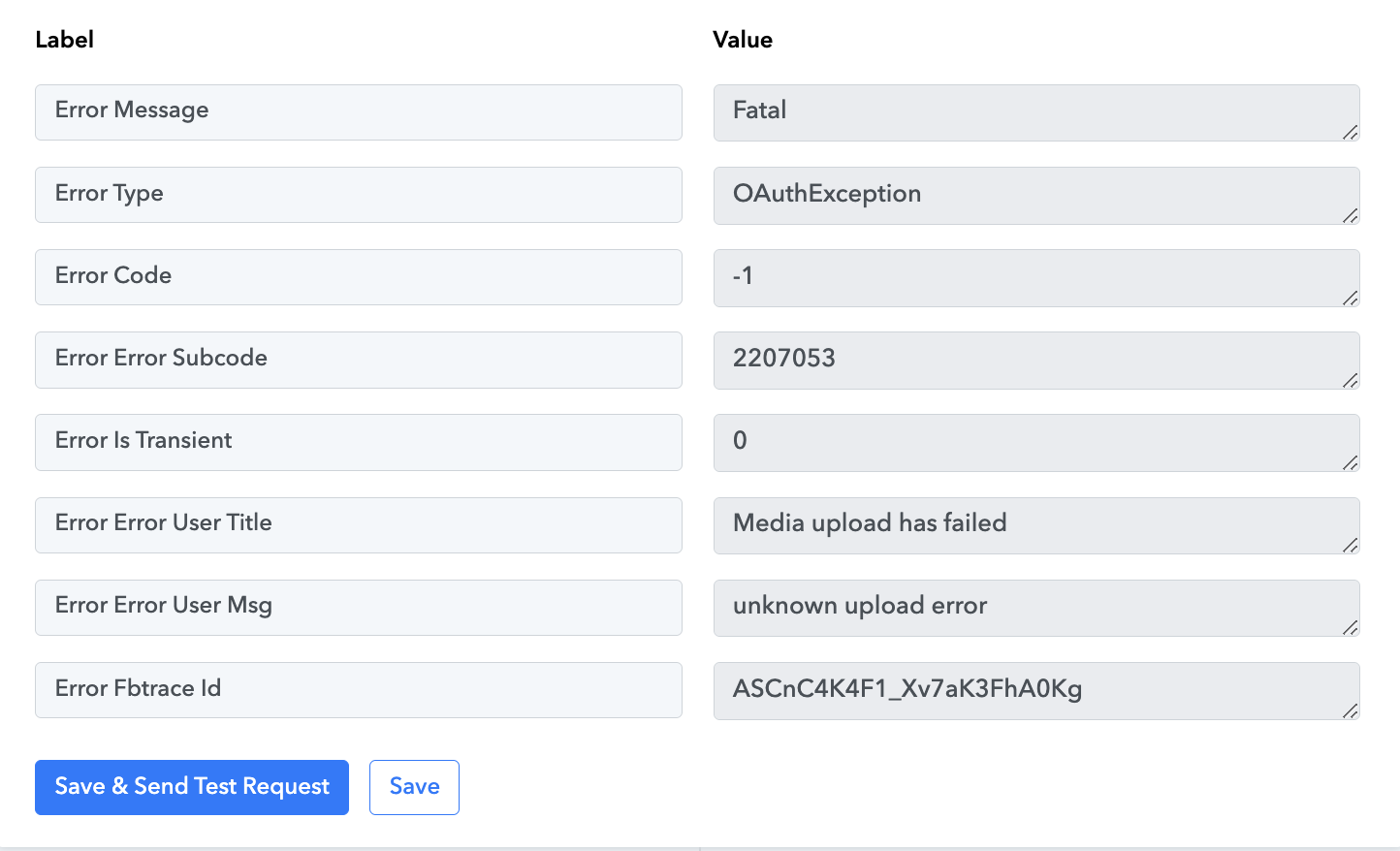
Ok great that helped a bit with my progress however I followed the instructions above and now received this error attached below. It says the error is fatal.. has anyone experienced this before?
Attachments
I made some changes to your 'Create Reel Video' action step, which seems to have fixed your issue.