PabblyConnect Gmail sending but not received
Status: Closed · Asked by Jeffrey Yu on · 0 views
Hello Pabbly Connect,
I have used Pabbly Connect and am planning to purchase it. However, one of my free workflows went down this morning and has caused an emergency.
Basically, I'm trying to send an email with one of our company accounts. The connection is successful, and when I send a test request, it says the request is successful in Pabbly Connect. Upon logging into Gmail, I also see the email is in the Sent folder. However, the email never makes it to the destination emails -- it's not in the spam nor all mail emails.
I've used this workflow and it has worked before; I'm not sure why it is suddenly not working. Please let me know as soon as possible what the issue is, as clients are already paying money and using this.
Jeffrey
Hey @JeffreyYu
As we can see from your workflow, the Gmail action step is sending emails to the recipient's email address correctly.
(Inside this route of your workflow - Secondary Consultant Assigned > Vennela Assigned)
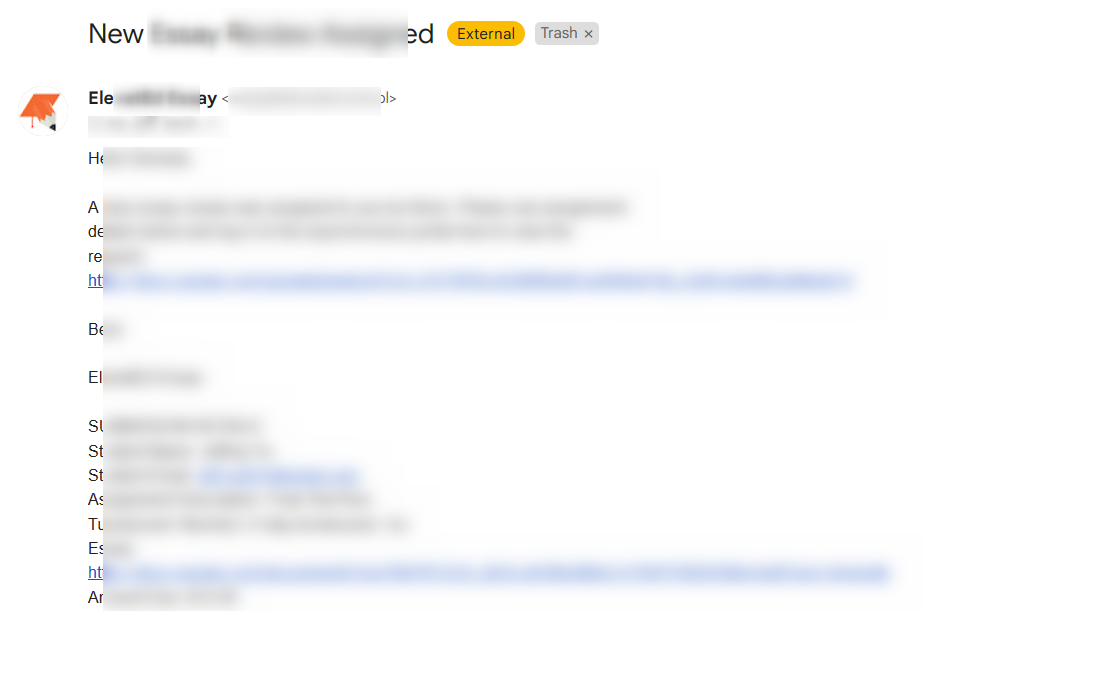
Hi! Thank you for the prompt response for this urgent situation. The error is not coming up in the secondary consultant router workflow, it is occurring for the Assignment Completed —> Kevin Completed router workflow. Please try sending the email there.
The Secondary Consultant Assigned is one branch of the router; the error is occurring in the OTHER router branch (Main Consultant Manage State)
Hey @JeffreyYu
Can you please try remapping the data again in the Gmail action step? Also, try manually typing the name and other content once.
Okay, I will try remapping the data!
Hi, I just tried remapping the data manually. You're right, when I type in all the data in as is, it works. But once I use mapped fields, with the remapped data, it doesn't work. Why is this the case?
Found the error! When I try to include the bit.ly links, the sending fails. When I include everything else, it works. Not sure why this is the case.
But as we can see from the email we received do have the bit.ly link.
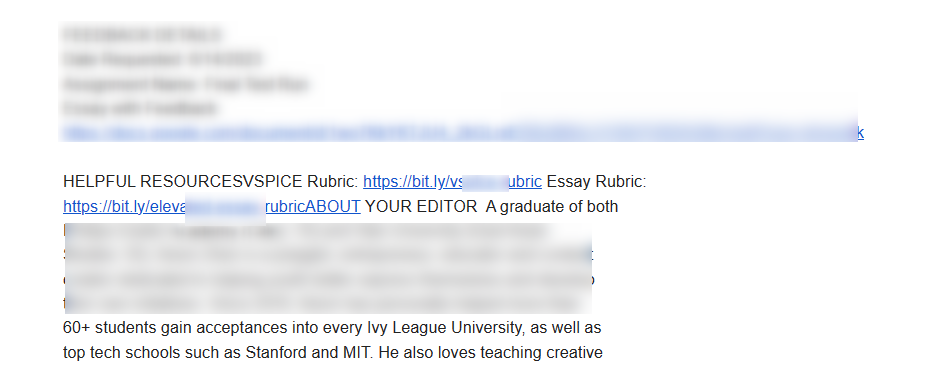
So, please delete the Gmail action step once and then remap the fields again.
Oh I haven’t tried deleting the step. That’s a good idea!
I tried deleting the Gmail action step and remapping the fields. I got the same result; the essay step works when I remove the bit.ly link and use my google link, but it doesn't work when I use the bit.ly link. Maybe it has to do with the formatting?
I put the bit.ly link on a separate section, which is different from what is shown in the picture and is received.
It seems like you have replaced the Bit.ly links with Google Doc links and it seems to be working.
Yes it is! It seems to be a fix that works for now, but I have no idea why I can’t use bit.ly links. Does the test email with bit.ly links work on Pabbly Connect’s end?
Yes, we have tested with the same Bit.ly link and it does send the email to the recipient.
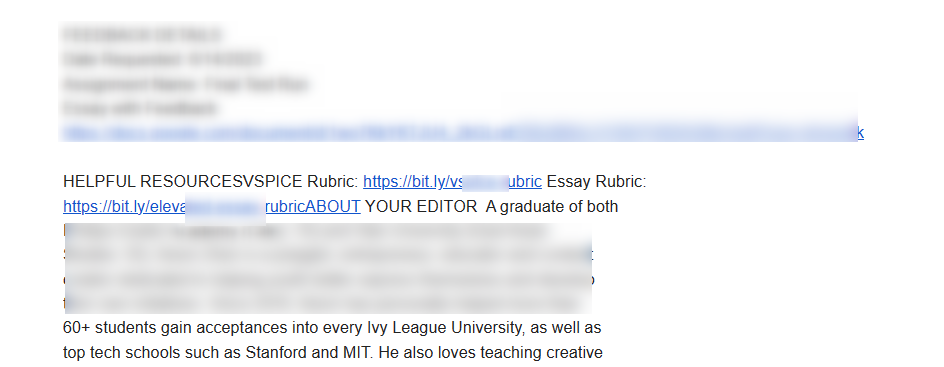
Yes, that's bizarre. I'll investigate it later -- in any case, it works for now!