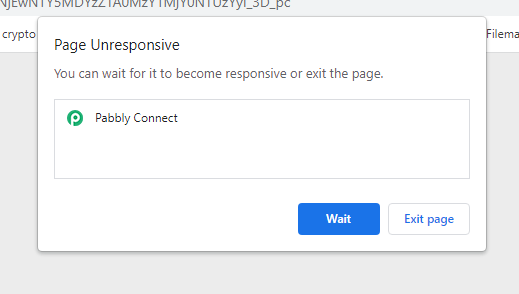
Page not responding
Status: Closed · Asked by arsalan ansari on · 0 views
Hi,
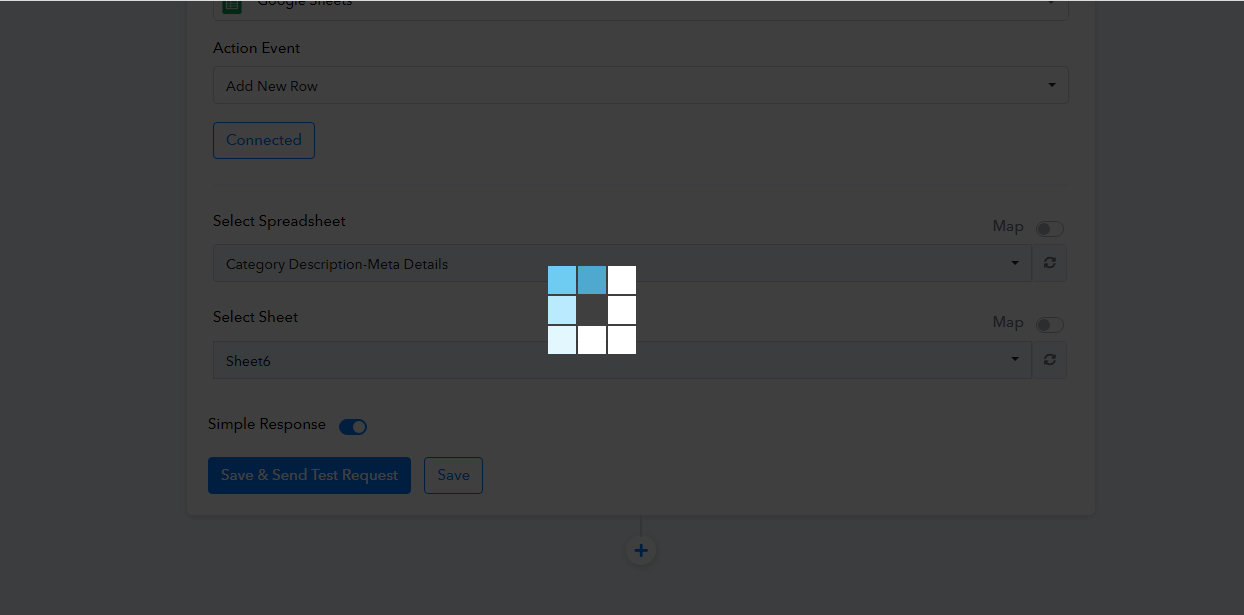
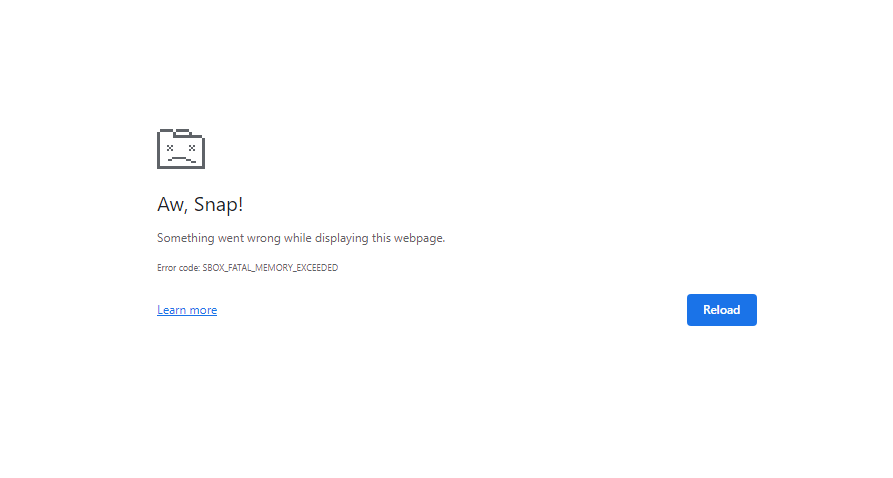
I was trying to change google sheet, it's connecting to google but when I choose the sheet page gets stuck and after a long wait page gets crashed, I have tried multiple times but the same happening again and again.
Hey @arsalan ansari
Kindly share the name of the workflow and the name of the Google Sheets to which you are trying to connect.
Hey @arsalan ansariKindly share the name of the workflow and the name of the Google Sheets to which you are trying to connect.
Workflow : AustinaCategoryMetaToGoogle
Google Sheet : Category Description-Meta Details
Hey @arsalan ansari
Can you make a new connection from the Google Sheets action step once and then try again?
Hey @arsalan ansariCan you make a new connection from the Google Sheets action step once and then try again?
same result with new connection.
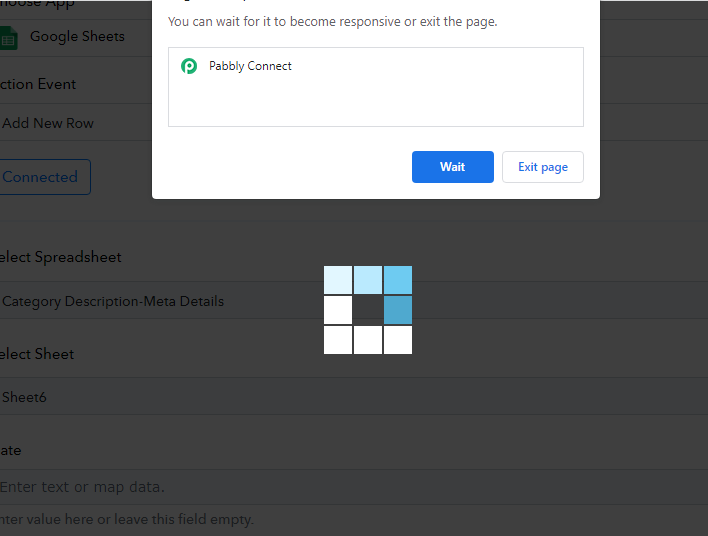
We recommend you use the "Append Values" action step in your workflow. I hope this will help you add the rows in your Google Sheets.
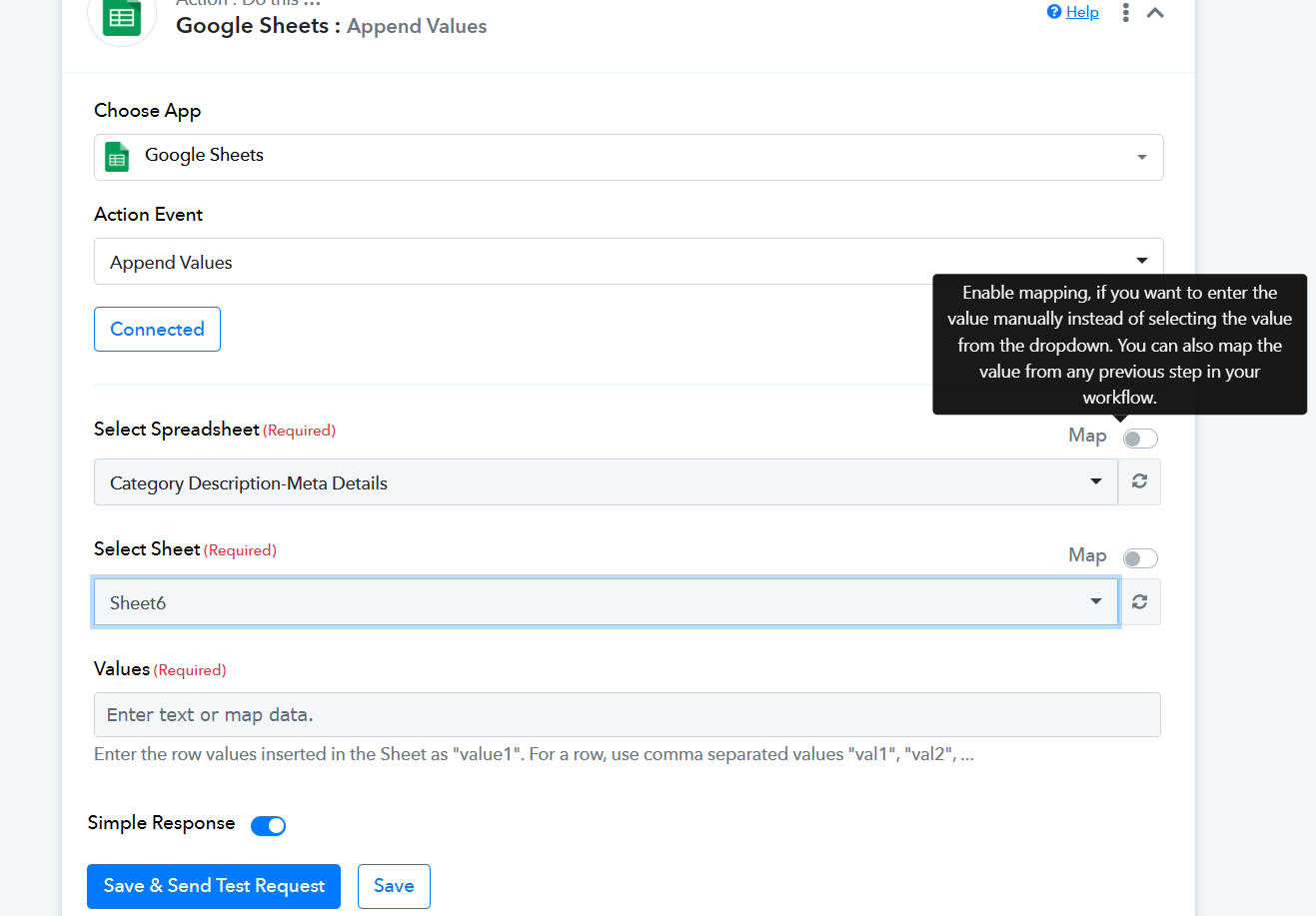
We recommend you use the "Append Values" action step in your workflow. I hope this will help you add the rows in your Google Sheets.
but i don't want to use append values, I used "Add new row" in my all other workflows. please fix this issue.
We have set up the "Google Sheets: Add New Row" action step, now you only need to remap the data in the fields.
We have set up the "Google Sheets: Add New Row" action step, now you only need to remap the data in the fields.
i think you have fixed by default selection of the specific google sheet with the workflow because when i change the sheet it's freezing but it's working fine now. thanks