PERMISSION_DENIED in Google Sheets
Status: Closed · Asked by Karin on · 0 views
I follow the instructions from the video tutorial
youtube.com/watch?v=GGj-5tjnQGE
and install Pabbly as an add on in my google sheets. Then I open the add on and go to Initial Setup. This error message appears: Permission denied. Reloading the page did nothing. Neither did closing it and reopening Google sheets.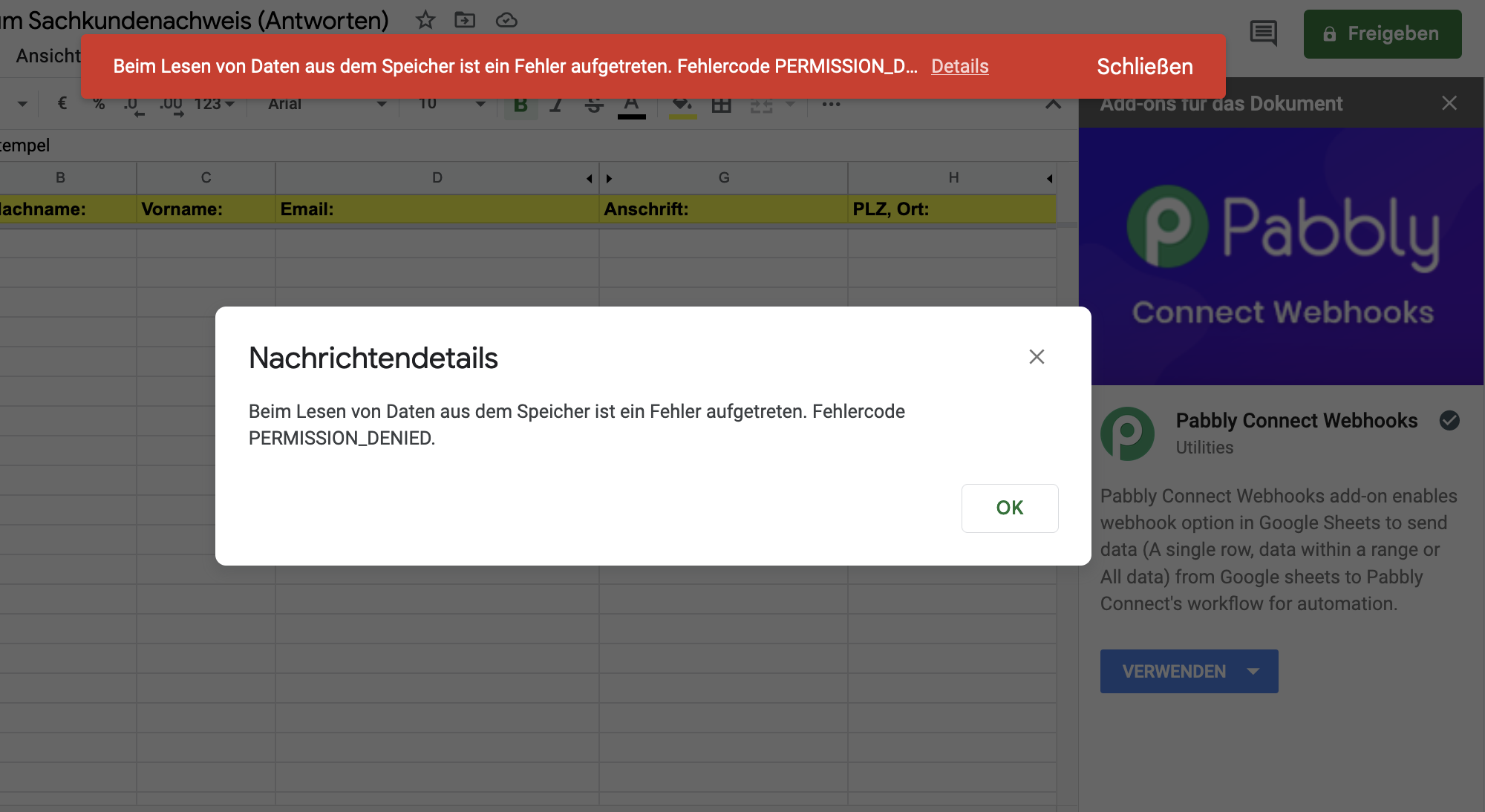
Hey @Karin
Kindly try with the admin Google account of the sheet and try doing the Initial Setup in the Incognito mode of your browser.
Hi. I tried the tips suggested by Supreme but it still didn't work. N.B. I'm using only a basic Gmail account not a GSuite account. Please advise. Thanks.
Hey @markmotts
Please try to make a new connection with Google Sheets in the browser's incognito mode, and then proceed with the task.