Pipe Drive to Go High Level
Status: Closed · Asked by MTR-IT on · 0 views
Hi,
So my trigger application is PipeDrive and when a Lead is created I want a new contact to be created in GHL.
The GHL is not showing the populated fields so that I can map it.
Hey @MTR-IT
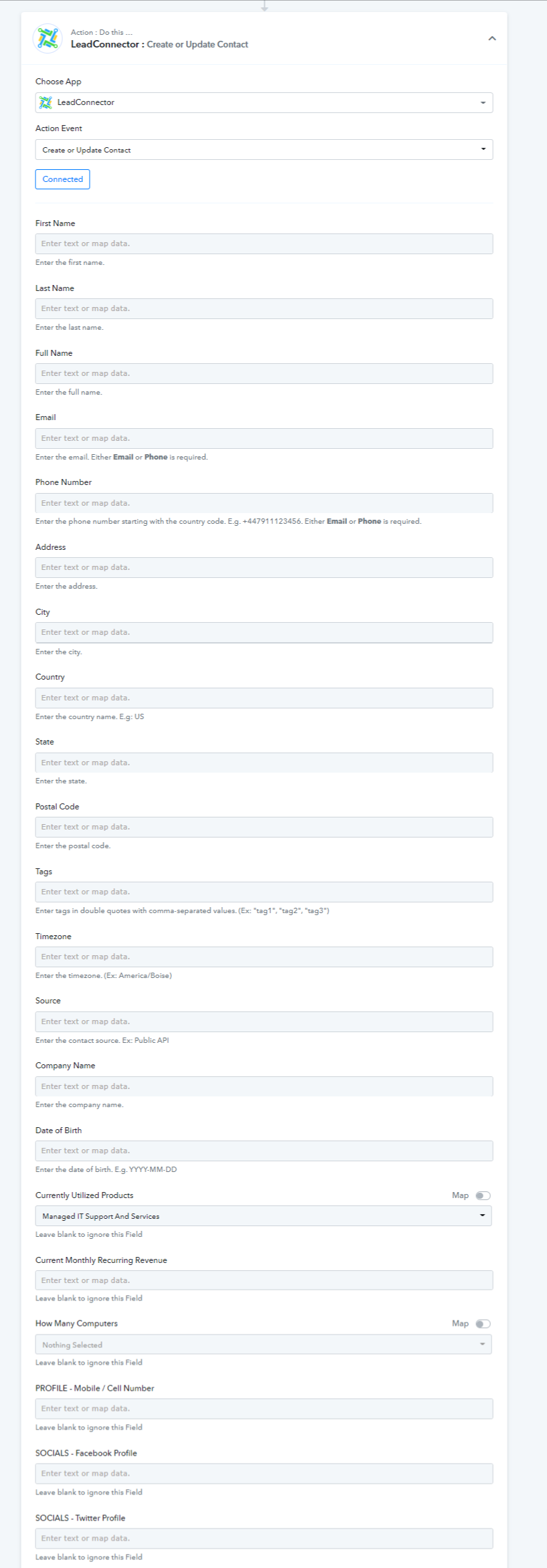
As we can see from your workflow after reconnecting the GHL action step your custom fields are getting populated completely.
Please check that out -
Hi,
So the GHL is not working as google chrom or any other browser just crashed.
Hi,
So the GHL is not working as google chrom or any other browser just crashed.
Perhaps you should try clearing your browser's cache memory once and then try again.
Hi,
No Still does the same thing can you please assist.
Hey @MTR-IT
Could you please try to restart the laptop and use other browsers like Opera, and Firefox and then try to access the workflow? Kindly let us know if it helps.
Hi,
I am having issue with below workflow and am failing to understand the issue wit this. Please help me with this.
Hi, can you please check this workflow for me as well please.
Hey @MTR-IT
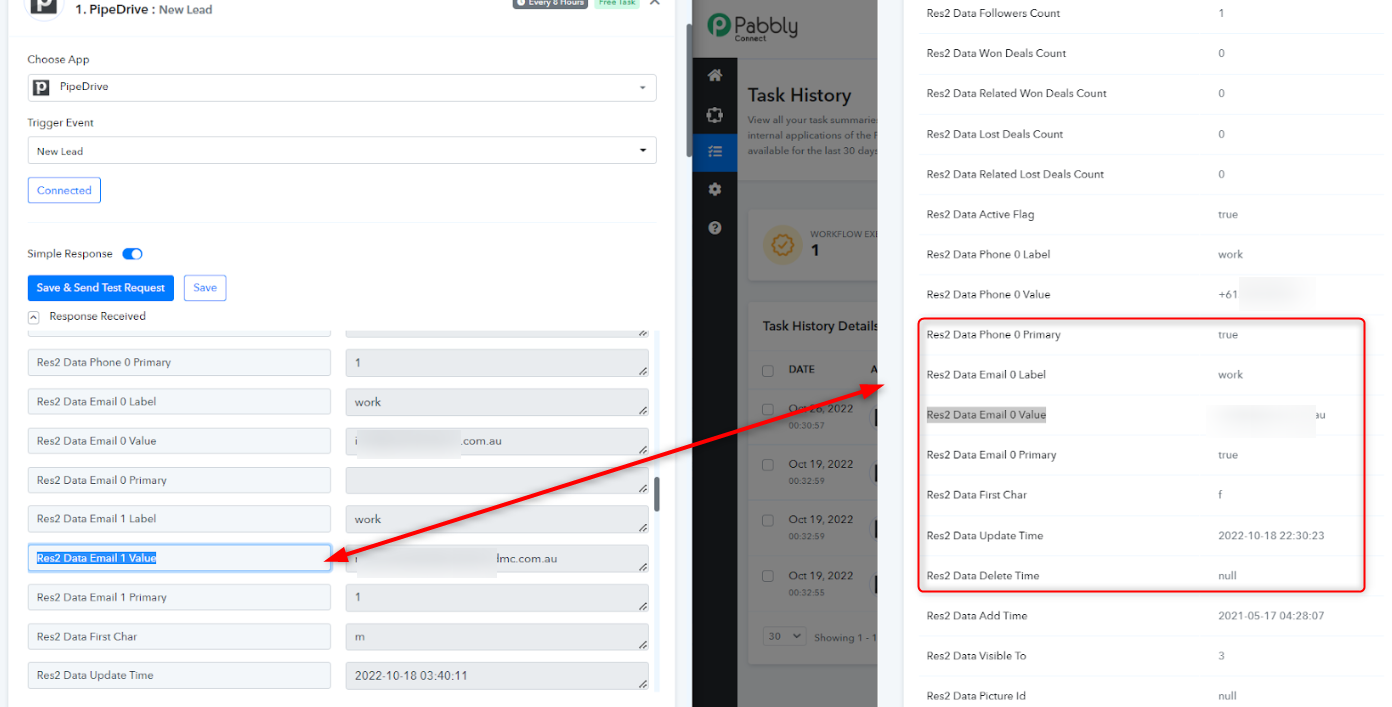
As we can see from your task history Id it seems like from Pipedrive you didn't get the email address in the mapped label which you have used.
So, kindly recapture the webhook response and then remap the value in the GHL action step.