Pipedrive: person custom field trigger
Status: Closed · Asked by jarnow on · 0 views
How can I achieve this (earlier done in Zapier):
All persons in Pipedrive include a newsletter group custom field with several options.
I want to send the person's details to Mailerlite and assign a newsletter group for them. I can't seem to find custom fields in Pabbly.
Eg:
John Doe
Newsletter Group = Group 1
Task: send to Mailerlite and assign to group 1.
Hey @jarnow
For your concern, you can use Pipedrive's "New Person" Trigger event, and with its trigger response, you can map the further steps of Mailer lite to add the subscriber.
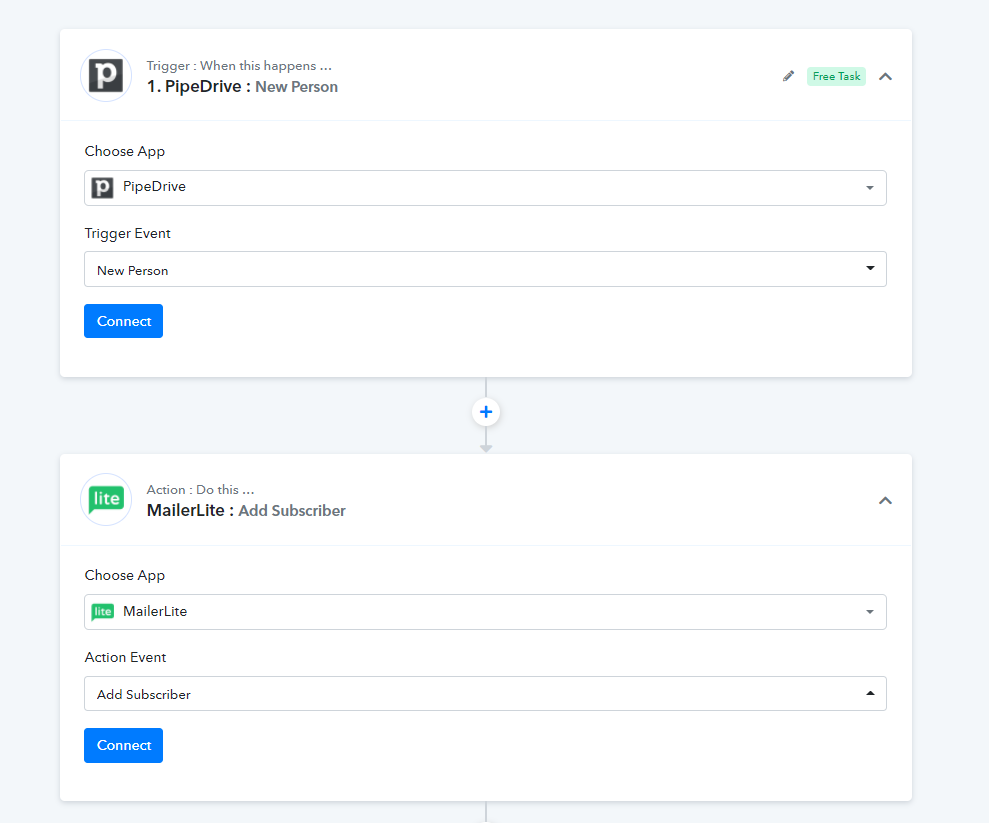
You can refer to our tutorial video for a better understanding -
(Please watch the first part of the video)
youtube.com/watch?v=z5NOdN4zyG8
(Watch the second part of the video to add the subscriber to Mailerlite)
youtube.com/watch?v=c3OY8LZPvZI
For more videos please check out our youtube channel -
https://www.youtube.com/channel/UCVA5GKy8qpDxQR5xSt_zcJg/featured
Ok thanks, will check. So this won't add all new added persons to mailerlite, just those who have a newsletter group filled?
Tried it but the test response didn't include the custom field data. So I assume Pabbly does not fetch custom fields from persons in Pipedrive?
Hey @jarnow
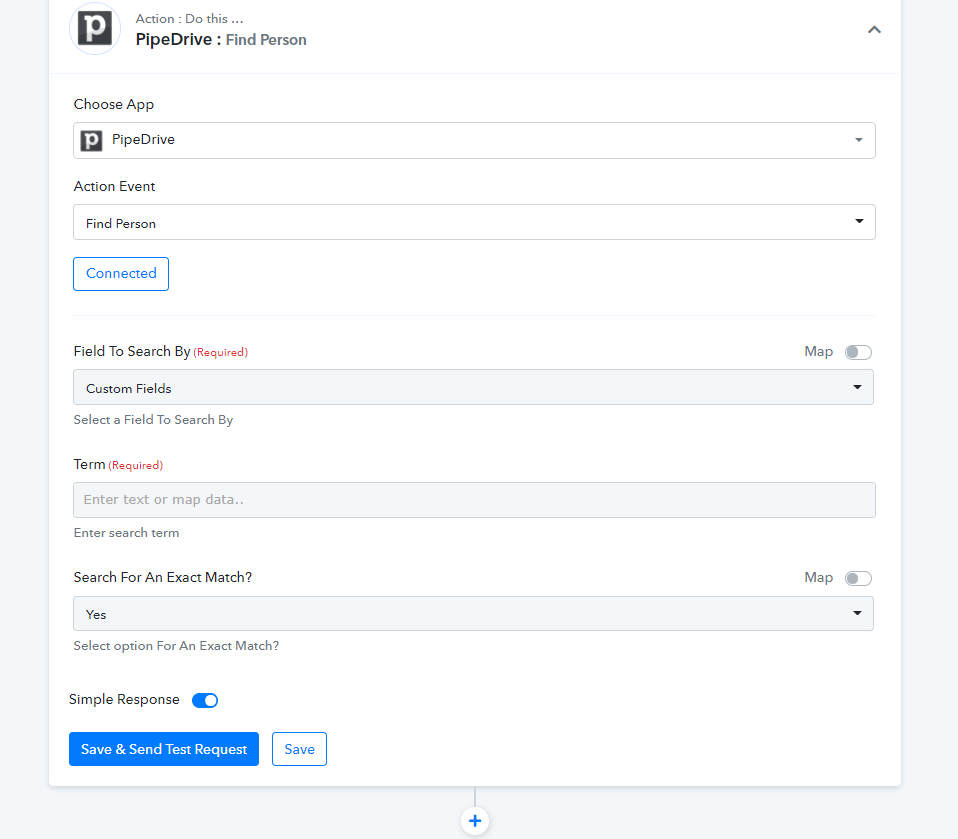
To get the custom fields of the person from your Pipedrive, you can use the "Find Person's" action step.
Or you can use the FInd the person by Id action step.
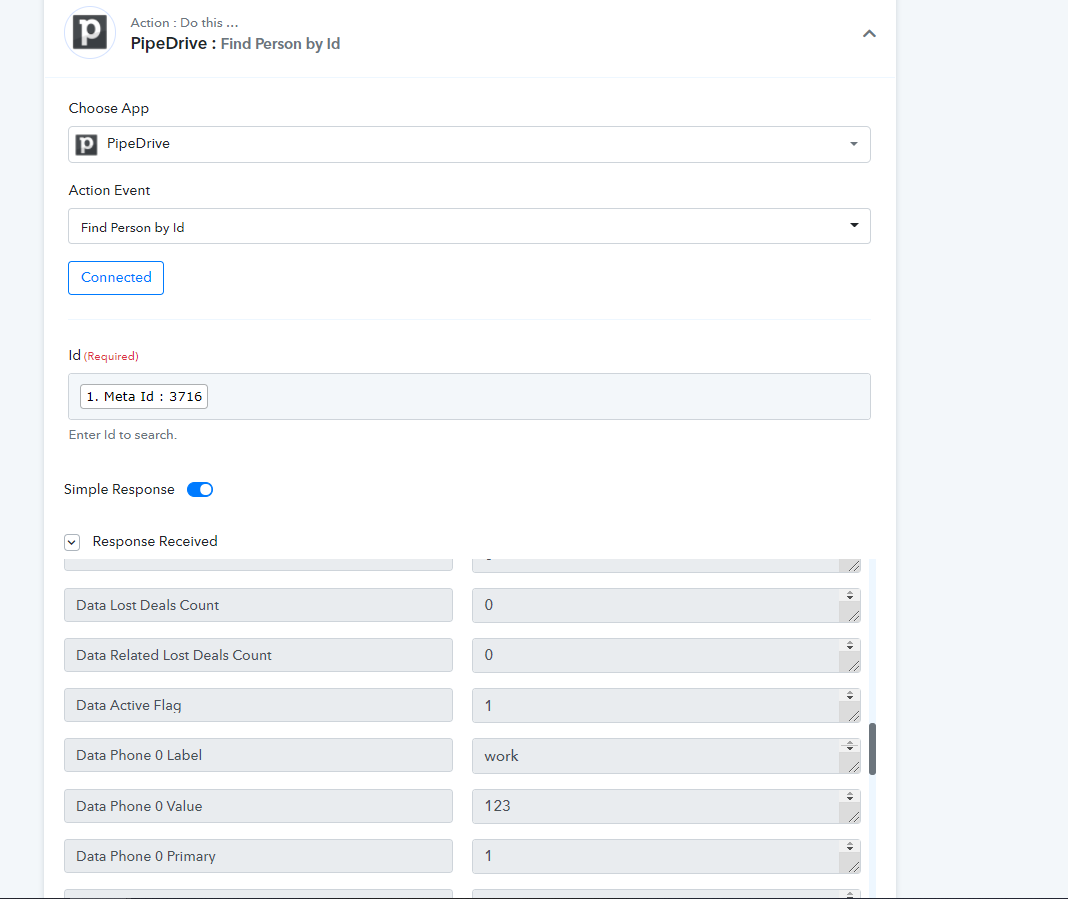
Okay, I got this working now. The issue was that custom fields were not plain text in Pabbly; they were hashes.
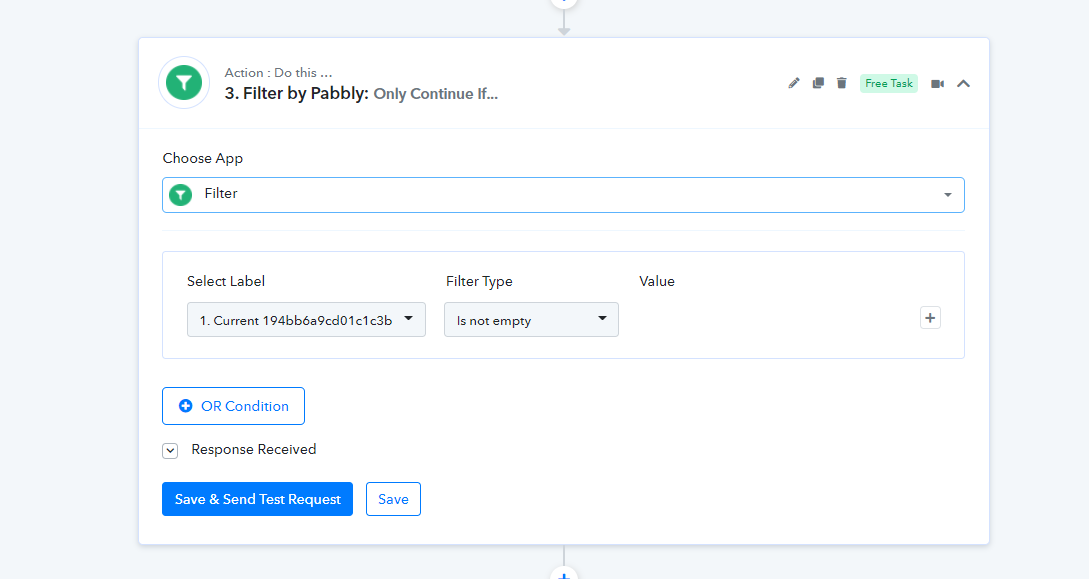
Next step. How can I prevent Pabbly from fetching a contact who doesn't have anything added to this specific custom field (newsletter group)? I don't want to add all contacts to our newsletter.
Hey @jarnow
How can I prevent Pabbly from fetching a contact who doesn't have anything added to this specific custom field (newsletter group)? I don't want to add all contacts to our newsletter.
For this we have added a filter condition in your workflow, please out the following screenshot -