Please help in integration of Text Local to send sms (Google Sheets to Text Local)
Status: Closed · Asked by rachnanaisha on · 0 views
Please help me in the integration of my Text Local to send sms (Google Sheets to Text Local). To send sms in real time.
Hope to get the revert soon. I am unable to find any tutorial for the same.
Thanks
Rachna
Please help me in the integration of my Text Local to send sms (Google Sheets to Text Local). To send sms in real time.Hope to get the revert soon. I am unable to find any tutorial for the same.
Thanks
Rachna
Hello Rachnanaisha
Please check the first part of this video tutorial to add the Google sheet trigger-
youtube.com/watch?v=l11VXhYCWNA
Then you can add the action Textlocal>Send SMS. Map the action fields from your trigger response.
Already tried but not able to connect text local.. Please help with clear steps only for text local. It is not working. I don't have account with SMS Horizon
Please help
Can you please send us the screenshot of the workflow you have created and which application you're using to send SMS? Please note that you will be needing to use a third-party application in order to send SMS just like SMS Horizon application.
Here is the error I am getting. I think I am not able to find the API. Please help me with this
Attachments
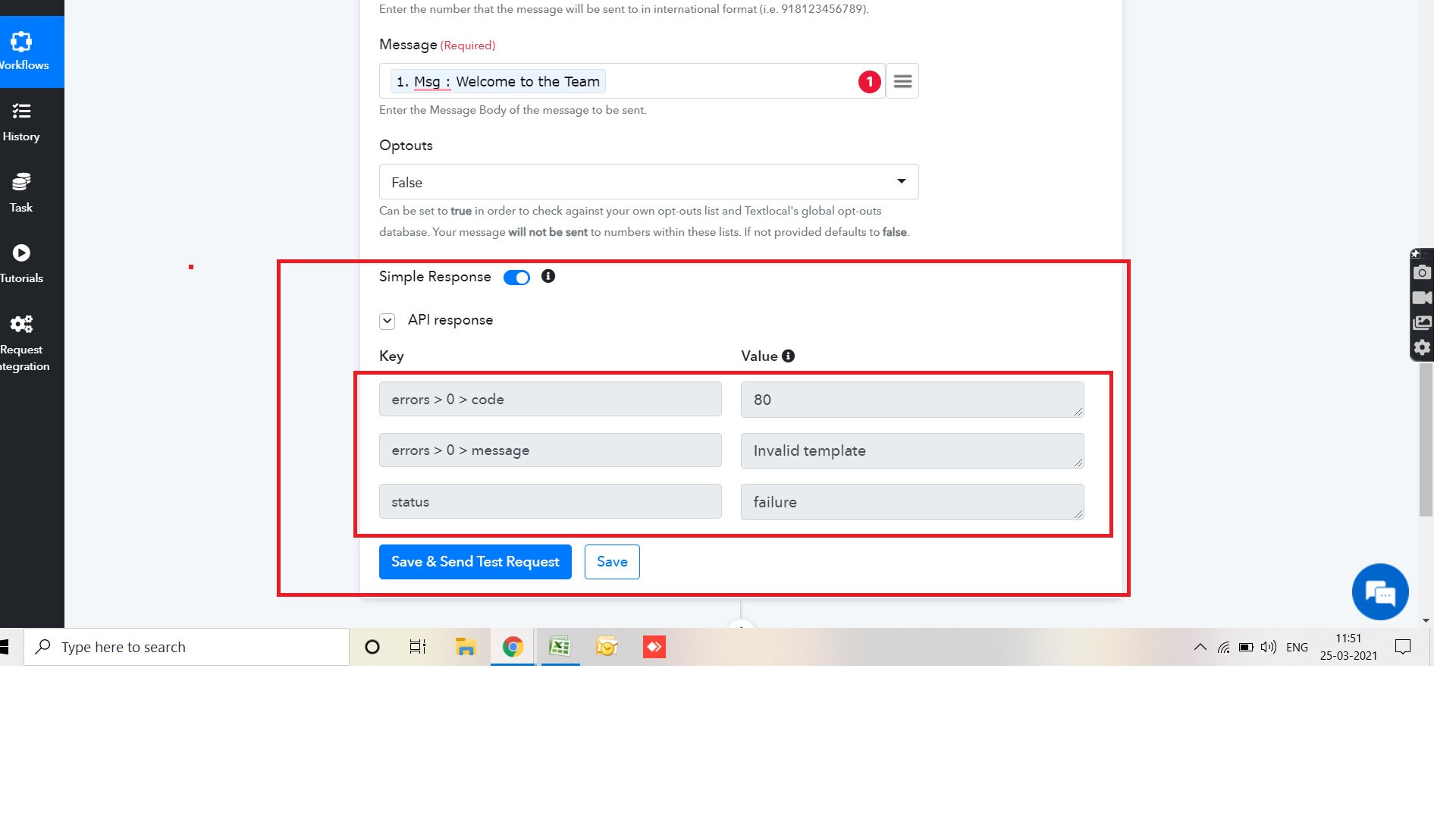
Your SMS Message template does not seem to be approved by the TextLocal team.
Here's how you can get the approval from Textlocal team - https://www.textlocal.in/how-to-create-and-edit-templates/
I got the tempelate approved still same issue. Please help me with this
Attachments
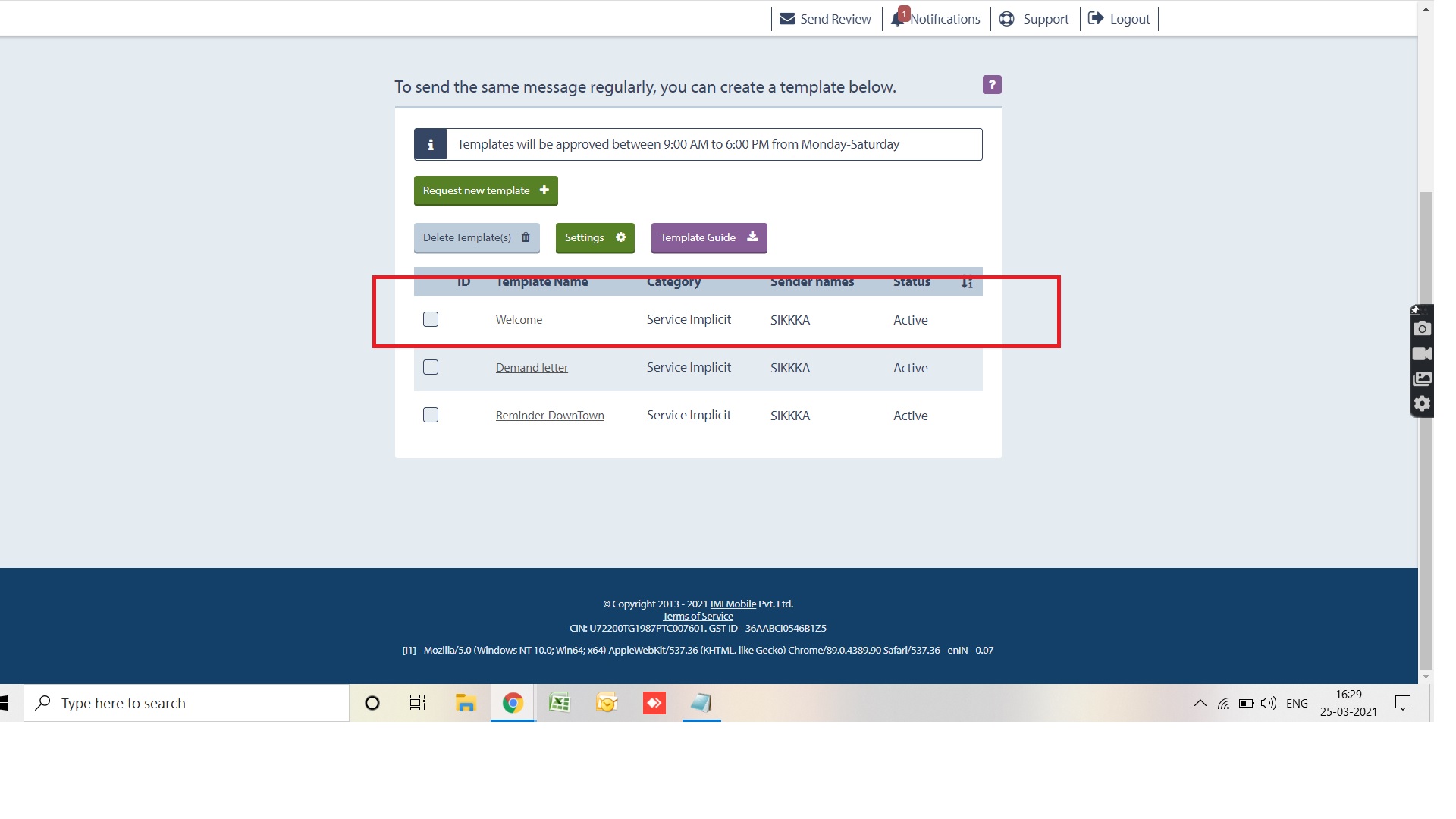
Please check whether you are entering the correct details or not. We can still see that error message as "Invalid Template". Your sender name, Number and Message all need to be approved from Localtext team.
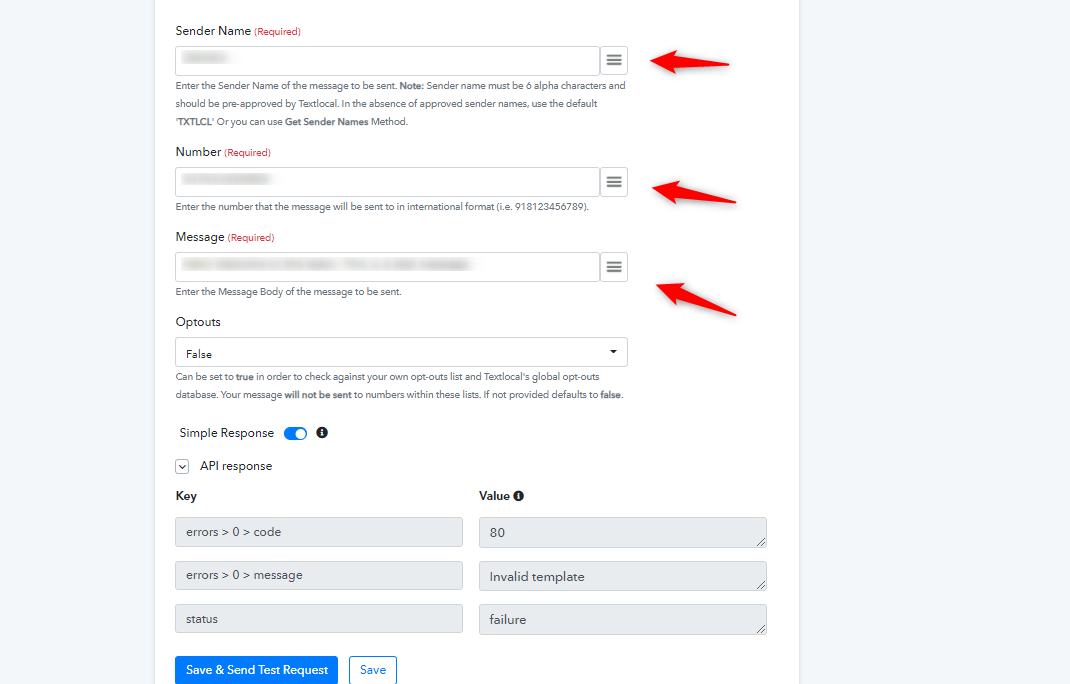
Still the same Error. I got the approval with text local
Attachments
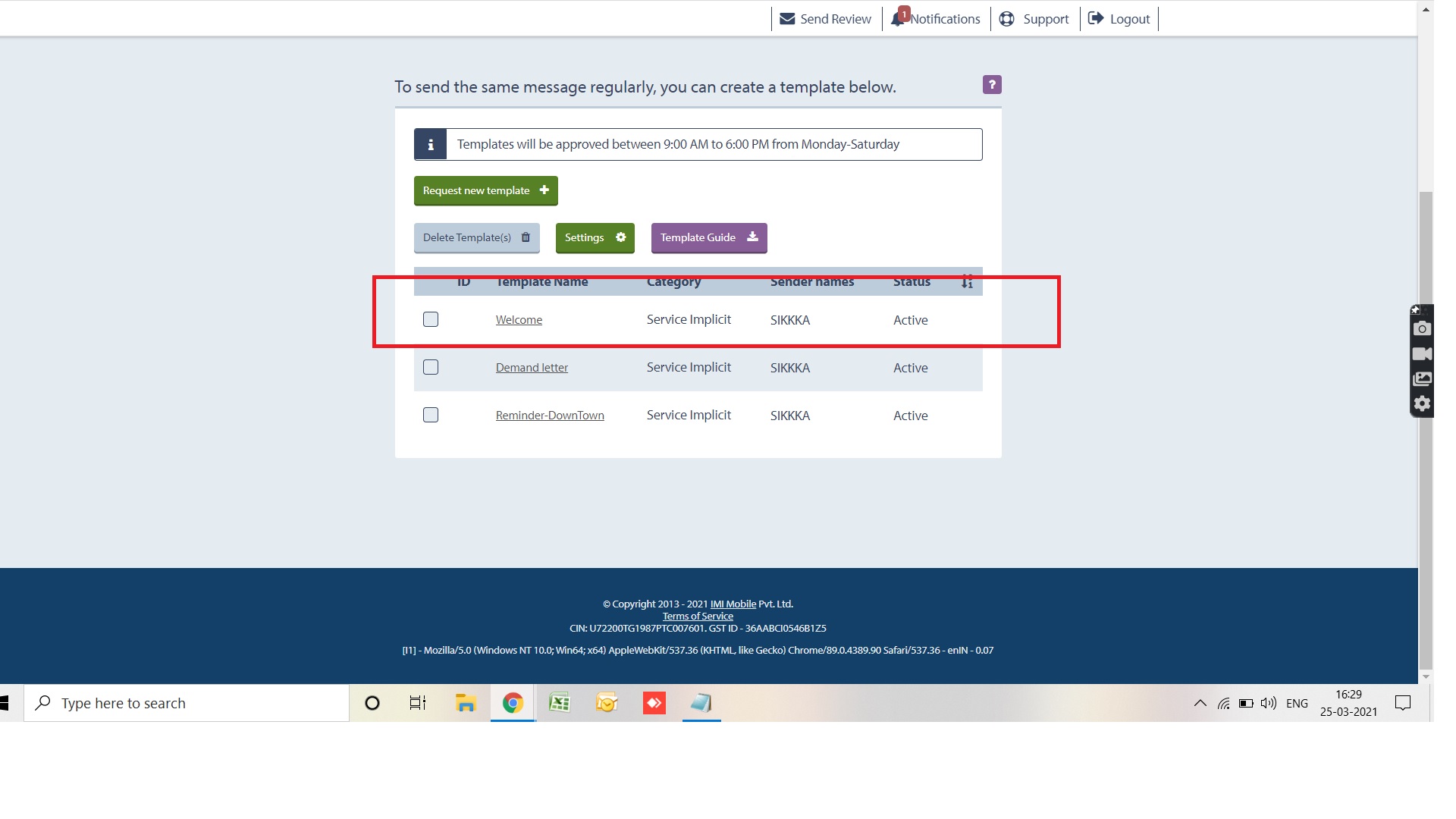
Please help me with this. Can Anybody call me or I can call please
Still the same Error. I got the approval with text local
Can you check whether your phone number is approved and the SMS message template needs to be exact. Your message also seems to be dummy. Please check what SMS template you have got the approval for. You need to have same SMS template content under the message field.
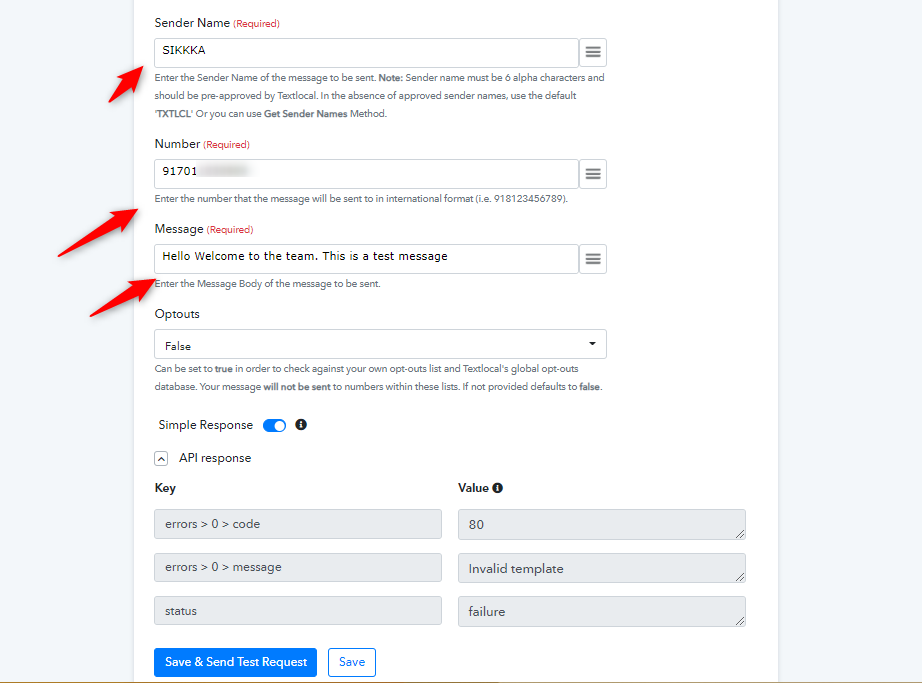
Please help me with this. Can Anybody call me or I can call please
Currently we are not offering phone support.
From Pabbly's end your messages are sent to TextLocal but you are getting a error message back from TextLocal which says that the template is Invalid.
We will recommend you to copy and send the message to the TextLocal team support and ask them why the message is getting declined from their end.
Maybe they might have some specific ways in which you have to write a message to be sent through their platform.