Post Facebook Media to Twitter, LinkedIn & Tumblr Automatically
Status: Closed · Asked by haikus on · 0 views
Hi. I am implementing this workflow:
youtube.com/watch?v=25XFxCIDJhQ
and right here:youtube.com/watch?v=25XFxCIDJhQ:799
There is information on what photo to use from Twitter. This, unfortunately, is not possible because it is no longer selectable today.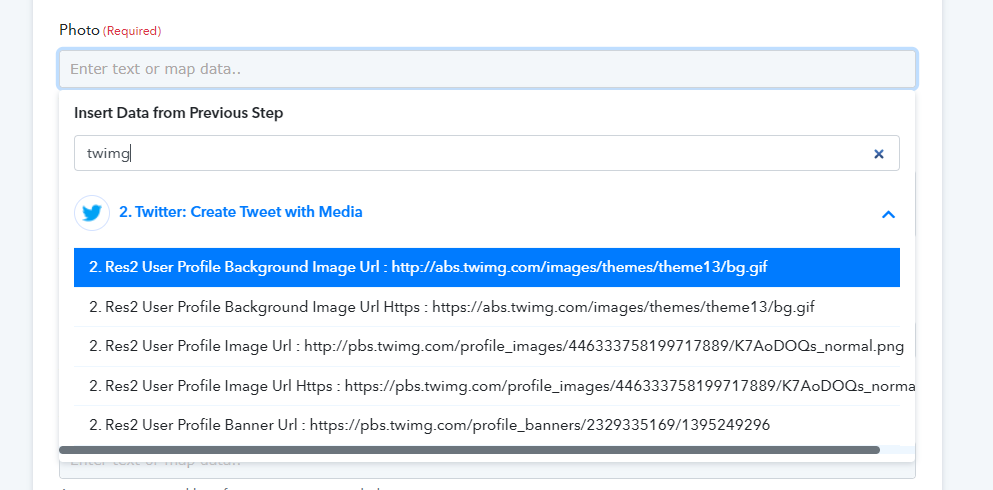
In place of the photo from the post I used the logo from Twitter but this is not how it should look like. What to do? Should I report such problems to you via the forum or in another way?
Hey @haikus
Could you please share the name of the workflow in which you want to use the picture?
hi @Supreme
ogrodolandia / Facebook - Twitter, LinkedIn, Tumblr
step with Tumblr / Photo
Hey @haikus
ogrodolandia / Facebook - Twitter, LinkedIn, Tumblr
step with Tumblr / Photo
You can use the Res1 Media File Url field data to pass the respective picture URL.
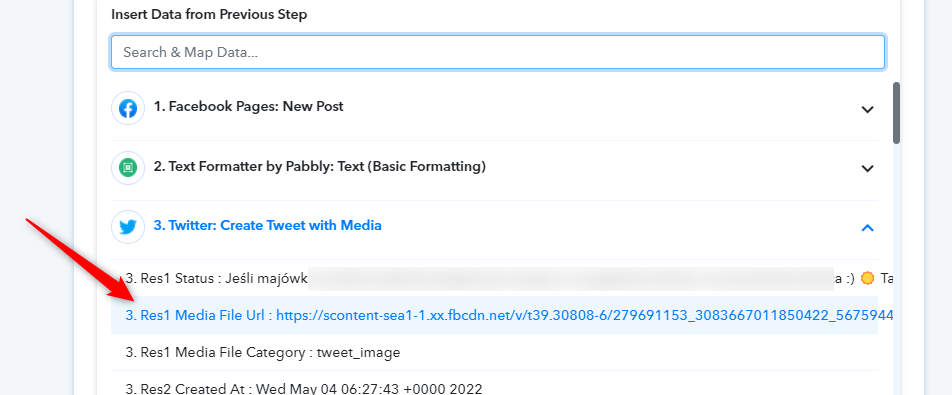
@Supreme
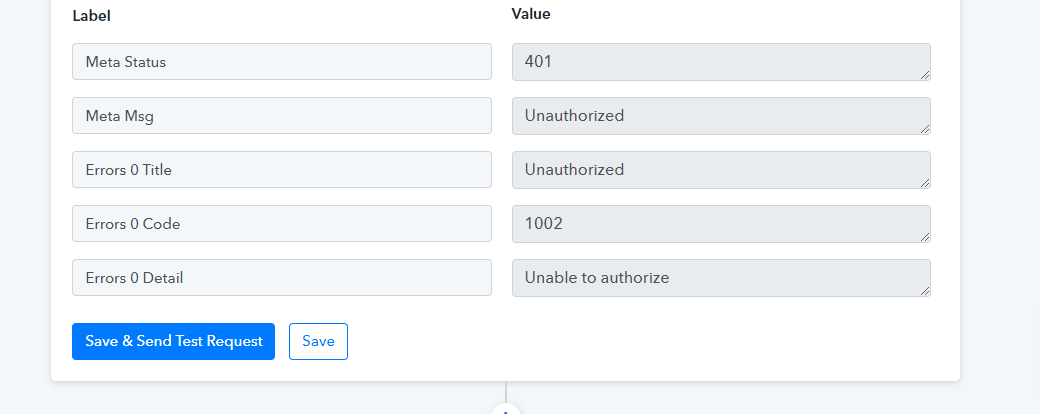
Hey @haikus
Please allow us some time, we are currently looking into it.
Hi @Supreme. Sure :) Waiting patiently
Hey @haikus
Thanks for understanding, our tech team is currently working on some other issue and soon they will look into it. Since your concern might take a deep investigation on it and have to do multiple testing.
So, it'll take a while, once we make any changes to it, we will notify you with an update soon.
?
(y)
Hey @haikus
We have made some changes in the Tumblr action step and would request you to try it at your end now. Let us know if that works for you.
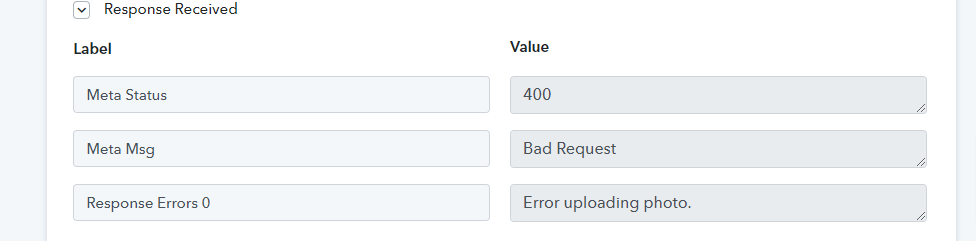
Hi @Supreme . Unfortunately there is still a problem
Hey @haikus
It seems like the Image URL which you are passing doesn't exist anymore and because of that, you are facing such an error. Kindly check the Image URL for its presence then try again.

I understand that there is a problem with the photo. What should I put in this field?

?
Hey @haikus
Re-capture the webhook response and re-map all the desired action steps then try again.
Hey!
While doing the authentication to connect Instagram for business every time, I'm getting Facebook interface. So, I'm unable to do the authentication process.
PF the attached screenshot for better understanding.
Attachments
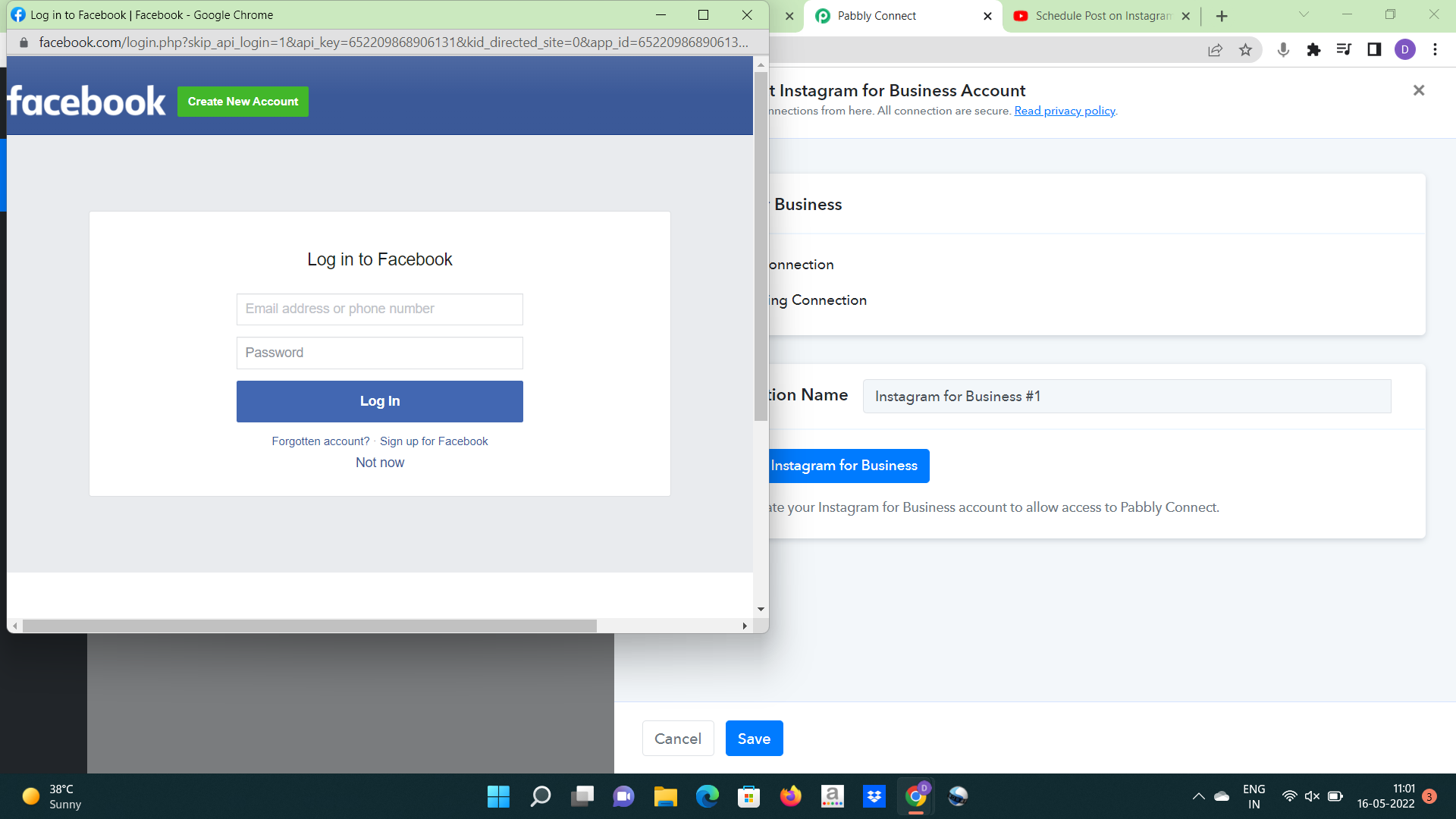
As per our Facebook policies, the Instagram Business account can only be authorized via Facebook accounts only. That's why you're getting that screen for authorization.
So, I have to create a Facebook account after that I can use this Instagram feature.
So, I have to create a Facebook account after that I can use this Instagram feature.
You need to create Instagram Business account from your Facebook account only. Please check this for more information - https://en-gb.facebook.com/business/help/502981923235522
You need to create Instagram Business account from your Facebook account only. Please check this for more information - https://en-gb.facebook.com/business/help/502981923235522
Ok Thanks,
Feedback - These little things make a big difference so please do mention these things in your YouTube videos.
Hey @haikusRe-capture the webhook response and re-map all the desired action steps then try again.
(y) now is ok