Posting an Image to Instagram App is not working in the workflow
Status: Open · Asked by sachinites on · 0 views
I have created the following workflow :
GoogleSheet ---- ---------------> Open AI ( Gen Image ) --------> Open AI ( Gen Text ) --------> Linked In (Post ) -------> Instagram (Post ) --------> FB Page ( Post )
( Timer triggered )
All posts have been successful except instagram.
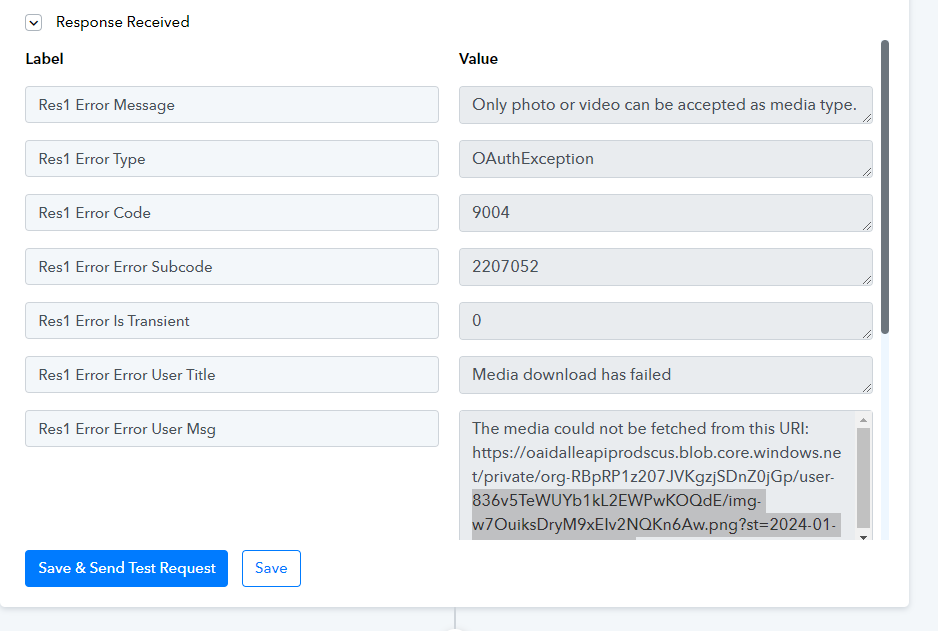
Pasting the Instagram response recvd here, seems like it is not recognizing the image URL, but i dont have a hold on that as it is AI generated image in prev step.
Kindly help.
Task ID : IjU3NjIwNTZhMDYzZTA0MzM1MjZjNTUzZDUxM2I1MTY3NTQzMiI_3D_pc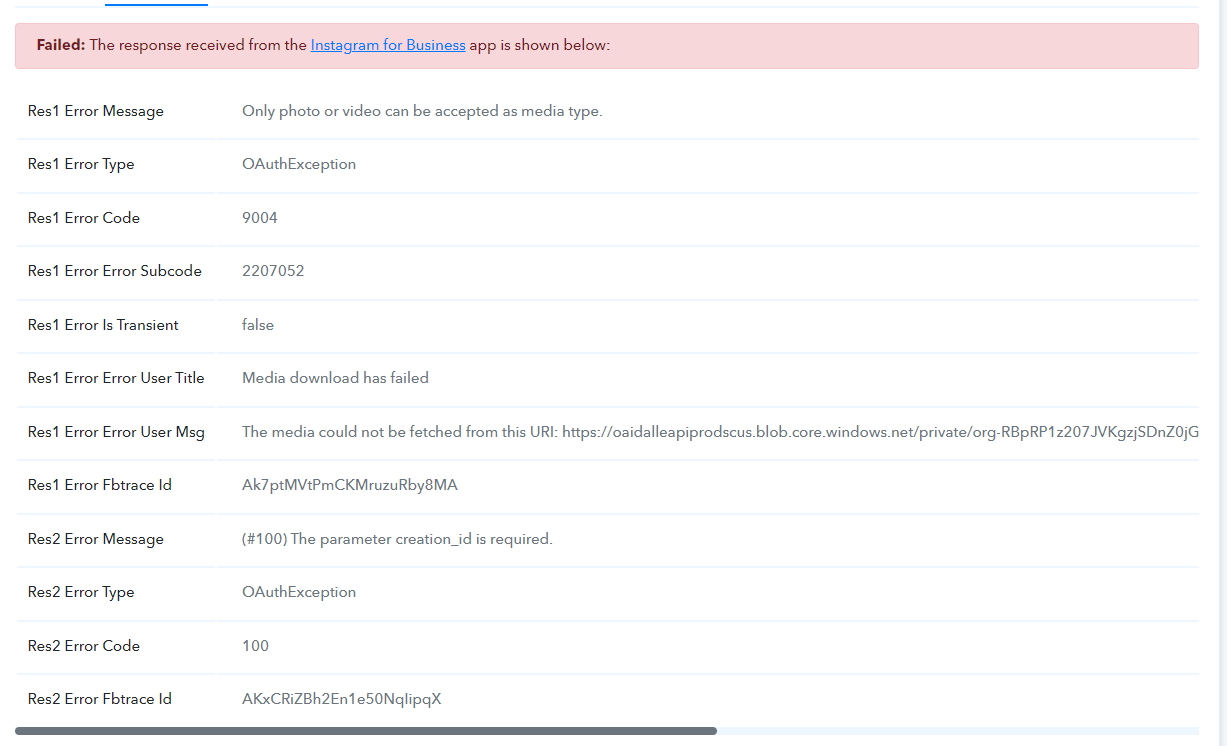
Workflow :
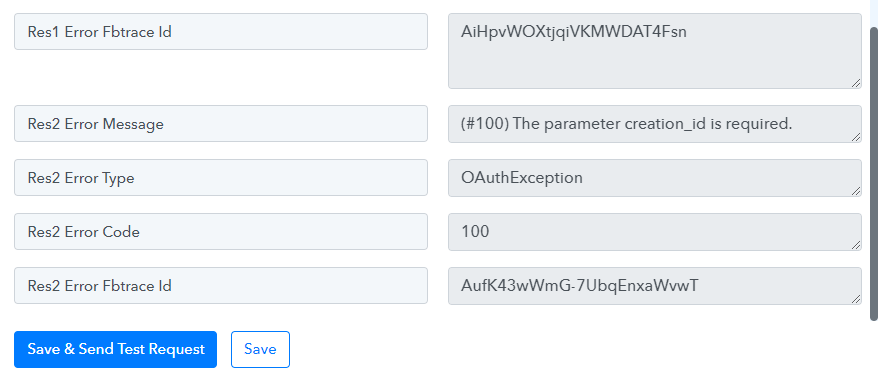
Pls help, what is wrong with Instagram. In my other workflow, posting to instagram is successful, yet I recv error msg from insta.
Attachments
Hi @sachinites,
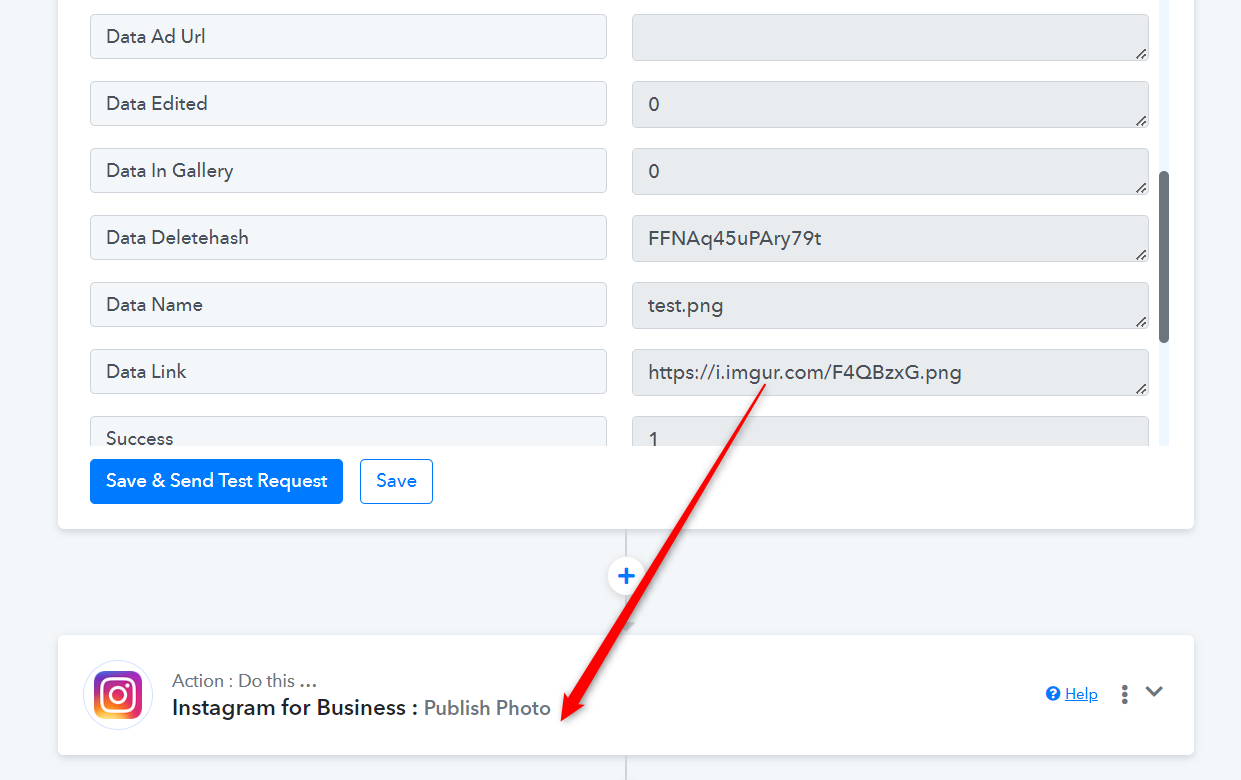
It seems like you have removed the Instagram action step from your workflow. To upload an image to Instagram, ensure that the image URL has a proper extension at the end, such as jpg, png, gif, etc. You can try uploading the file to Imgur and use the URL generated on Imgur to upload the file to Instagram.