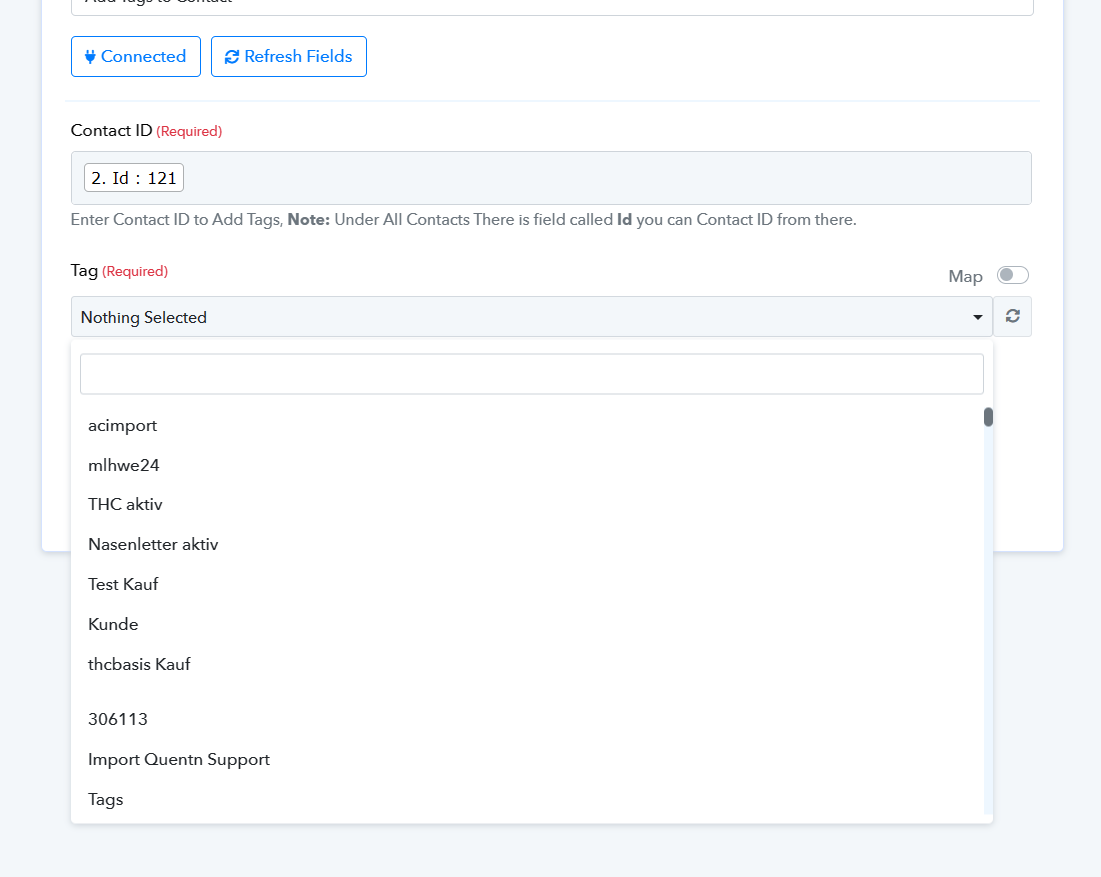
Problem with App Quentn Tag
Status: Closed · Asked by claudiah on · 0 views
APP: Quentn
Action: Assign a tag to a user
Why doesn't it work if I take the content from a previous step?
The user data comes from Copecart. When a product is purchased, the product ID should be assigned to this user as a tag.
Unfortunately, the mapping does not work. I can only select one tag from the list. Then it works. This means that I have to create a separate identical workflow for each product, where I assign the tag manually. And create a separate IPN connection for each product in Copecart.
This is madness with my many products. The tag is created in Quentn. Why doesn't the mapping work? This would allow me to assign the product ID as a tag. That must be easier!
Hey @claudiah
Can you please share the workflow URL in which you have tried the same so we can look into it?
Step: QUENTN: Add Tags to Contact
works, if I do it without Mapping.
If I try Mapping with the product-ID from Step 1 it doesn't work.
Hey @claudiah
It appears from your workflow history log you can see that your Filter action step is preventing to process of the Add Tags to Contact action step.
Please review your filter condition once you have used the Product' Id which is not satisfied in your execution.
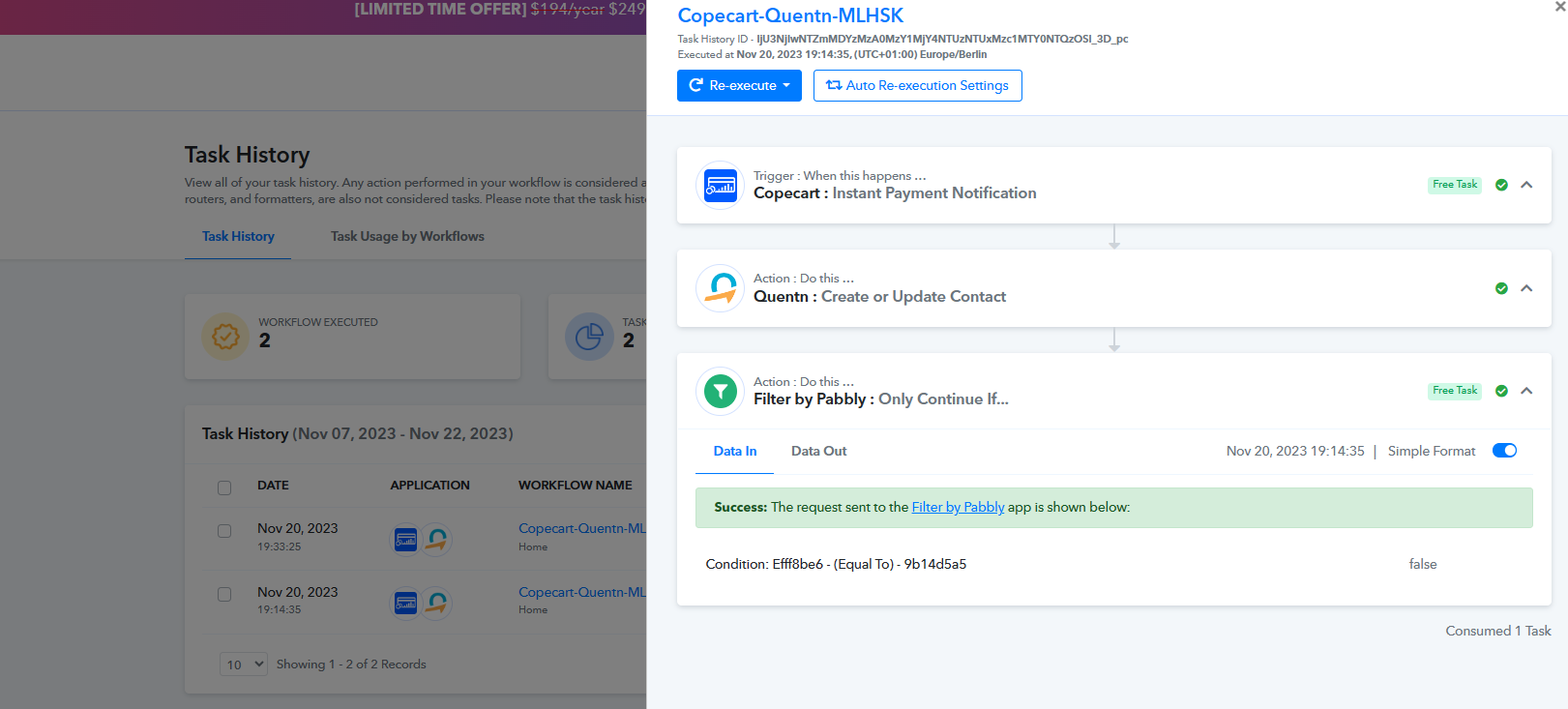
That's not my problem:
The third step ist my problem.
This workflow works:
https://connect.pabbly.com/workflow/mapping/IjU3NjUwNTZlMDYzMDA0M2M1MjY1NTUzNzUxMzYi_pc
This one doesn't work:
https://connect.pabbly.com/workflow/mapping/IjU3NjUwNTZlMDYzMTA0MzM1MjZkNTUzMzUxMzAi_pc
I need the second variant so that I don't have to create a separate workflow and IPN connection for each product.
Please try capturing the webhook response from your Copecart account once and then try again.
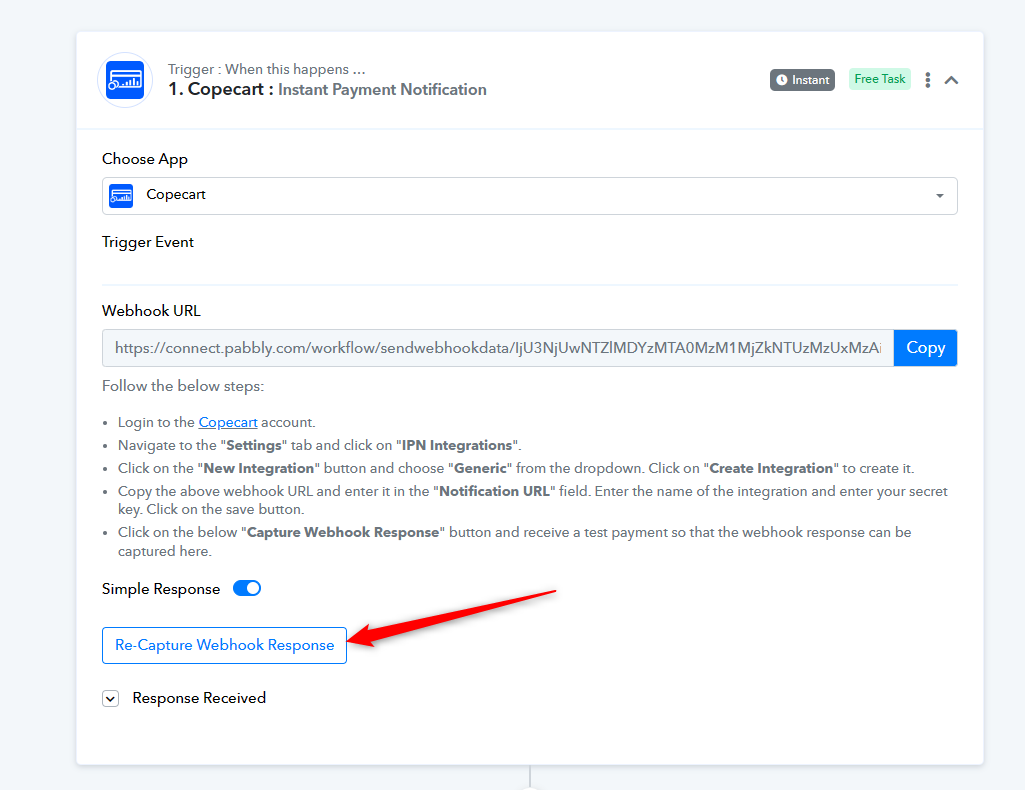
It doesn't work
Attachments
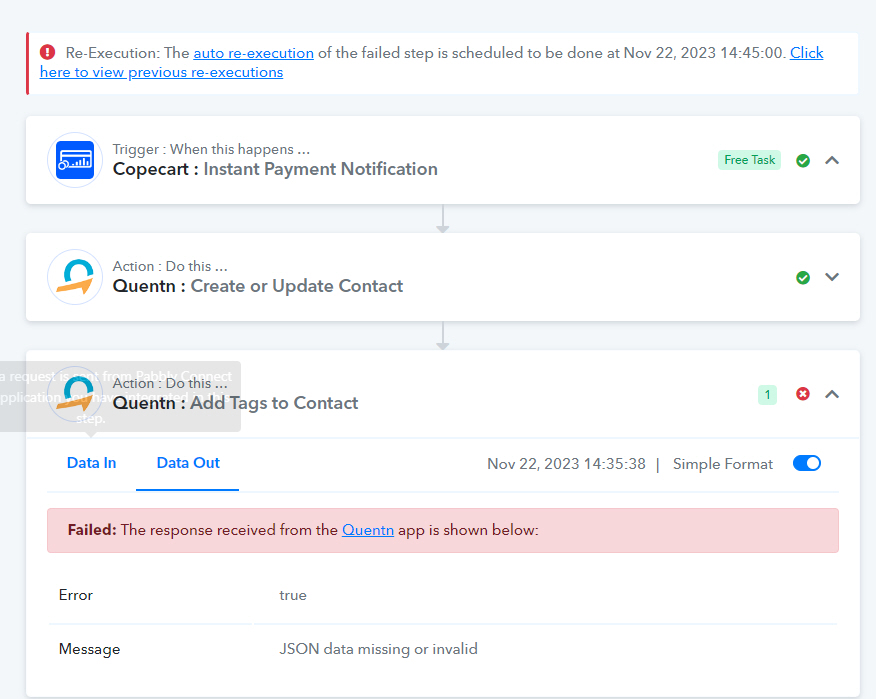
Hey @claudiah
You need to select the existing tags from your "Add Tags to Contact" action step instead of passing the product ID.