Problem with GoogleSheets
Status: Open · Asked by kyron900 on · 0 views
Hello ,
I've successfully linked my WooCommerce site with Pabbly to export orders to Google Sheets. However, I'm struggling to retrieve this data from Google Sheets to create invoices through Stripe. How can I effectively connect Google Sheets to my Stripe invoicing process? Thanks.
Hi @kyron900,
Please watch the video attached below to understand how you can setup Google Sheets as your trigger application to capture newly added data. Only the first half is relevant for your use case.
youtube.com/watch?v=lq2L1OxVvIk
You can use Stripe: Create an Invoice action event to create invoice using the captured data.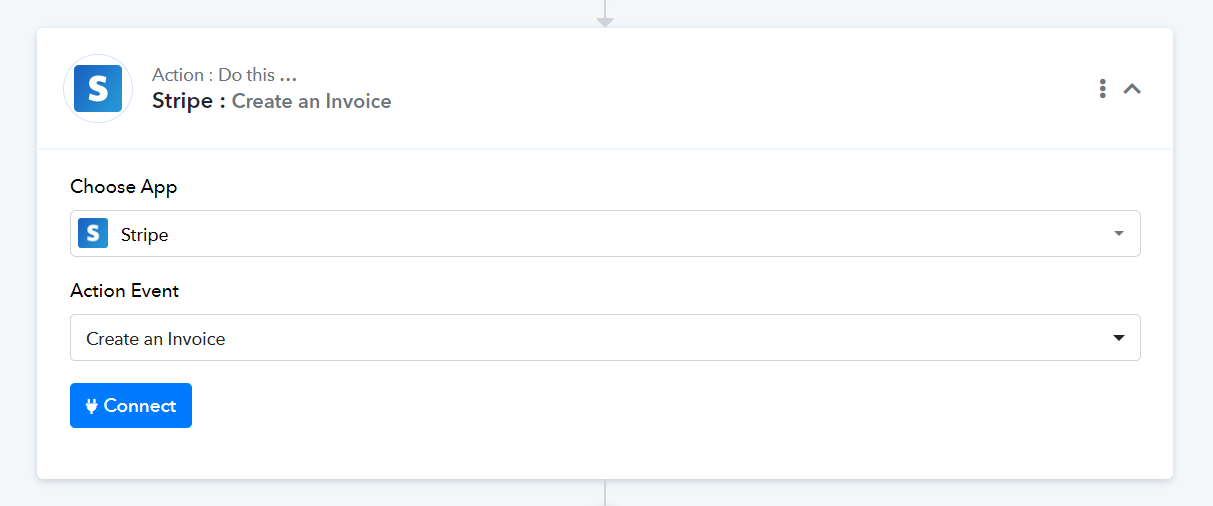
hello thank you for response , I create new workflows (GoogleSheets > Stripe) , I have data of customers intro googlesheets I setup it but one I select next step (stripe) to create invoice I got this error , Please check the screenshot on attachment .
Thanks
Attachments
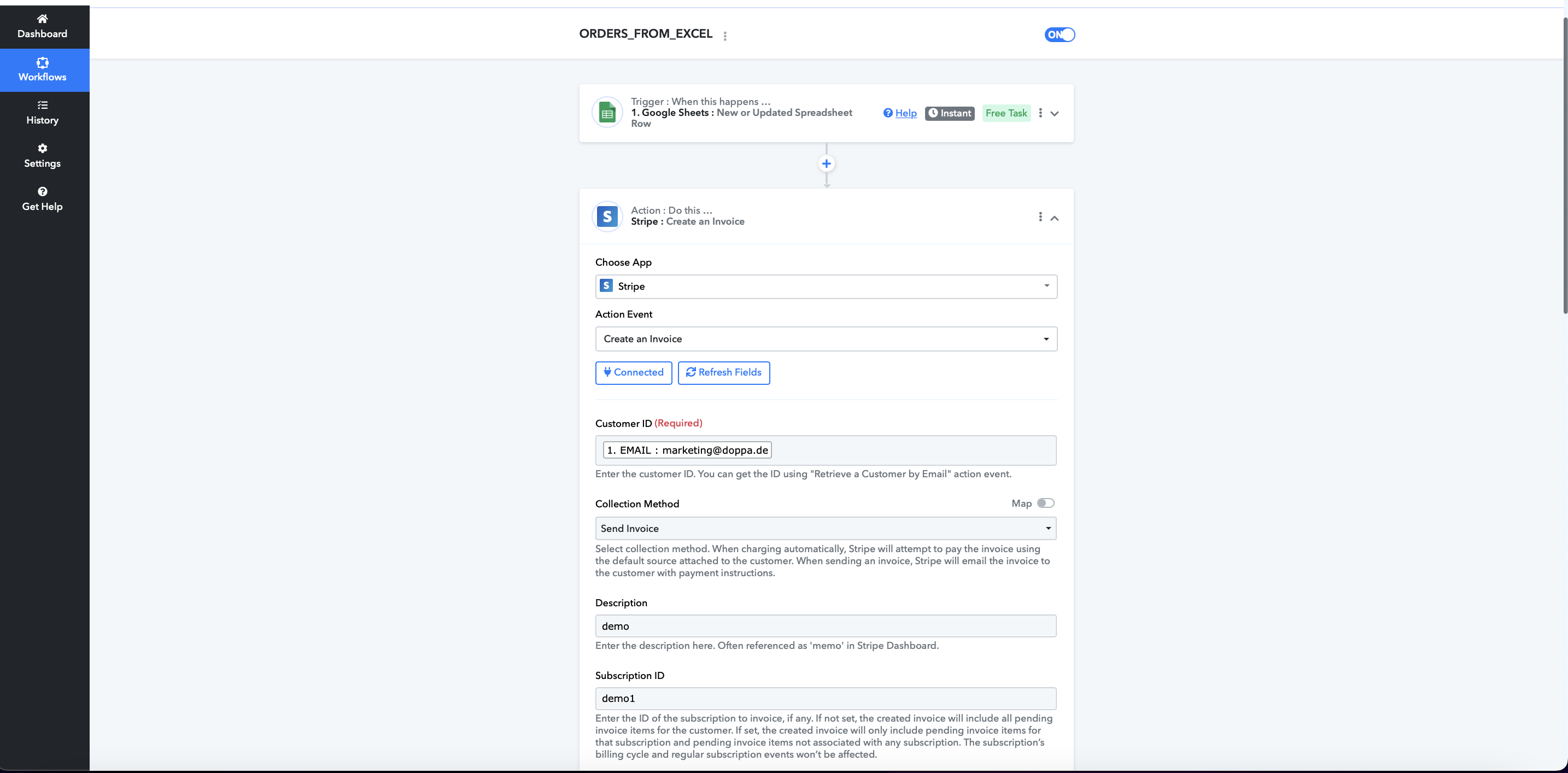
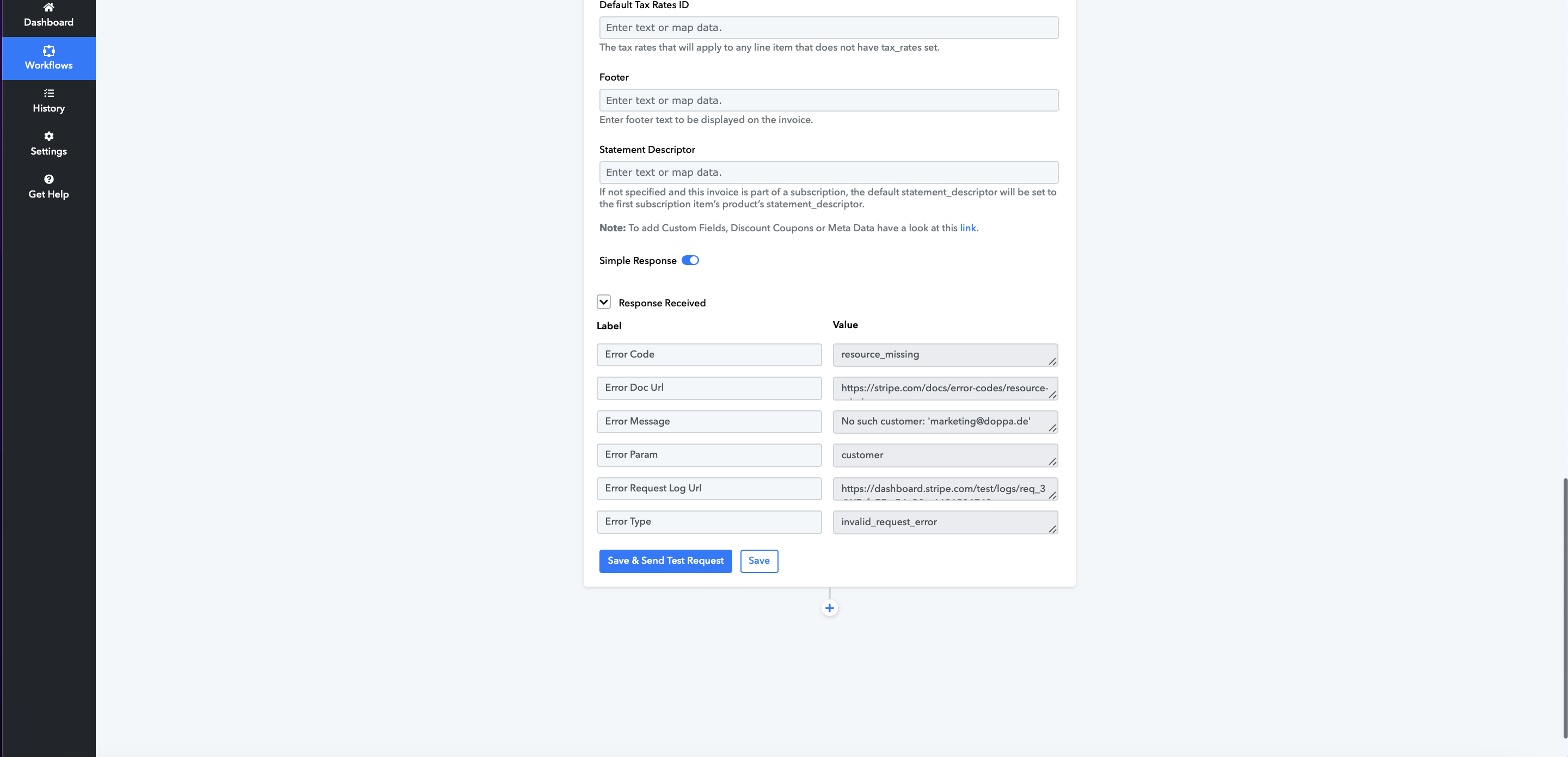
Please use the Stripe: Retrieve a Customer by Email action event to fetch the Customer ID, and then map that ID to its corresponding field in the "Create an Invoice" action event.
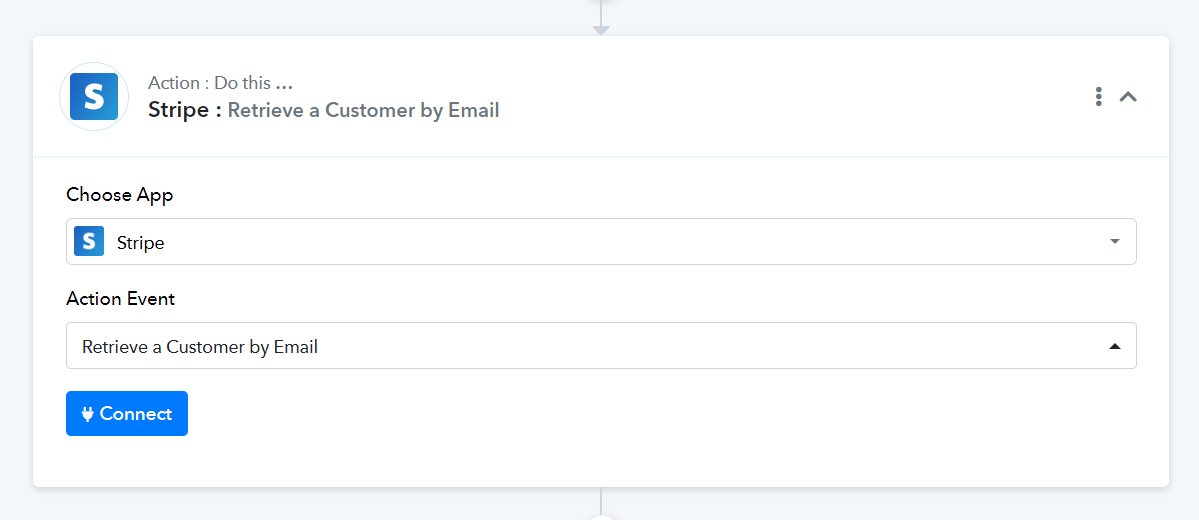
thank you for response but what this action I dont understand , to have clear idea I have clients on CSV but not exist on stripe I want from the workflows to get the infos from CSV on googlesheets and send invoice with name , last name , price and email to client
If the customer does not already exist in your Stripe account, use the "Stripe: Create a Customer" action event to create a new customer, and then map the customer ID in the "Stripe: Create an Invoice" action event.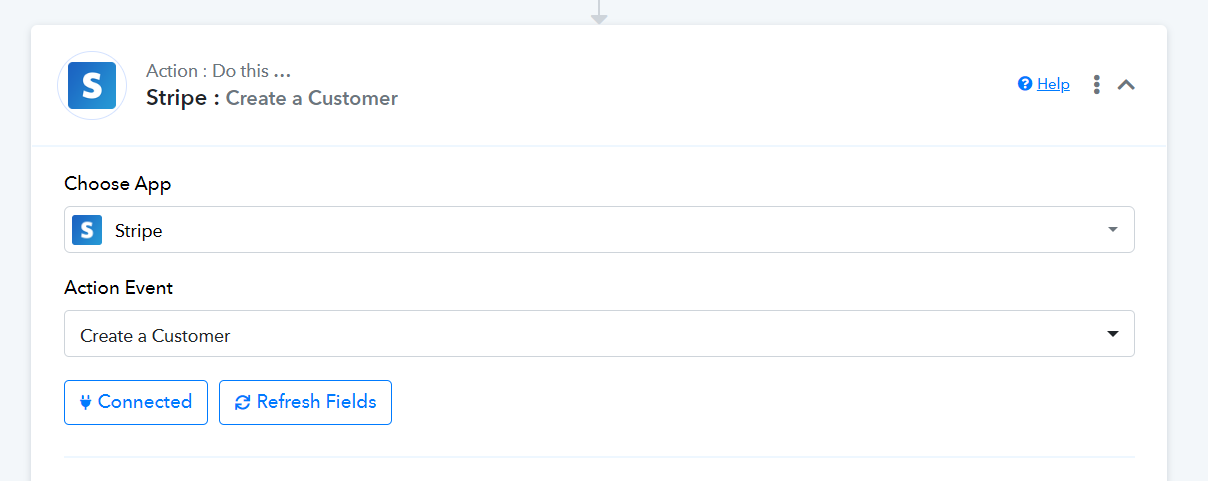
Please watch the video attached below to understand how you can setup Stripe: Create a Customer action event (Ignore the trigger application).
yes Thank you I create the senario but I got again issue
Attachments
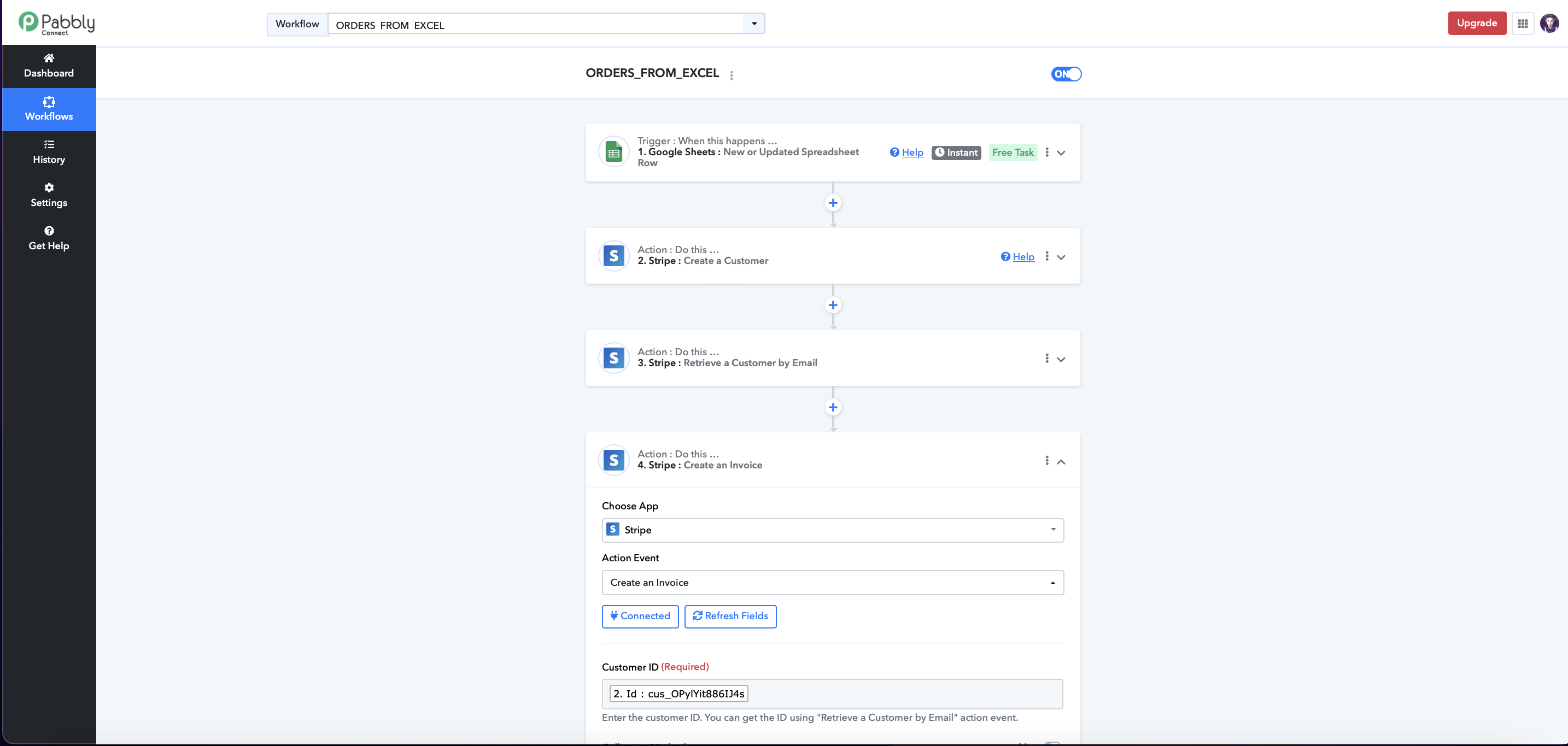
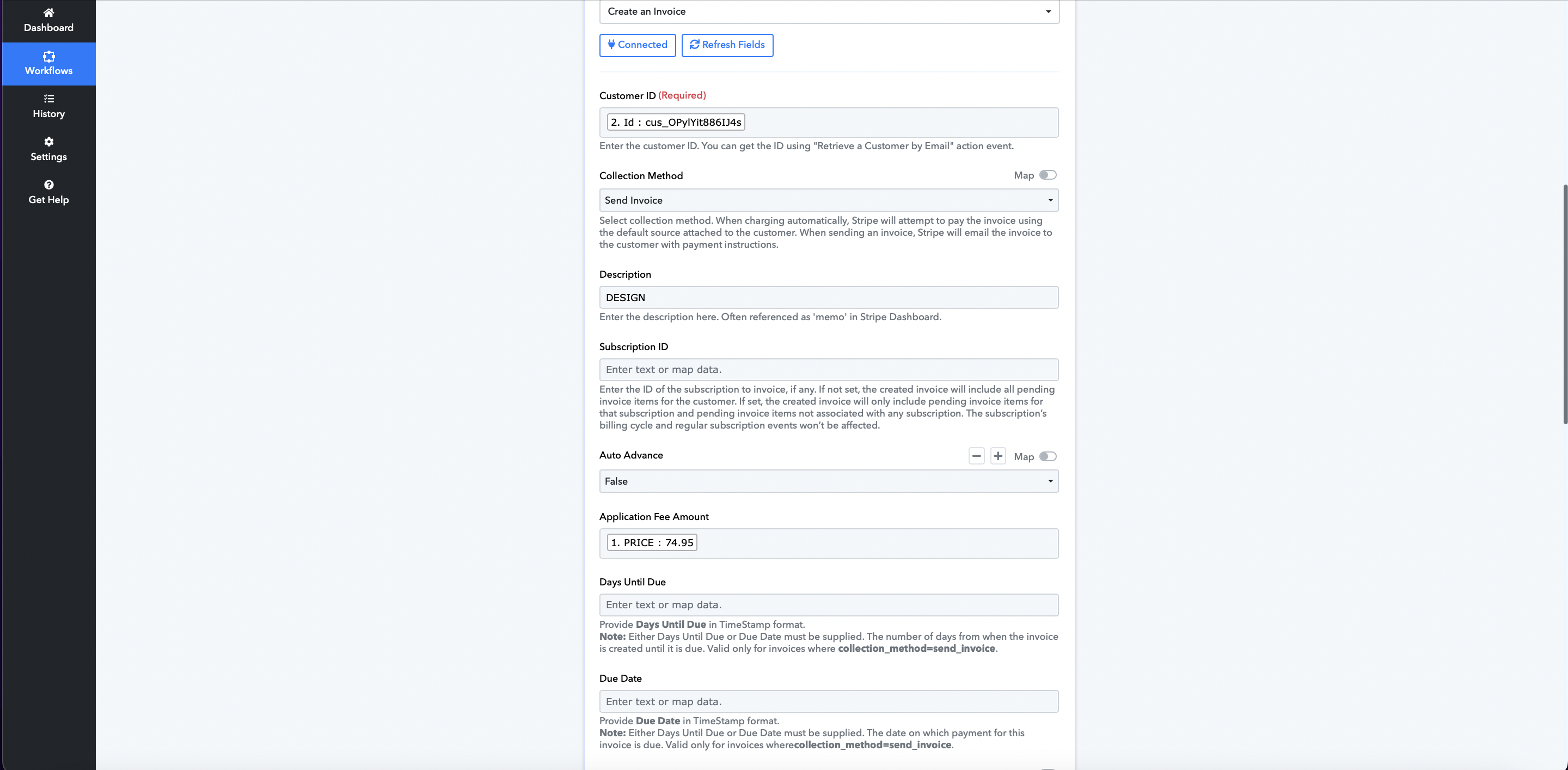
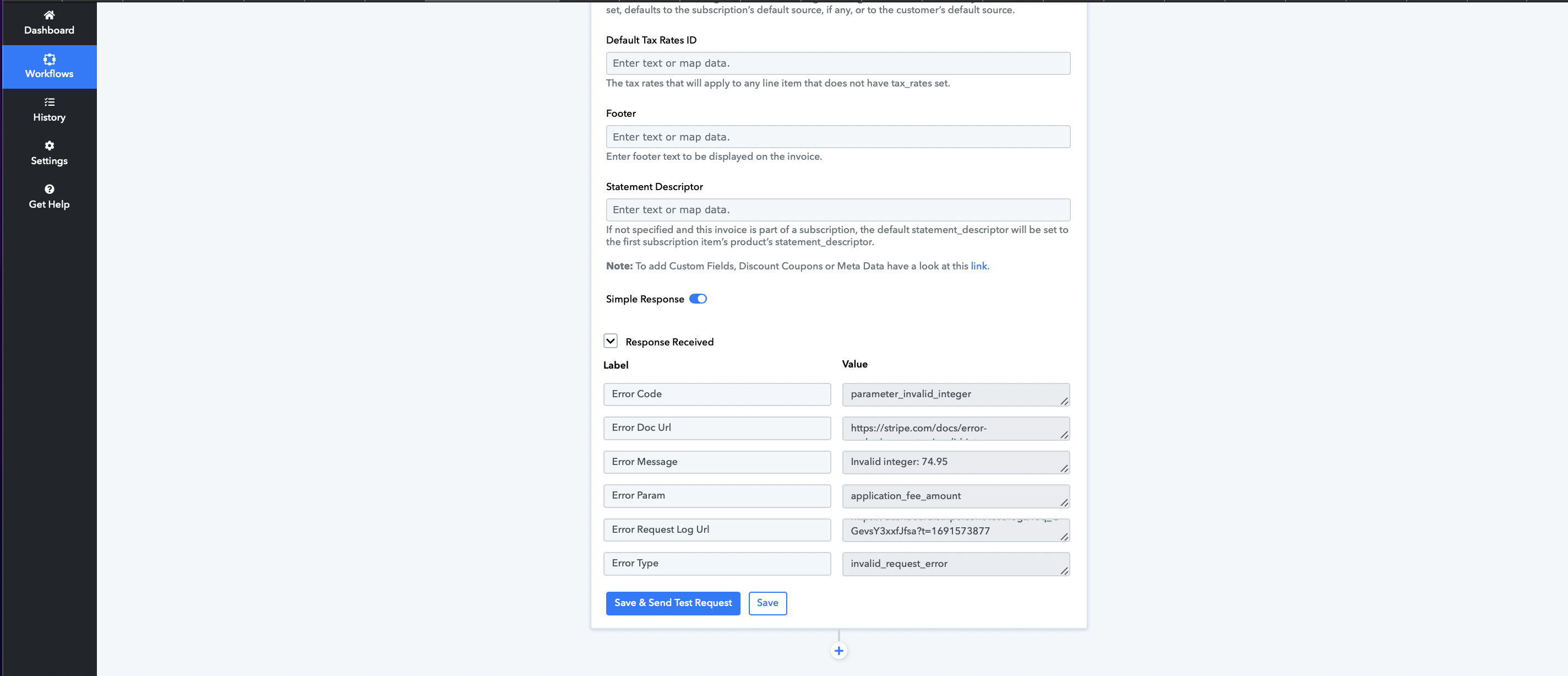
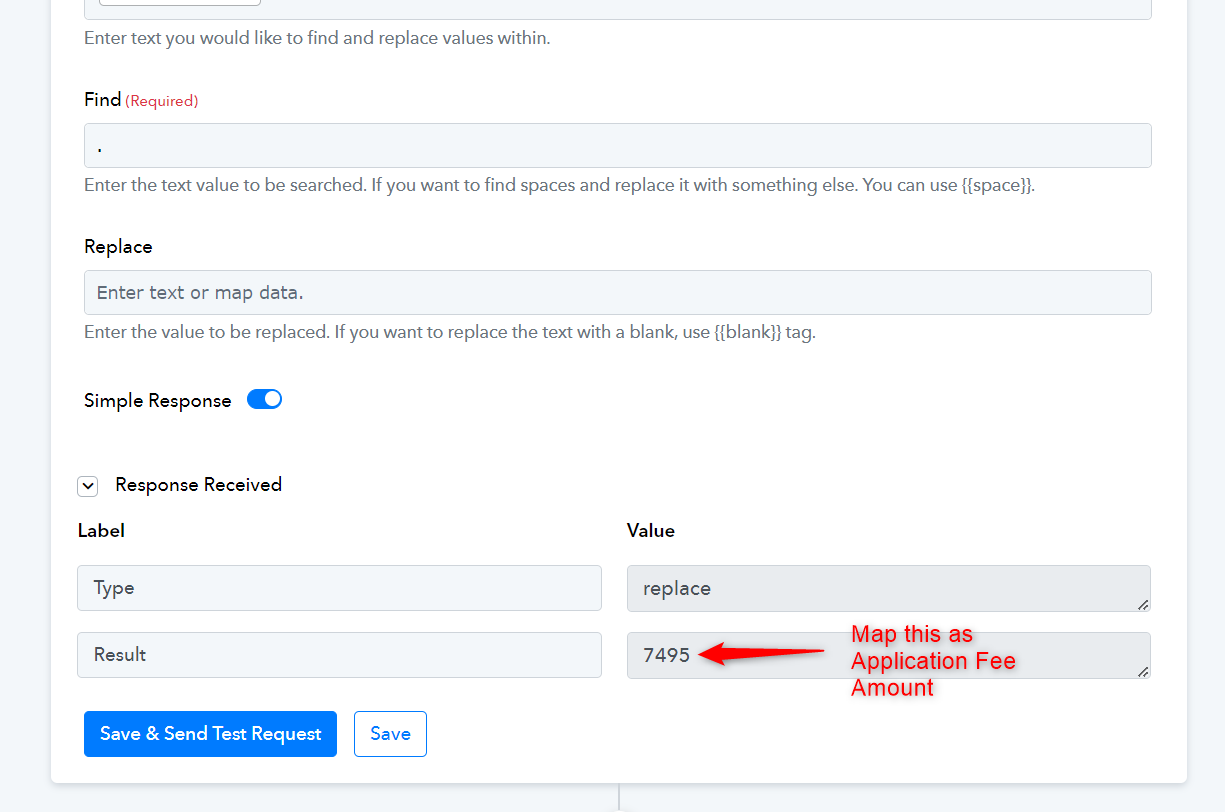
Stripe does not accept decimals in the Application Fee Amount. If you enter 7495, it will be treated as 74.95 in Stripe.