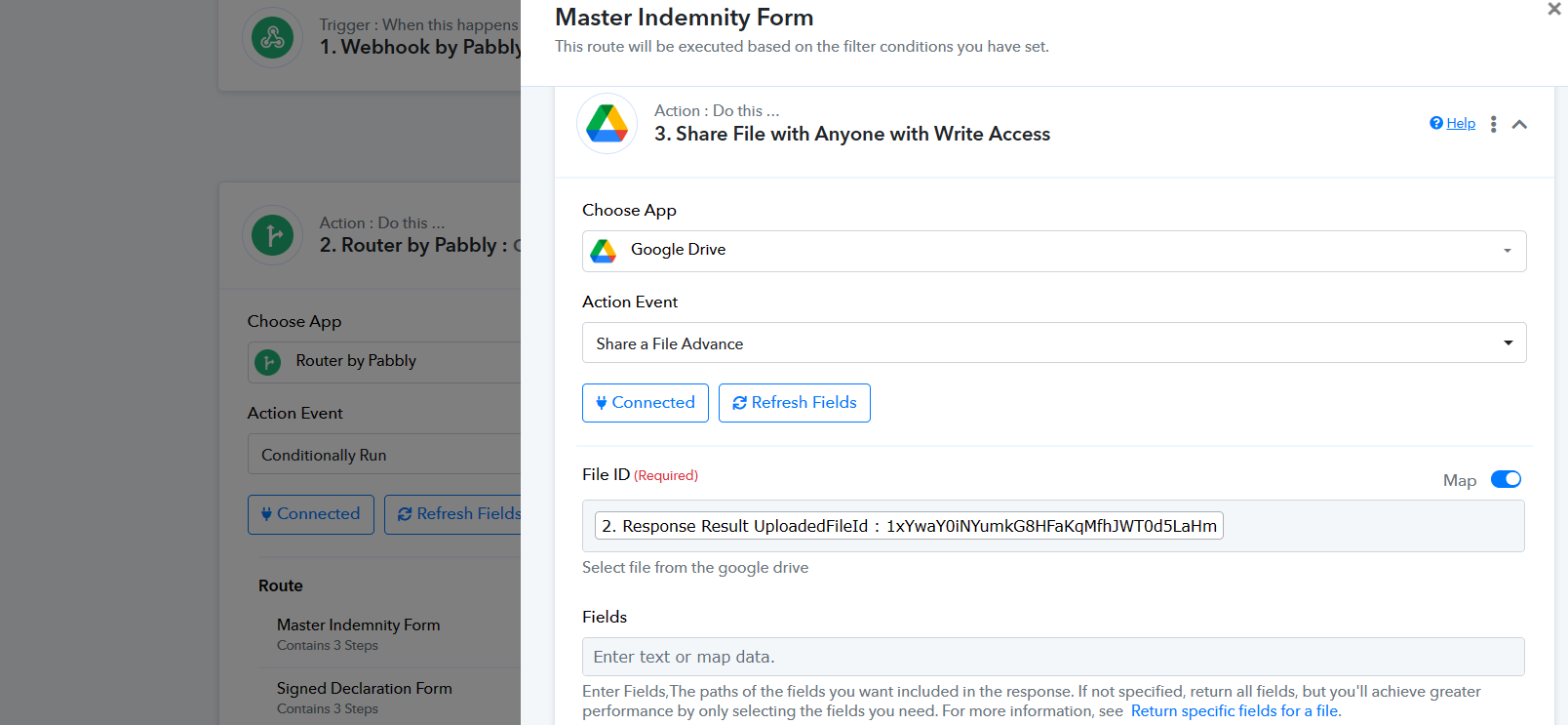
Problem with Share File with Anyone with Write Access
Status: Closed · Asked by IChild Company on · 0 views
Dear Support,
There's an issue with the Google Drive Share File Advance method past days. The page kept spinning after inserting the FileID. See video here:
https://www.loom.com/share/d88a207a413549719eff7708d1ebac3b?sid=ad845e47-bc62-49ba-8095-0a62f5585897
Hey @ichilddev
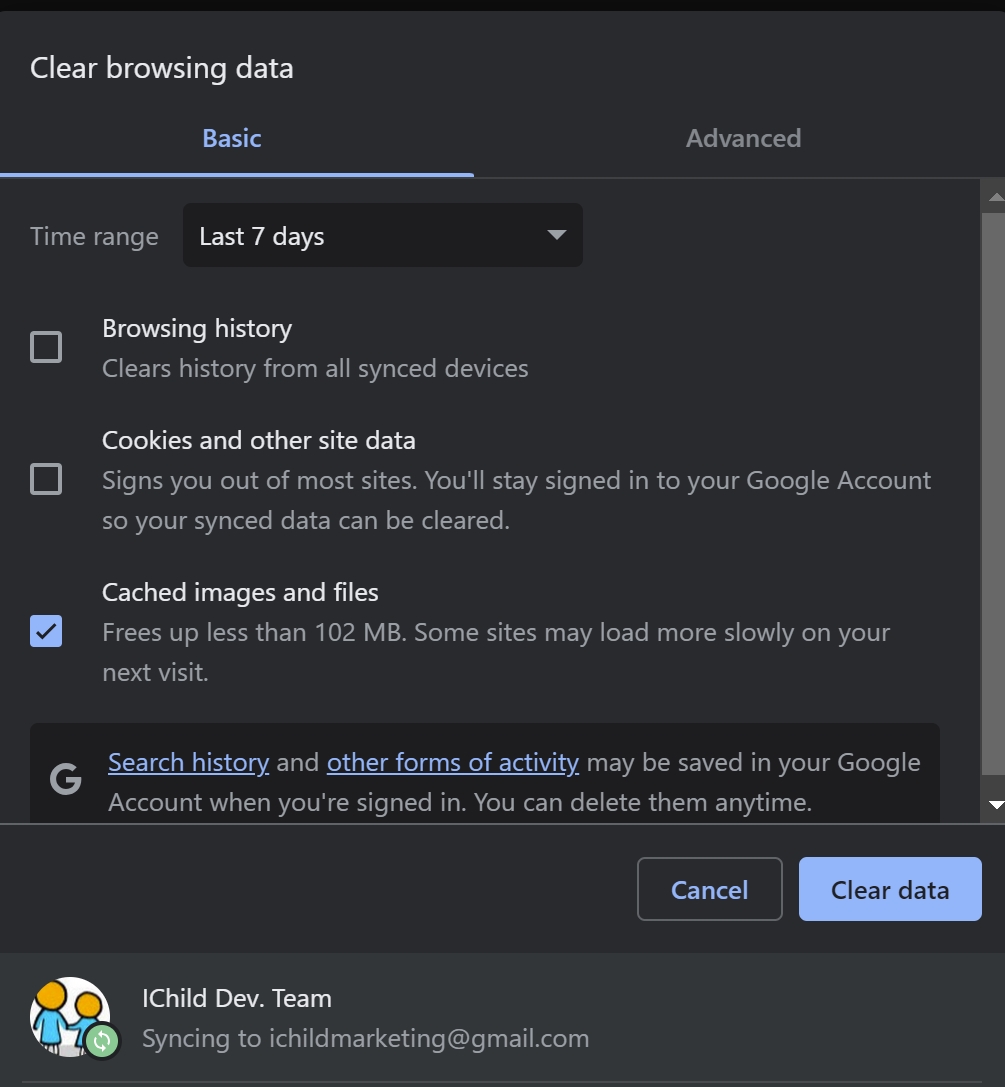
Can you please try clearing your browser's cache memory once and then try again?
As I have tried mapping the same in your workflow and it is working fine.
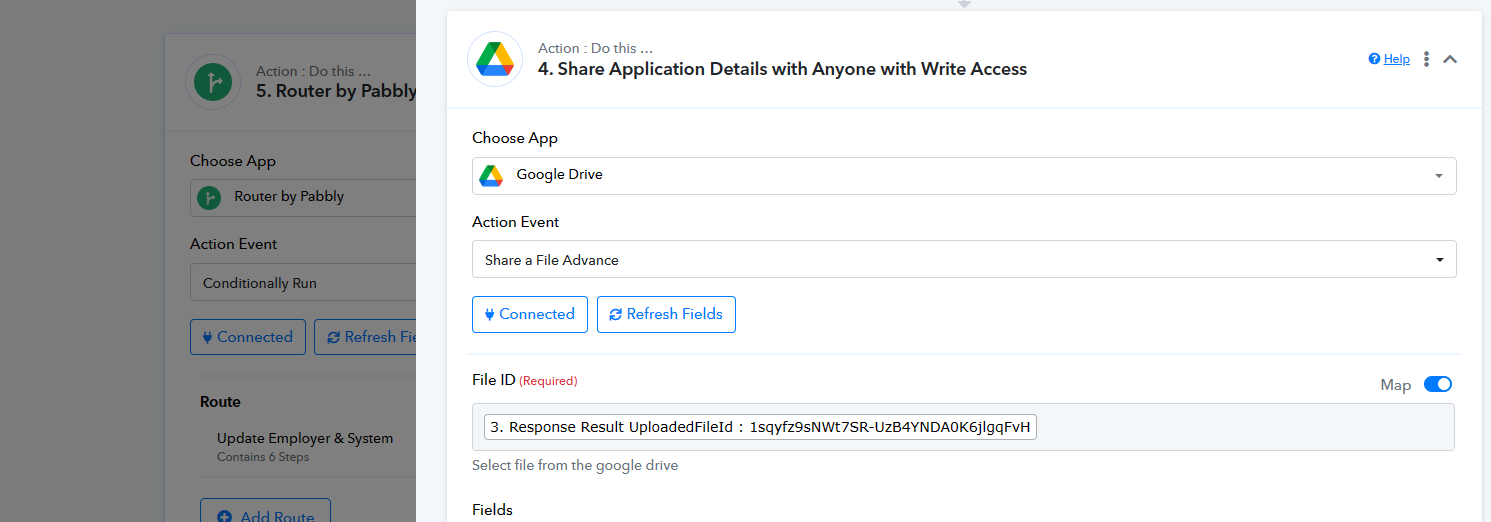
Hey @ichilddevCan you please try clearing your browser's cache memory once and then try again?
As I have tried mapping the same in your workflow and it is working fine.
Hi Cache Clear. Can set up. But Error when the task is runned.
Please check
Task History ID -
IjU3NjIwNTY5MDYzNTA0M2M1MjZkNTUzMTUxM2E1MTYyNTQzMCI_3D_pc
Work Flow Name: 2.0 Upload Employer Documents (Router)
Recently this action not very consistent. If you use the workflow we have and try, you can see from the video the page kept spinning, despite clearing cache. See attached clear cache.
Attachments
Can you please try the same in the incognito mode of your browser as we are perfectly able to map the File ID in the "Share File with Anyone with Write Access" action step and save the mapping as well?