Publish in Instagram an image located in Google Drive
Status: Closed · Asked by alvarosainero on · 0 views
Hello,
I've created a workflow to publish an image to Instagram and send it to Telegram.
But I get the following error in the last step: "Bad Request: wrong file identifier/HTTP URL specified"
I believe it's related to the URL of the file located in Google Drive.
I've tried different links, making the folder public, etc but the error is still there.
I even tried this URL format which seems ok for publishing on the web: https://drive.google.com/uc?id=
How should I format the URL in order to allow Pabbly fetching it for the publication?
Thanks a lot!
Hey @alvarosainero
Could you please share the name of the workflow once so that we can look into it and assist you accordingly?
Hey @alvarosaineroCould you please share the name of the workflow once so that we can look into it and assist you accordingly?
Sure, here is the name of the workflow:
[DEV] Post from GGL Form to IG-FB-TG
Thanks!
Hey @alvarosainero
As we can see from your workflow, the connection which you are using is not authorized properly, so kindly connect your Telegram correctly.
Further, cross-check the Image URL which you are passing has a proper Image extension.
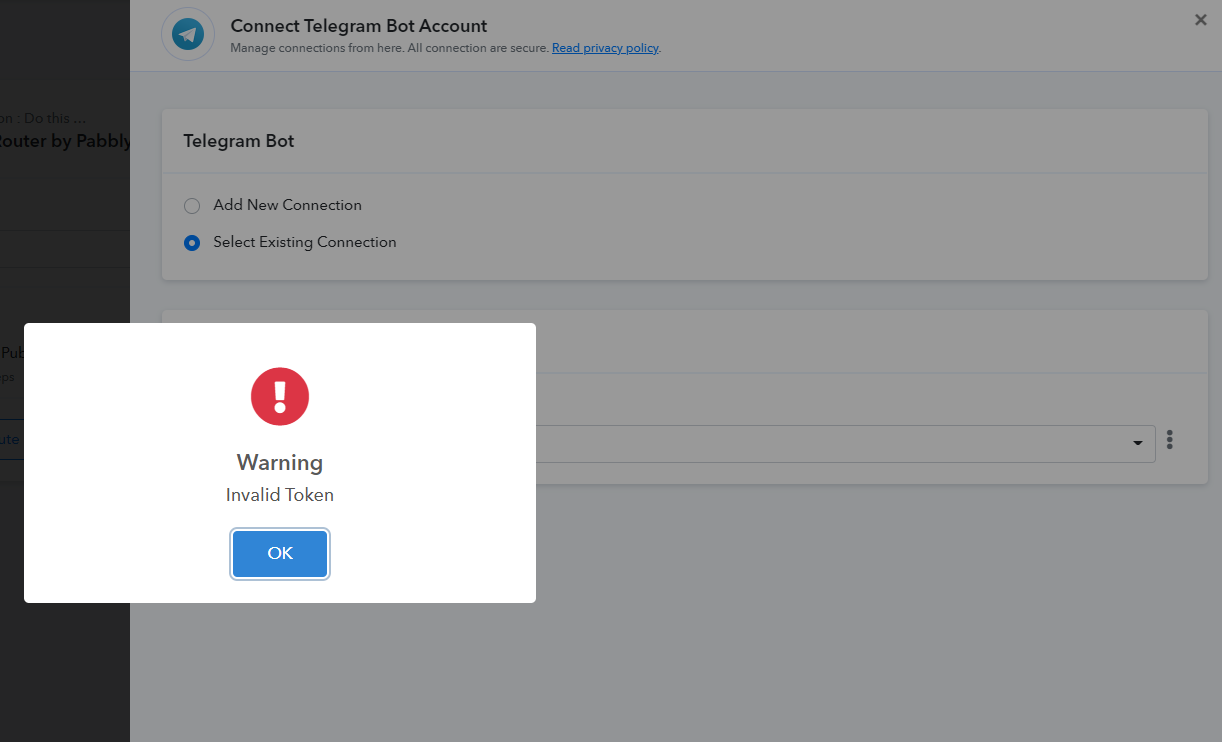
Moreover, you can refer to the following video tutorial for a better understanding.
(Watch the second part of the video)