QuickBooks Discount Amount Not Working?
Status: Open · Asked by shrocktech on · 0 views
I cannot seem to to post data to this field, are you all sure its mapped properly?

Hi @shrocktech,
The discount amount is mapped properly, the issue is related to "Create an Invoice" action event. Please try using "Create an Invoice (Beta)" action event instead. 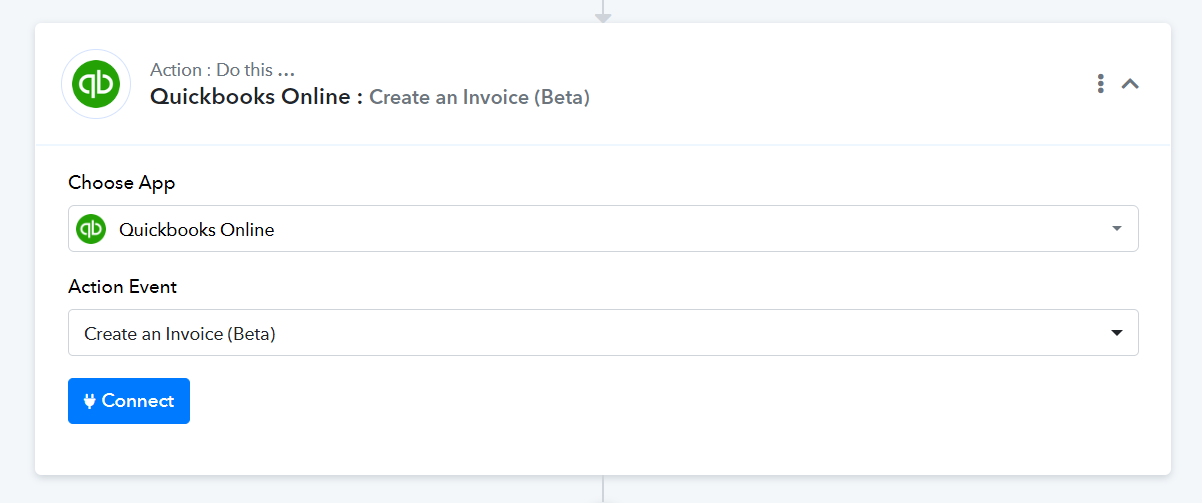
Thanks, I will try that beta version then. Also I am little confused when selecting a customer, currently I have a step where I create customer first and get the ID which is working but there will be many times when a sale will come in for an existing customer, what is the best way to handle that?
Please watch the video shared below; it explains how you can add a router to your workflow and create invoices for both existing and new customers.
Okay I tried to implement this but it gives me the message of "Router should be in last step of your workflow" so wondering if there would be possibly any other option at all to do this using something else out of the pabbly apps?

I have set up this workflow in your account, which will guide you in setting up your workflow with a Router. Fields marked with arrows are meant to be mapped from the trigger step.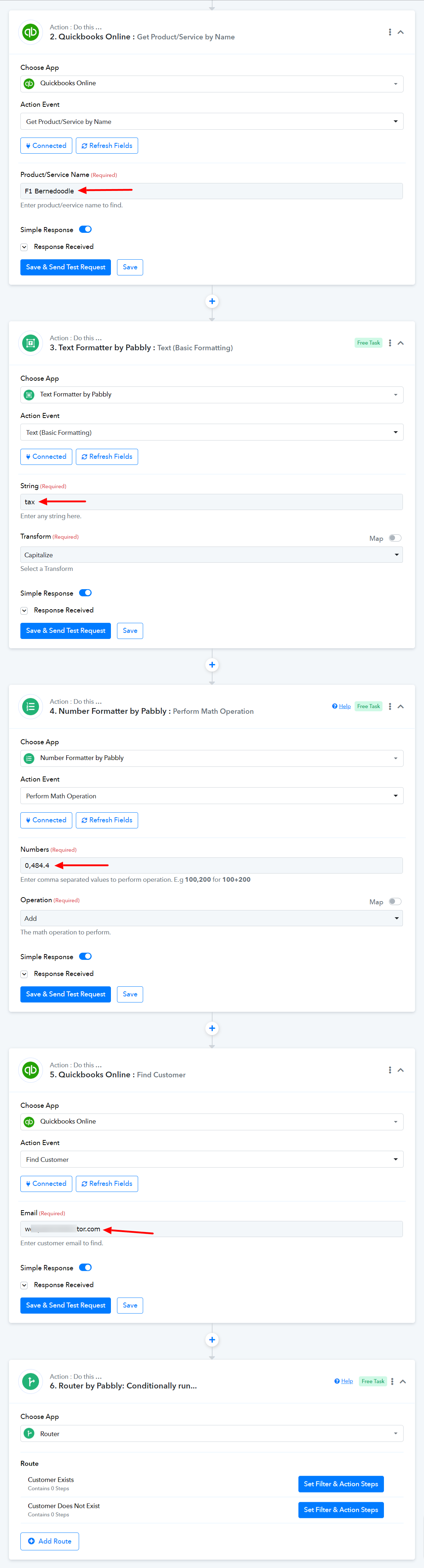
Route 1 will create an invoice for an existing customer.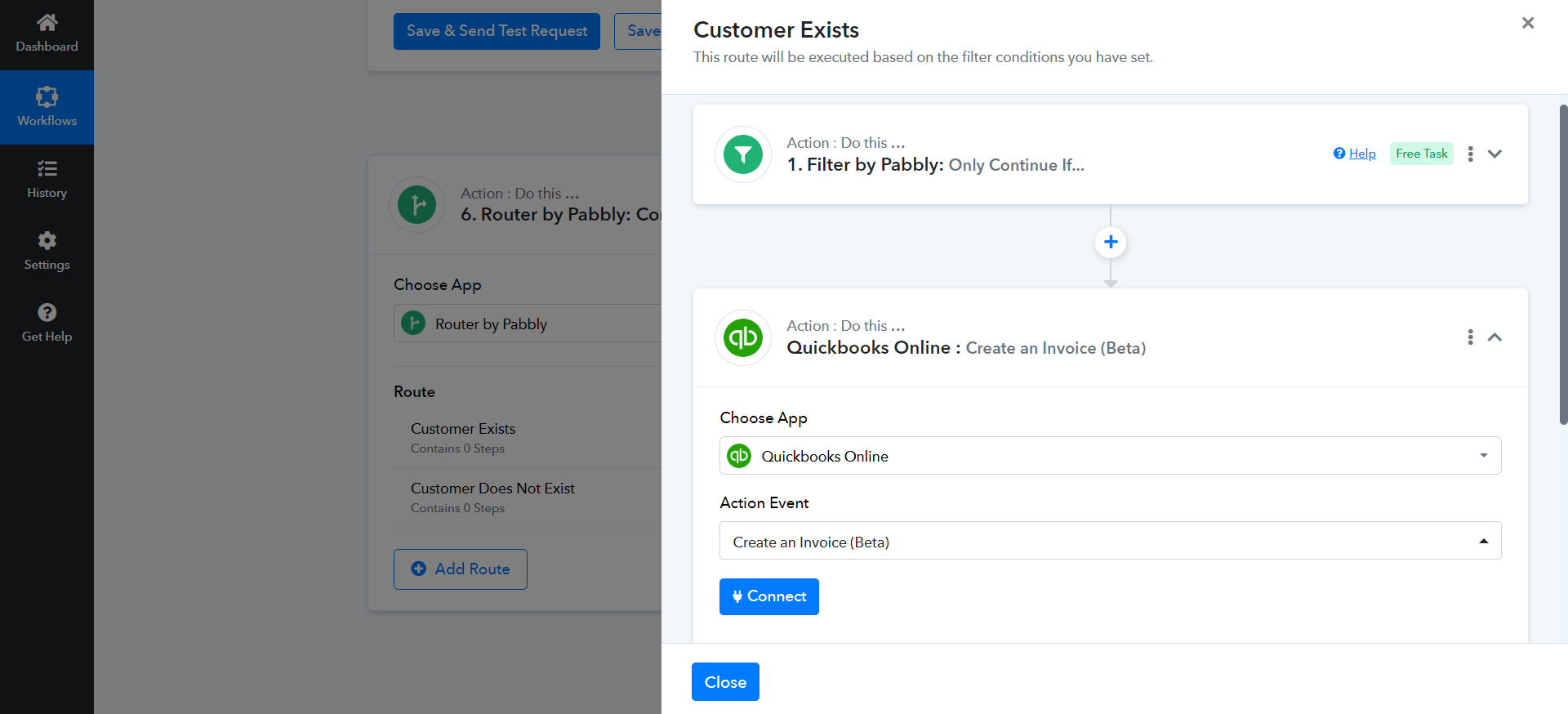
Route 2 will create a customer then create an invoice.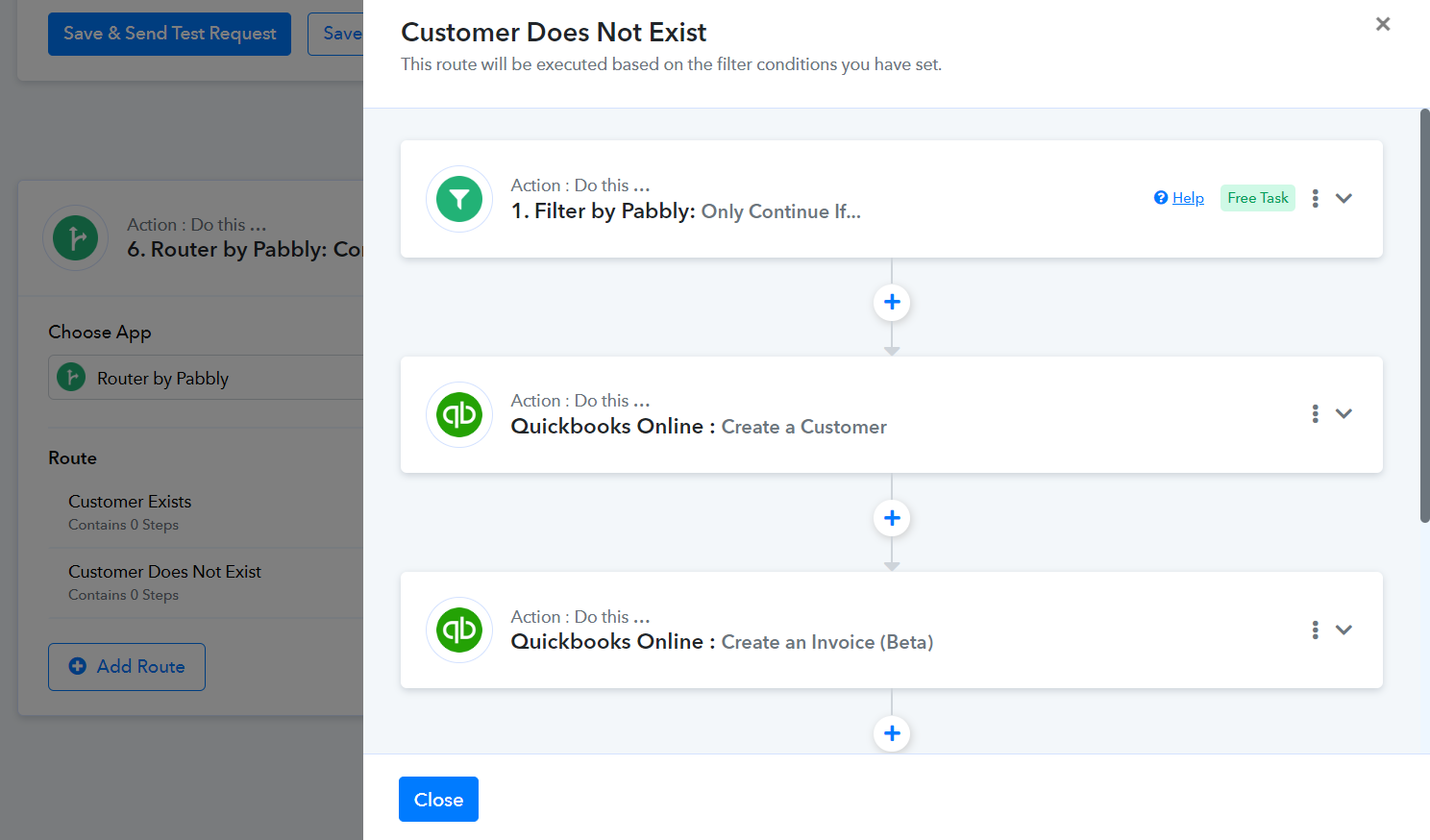
Okay, Thank-you very much for helping me out with this, I will check it out!
One more thing though is to please add a line for the Shipping Date and Shipping Field (see below) in QuickBooks, as I have a (non-taxable) delivery field coming from my webhook and need somehow to populate that field!

You can share a request for the addition of the Shipping Cost field to the 'Create an Invoice (Beta)' action event on our dedicated platform: https://pabbly.featureos.app/b/Update-Existing-Application
Our integrations team will look into your request and, if possible, add the desired field to Quickbooks.
Okay I did that now, but is there no other way to get an amount in that field or maybe add another line item somehow?
I'm afraid not. Until that field is added to the action step, there is no way we can enter an amount.