Quickbooks: Discount is not deducted when creating an invoice
Status: Closed · Asked by Shahidul Islam Pranto on · 0 views
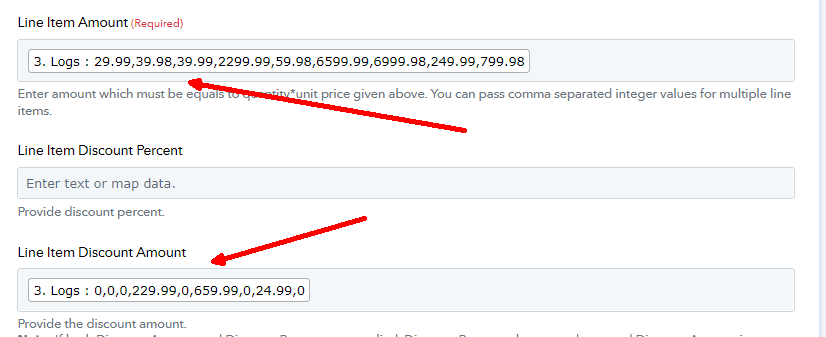
When I put the discount field on the quickbook "Create invoice" action block, the invoice that is created, does not reflect the discount. There is not even an error that.
So, if there is no error and it was successful, why does it still shows original price instead of discounted price
Here is the original price screenshot on the invoice.
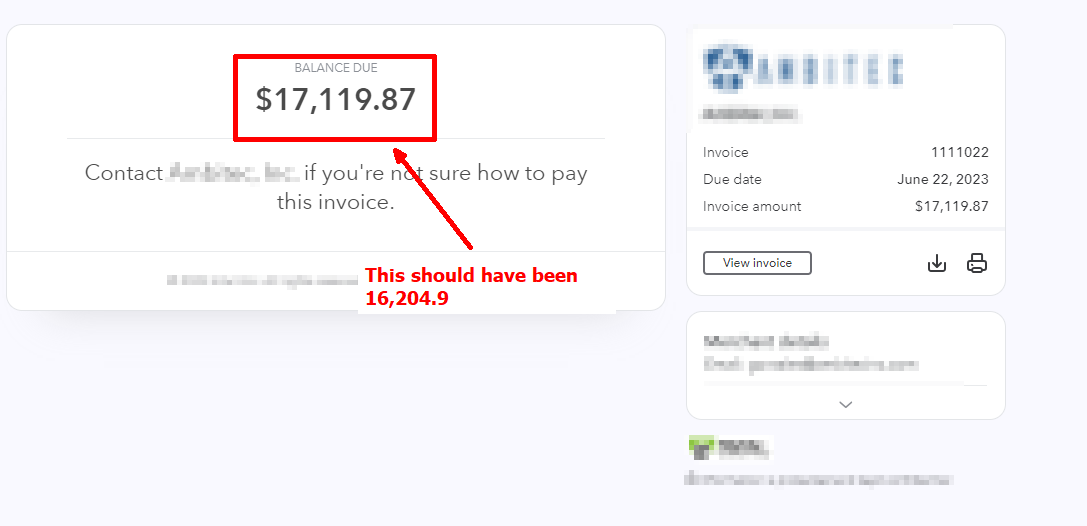
P.S. To find the invoice, go to the first route in the first route.
Here is to find the invoice action block
Hey @shahidul islam pranto
Please allow me some time as I have escalated your concern to our technical team for further investigation and they are currently looking into it.
I will provide you with an update as soon as possible. Thank you for your patience.
Yes, please fix this. I need it badly.
Hello @shahidul islam pranto
After discussing your concern with our technical team, we found that there was an issue with the "discount" field in the QuickBooks Online API documentation. As a result, we have removed that specific field.
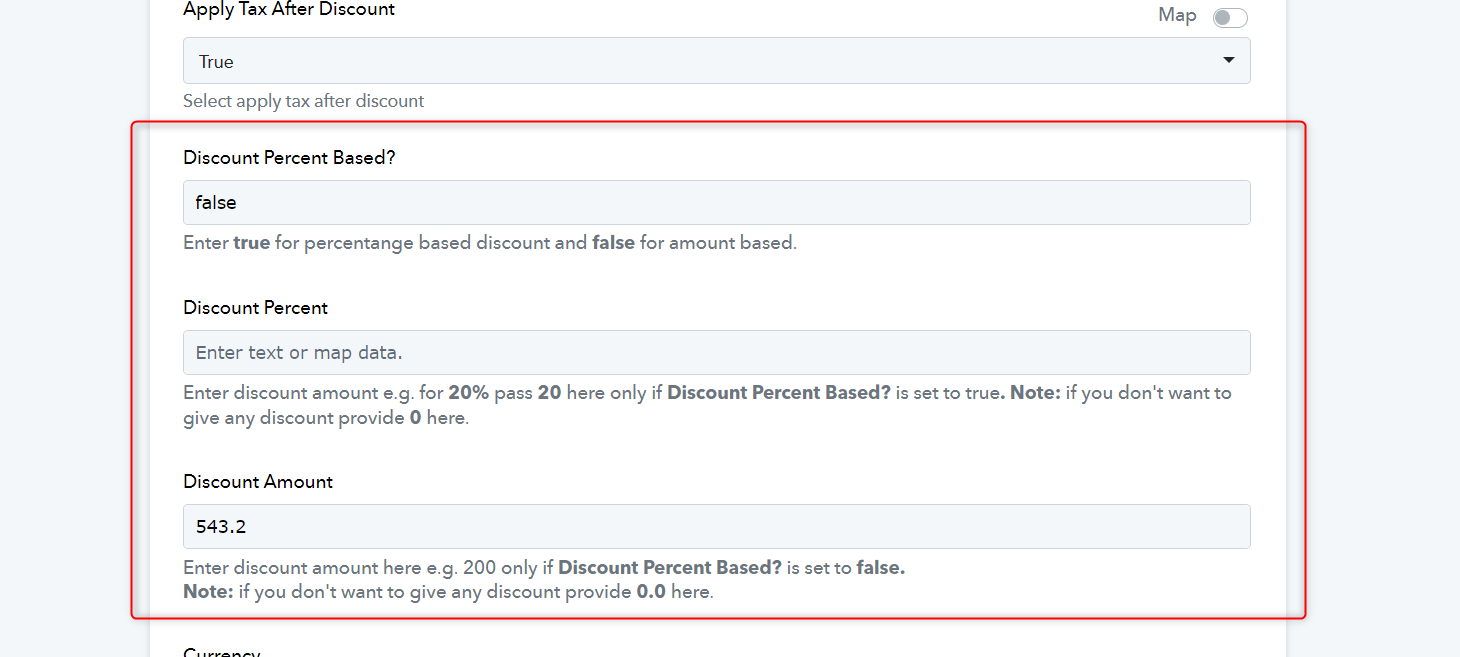
To resolve this, I kindly request you to try a new action event which is QuickBooks Online: Create an Invoice (Beta). Please use this updated action event, which has the new discount fields. You can calculate the discount and input the overall discount amount accordingly.
Hey, can you please add a field to add tag to invoice
Invoice creating worked well. The problem with discounts is solved. Thanks
BTW, can you solve the issue with tag I told you in the previous message
Hey @shahidul islam pranto
In order to mark the tag in an invoice such as paid in QuickBooks Online, you will need to capture the payment by adding an additional action step of "QuickBooks Online: Create a Payment".
By doing so, you will be able to successfully record the payment and mark the invoice as paid.