Quickbooks Online Create a Bill allow blank fields
Status: Open · Asked by Phil Hart on · 0 views
In Quickbooks Online, Create a Bill action, the pabbly requests a few fields that are not required, however they are filled in with value already pulled from QBO. For example, the field Customer already has there my first customer from QBO, I can click the drop down to select a different customer, however I do not want to specify a customer here at all.
The same for Class Reference, I do not want to specify a Class Reference.
I can not set these to blank. They should be an option to use, but i should be able to set as blank
also I think maybe Tax Code is not correct, i think Tax Code should not be here at all in create a bill, please check.
thanks
Hi @dataforge,
You can enable the mapping button and clear the non-required fields that you don't want to enter.
The Tax Code is an optional field, as per the QuickBooks Online API documentation.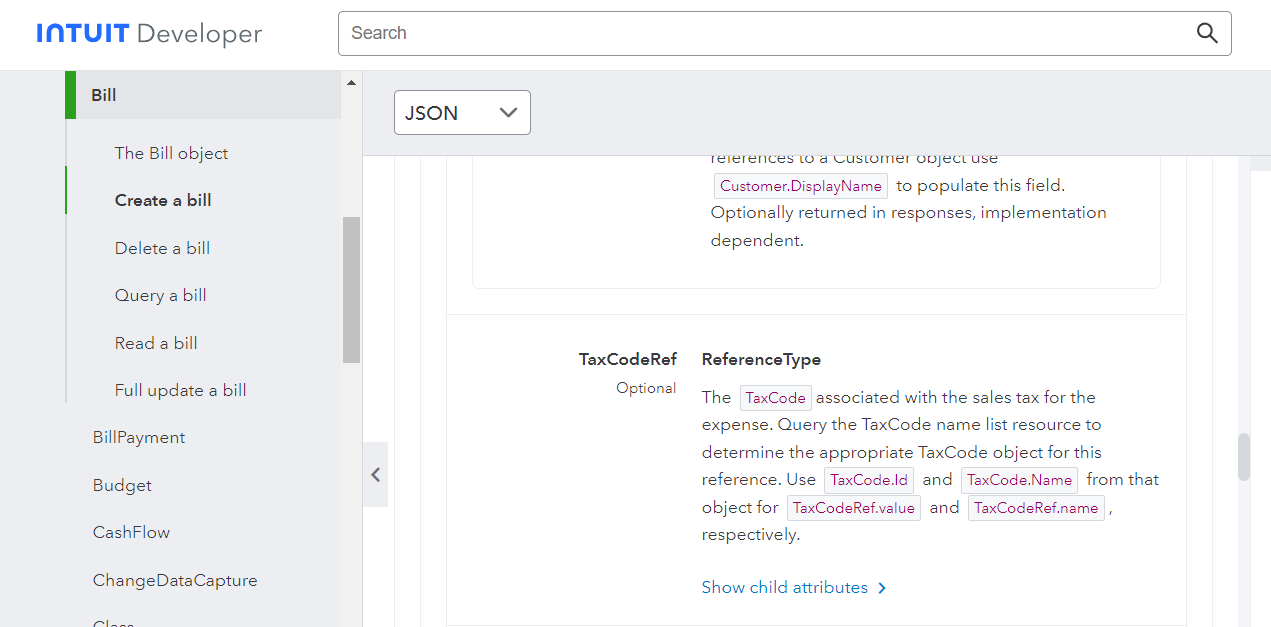
Oh I see, I will try to enable mapping and leave it blank thanks!