Quickbooks Online Create a Bill Not Showing All Vendors
Status: Closed · Asked by Phil Hart on · 0 views
Hi, in Quickbooks Online, action Create A Bill, when I choose Vendor, the drop down list does not list all of my vendors.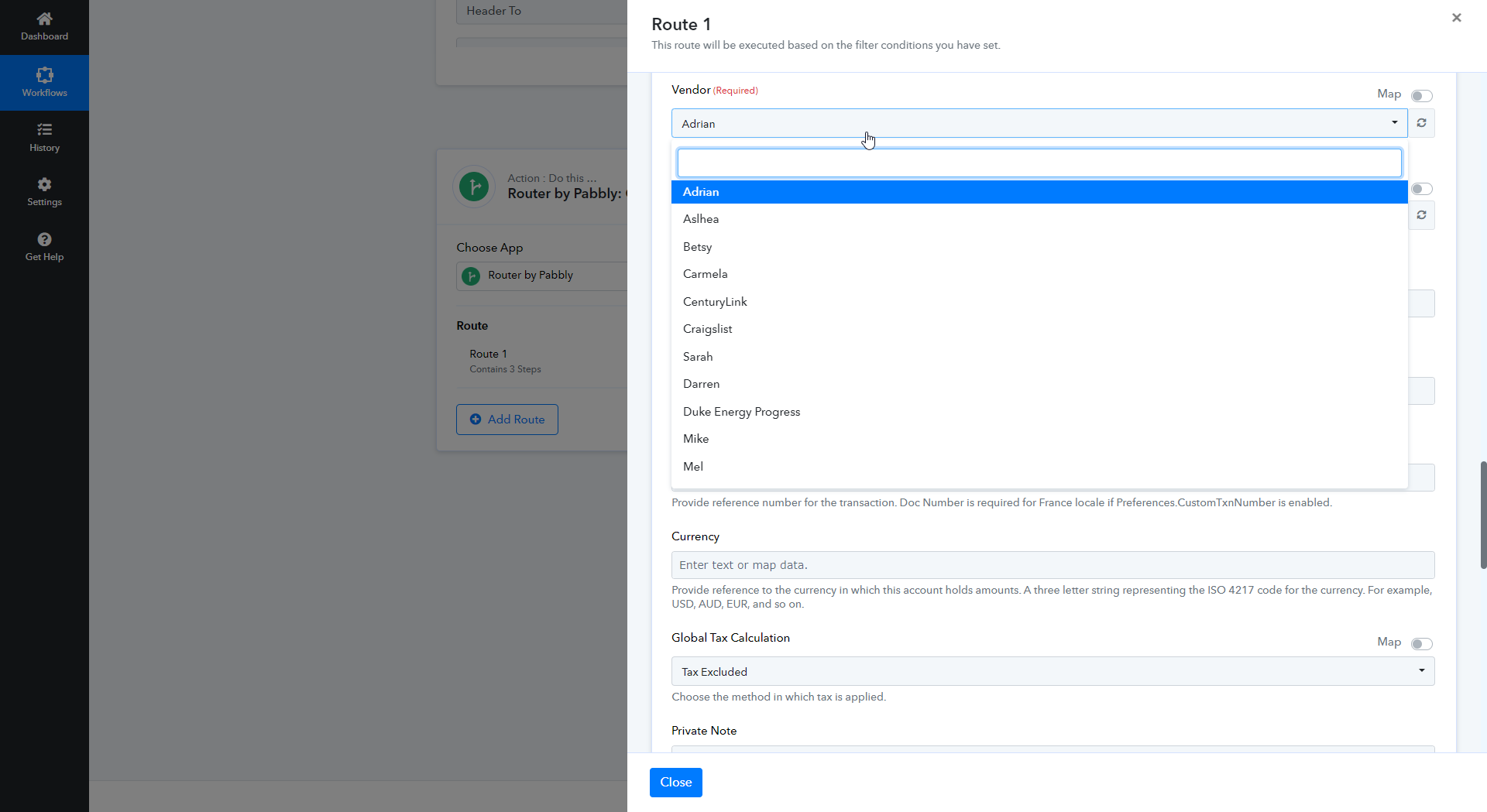
Hey @dataforge
Kindly check now, we have made some changes in the vendor list, and it should reflect all the vendors accordingly.
Hi I have checked and it seems this did not help. I also updated my qbo connection in pabbly, the list still shows the same as the screenshot above. thanks!
Kindly refresh the Vendor field and then try again.
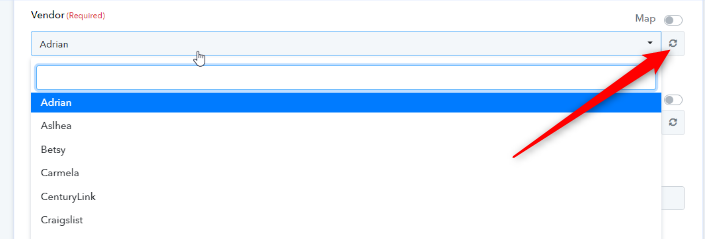
Hi I have clicked that refresh button but I still do not see all my vendors. I also deleted the step and remade the step.
Thank you!
Can you please give it a try now? Since as we can see from our end it is showing all the vendors correctly.
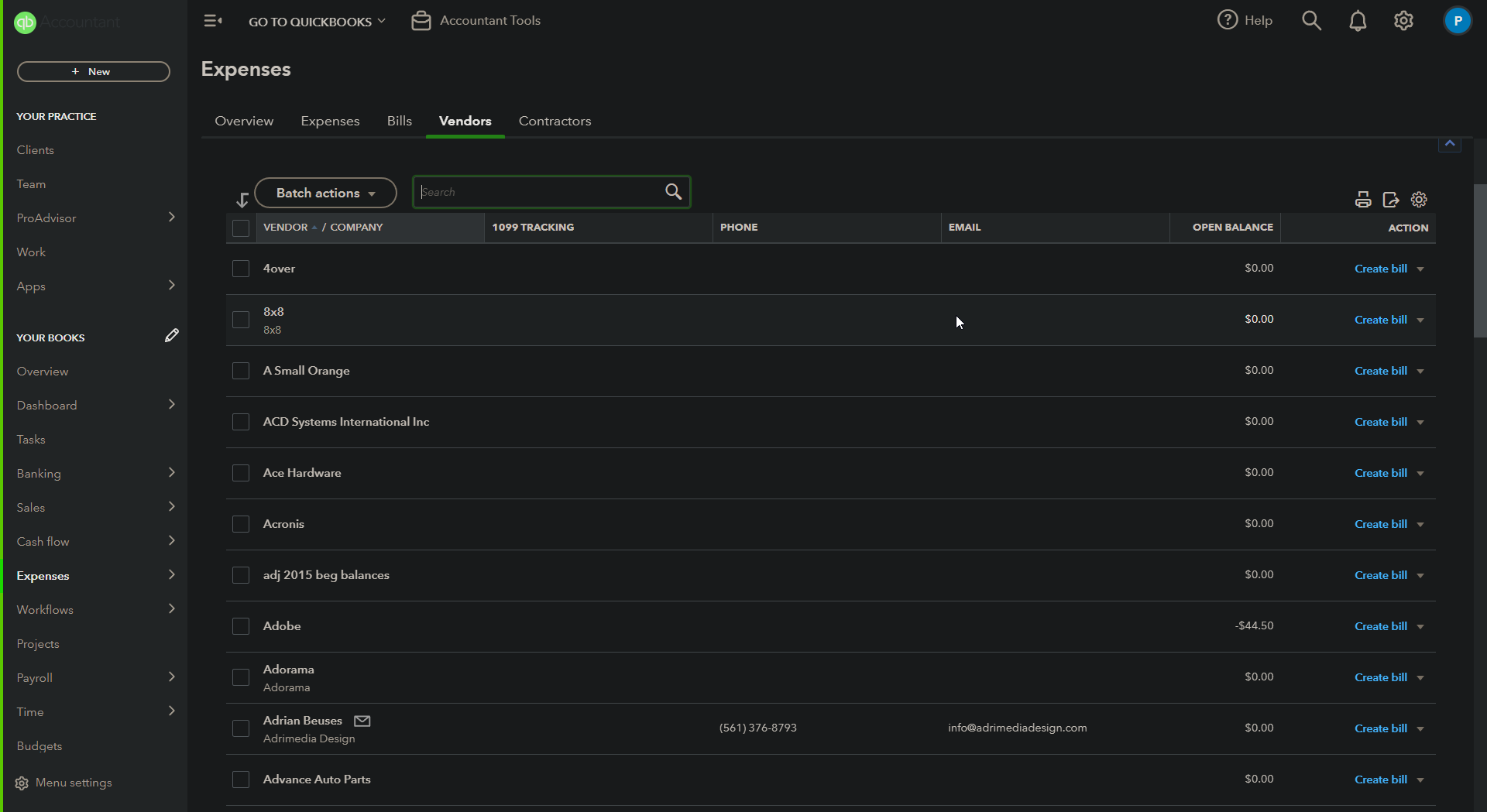
Can you please share a screenshot of what you see? I have just created the step, and hit that refresh button and i see this, attached. also attaching a screenshot from my qbo like i did before showing a partial listing. particulary i am looking for amazon.com in your listing and its not there. thx
Attachments
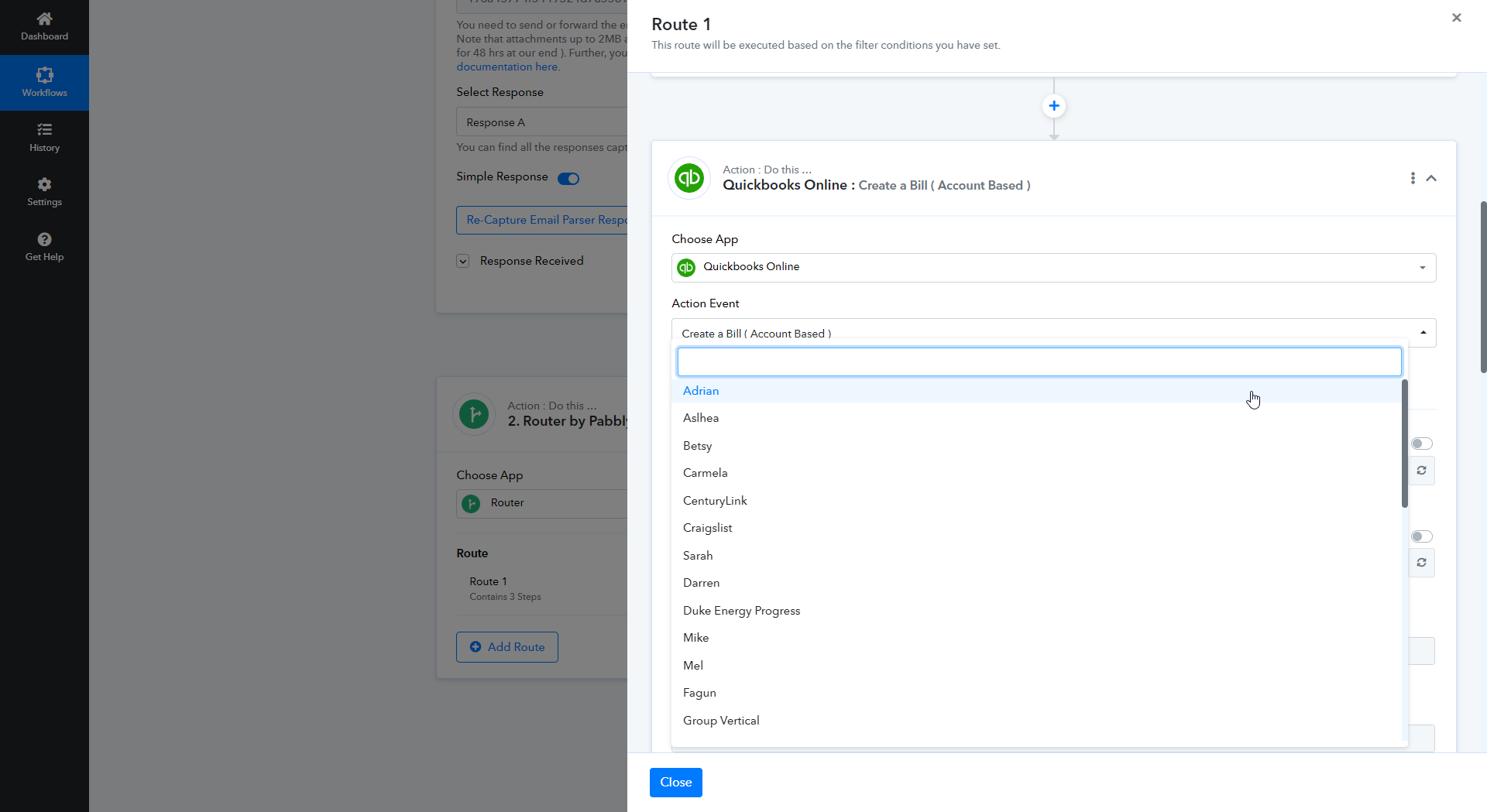
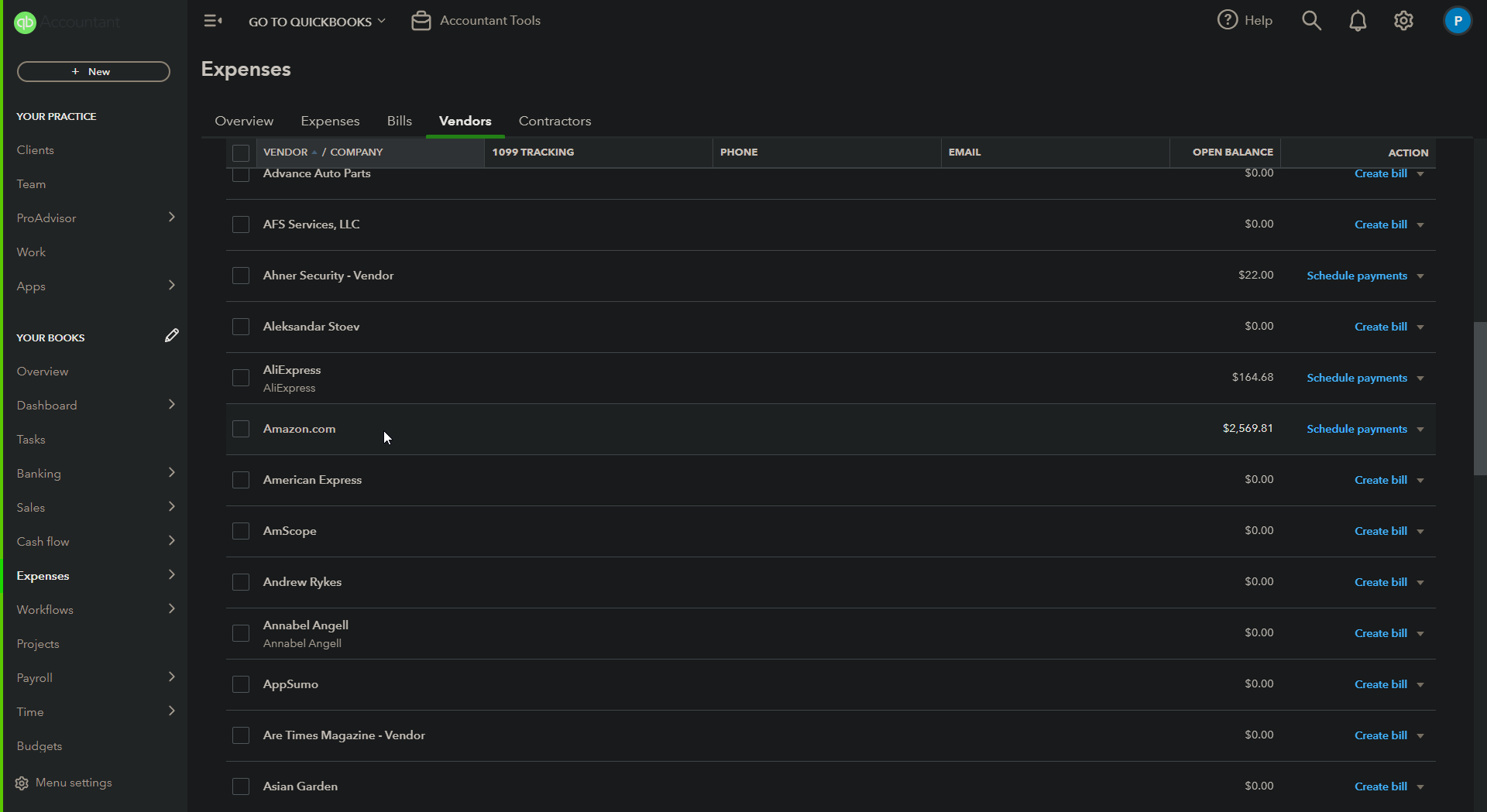
Please check your desired vendor is present in the list.
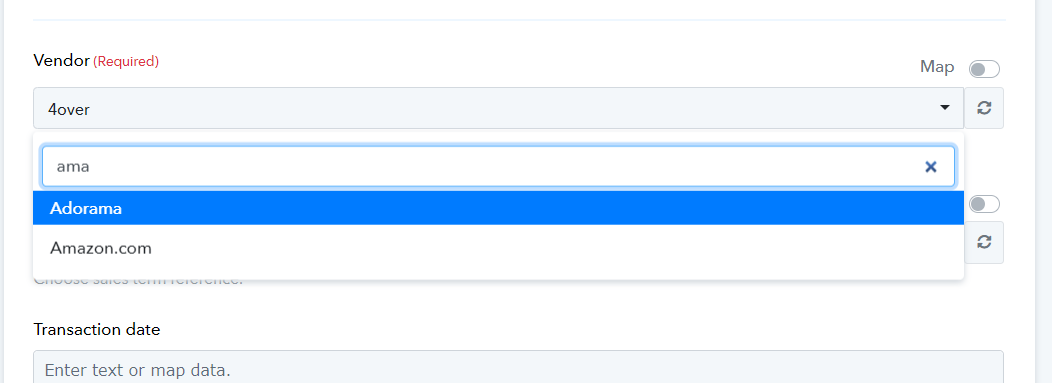
Ok I do see them all now thank you!