RATE_LIMIT_EXCEEDED
Status: Closed · Asked by Paul Hudson on · 0 views
Hi,
A month before i have created a workflow which capture data from my cms and send that data to google sheet (Add new row) using "iterator by pabbly",
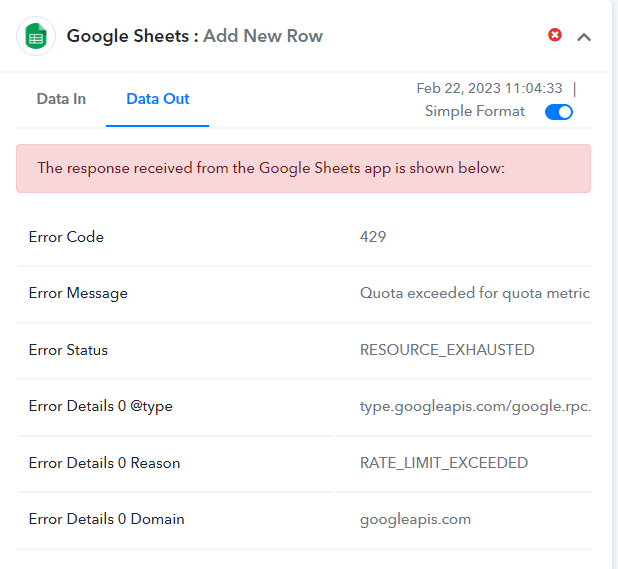
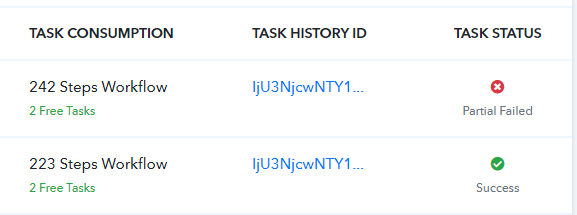
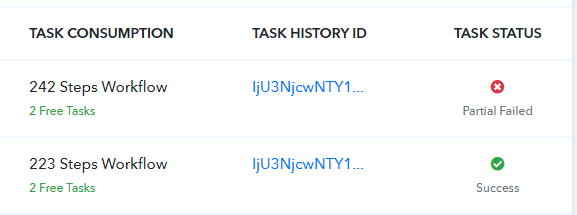
in that workflow cms send alomost 223 records which is still successfuly posting to google sheet, i have created another same workflow for other data in which cms send 242 records but this workflow not posting all 242 records to google sheet and getting task status "Partial Failed" error code 429.
Attachments
Hey @Paul Hudson
As we can see from your shown error, you have exhausted your rate limit to pass the request to write data per minute by "Google Sheets".
Google API documentation for the error which you have got.
https://cloud.google.com/docs/quota#requesting_higher_quota
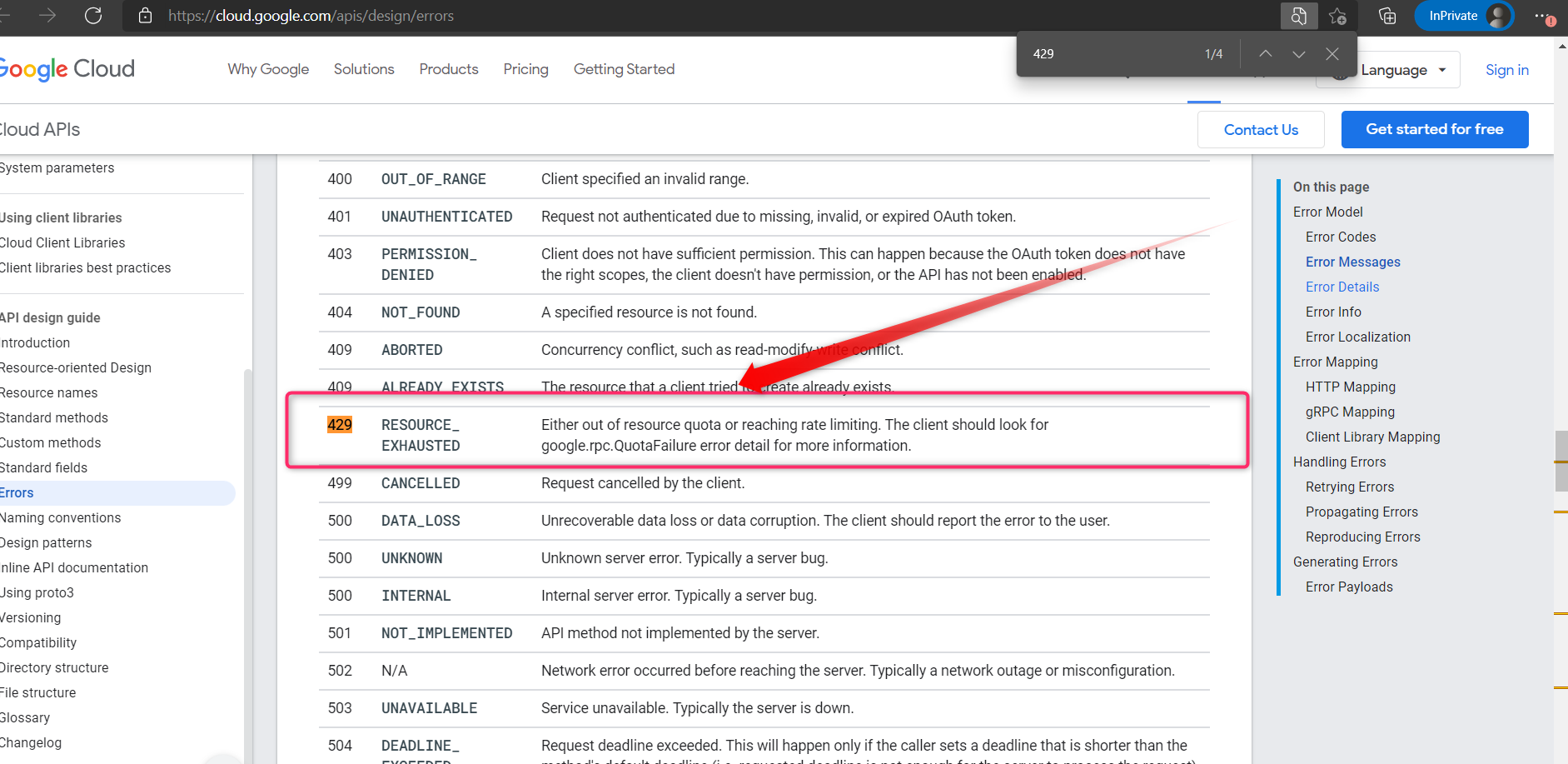
Moreover, you are also running the tasks in bulk and because of that, the error has occurred by the Google API. So, we should suggest to us a delay action step to delay the task to run after 1 min after every update of value, in that way you wouldn't be exhausting your rate limit.
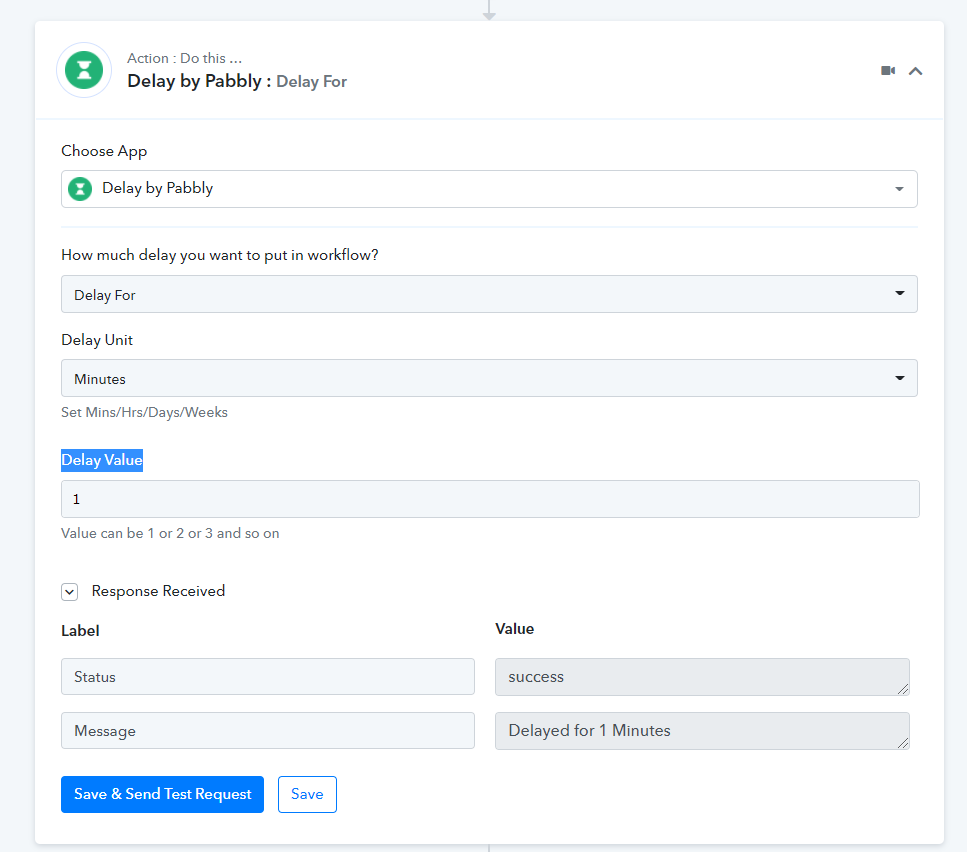
Hey @Paul HudsonAs we can see from your shown error, you have exhausted your rate limit to pass the request to write data per minute by "Google Sheets".
Google API documentation for the error which you have got.
https://cloud.google.com/docs/quota#requesting_higher_quota
Moreover, you are also running the tasks in bulk and because of that, the error has occurred by the Google API. So, we should suggest to us a delay action step to delay the task to run after 1 min after every update of value, in that way you wouldn't be exhausting your rate limit.
thanks for the reply, yes i was thinking to use delay but the problem is will take more than 3 hours to complete which is not acceptable.
as i mentioned my post that i have another same workflow where am not using any delay tool why it's working without any issue? am sure the file would have same quota.
ok so the solution i have found is to gave some additional work to google sheet to process, for example i have added 12 new columns and added formulas which causing a delay to write data in google sheet, now i have all the data in google sheet posted from my cms, 12 columns are not needed so i hide that.
Perhaps you might send the data from your triggering application very extensively and because of that, your Google Sheets action step might end up exhausting the rate limit of Google Sheets.