Razor Pay Payment page is not getting integrating with Google Sheet
Status: Closed · Asked by Aniruddha Mohanpurkar on · 0 views
Hi Team,
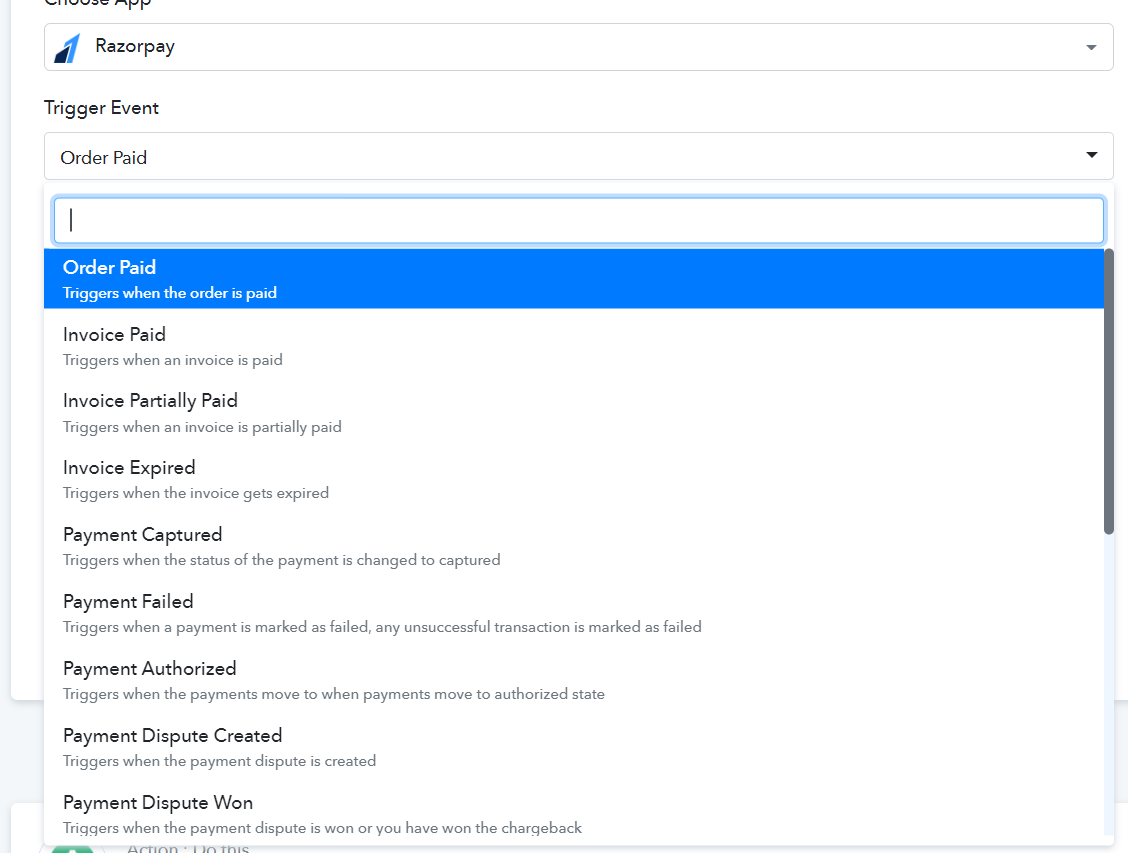
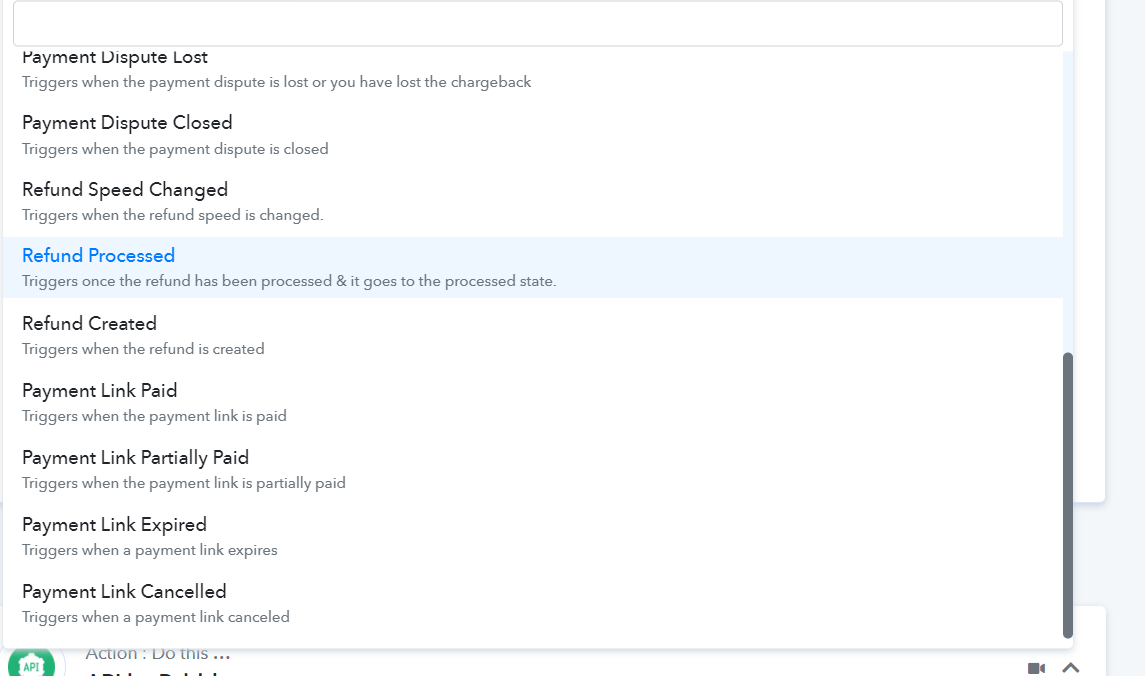
I am doing Razorpay to Google Sheet Integration. I have created 40 Payment Pages for my different products. But in triggers, I am not able to see any option for Payment pages paid/Captured.
Do I have to create 40 Payment pages workflow individually or is there any other workaround?
I was using zapier earlier but due to lack of support Structure, I have stopped using that. I hope pabbly will prove me better as I am non Technical Person.
Wating for reply
Attachments
Hey @Aniruddha
I am doing Razorpay to Google Sheet Integration. I have created 40 Payment Pages for my different products. But in triggers, I am not able to see any option for Payment pages paid/Captured.Do I have to create 40 Payment pages workflow individually or is there any other workaround?
I was using zapier earlier but due to lack of support Structure, I have stopped using that. I hope pabbly will prove me better as I am non Technical Person.
Wating for reply
For your concern, you can refer to this similar use case video which will simply help you with the payment page of your Razorpay. Kindly check the following video and let us know if that works for you.
Hey Supreme. Thanks for your input.
This solution will not work for me as I have 40 Products of different prices and different shipping charges. provided Solution will not work for me as I have a different link for Different Products and shipping charges.
How do I Connect with google sheet? Do I have to create separate workflow triggers and actions for each of these 40 payment pages?
Hey @Aniruddha
Since Razorpay doesn't provide the name of the product in the trigger response, you can use the router action step if you are having distinct product prices.
youtube.com/watch?v=6XDASZVv3tw
Else you can use this workaround which can set up multiple product pages with the same price.
Further, for better understanding, you can check out the following recorded video -